Send your Audience to Adobe Target for Personalization
Context
Activate profiles to Adobe Target for A/B Testing and personalization. With Adobe Target, you get AI-powered testing, personalization and automation at scale.
Activate Segments to the Adobe Target Destination
To log into the Adobe Experience Platform, check the Introduction section.
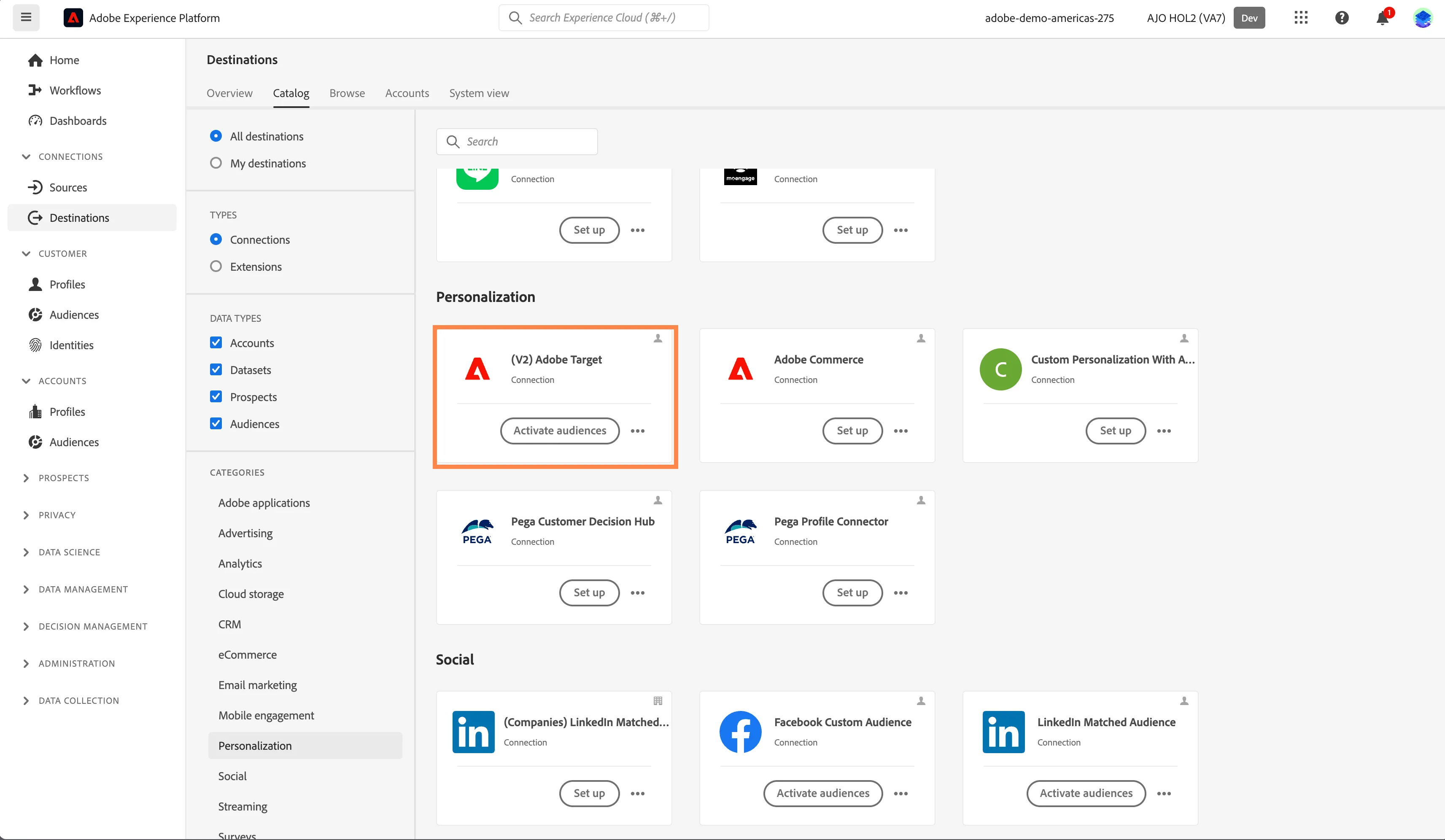
- In the left rail, click on Connections and choose Destinations, then go to Catalog. You’ll then see the Destinations Catalog.
- Under Categories, select Personalization, click the Activate Audiences on the (V2) Adobe Target card.
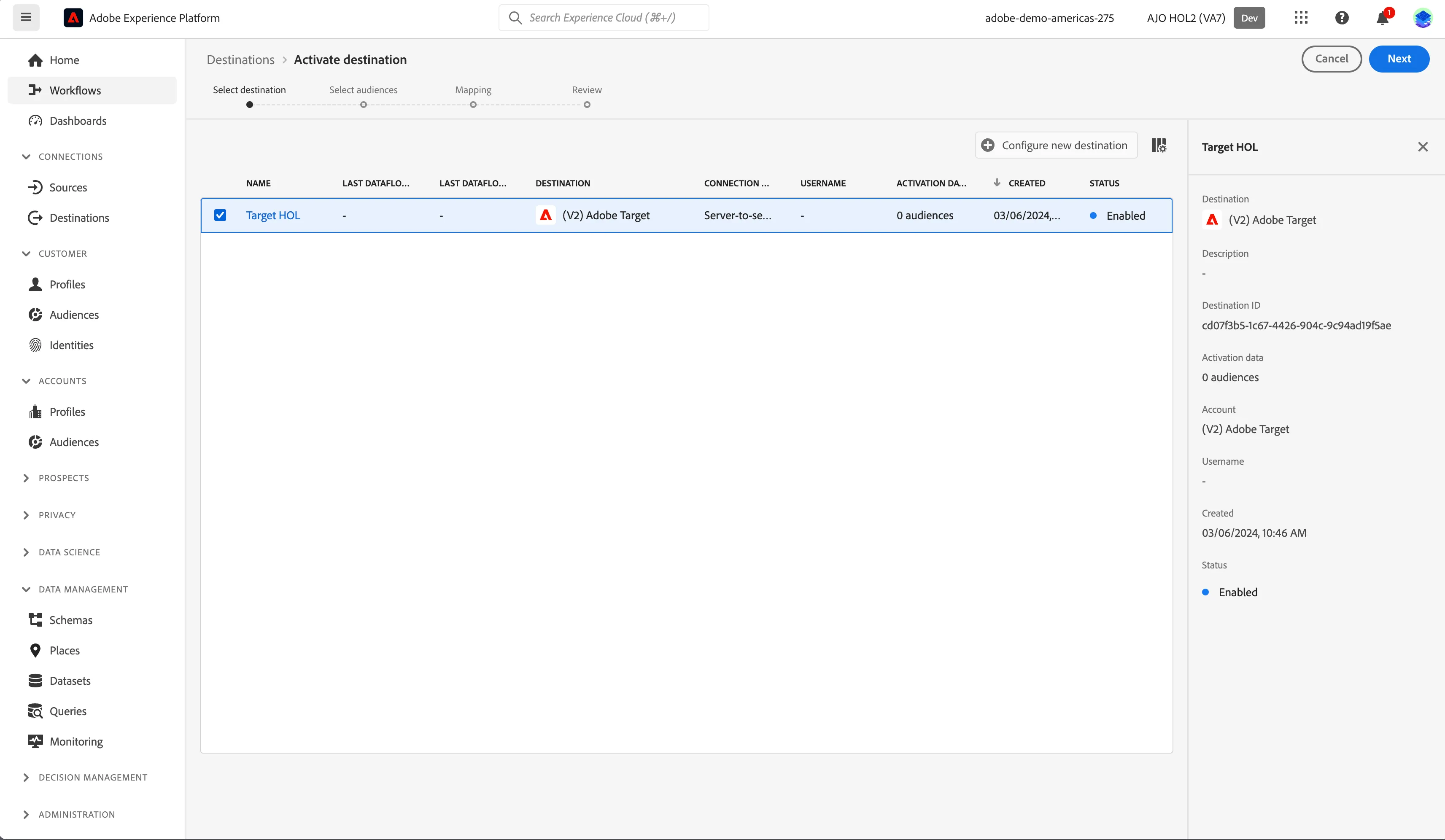
- Select your Destination and click Next.
For this Lab we have already configured the Adobe Target Destination for our demo account. You can reuse this Account to map your audiences in the Lab: Target HOL.
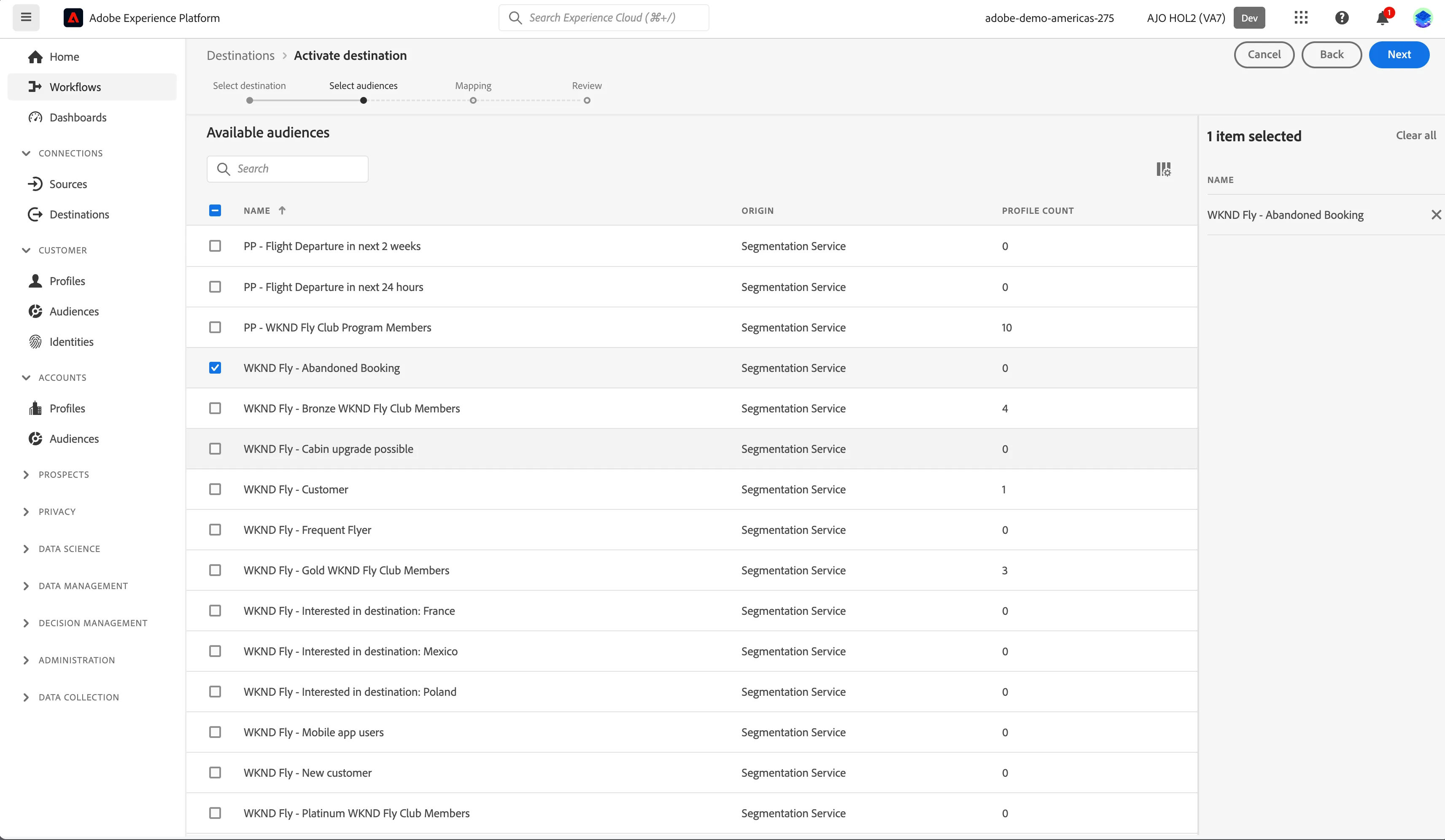
- In the list of available audiences, select one of the Audiences you created in the previous exercise. Click Next.
- Mapping section is displayed. Click Next.
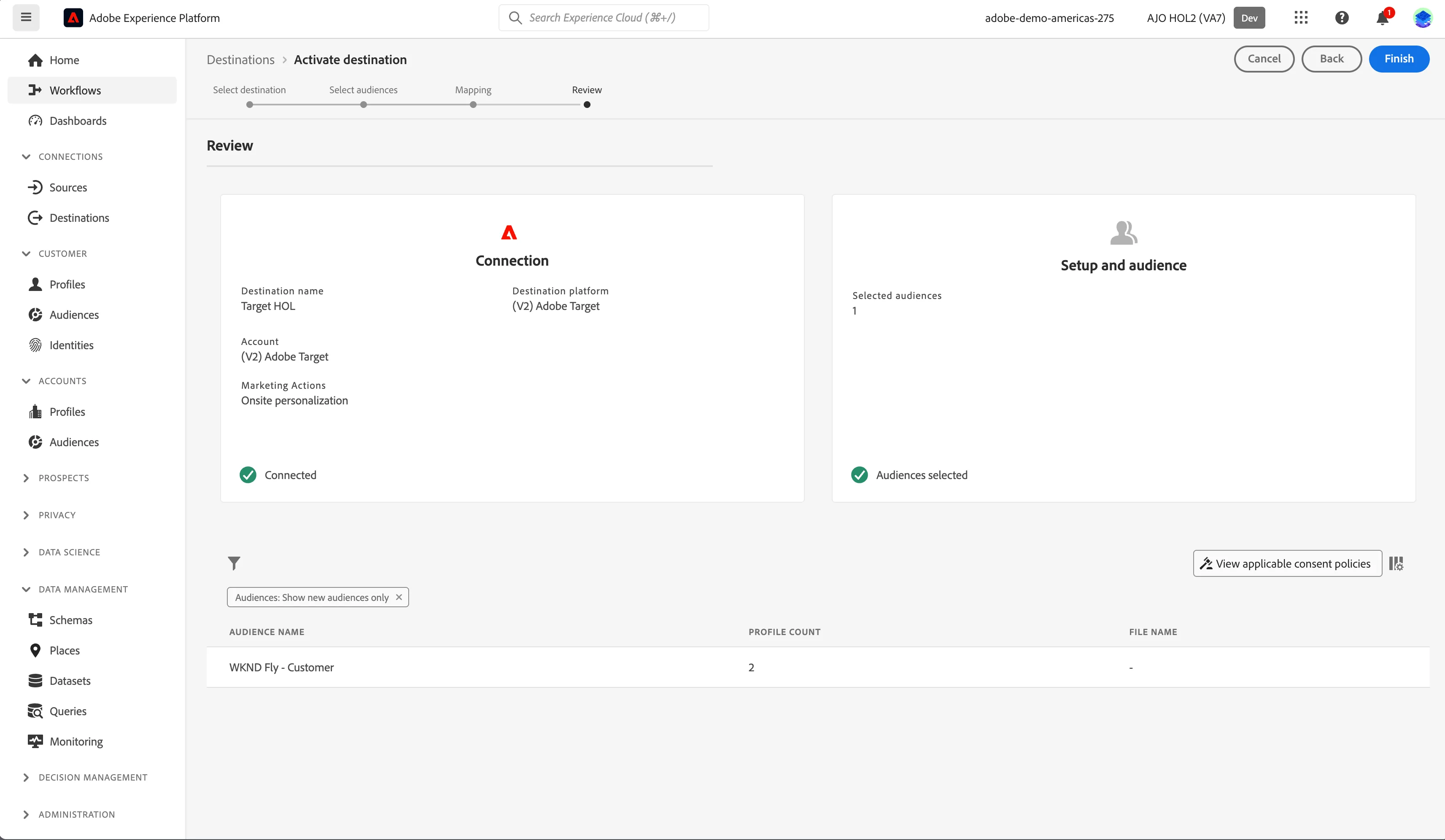
- Review the details and click Finish.
Verify the Audience in Target
- Navigate to Target. Click the Audiences tab.
To log into the Adobe Target, check the Introduction section.
- The audience you activated will be listed in Audience Library.
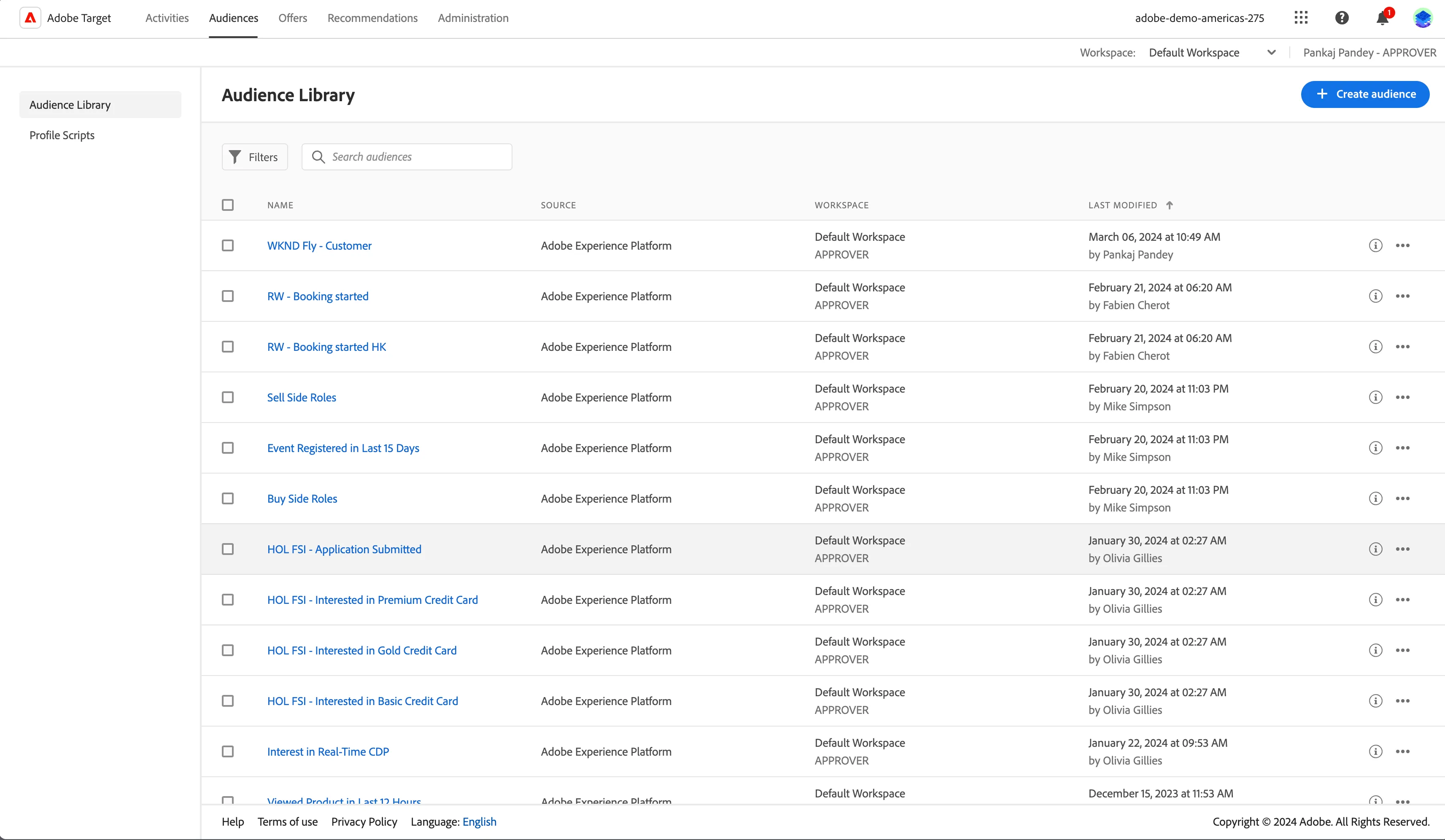
Your audience is now activated to Adobe Target. If there are any policy violations, a dialog will show the violation reason and the ways to resolve it.