Data Ingestion
1 min
Configure a Data Flow
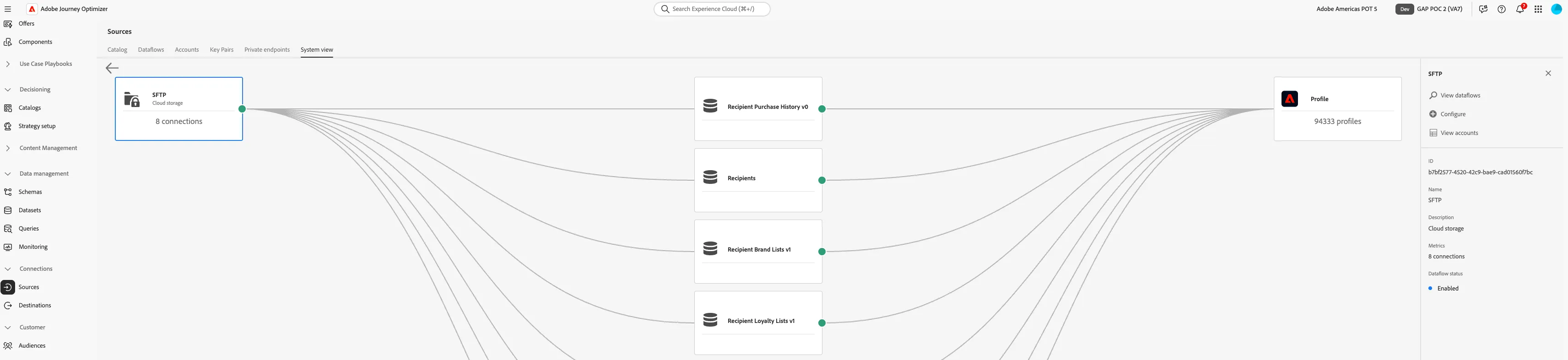
- Go to Sources under Connections from the Navigation.
- In the catalog: Search for Local File Upload
- Click Add Data
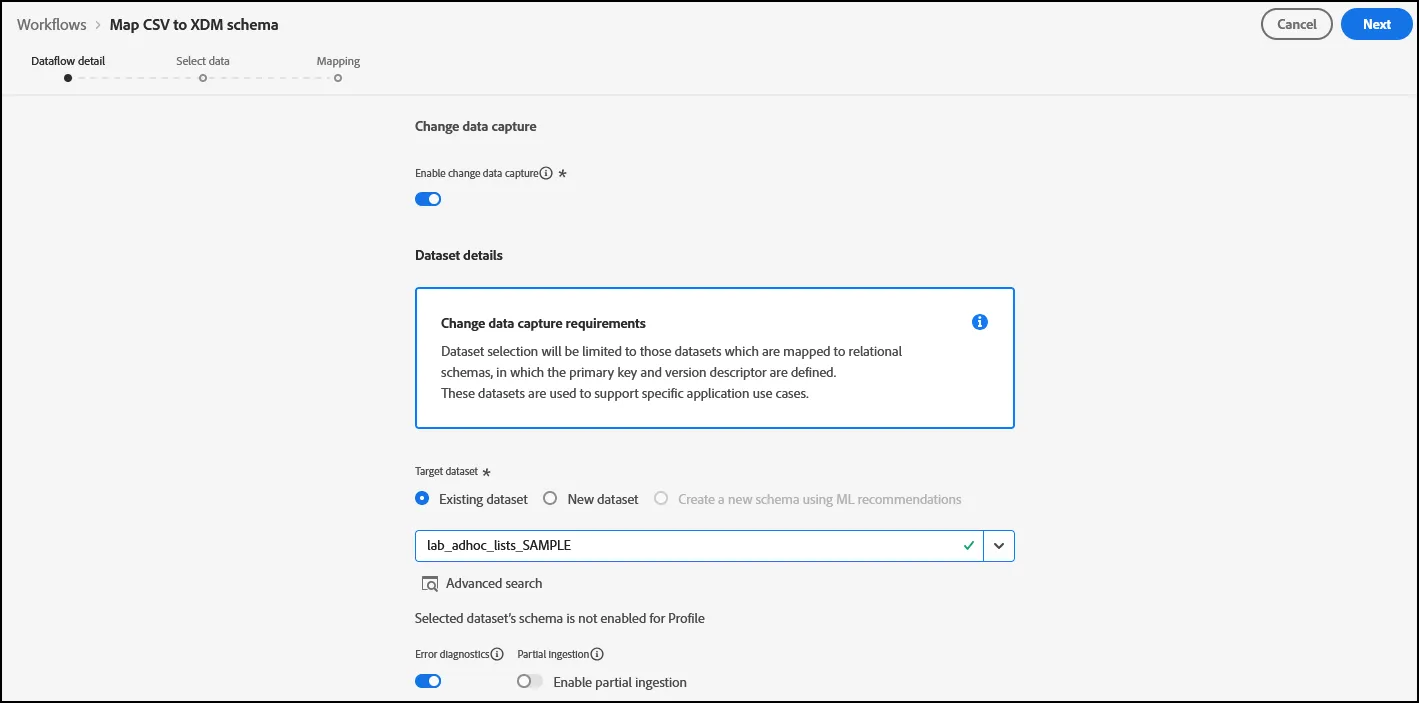
- Click the toggle under Change data Capture
- Select the dataset you created under your initials
- Click Next
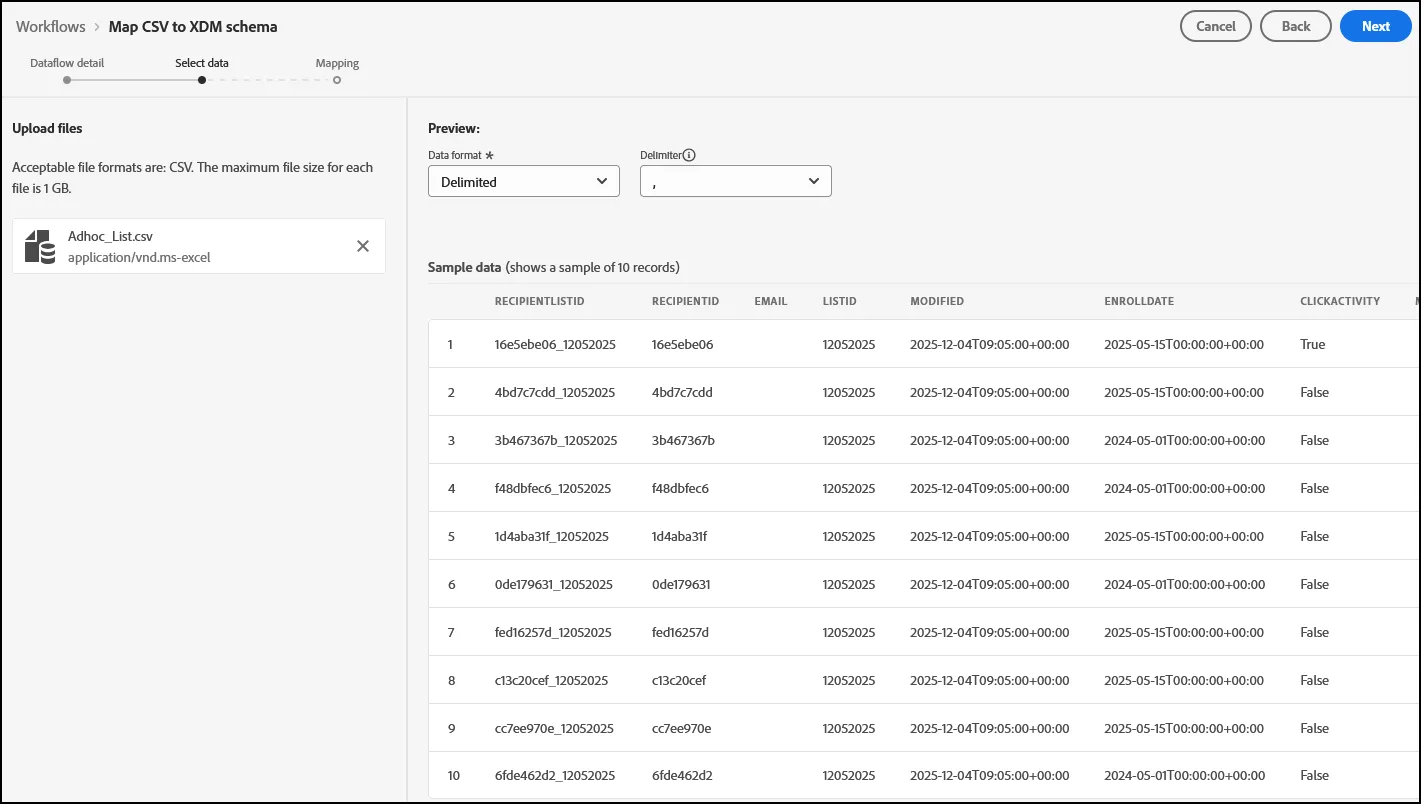
- Drag and Drop your_adhoc_list file. Click Next.
- Click Finish.
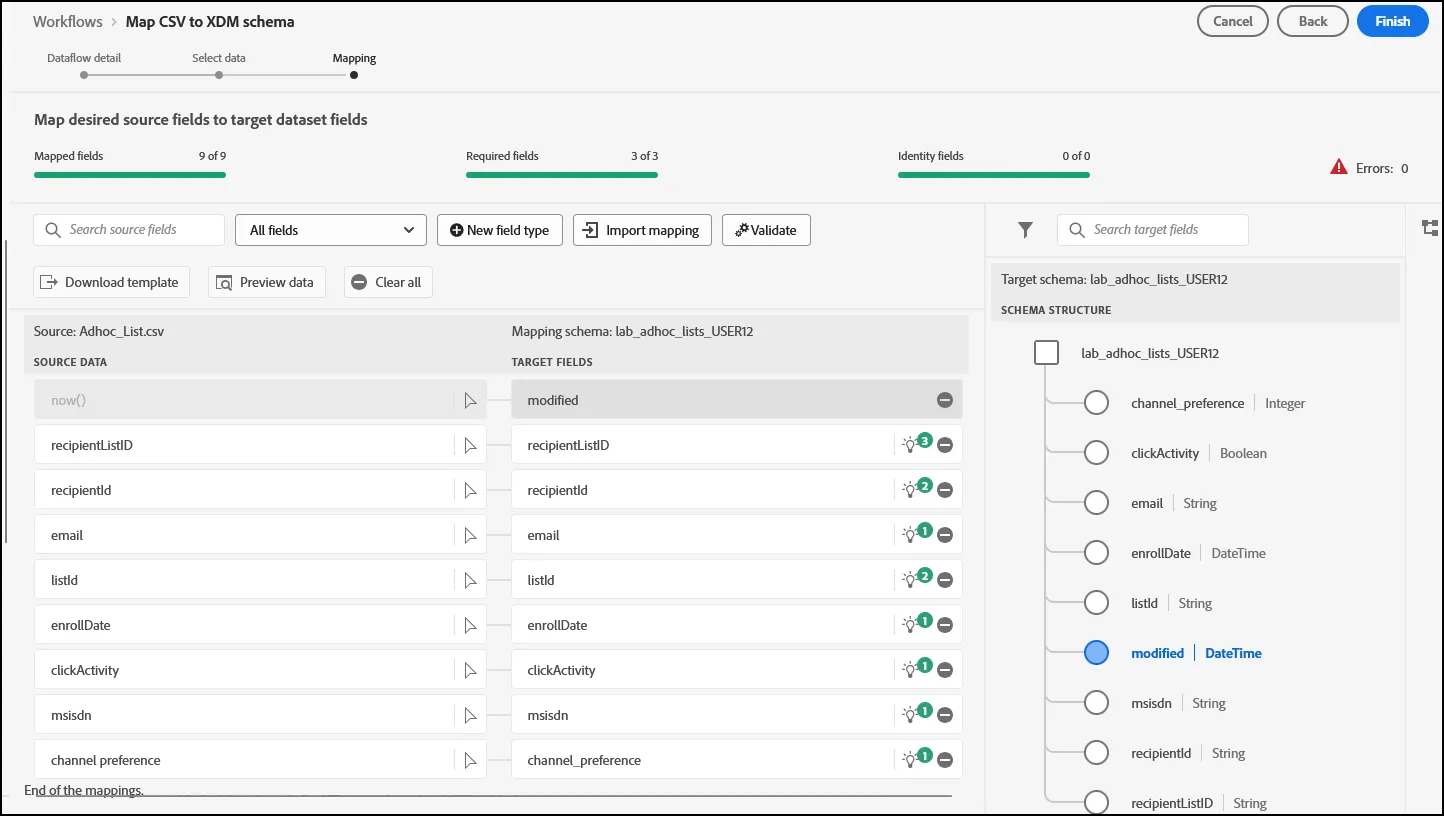
- NOTE: Presenter may choose to change certain fields ingested, depending upon preference of the Presenter. Example would be the inclusion of a "New Field Type", as seen in the screenshot below: