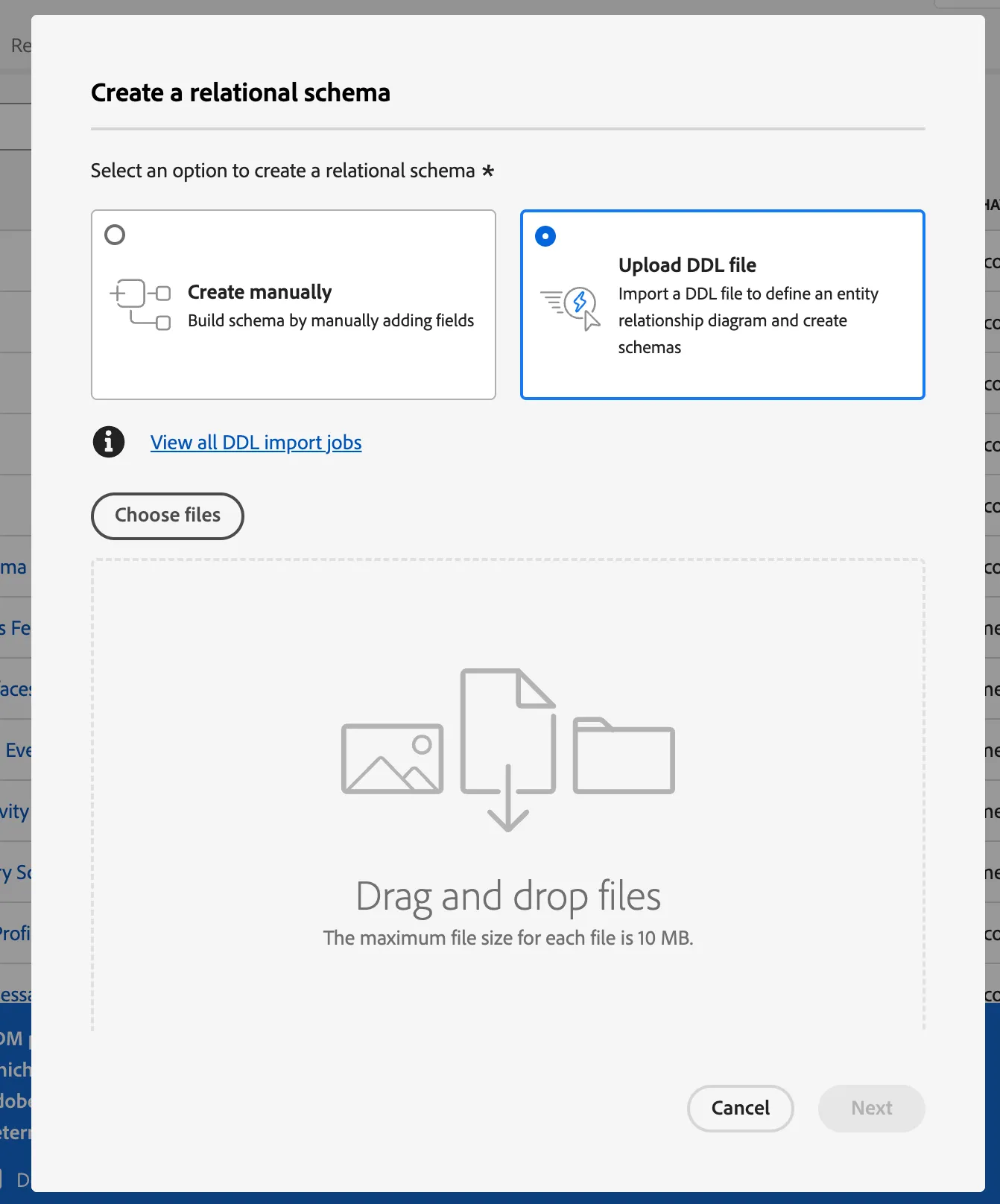
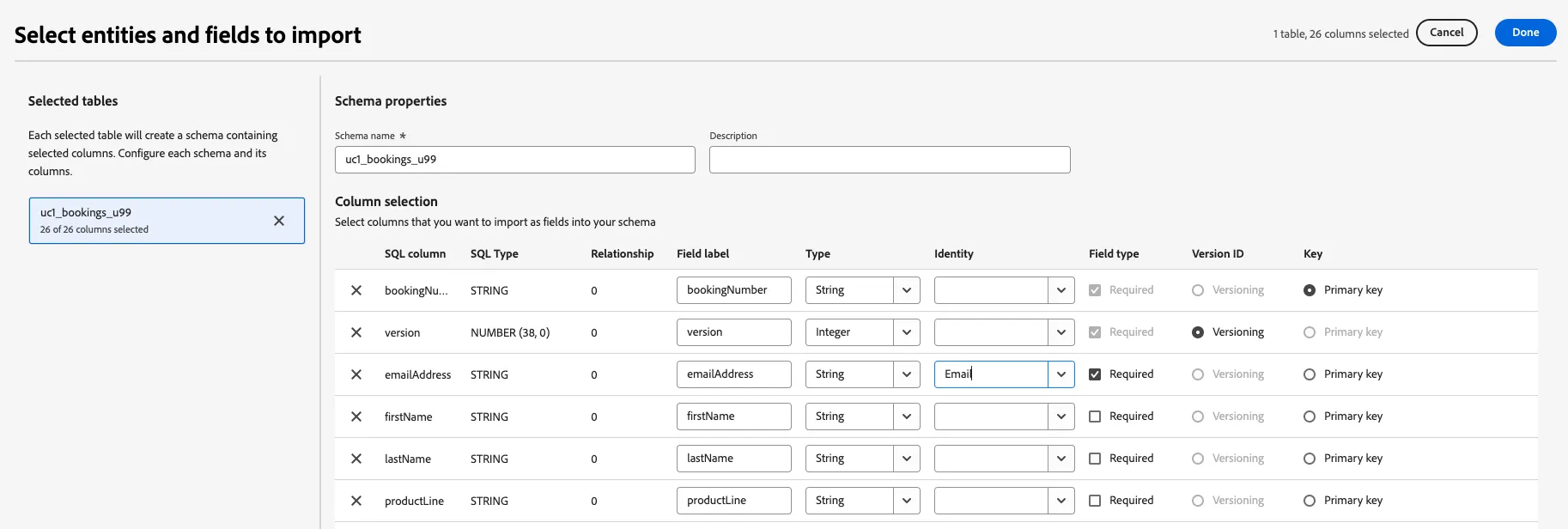
-- ============================================================================
-- Lab Brand Lists - Table DDL
-- ============================================================================
-- Purpose: Brand lists for recipient engagement tracking
-- Primary Key: recipientListID
-- ============================================================================

CREATE TABLE lab_brand_lists (
    recipientListID VARCHAR(50) NOT NULL,
    recipientId VARCHAR(255) NOT NULL,
    email VARCHAR(255),
    listId VARCHAR(50),
    modified TIMESTAMP NOT NULL,
    enrollDate TIMESTAMP,
    clickActivity BOOLEAN,
    divisionalPreference VARCHAR(255),
    msisdn VARCHAR(50),
    responseModel INTEGER,
    PRIMARY KEY (recipientListID)
);

-- ============================================================================
-- Column Descriptions
-- ============================================================================
-- recipientListID:       Unique identifier for each brand list entry (PK) compound key (recipientId_ListId)
-- recipientId:           Identifier linking to recipient/customer --> profile
-- email:                 Recipient email address
-- listId:                Brand list identifier
-- modified:              Last modification timestamp (required)
-- enrollDate:            Date/time when recipient enrolled in list
-- clickActivity:         Boolean flag for click engagement
-- divisionalPreference:  Divisional preference selection
-- msisdn:                Mobile phone number (MSISDN format)
-- responseModel:         Propensity Response model integer value
-- ============================================================================