Simulating Results
2 min
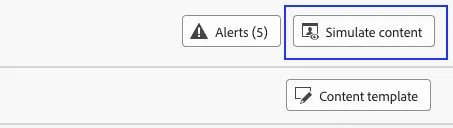
- Click the Simulate content button anytime during the process to simulate for specific profiles.
2. Click on Manage profiles.Use the below profiles for simulations.
Identity namespace: Email
Identity value:
a. [email protected] (Gold Loyalty Member)
b. [email protected] (Silver Loyalty Member)
c. [email protected] (Platinum Loyalty Member)
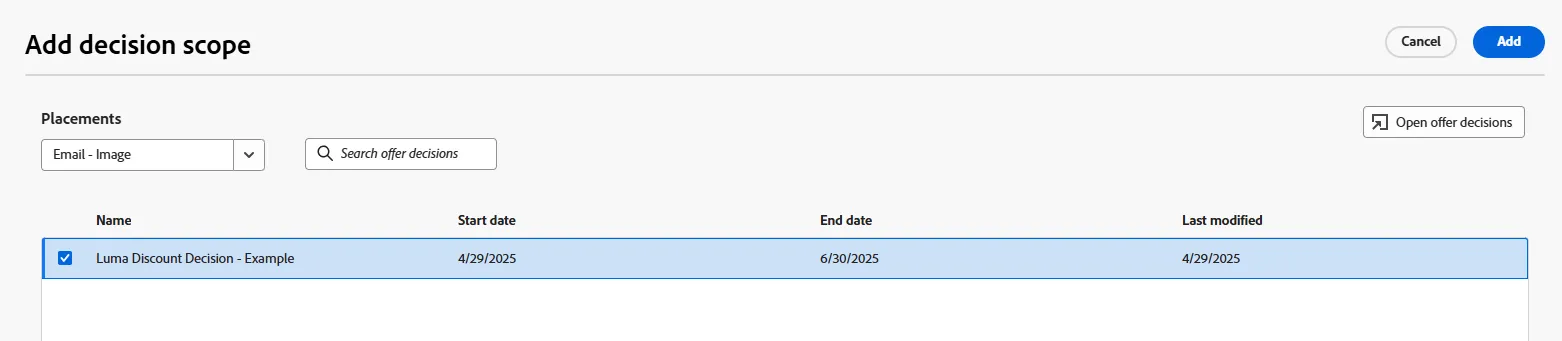
3. Click on Add decision scope.
4. Select the Email - image placement.
5. Select the decision you created in the previous exercise.
6. Click Add.
7. Click on View results and review the offer returned. You will see the 15% discount offer.
8. Repeat steps 2 through 7 with Silver, Gold and Platinum Profiles to see the results!
End of Lab.