Campaigns
Login to Genstudio for performance marketing
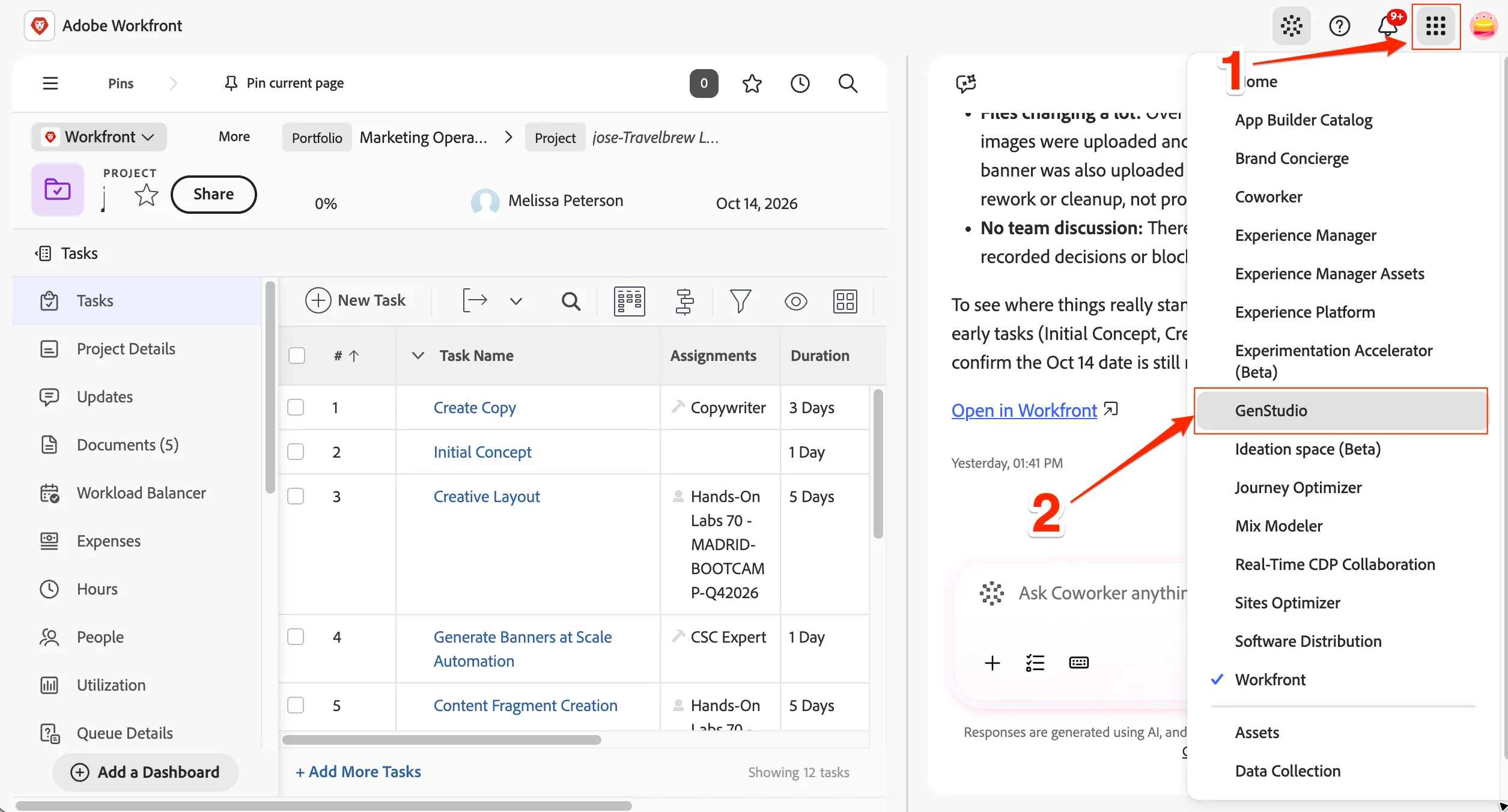
Click on the 9 dots main menu and select GenStudio
Or if you want to Open with a direct link, click Genstudio
Creating a campaign
As a marketer, you will begin by creating a campaign around a product launch for the Frescopa Brand for TravelBrew
- Begin by navigating to the Campaigns area in the left sidebar
- Click on the Add Campaign button on the top right to create a new campaign.
After your campaign is created, give it a unique Name such as {{LASTNAME}}- Frescopa TravelBrew Launch Campaign eg. NJ - Frescopa TravelBrew Launch Campaign
Now fill in the other details about the campaign. Please feel free to update as per your campaign process or use as below
Description :
Objective :
Increase Brand Awareness: Goal: Raise awareness of Frescopa as a leading choice for coffee on the go among target audiences. Metric: Achieve a 20% increase in social media followers and engagement within the first three months.
Boost Product Sales: Goal: Drive sales of TravelBrew and cross-sell Frescopa ground coffee. Metric: Increase sales by 30% compared to the previous quarter.
Enhance Customer Engagement: Goal: Build a community of coffee lovers who share how and where they brew. Metric: Generate 500 user-generated content posts using the campaign hashtag #BrewAnywhere
Key messaging :
Start Date : Select today date eg. 10/06/2026
End date : Select any future date eg. 12/31/2026
Status : Select Active
Channels : Select All by clicking Email, Paid media, Web & Display
Region: Select EMEA
The changes you make are Auto saved.
Scroll down to the references section. You can add Product(s) and Persona(s) here.
Click on + Connect next to Products and select TravelBrew and/or other products.
Click on + Connect next to Personas and select Adventurer and/or other personas.
- Scroll down and check the product and persona for this Campaign. You can click on it to see the detail.
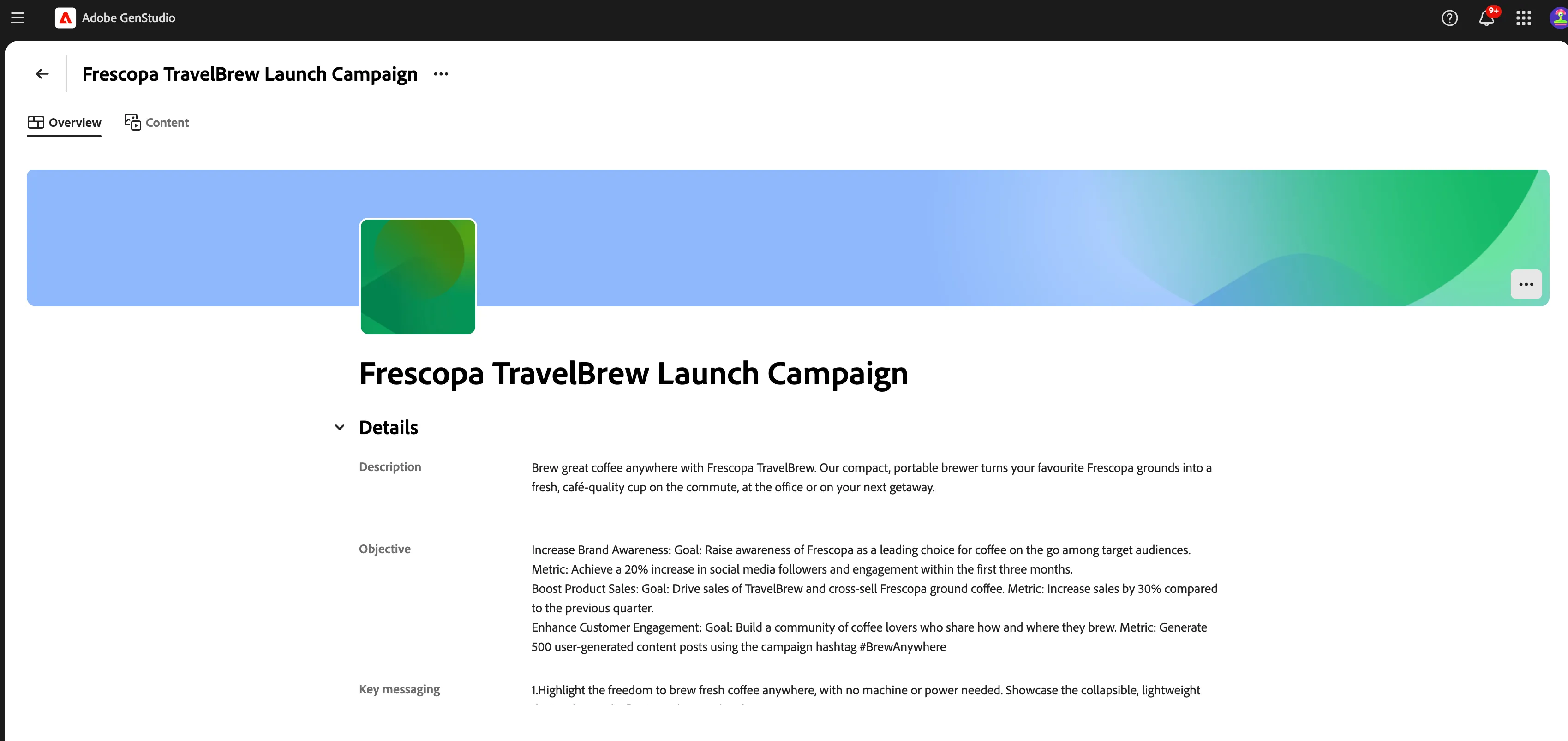
It is also possible to export a Word/PDF version of the Campaign by clicking on Export button in the upper right corner. This will provide a document that is marketer friendly.
- Click the icon to exit the campaign details
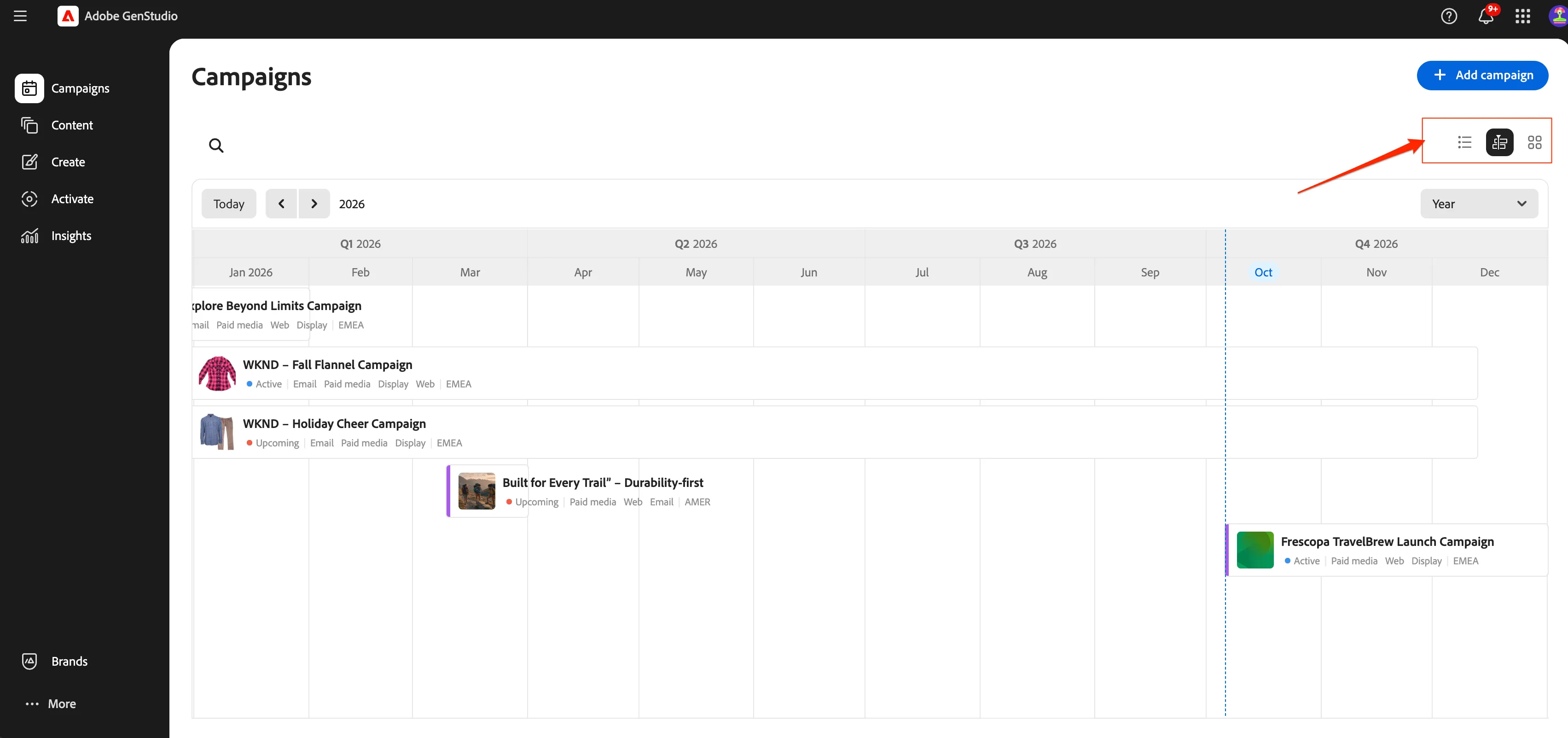
- Click on the Calendar view for another way to review campaigns.
- Click on icon to go back.
Now, the asset is tagged for the campaign. Lets go back to the campaign once again.
- Click on campaign menu item from left hand navigation menu.
- Click on the campaign you created {{LASTNAME}} - Frescopa TravelBrew Launch Campaign eg. NJ - Frescopa TravelBrew Launch Campaign
- Click on Content tab.
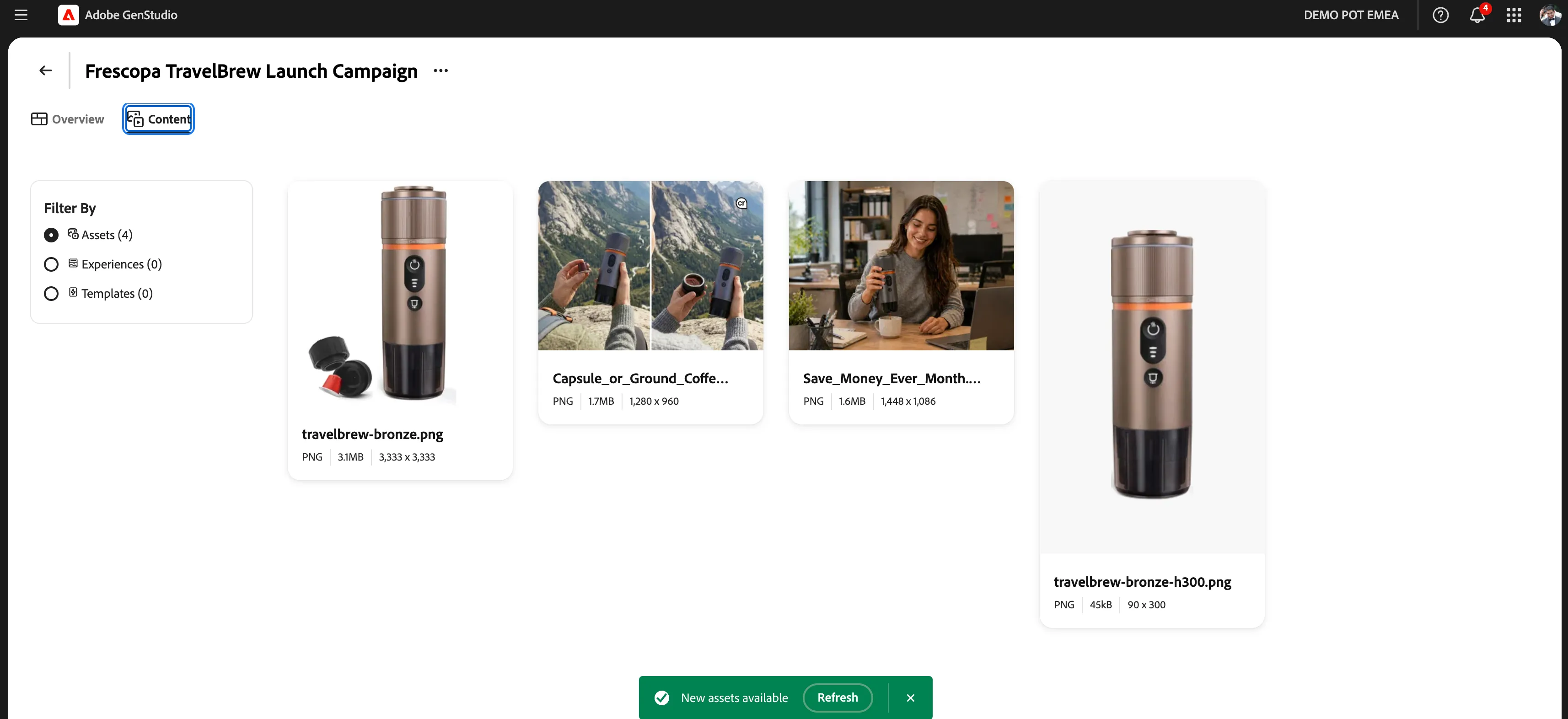
You have now successfully created a campaign and have associated some approved assets to the campaign.