Environment & Access
User accounts have been created to access the CX Enterprise platform and all of the solutions you'll need in today's workshop.
Login credentials
Your login credentials will be:
Password is Adobe@2026
Name | |
|---|---|
Antonio Talavera López | |
Laura Touizer | |
Mariona Salvadó Calvo | |
Alberto Muñoz | |
Andrés Bernar | |
Omar Ruiz | |
Borja Chacon | |
Laura García Macías | |
Susana Cárdenas Rivas | |
Jose Miguel Sánchez | |
Marisol Irnán | |
Pilar Garcia Benita | |
Rocio Benedito Leal | |
Javier March | |
Manuel Jesus Toro | |
Beltran De La Nuez | |
Danae Barbosa | |
Miguel Aydillo | |
Victoria Eugenia Cases Aldeguer | |
María Lapeña Reguero | |
Daniel Fernandez | |
Sara Moncada Eriksson | |
Francisco Vicente García Ramos | |
Juan José Durán | |
Daniel Malvar | |
Manuel Blanco | |
Guiomar Ramirez Tejerina | |
Paula Gutierrez | |
| |
|
Login steps
- Navigate to CX Enterprise Homepage : https://experience.adobe.com/#/@demopotemea/home
- If you are already logged in on your own or corporate account, log out first. It is always better to use an Incognito/private window.
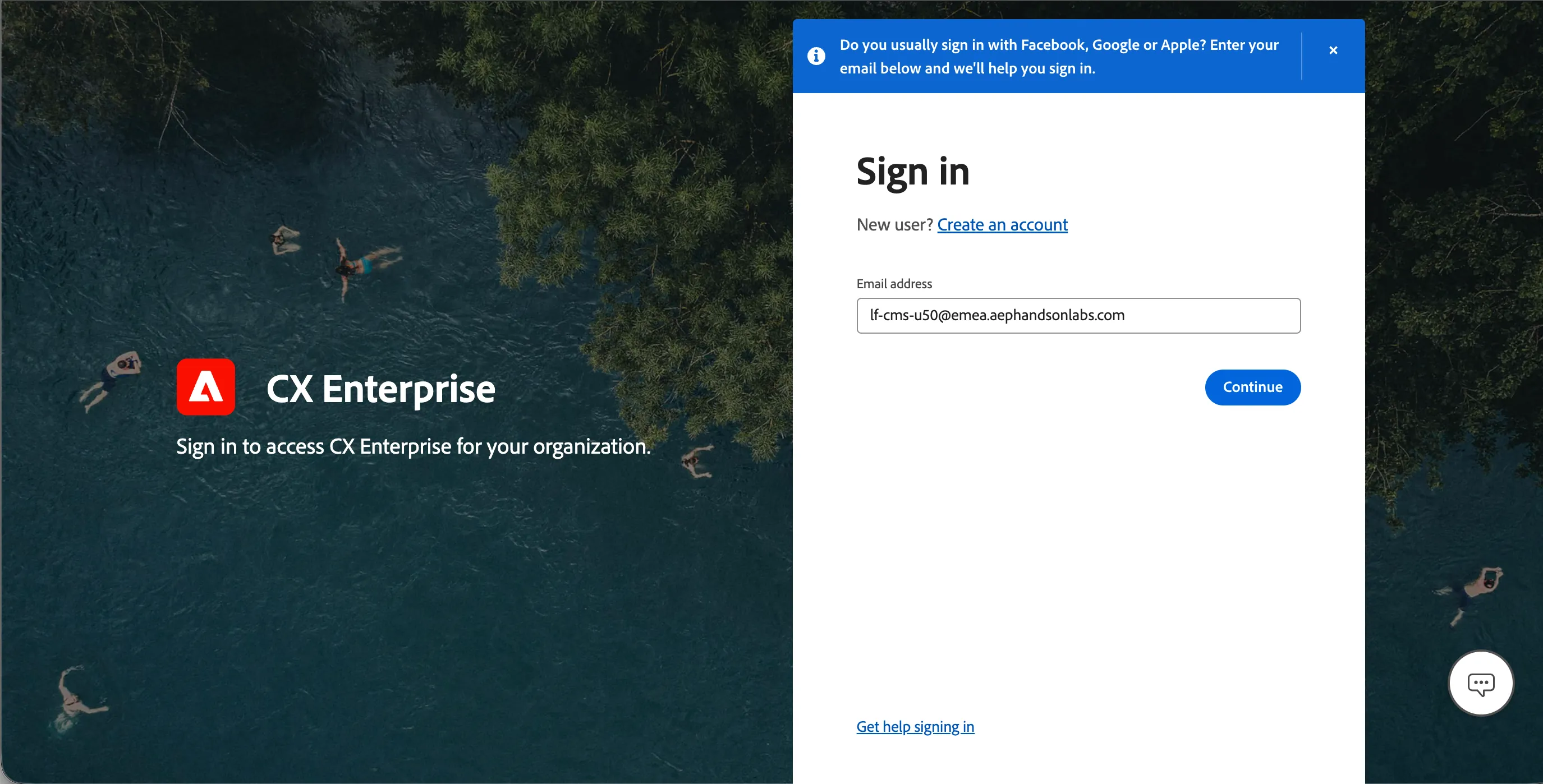
- Enter the password as mentioned above.
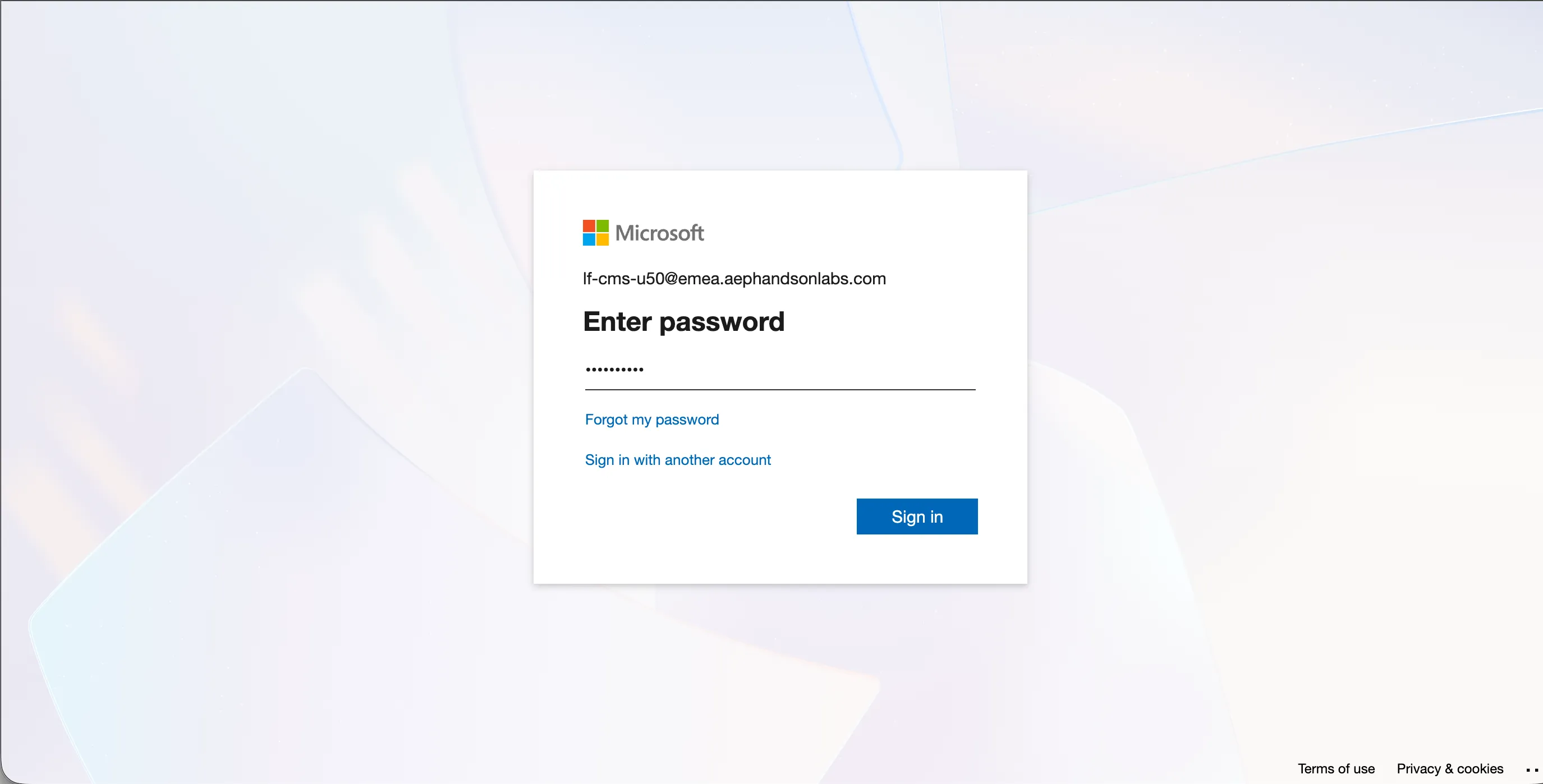
- If prompted for a confirmation to stay signed in, click Yes.
- You will arrive at the CX Enterprise Home.
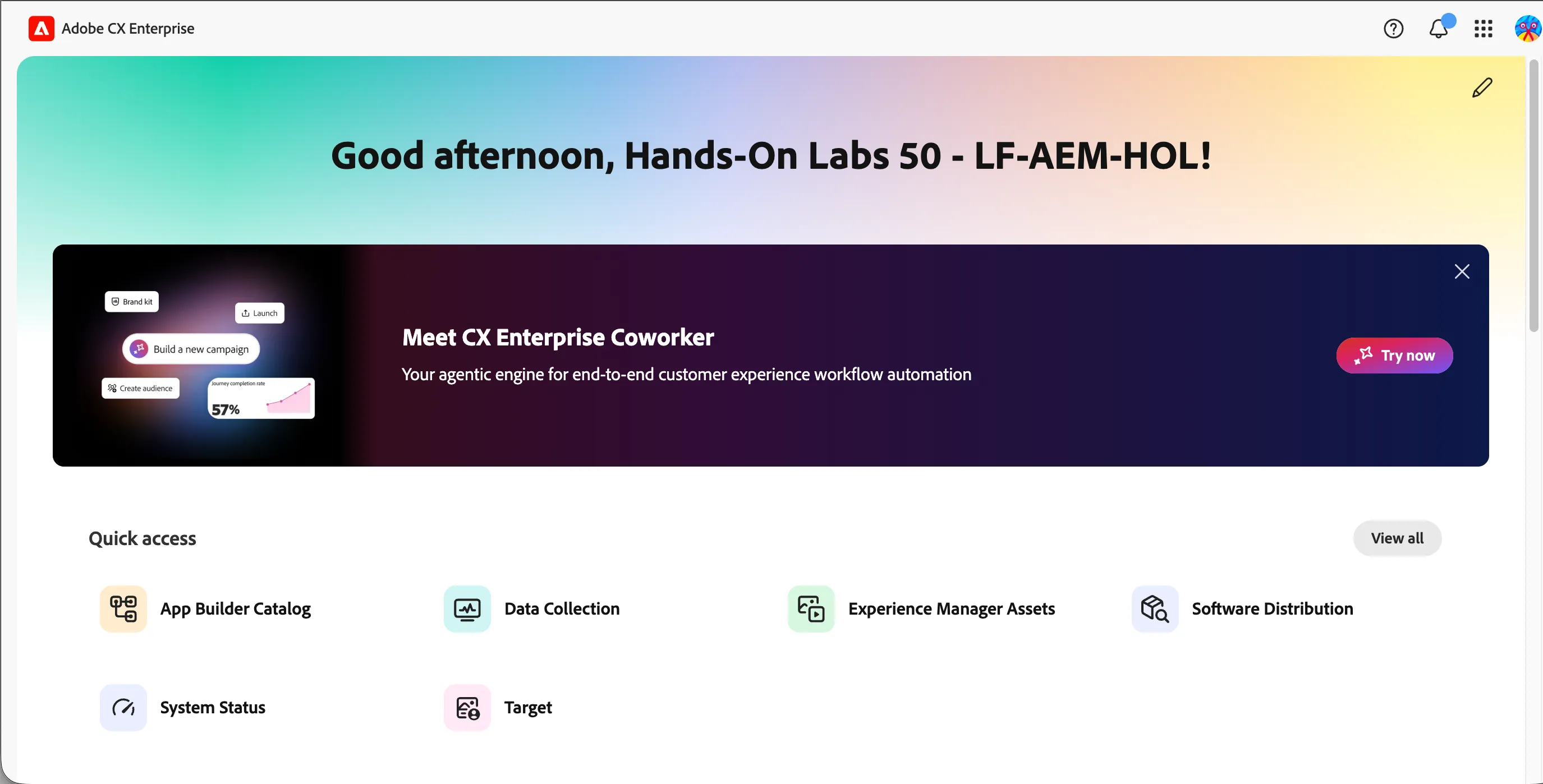
Navigating to Adobe Workfront
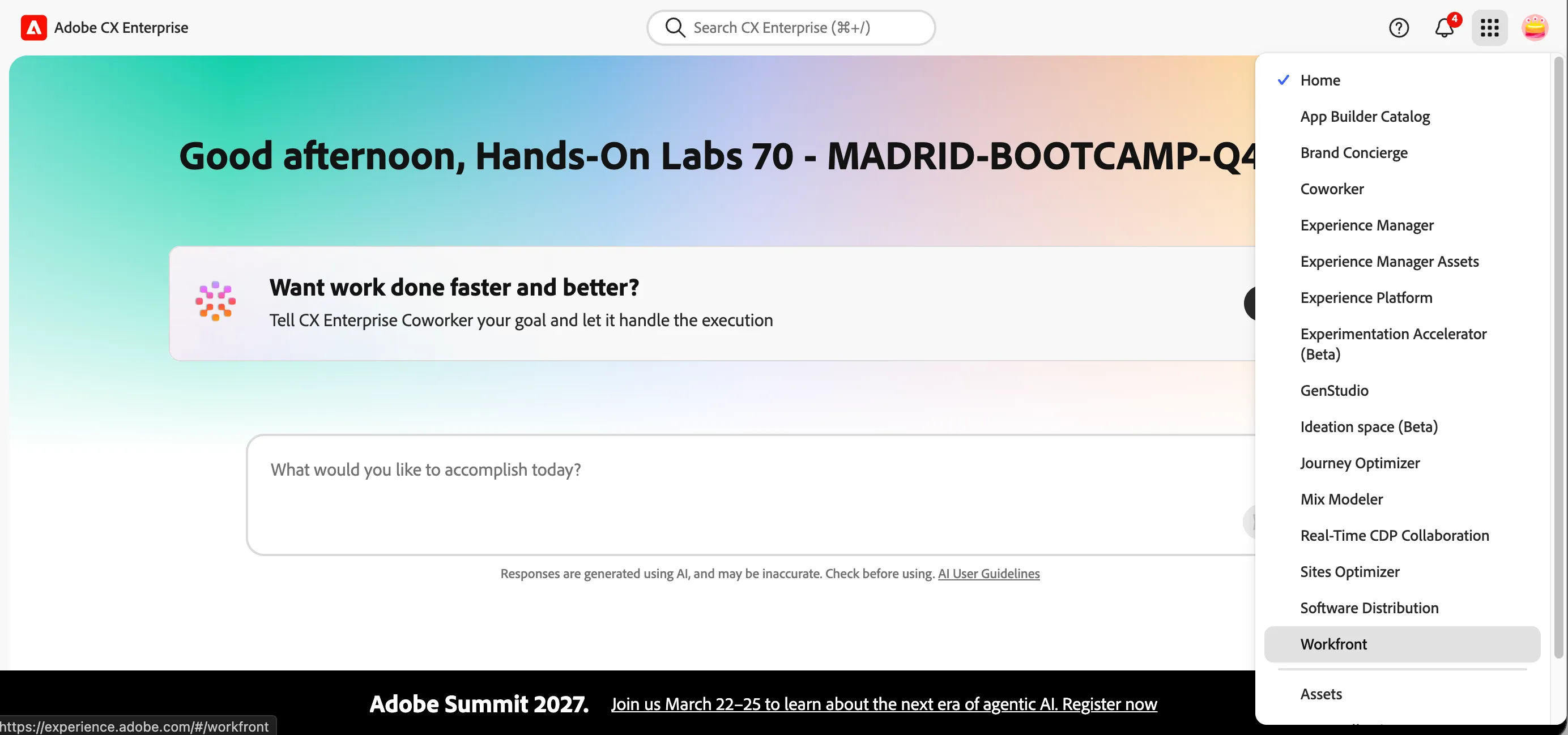
Click on the navigation-icon (9 dots) in the top right and select Workfront in the dropdown list.
Navigating to Experience Manager Assets
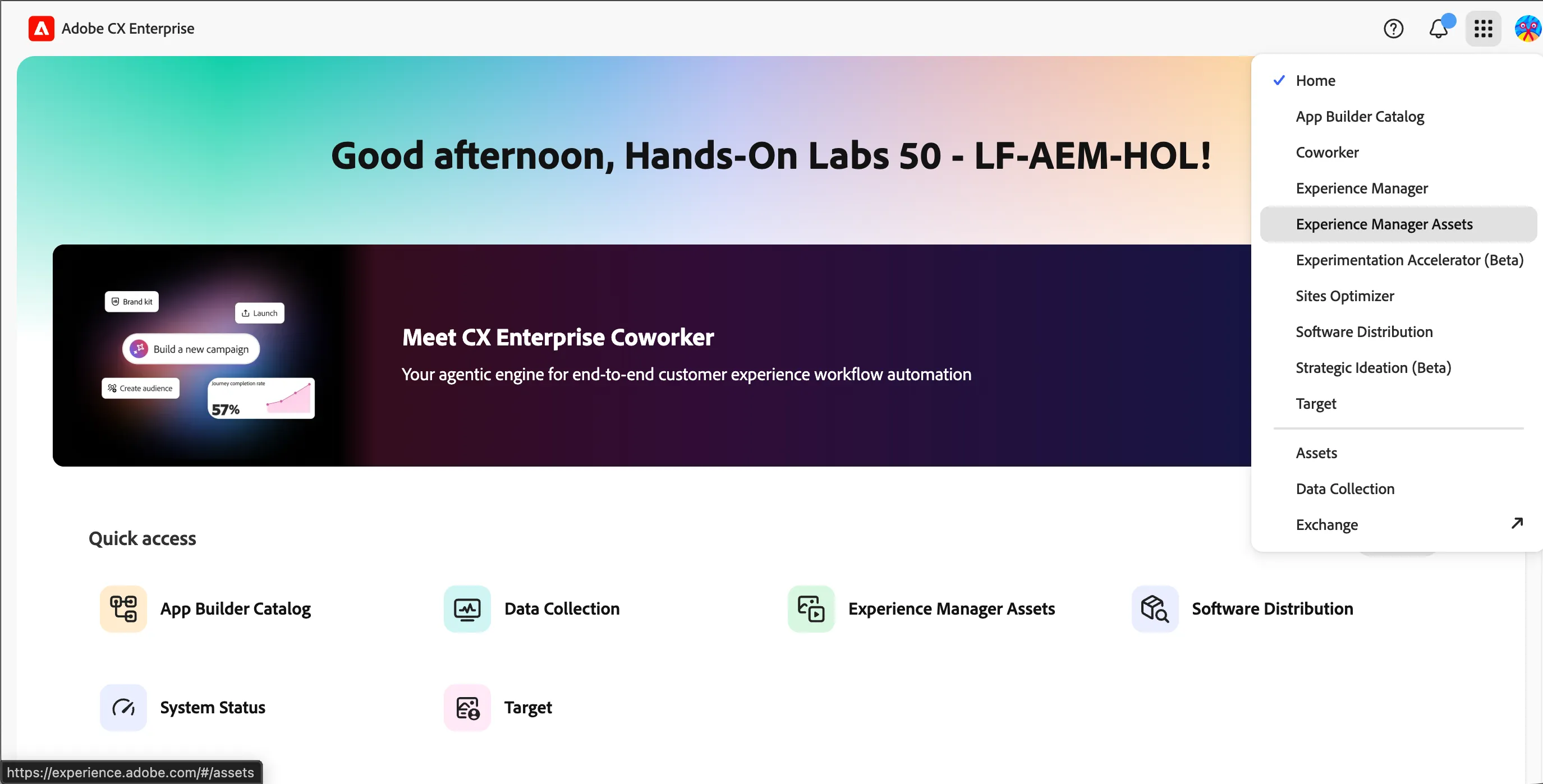
Click on the navigation-icon (9 dots) in the top right and select Experience Manager Assets in the dropdown list.
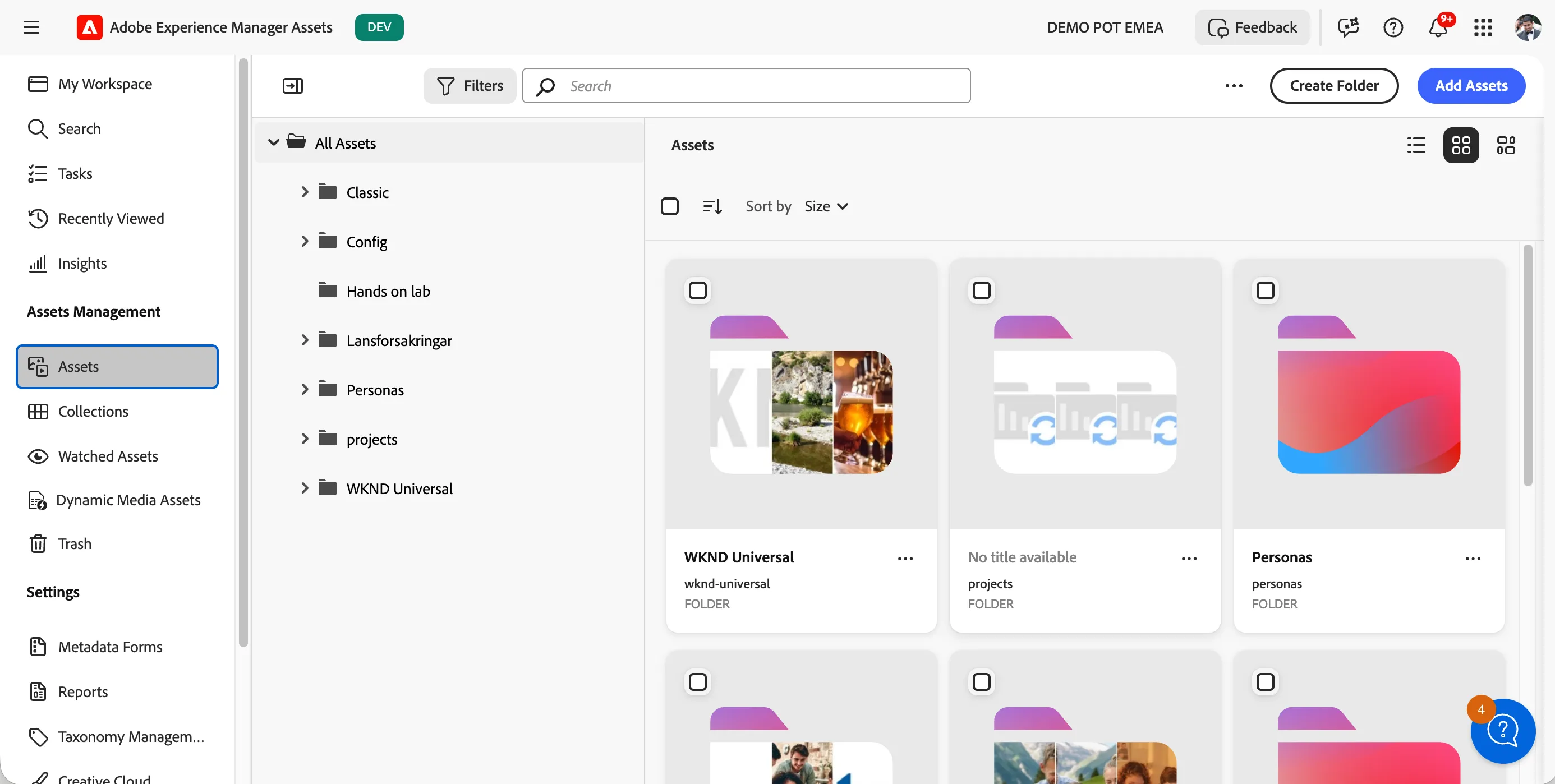
- You'll see a large visual with a search bar. Click on Browse Assets to open the full workspace.
Navigating to Experience Manager
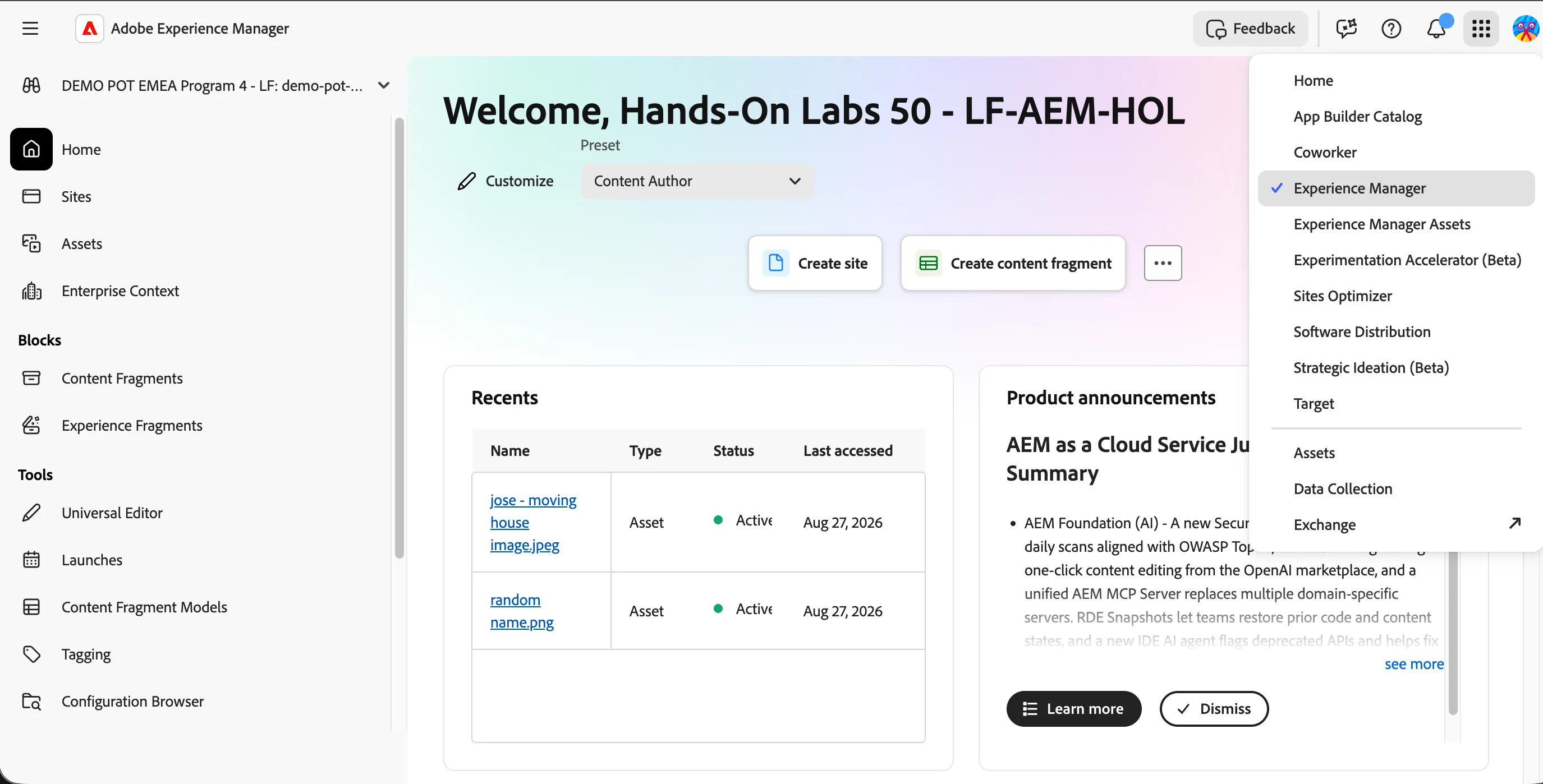
Click on the navigation-icon (9 dots) in the top right and select Experience Manager in the dropdown list.
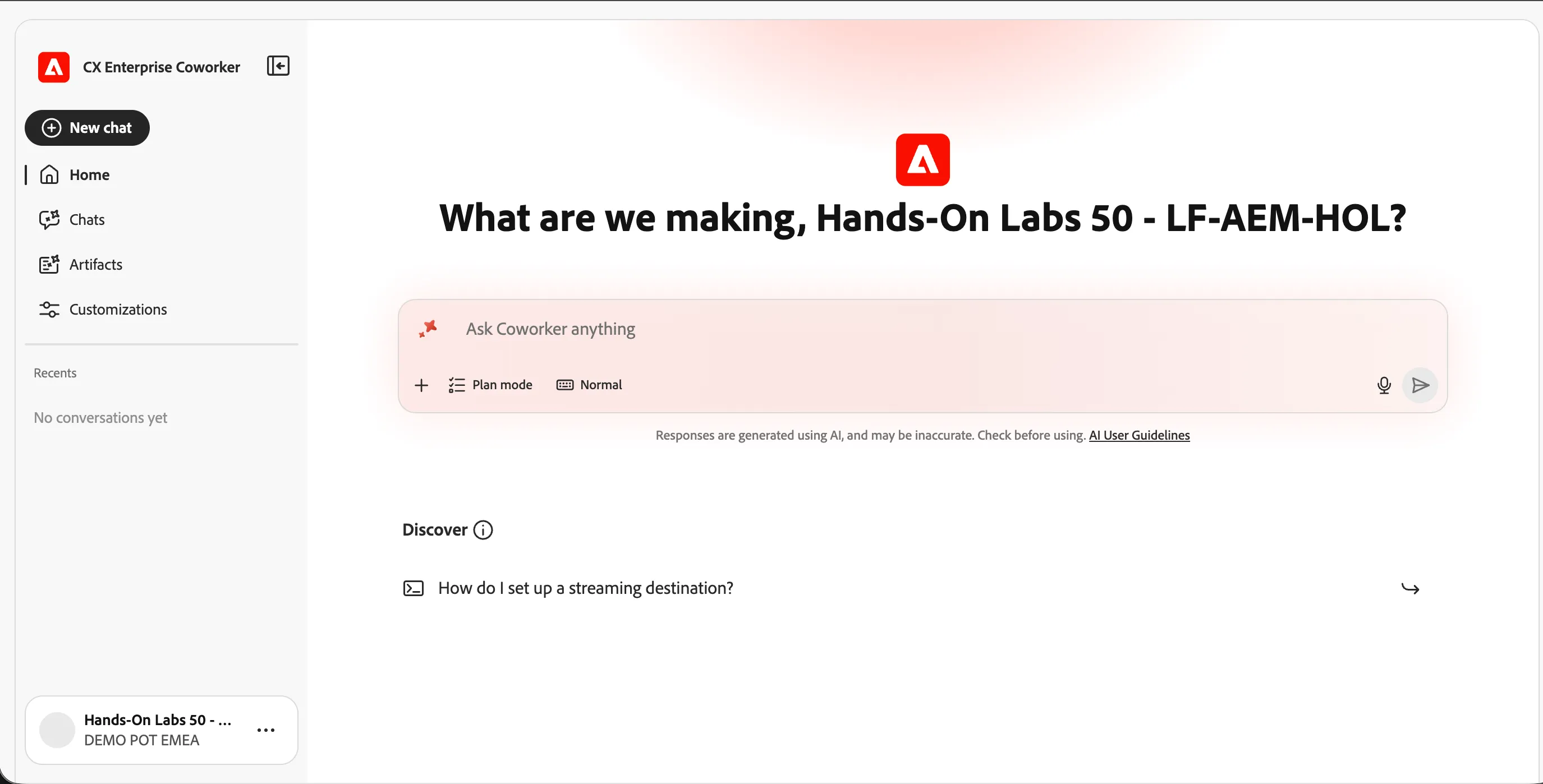
Navigating to Coworker
From any screen: click the 9-dots icon  (top right) → Coworker.
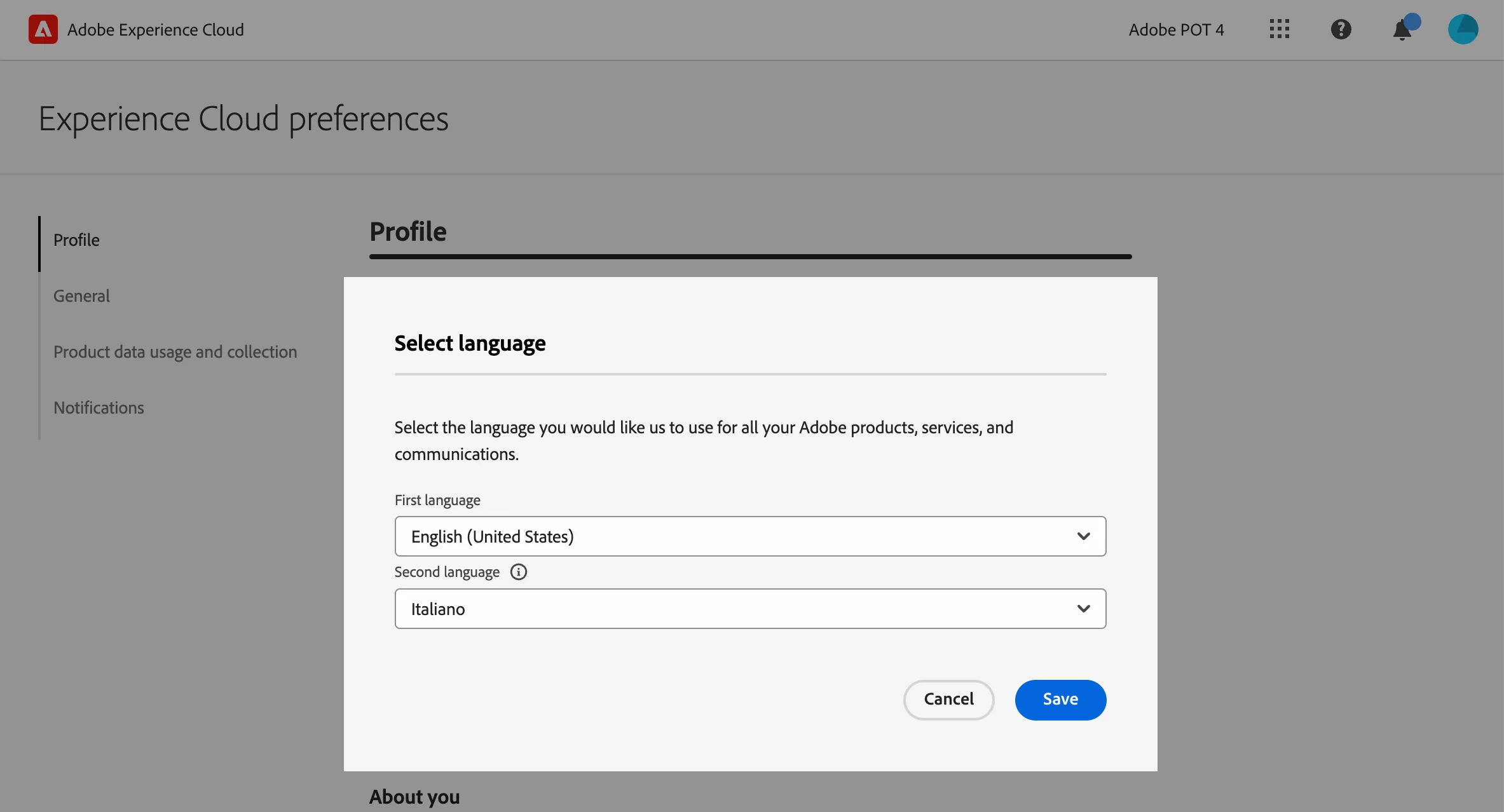
(Optional) Set language preferences
If you prefer the interface in English, set English (United Kingdom) as your first language.
click on the profile icon on the top right corner;
- click on Preferences.
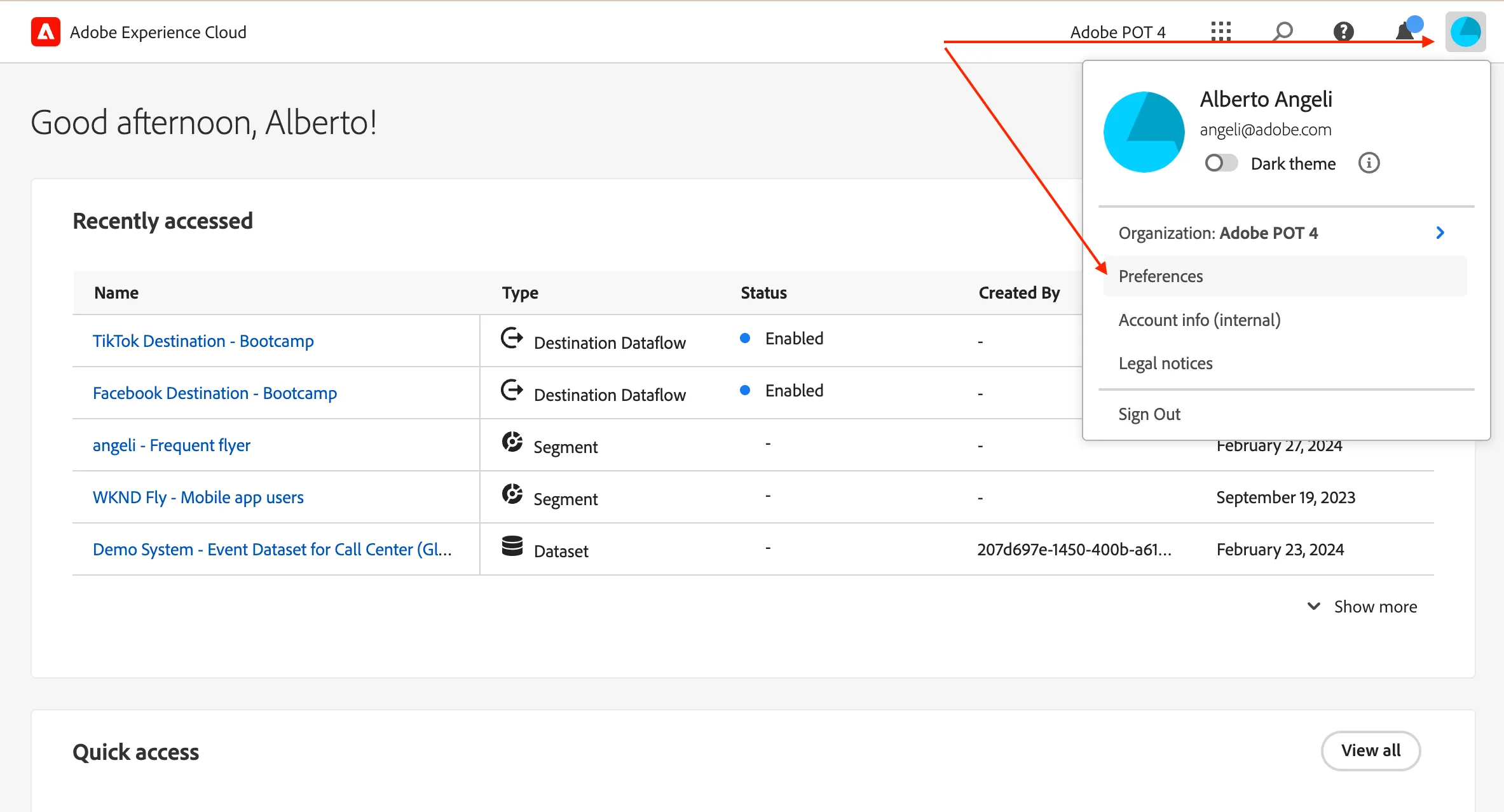
- Click on the language label just below your name.
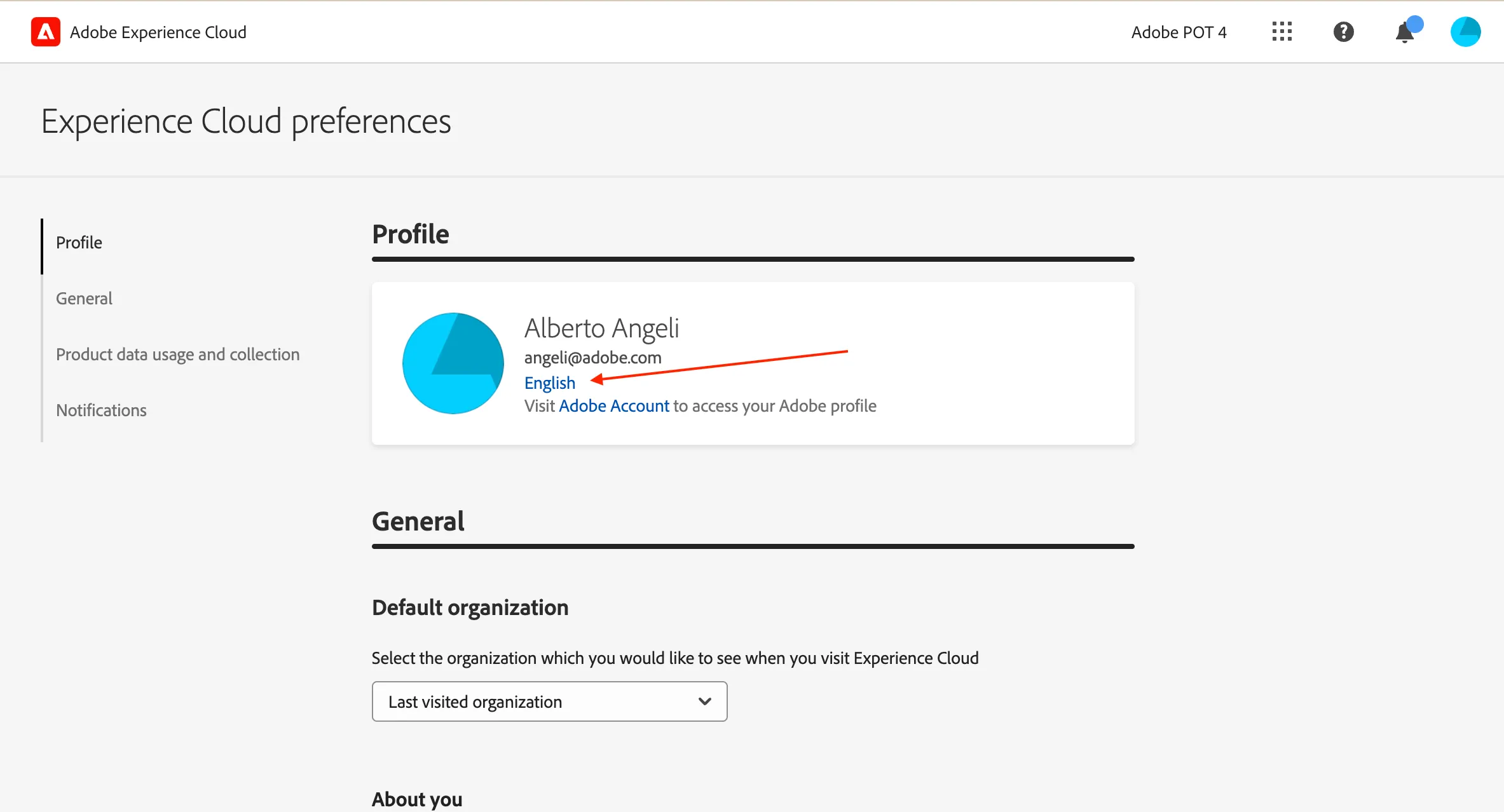
- Select English (United Kingdom) as First language;
- select your preferred language as Second language;
- click Save.