Before Your Demo
Getting Started
If you have access to this guide, and you don't have access to the demo environment send an email to the Grp-TECHVAL-TECH distribution list to get access.
AEM
Make sure to check that your AEM sandbox is currently running. It can take up to 30 minutes to de-hibernate it from the AEM Developer Console.
GenStudio PeM
Workfront
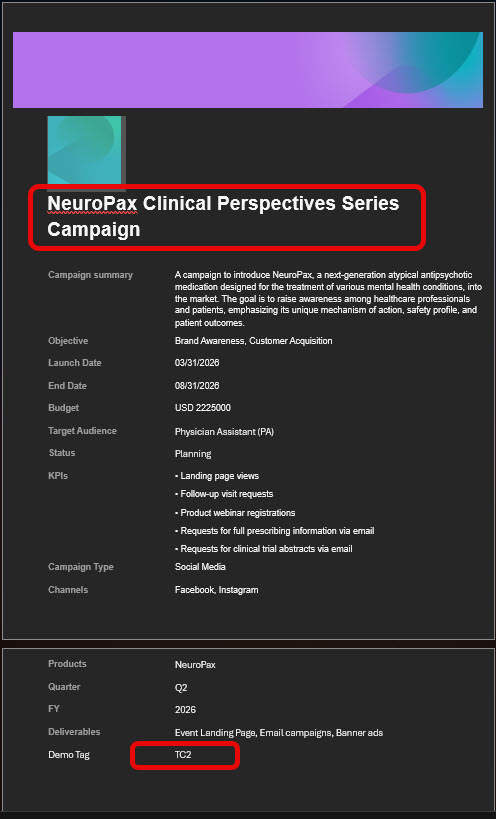
- Customize the brief MS-Word document. -Update Demo Tag to your initials to make your entries unique to you. -Update the title to make it unique to you.
GenStudio PeM AEM Sites Authoring Login AEM Content Fragments Journey Optimizer Home Journey Optimizer Content Templates
Experience Platform
Journey Optimizer
Create or find your demo profile
The success of the demo relies on waiting for both audience stitching and near real-time realization of edge audiences in AEP. Make sure to structure your talk-track to allow time for this to occur.
You have the flexibility to create a new profile or use one of the profiles that exist in the sandbox.
Creating a new profile
From an incognito browser page, visit the NeuroPax Events Page and fill out the form with your desired values. Copy the email address you use. To find your new profile, go to the Browse Profiles Page and use the Email namespace and address to locate your profile.
Use an existing profile
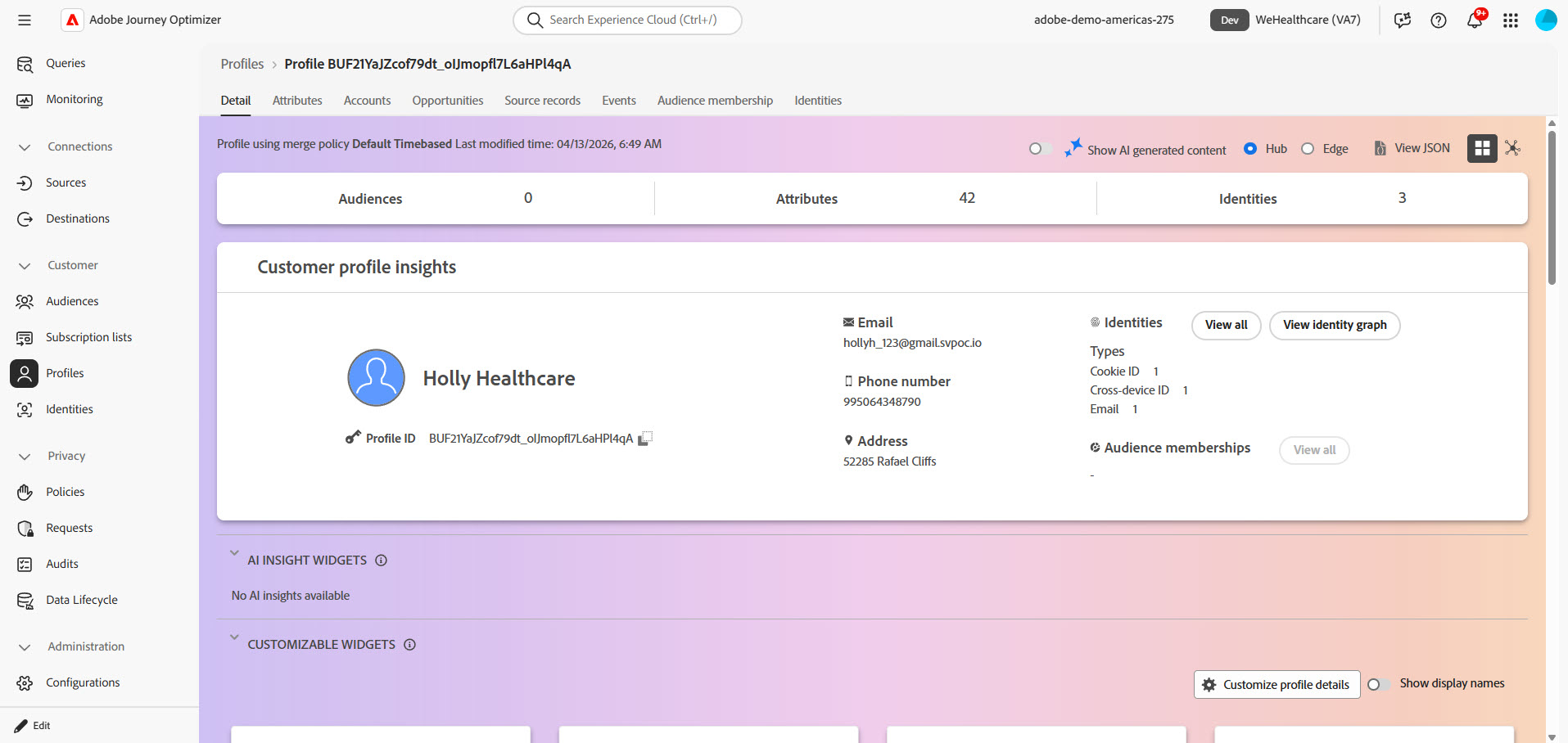
You may have created a profile previously, but if you haven't, you can use the Holly Healthcare Profile.