Subscription Services
1 min
This lab will walk through the steps to create a Subscription Service in Adobe Campaign V8:
Create a Subscription Service
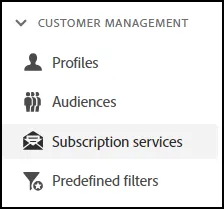
- Navigate to Subscription Services from the Navigation Menu:
- Click on the Create Subscription Service button in the top right corner:
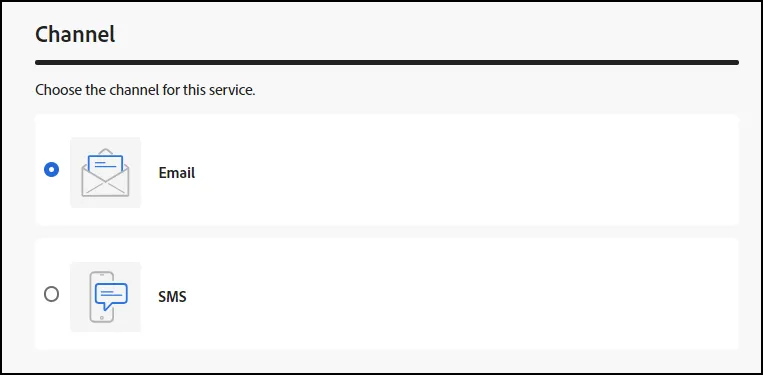
- From the list, choose Email or SMS. For this example, we will choose Email:
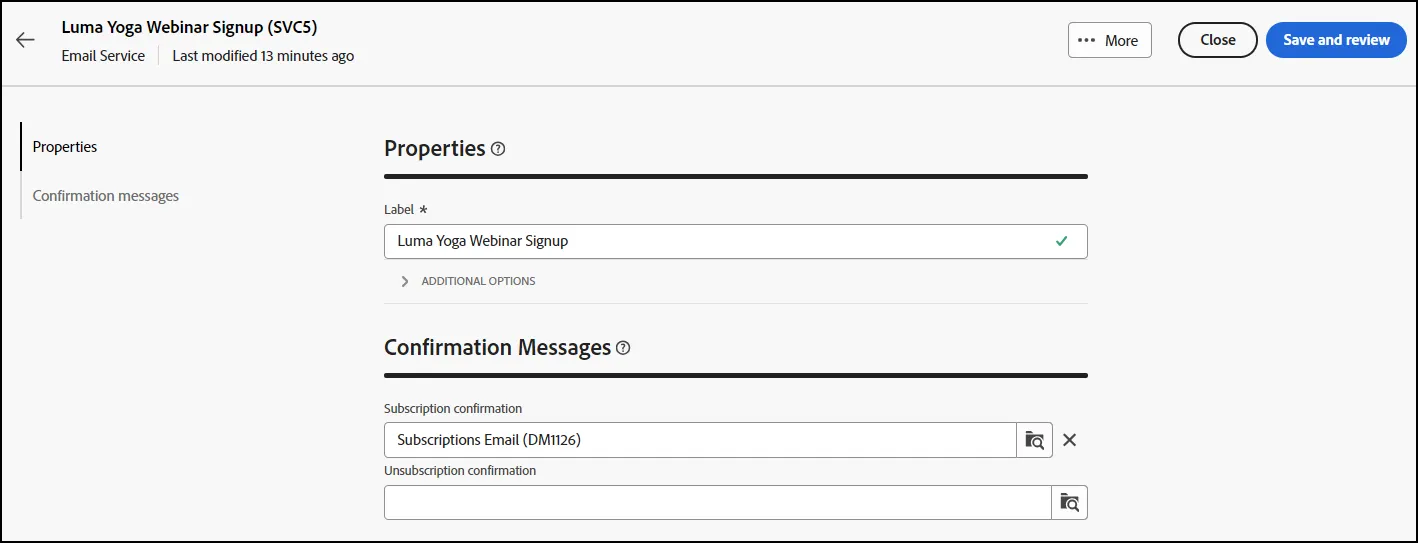
- On the next screen, change the label to a meaningful title. We will define ours as "Yoga Class Signups".
- For the Confirmation Messages, you can have both a Subscription Confirmation, as well as an Unsubscription Confirmation.
- Once you have your Subscription Service set up how you would like it, click on the "Save and review" button.
- End of Lab