Scheduling, Debugging, Testing
3 min
Scheduler
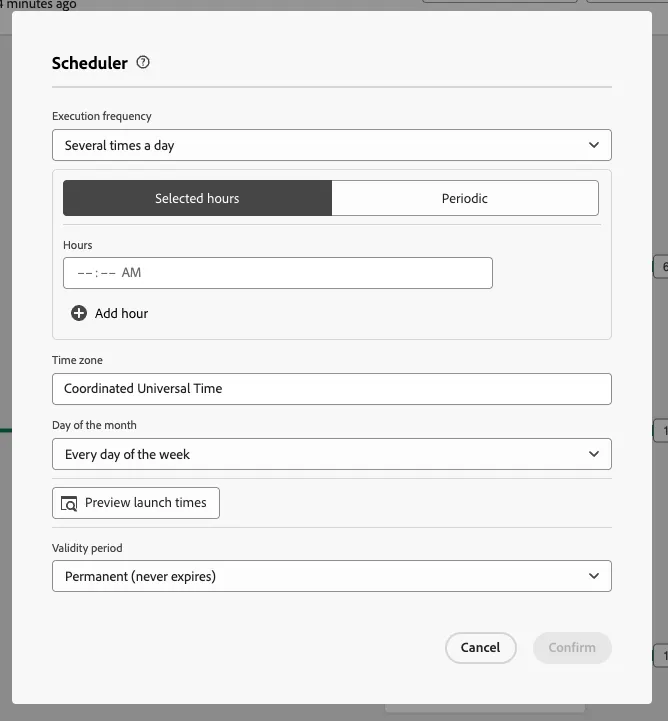
- Click on the scheduler icon at the top right
- Select Weekly
- Add a Start Time
- Add a Validity Period
- Click Confirm
Logs
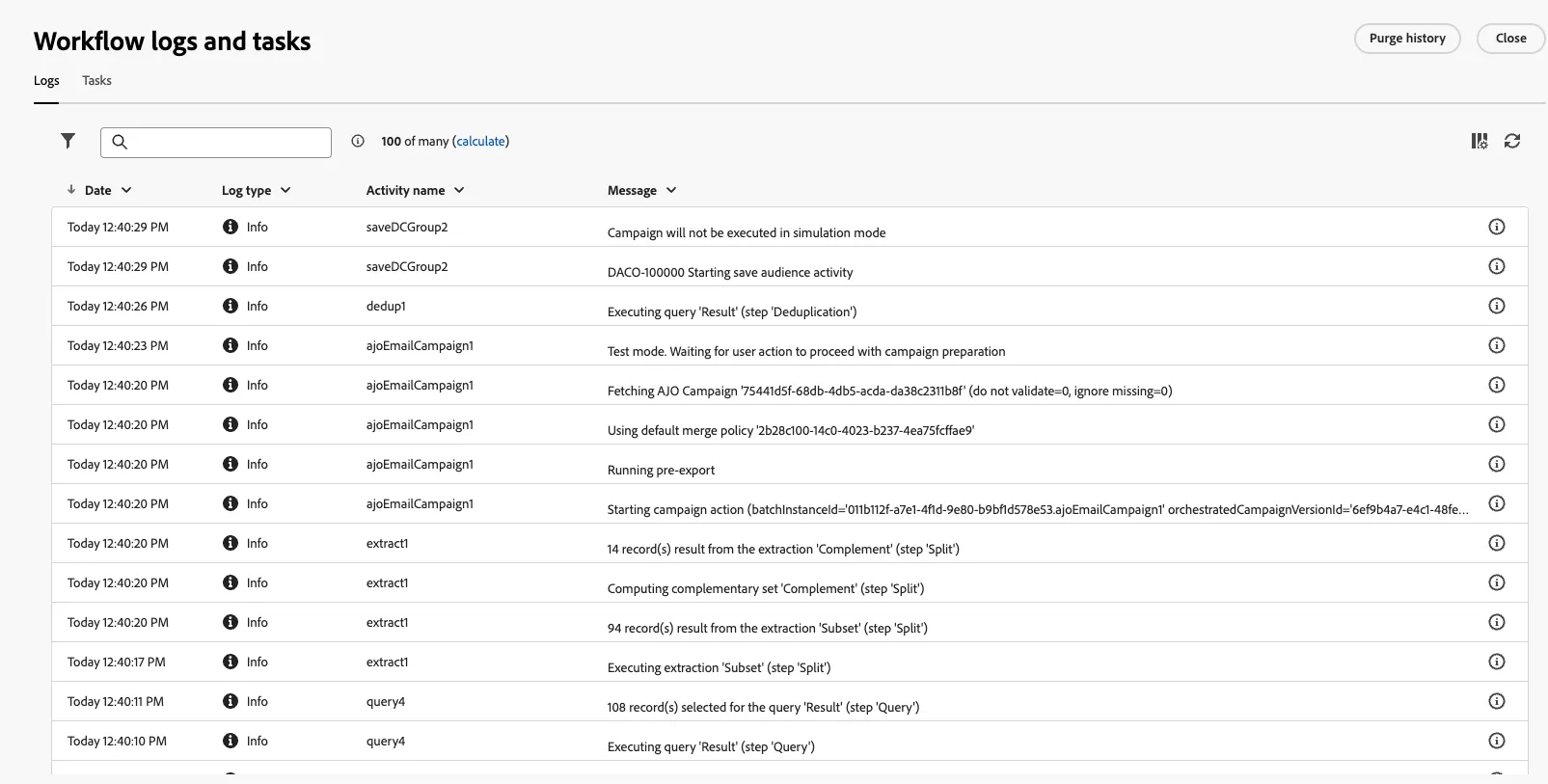
- Click On the Elipsis icon, and select Logs
- Review the logs and tasks of your workflow.
Email Forecasting
- Click on your email node (any of them)
- Click Run test
- This will let you know how many users will be reached if you publish the campaign and won't count against your sending