1.1 Visit the website
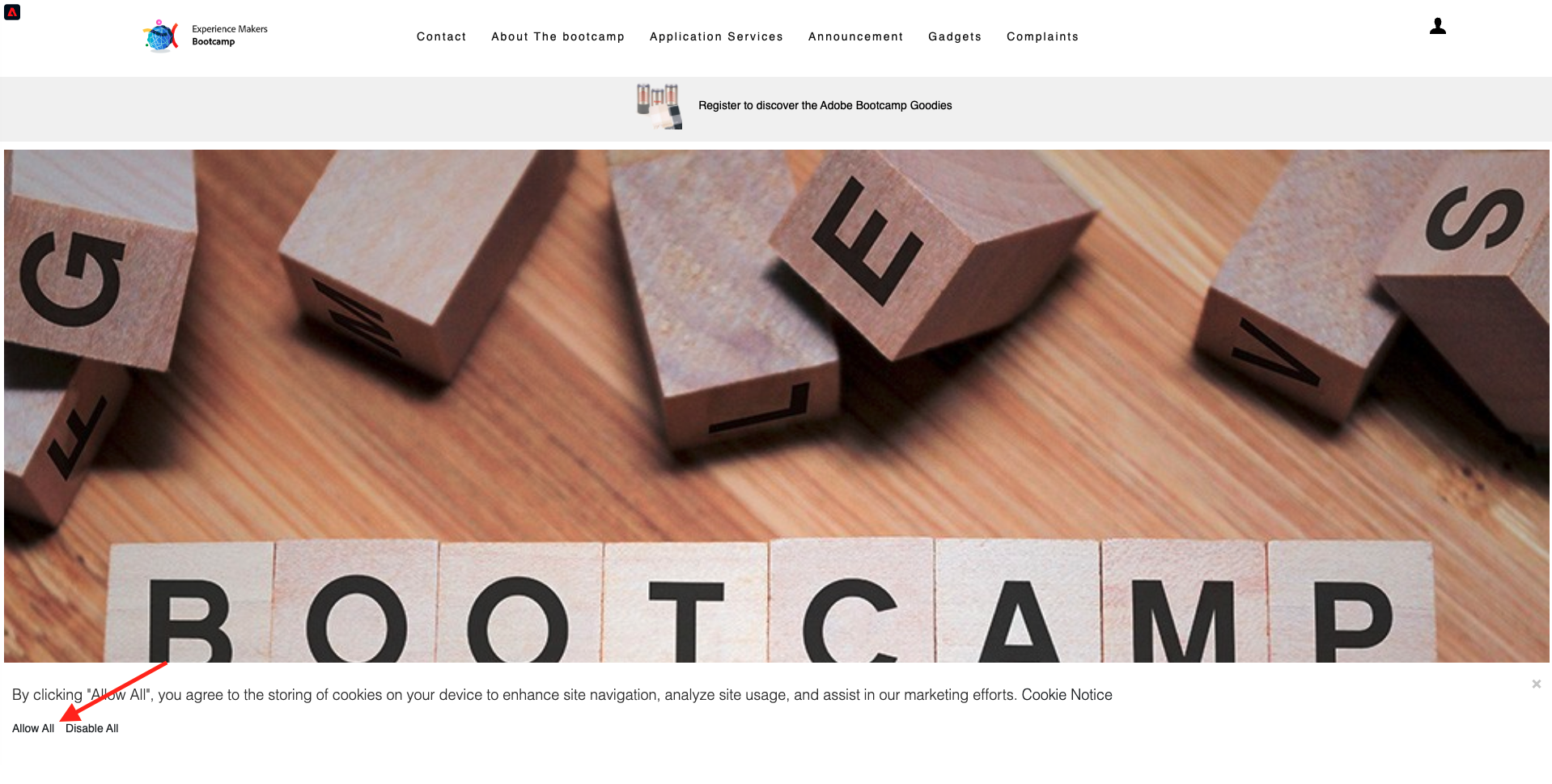
If you receive a pop up regarding cookies on your device, please click Allow All.
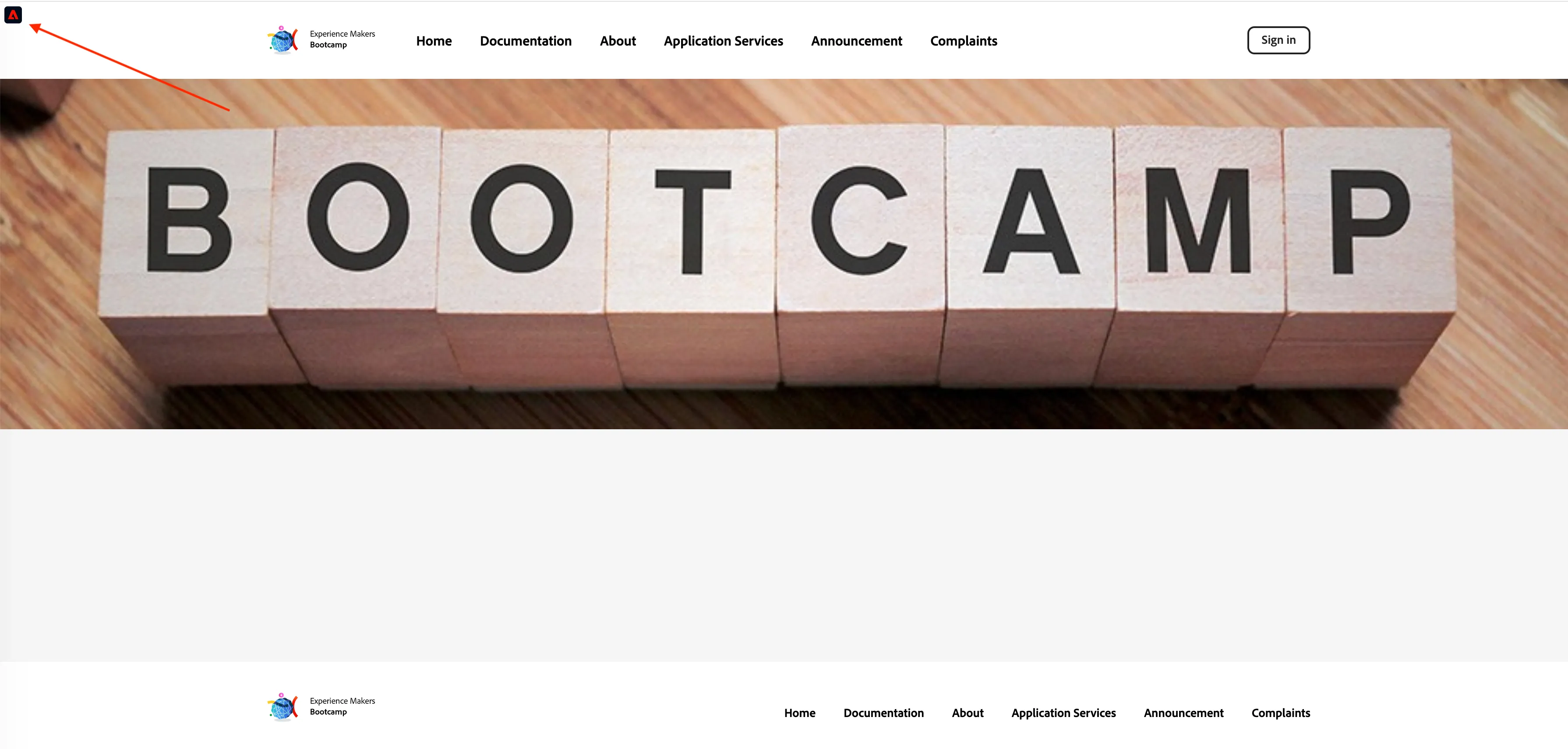
Click the Adobe logo icon in the top left corner of your screen to open the Profile Viewer.
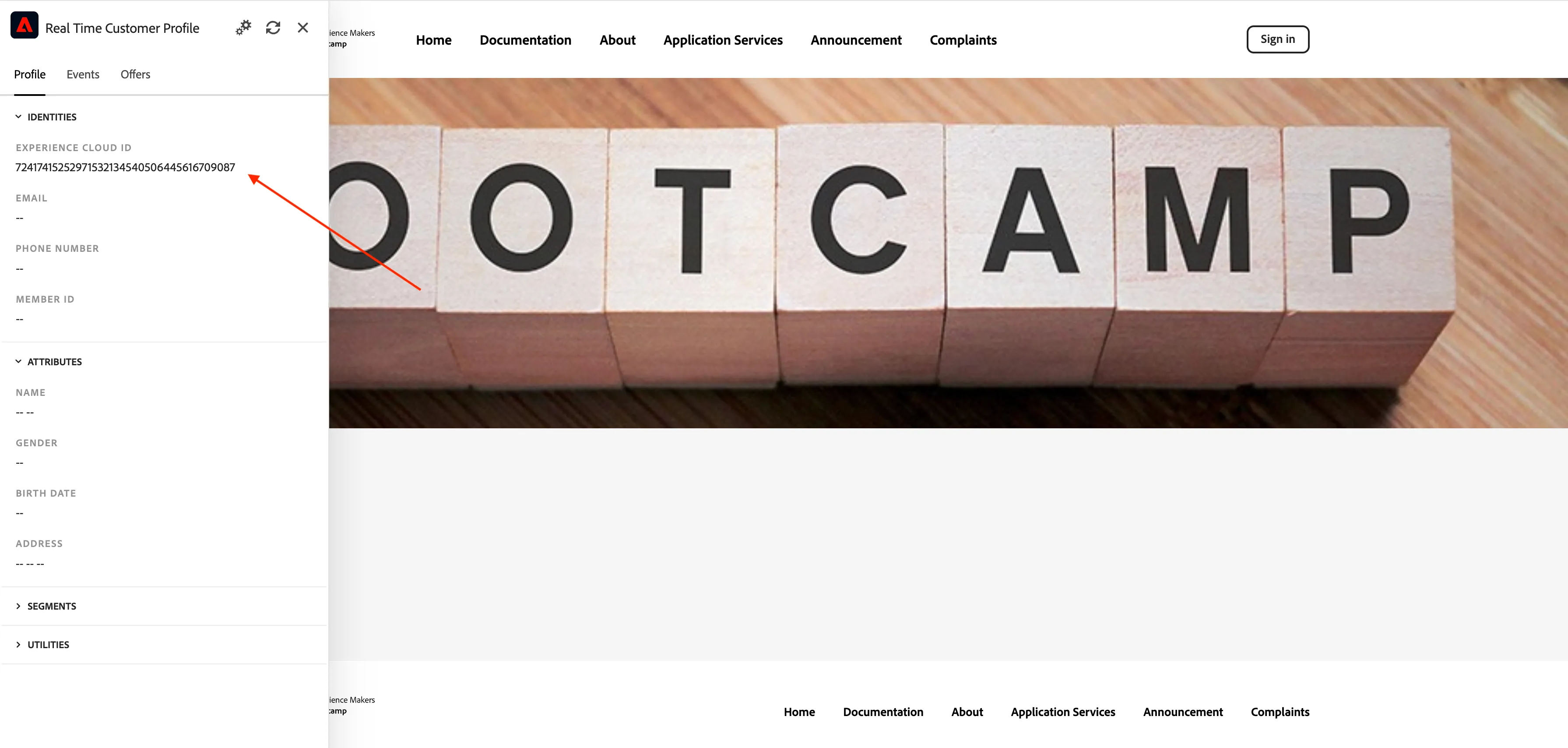
Have a look at the Profile Viewer panel and the Customer Profile with the Experience Cloud ID (ECID) as the primary identifier for this currently unknown customer. Please copy and save this identifier for use as a reference in further exercises.
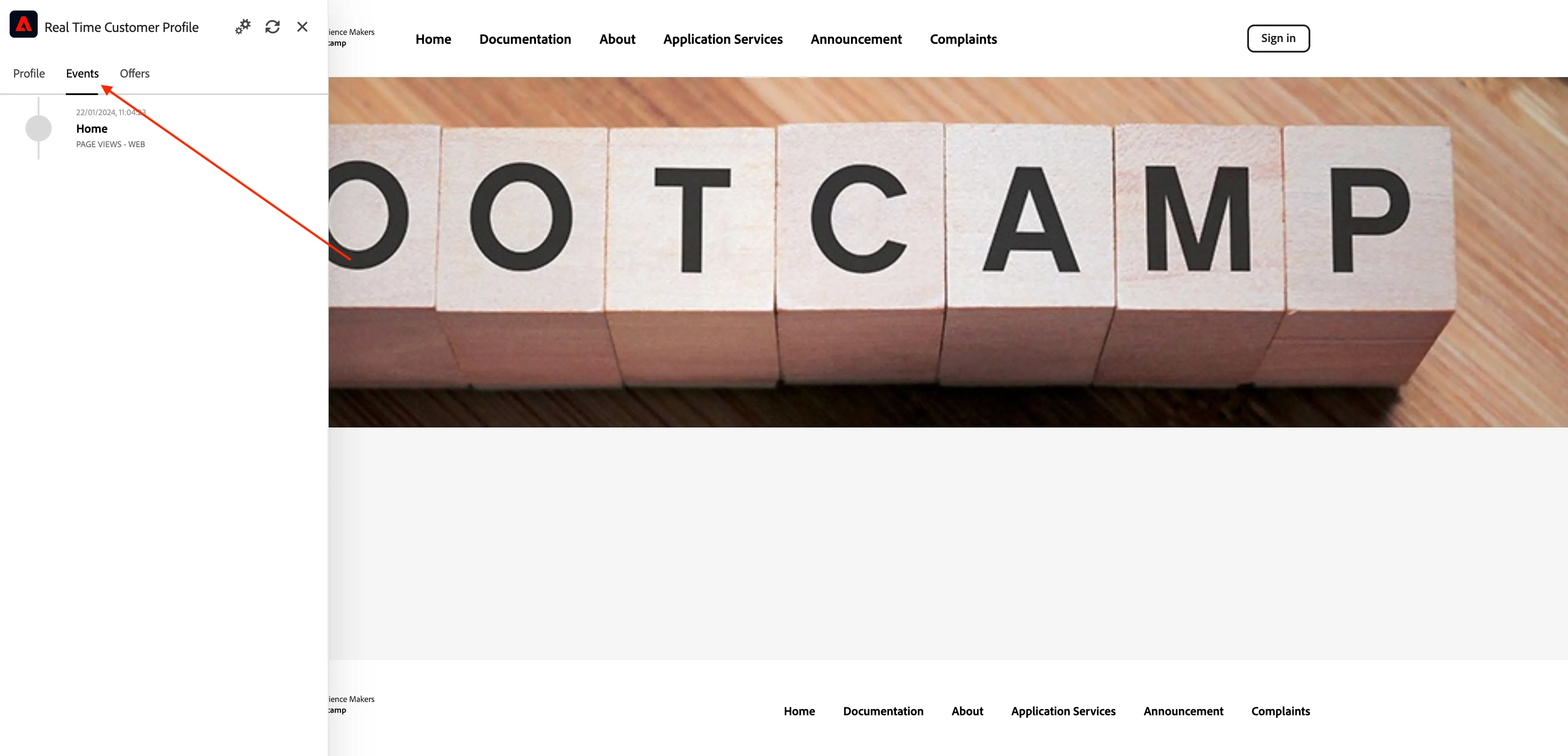
You can also see all the Experience Events that were collected based on the customer's behaviour. Your list may currently be empty but that will change soon.
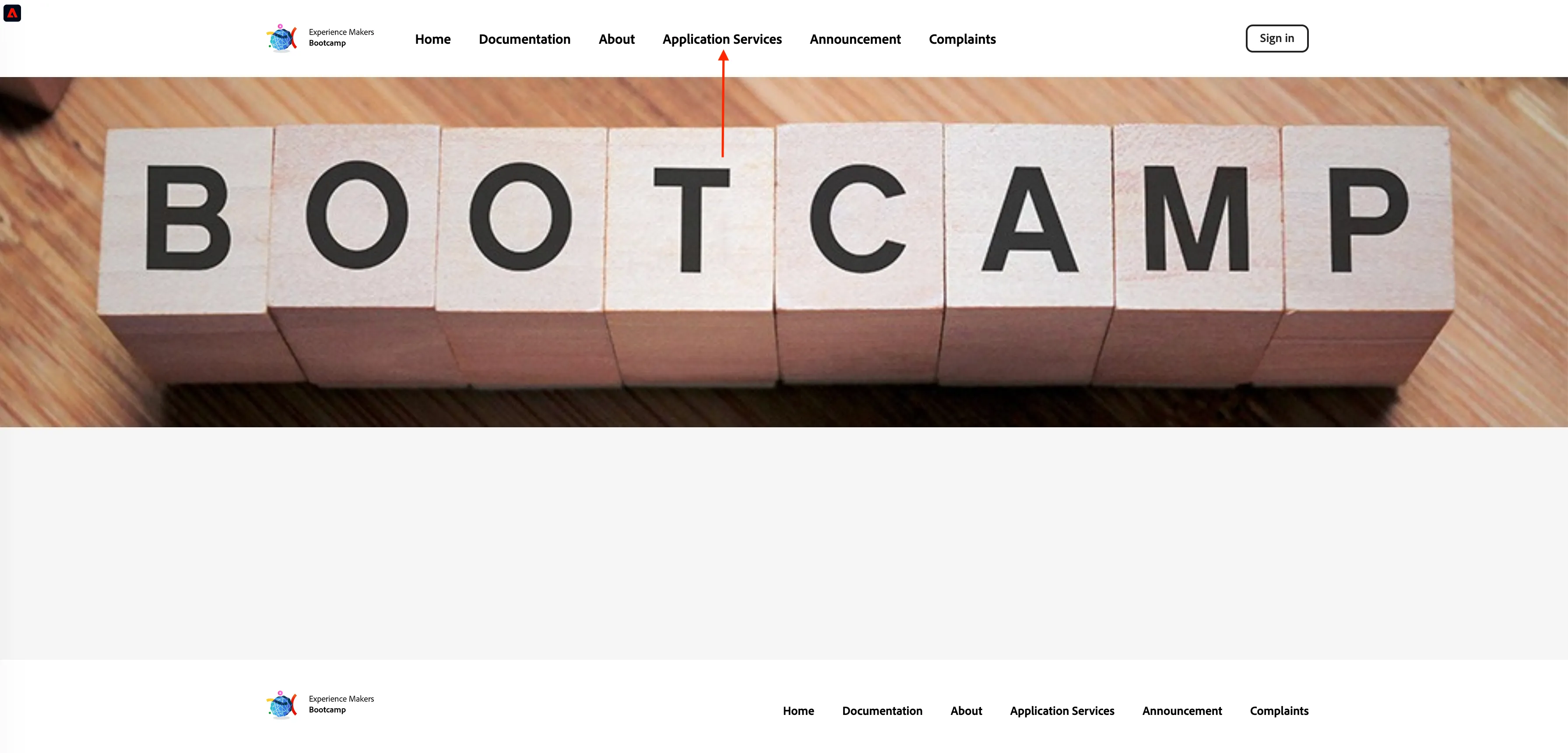
Click on 'Application Services' from the menu option, and then click on the product Real-Time CDP.
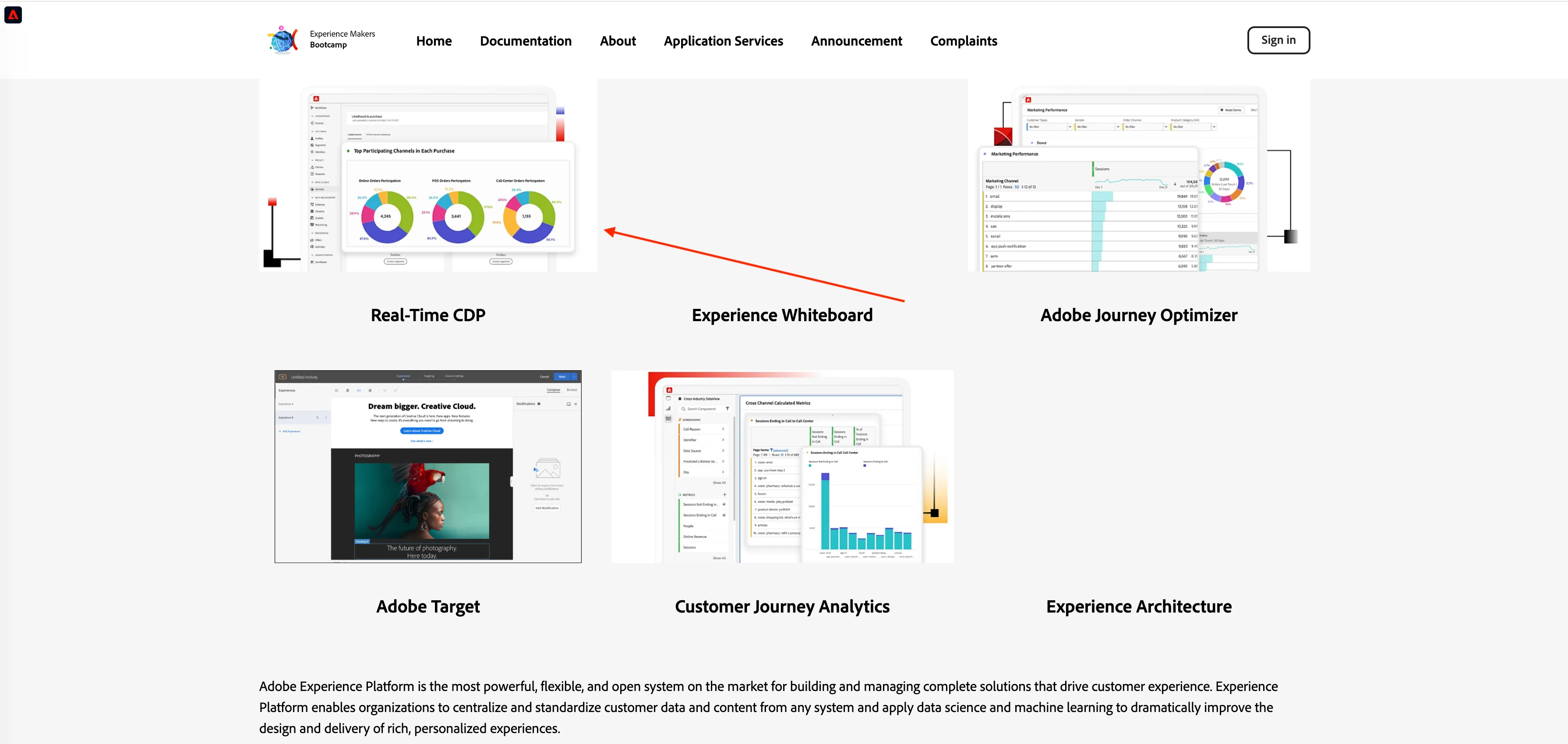
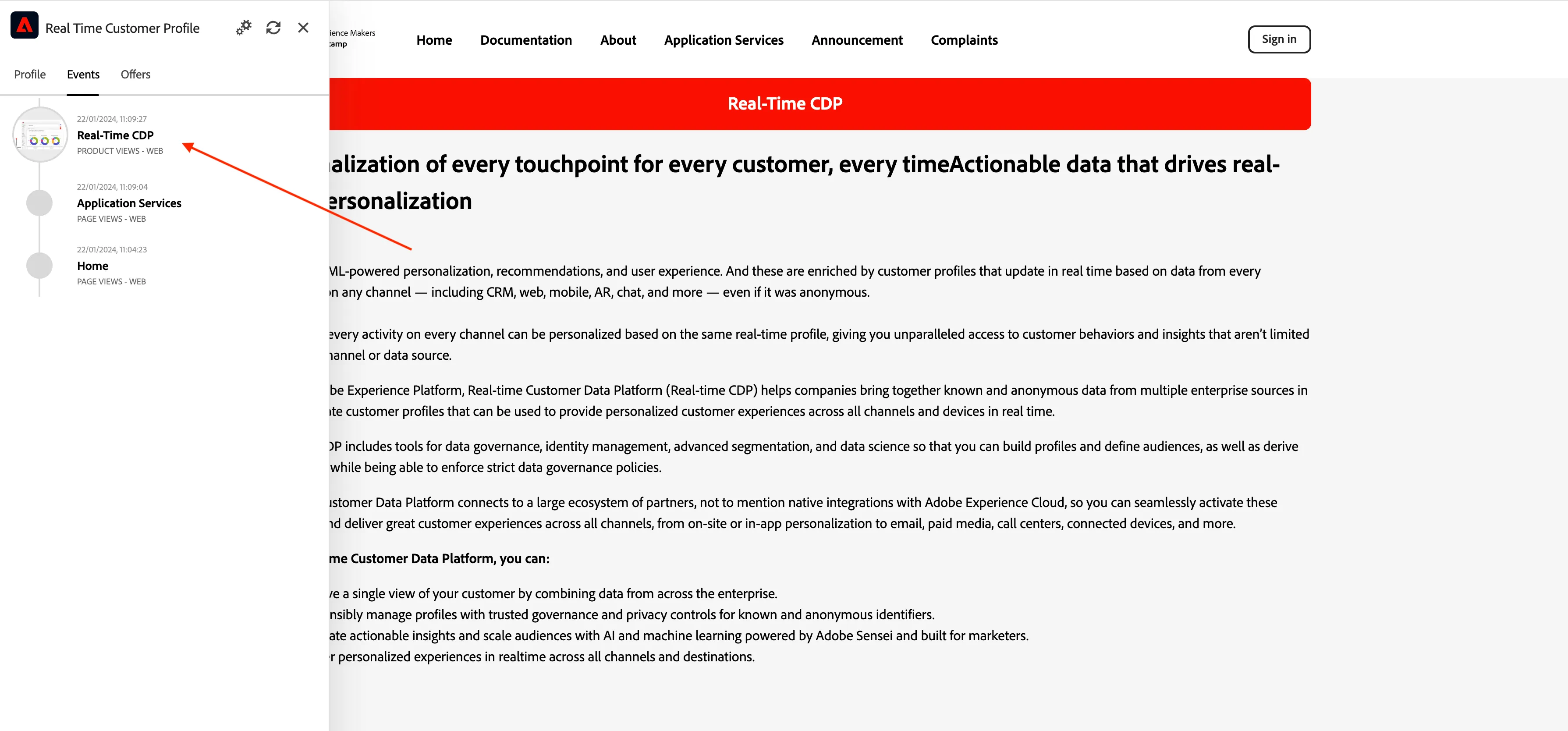
You'll then see the product detail page. An Experience Event of type Product View has now been sent to Adobe Experience Platform using the Web SDK. Open the Profile Viewer panel and have a look at your Experience Events. (You may need to press refresh on the panel.)
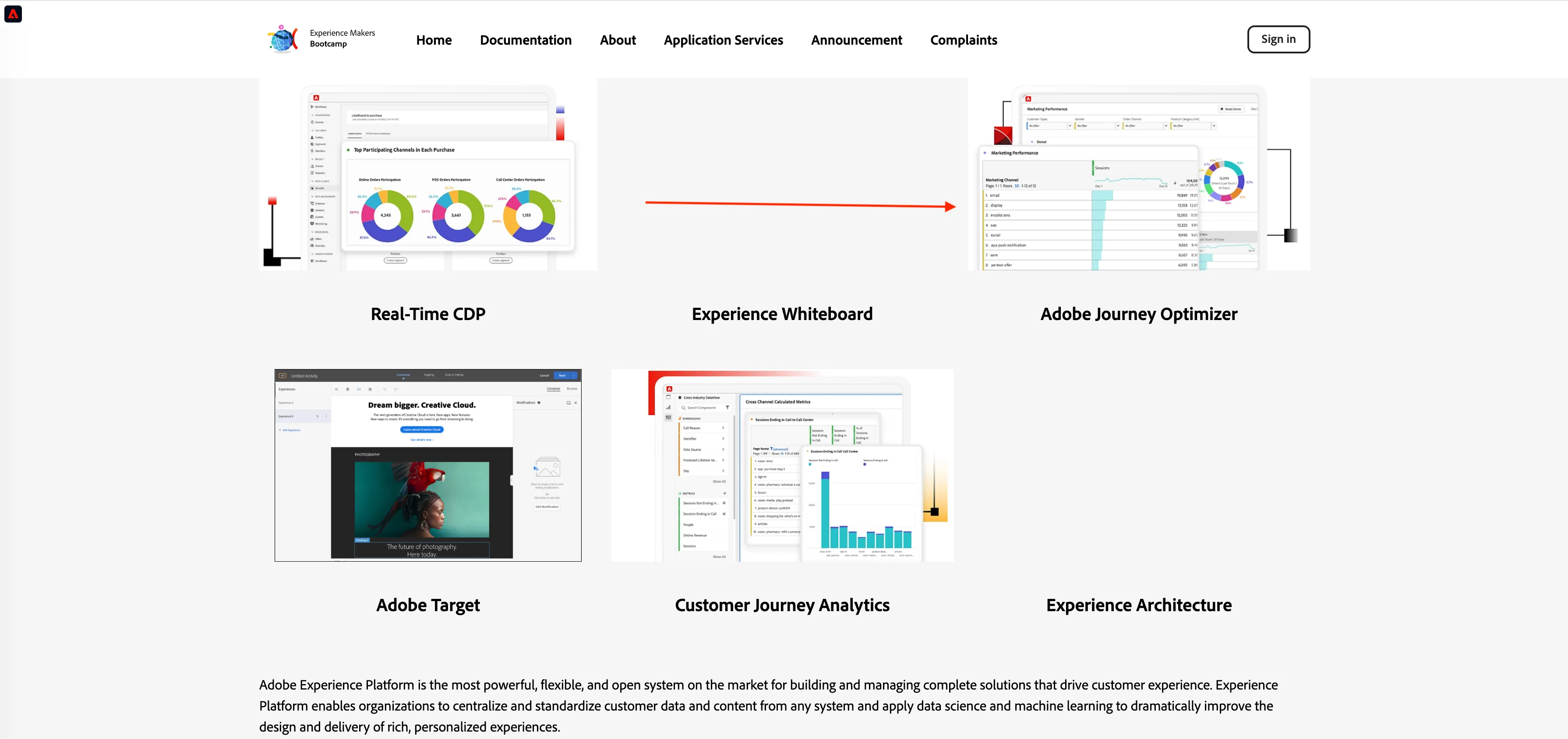
Go to the Application Services menu option and click on the product Adobe Journey Optimizer. Another Experience Event has been sent to Adobe Experience Platform.
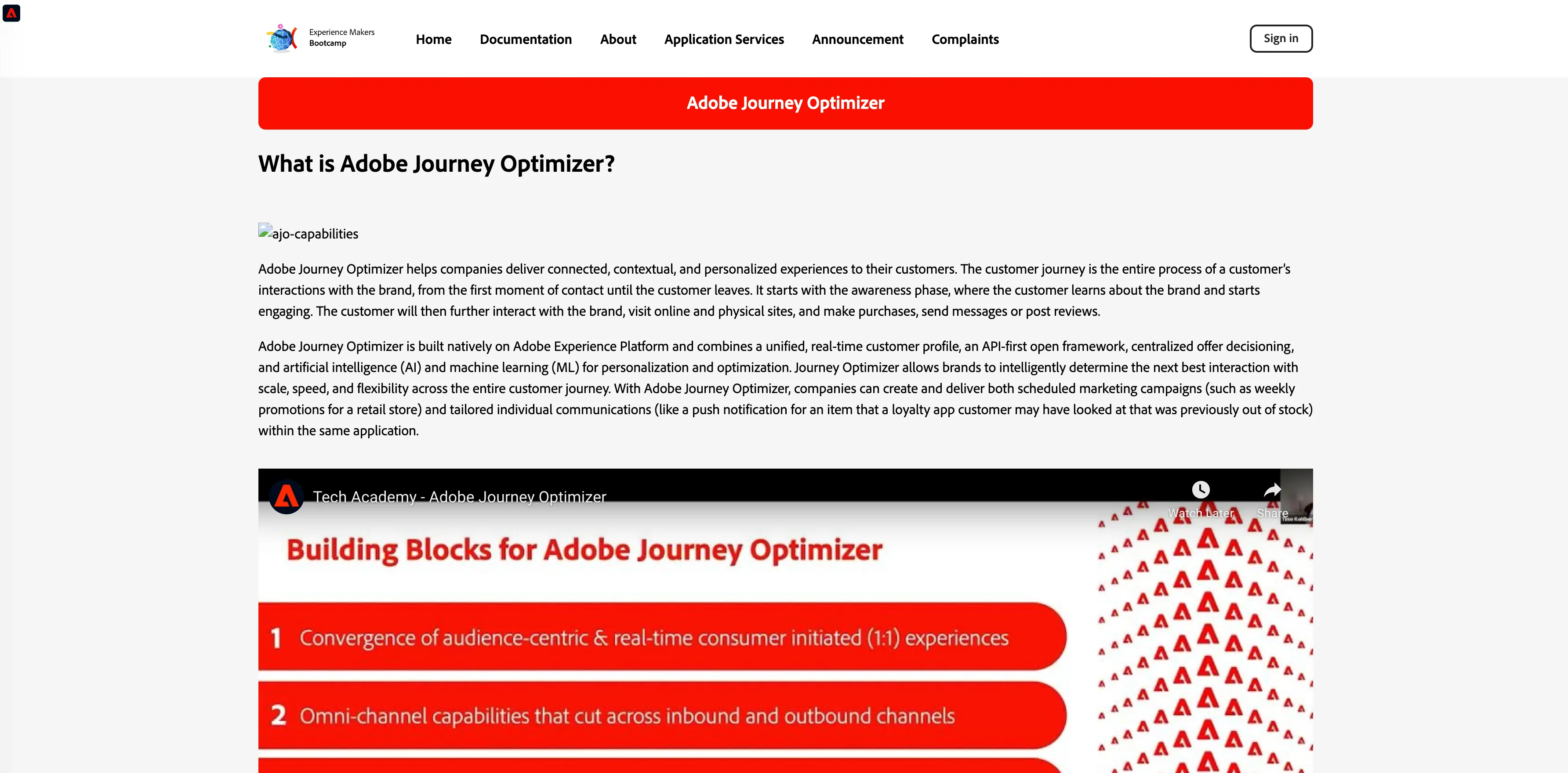
Open the Profile Viewer panel. You'll now see multiple Experience Events of type Product View. While the behaviour is anonymous, every click is tracked and stored in Adobe Experience Platform. Once the anonymous customer becomes known, we'll be able to merge all anonymous behaviour automatically to the know profile.
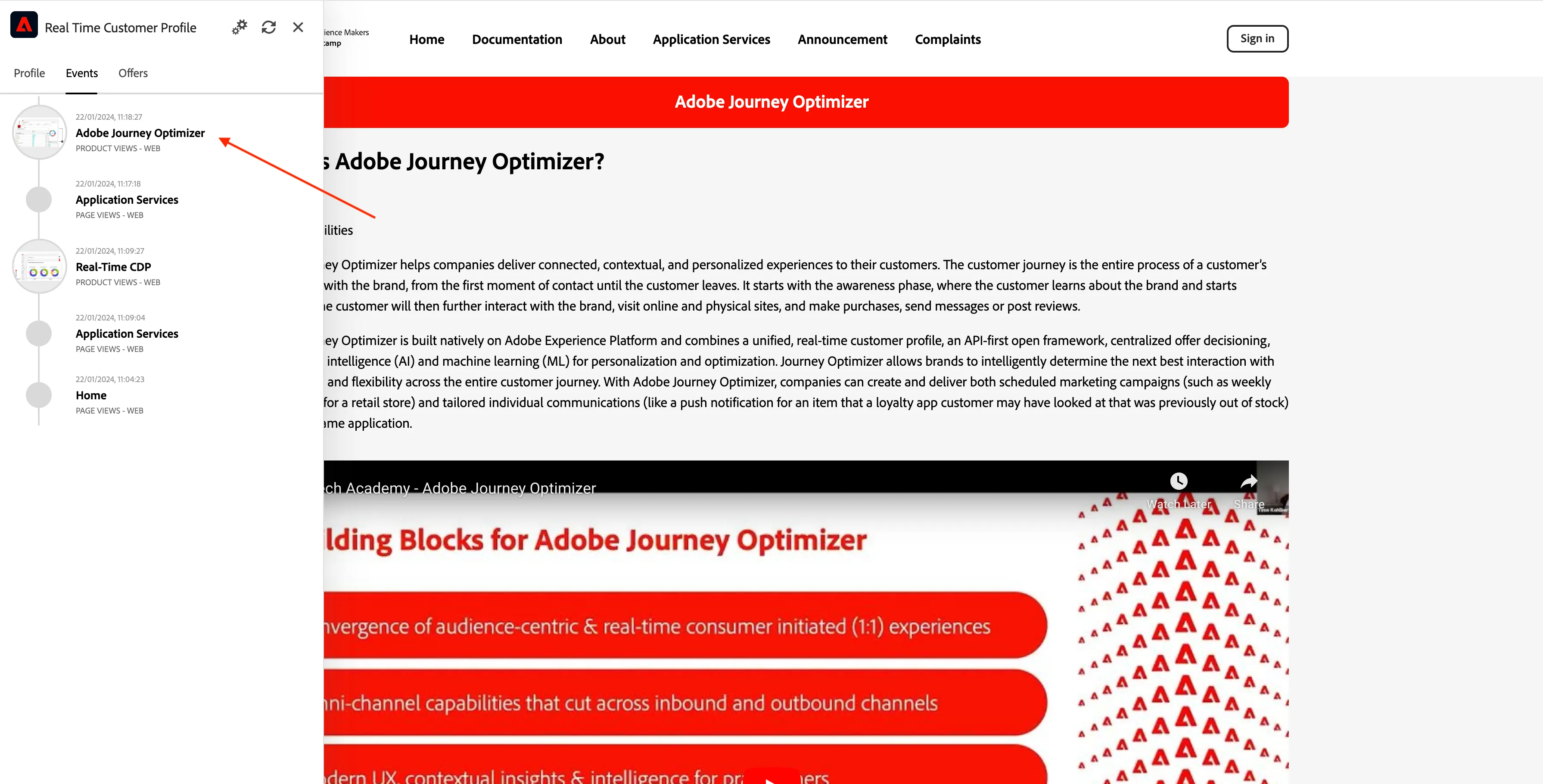
All these browsing events captured can be used to qualify your profile for segments to provide you with more personalised experiences.
For example, the event of browsing the page for Real-Time CDP could be used to qualify profiles for a segment called "Interest in Real-Time CDP" and that segment could form an audience for an on-site personalisation activity that further emphasises the Real-Time CDP product.
Navigate back to the home page of the Bootcamp website and you should see that the home page banner has changed to promote the Real-Time CDP.
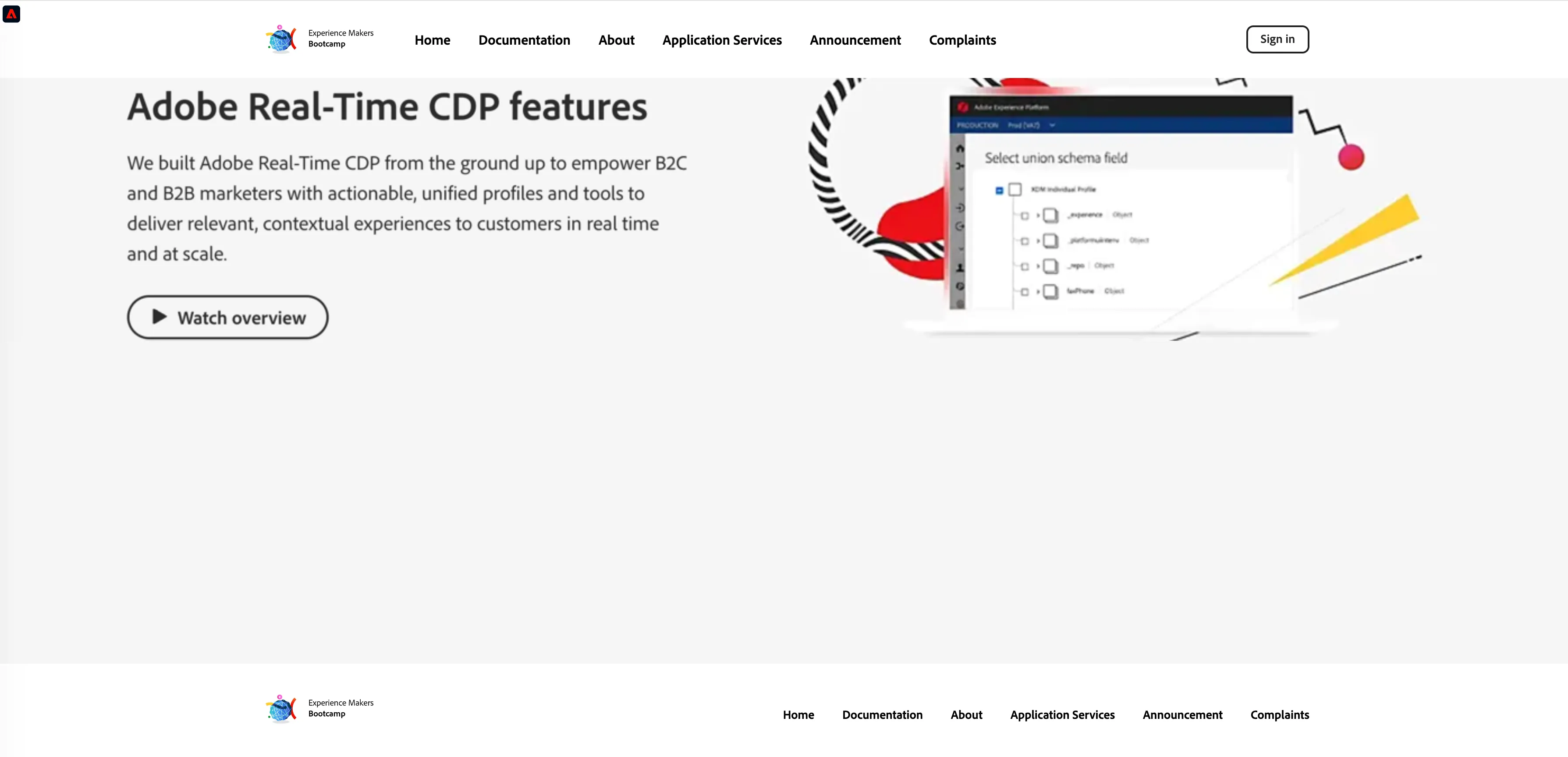
Shortly we will build a segment similar to this in Adobe Experience Platform. But before we do so, lets register our profile on the website.
Exercise complete checklist
Copy and pasted Experience Cloud ID (ECID) for use as reference in further exercises
Browsed Real-Time CDP and AJO products on the website
Viewed Experience Events in Profile Viewer (top left hand corner of website)