1.2 Create an account on the website
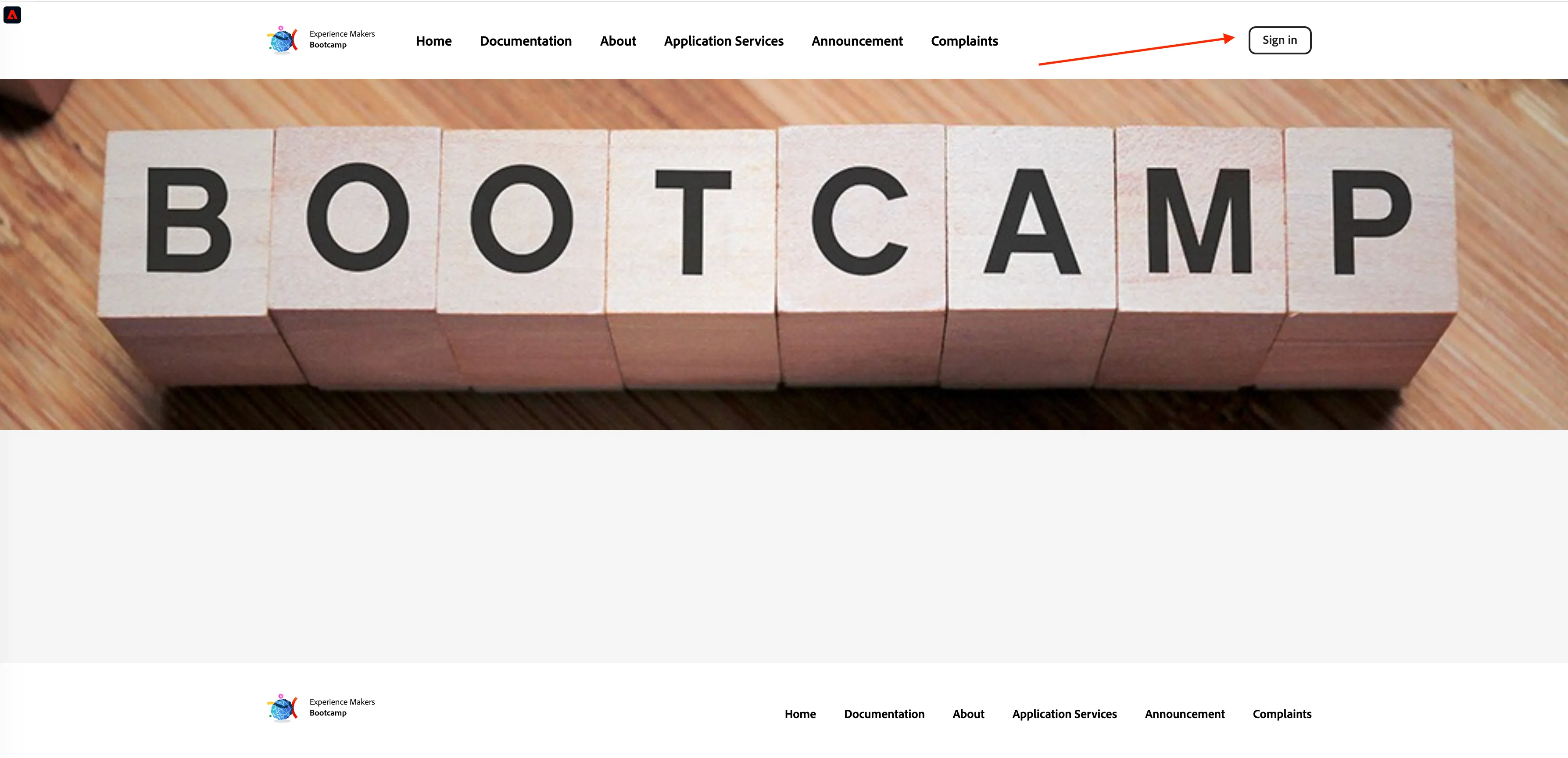
Click the Sign In button in the top right corner of your screen.
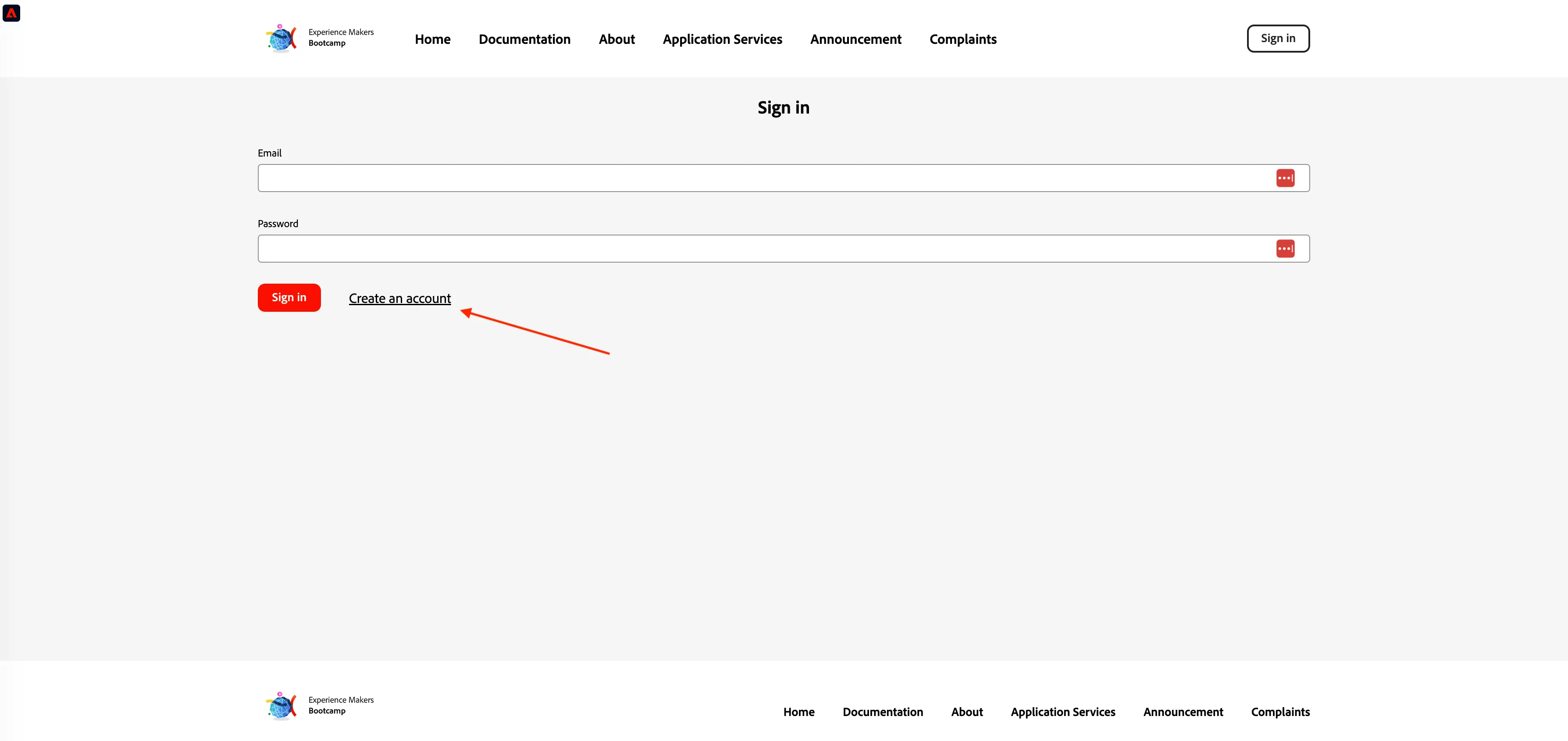
Click Create an account.
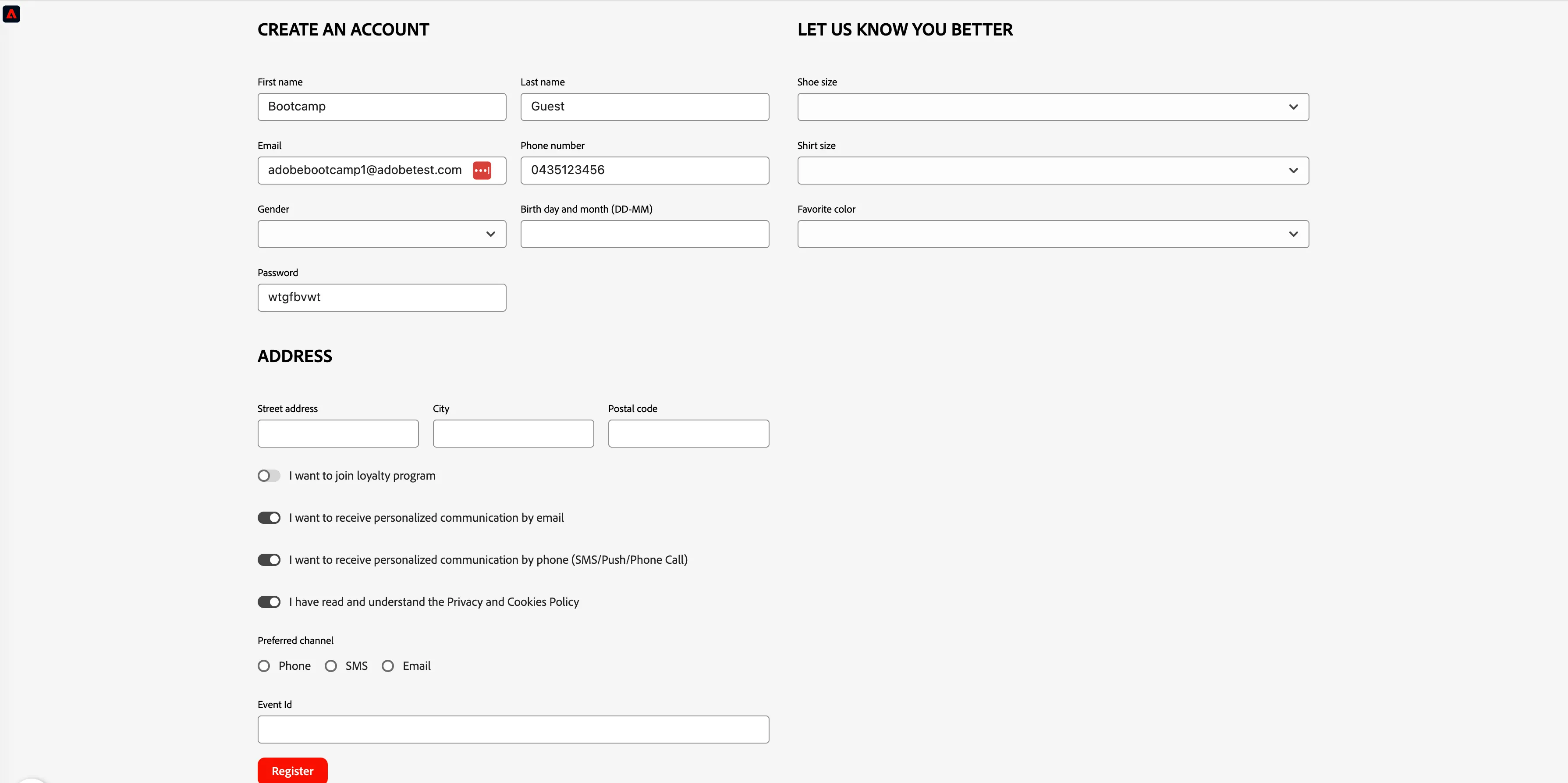
Fill out all the fields of the form and click Register. Use a real value for your own email address (not the Bootcamp Experience Cloud user login), as it will be used in later exercises for delivery of email communications. (Note, there is no need to fill out the Event ID field at this stage in the form.)
As this registration email will be used to deliver a registration email to your inbox, use an email address that you have access to at the Bootcamp. If you prefer not to enter your email then you can of course use a made up value, but in that case you will not be receiving any of the communication related to the exercises.
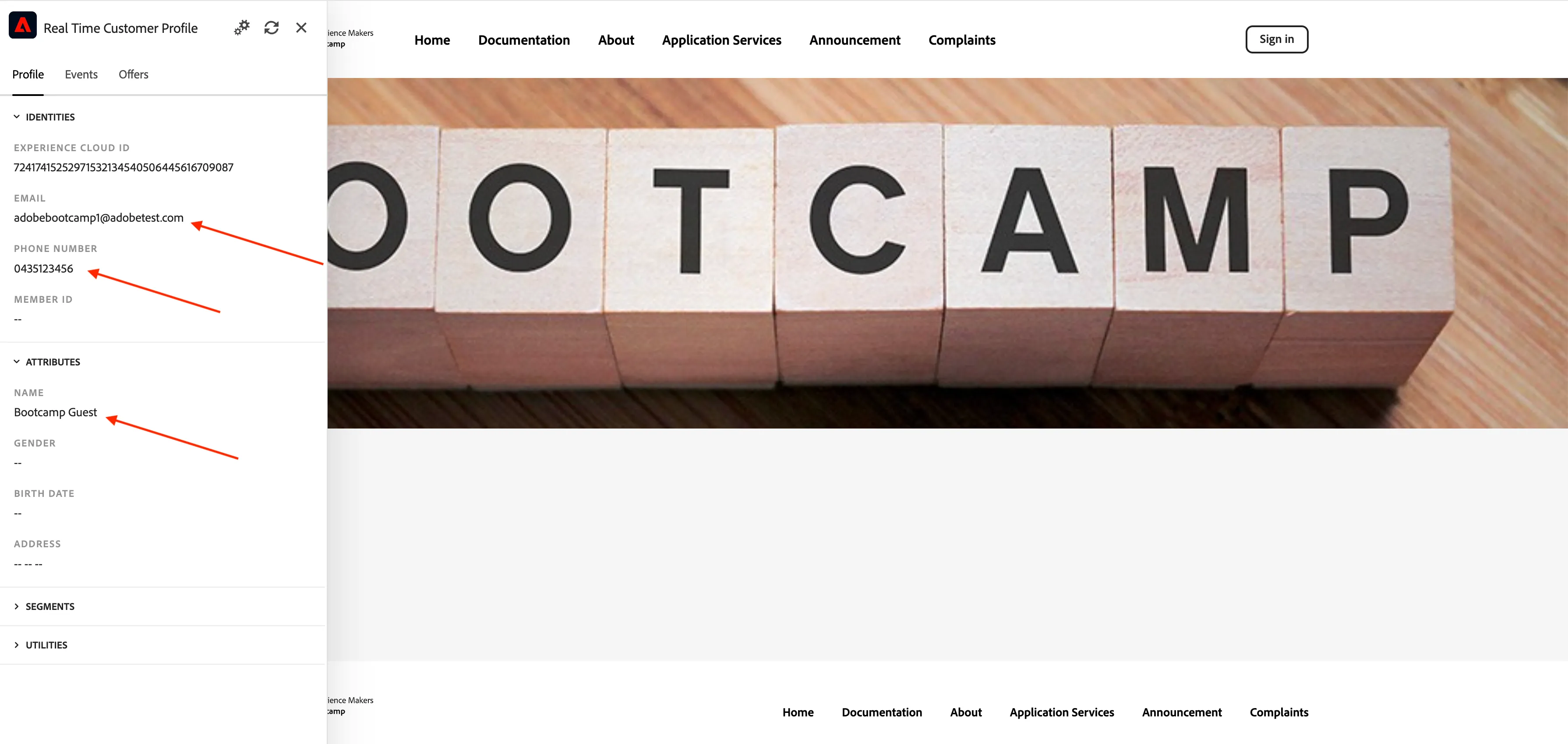
Take a look at your now registered profile in the Profile Viewer panel. You should be able to see your ECID, email address, and phone number (if you entered one) under 'identities'.
We will revisit the account creation welcome journey in exercise 2, but next we will log into Adobe Experience Platform to build a segment.
Exercise complete checklist
Created an account on website
Additional identities able to be viewed in Profile Viewer panel