Query Editor UI
Query Editor
Data Distiller provides a user interface that can be used to write and execute queries, view previously executed queries, and access queries saved by users within your organization. The Query Editor enables you to write and execute queries without using an external client.
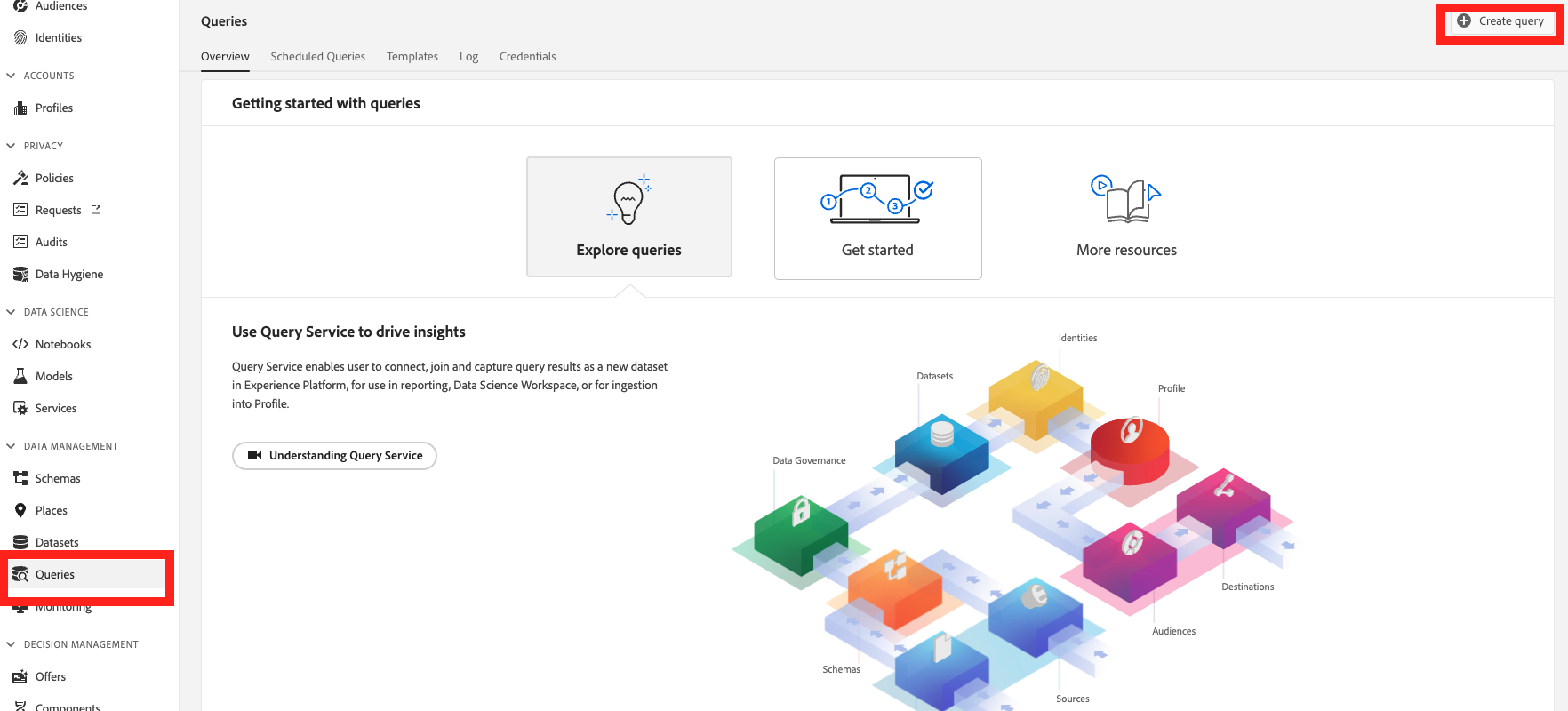
To start this exercise click on Queries in the left side navigation then click on Create Query.
You will run a query to grab information from a CRM Profile by grabing the customers CRM ID, email, first name, if they have a reward card, and will filter the data by gold customers.
SELECT _adobedemoamericas275.crmIdentities.crmId as crmID,
  _adobedemoamericas275.crmIdentities.email as email,
  _adobedemoamericas275.crmProfile.firstName as firstName,
  _adobedemoamericas275.crmProfile.hasRewardsCard as hasRewardCard
FROM retail_crm
WHERE _adobedemoamericas275.crmProfile.loyaltyStatus == 'Gold';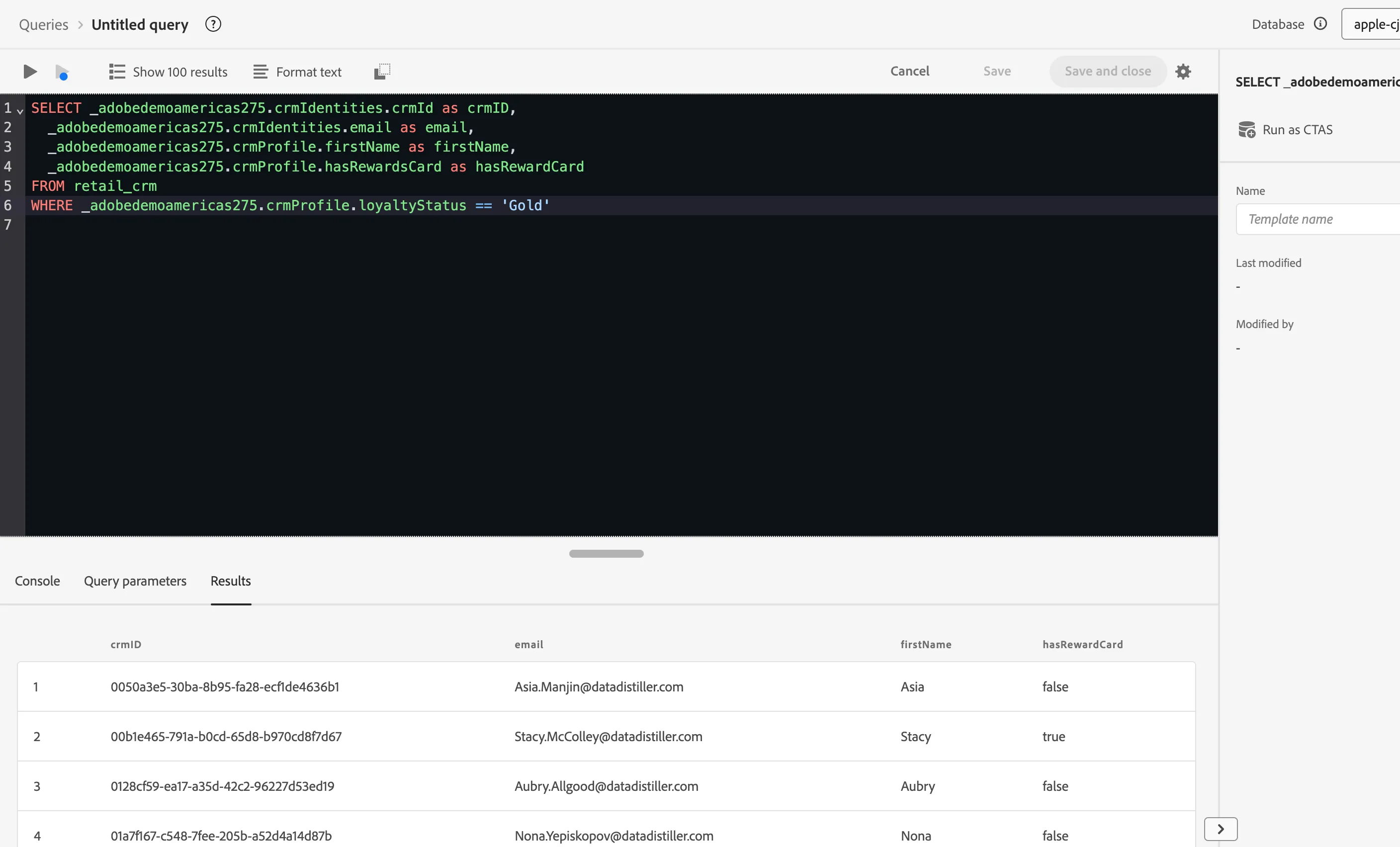
Now that you have selected some fields from CRM Profile dataset, you are now going to run a join query to collect some data from a retail dataset. Both datasets have a shared identity with a Loyalty ID where you will be able to make the join with.
From the Retail Events Dataset you will be collecting if purchase, number of items, points, and spend.
SELECT crm._adobedemoamericas275.crmIdentities.crmId as crmID,
  crm._adobedemoamericas275.crmIdentities.email as email,
  crm._adobedemoamericas275.crmProfile.firstName as firstName,
  crm._adobedemoamericas275.crmProfile.hasRewardsCard as hasRewardCard,
  evt._adobedemoamericas275.retailEvents.numItems as numOfItems,
  evt._adobedemoamericas275.retailEvents.points as points,
  evt._adobedemoamericas275.retailEvents.purchase as orderComplete,
  evt._adobedemoamericas275.retailEvents.spend as spend
FROM retail_crm crm
JOIN retails_events evt
ON crm._adobedemoamericas275.crmIdentities.loyaltyId = evt._adobedemoamericas275.identities.loyaltyId
WHERE crm._adobedemoamericas275.crmProfile.loyaltyStatus == 'Gold';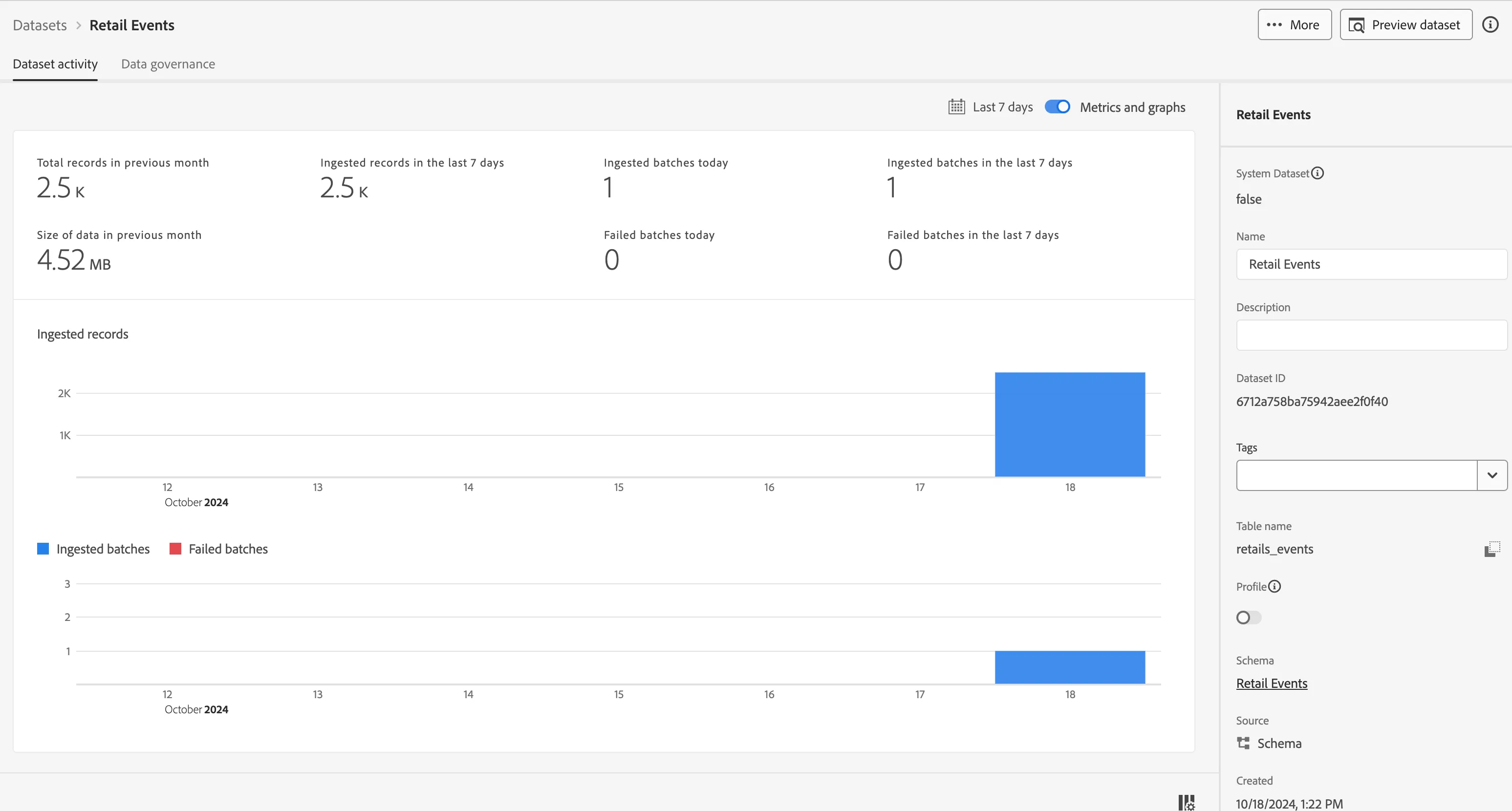
Not that we have joined the two datasets together, let's start to expand the query to complete a cart abandonment use case and create a new table with those rows of data.
SELECT crm._adobedemoamericas275.crmIdentities.crmId as crmID,
  crm._adobedemoamericas275.crmIdentities.email as email,
  crm._adobedemoamericas275.crmProfile.firstName as firstName,
  crm._adobedemoamericas275.crmProfile.hasRewardsCard as hasRewardCard,
  evt._adobedemoamericas275.retailEvents.numItems as numOfItems,
  evt._adobedemoamericas275.retailEvents.points as points,
  evt._adobedemoamericas275.retailEvents.purchase as orderComplete,
  evt._adobedemoamericas275.retailEvents.spend as spend
FROM retail_crm crm
JOIN retails_events evt
ON crm._adobedemoamericas275.crmIdentities.loyaltyId = evt._adobedemoamericas275.identities.loyaltyId
WHERE crm._adobedemoamericas275.crmProfile.loyaltyStatus == 'Gold'
and evt._adobedemoamericas275.retailEvents.purchase == 'false';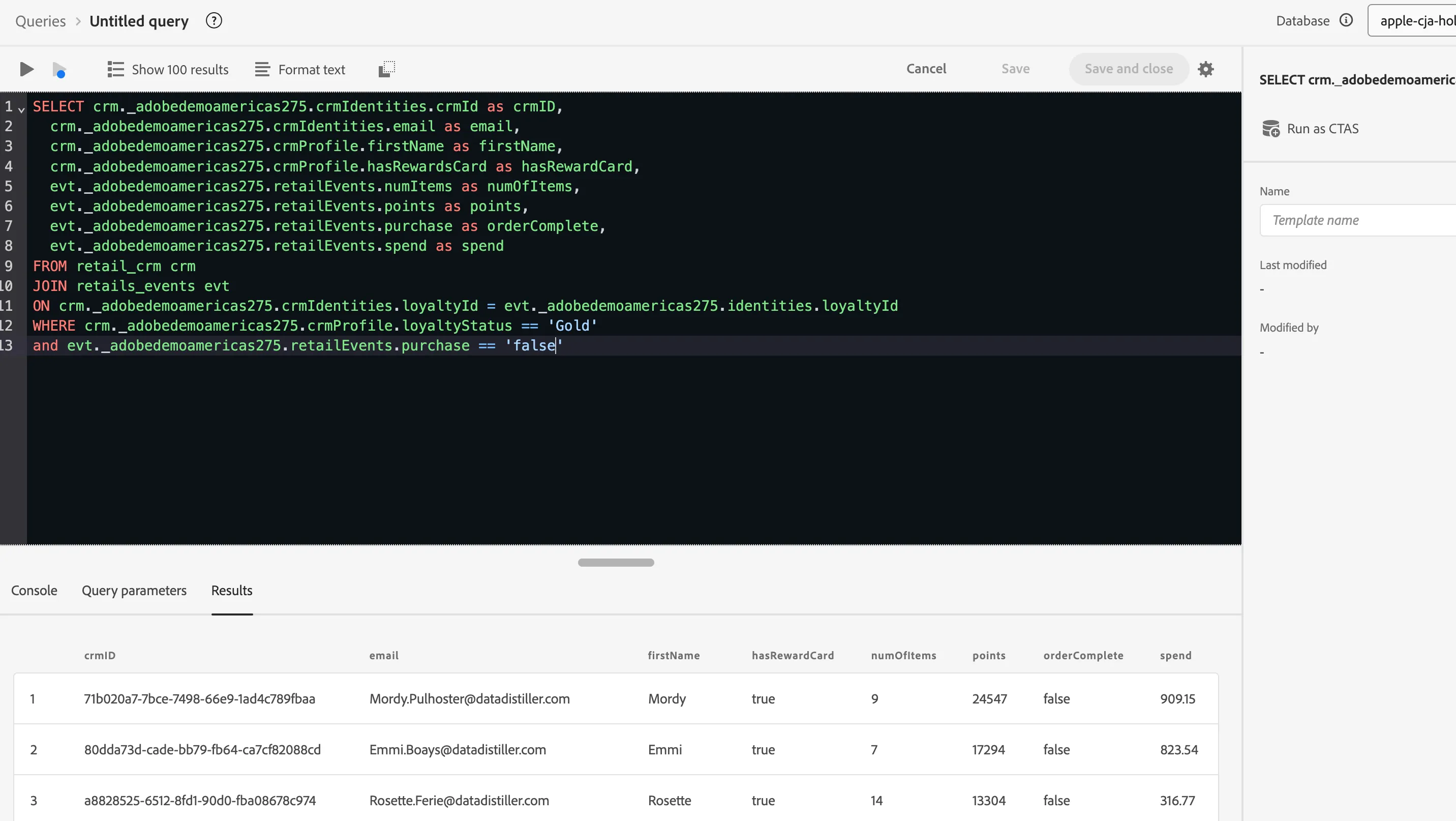
Now that you have the complete list of people that have not completed an offer we can now create a table of those individuals.
CREATE TABLE cartAbandonment AS
  SELECT crm._adobedemoamericas275.crmIdentities.crmId as crmID,
    crm._adobedemoamericas275.crmIdentities.email as email,
    crm._adobedemoamericas275.crmProfile.firstName as firstName,
    crm._adobedemoamericas275.crmProfile.hasRewardsCard as hasRewardCard,
    evt._adobedemoamericas275.retailEvents.numItems as numOfItems,
    evt._adobedemoamericas275.retailEvents.points as points,
    evt._adobedemoamericas275.retailEvents.purchase as orderComplete,
    evt._adobedemoamericas275.retailEvents.spend as spend
  FROM retail_crm crm
  JOIN retails_events evt
  ON crm._adobedemoamericas275.crmIdentities.loyaltyId = evt._adobedemoamericas275.identities.loyaltyId
  WHERE crm._adobedemoamericas275.crmProfile.loyaltyStatus == 'Gold'
  and evt._adobedemoamericas275.retailEvents.purchase == 'false';
This process will take a few minutes to complete.
The query for this will run quickly, but there are other functions being triggered when you use CTAS from Adobe. After it runs the query, it will create a schema. Once the schema is created it will create a dataset. After the dataset it will trigger a dataflow process to insert the data into the dataset. Then the last step is it will create a one time scheduled query for you to review in the UI.