Schemas
This lab will show you how to construct a new Experience Profile schema which will be needed to load in the new customer profile data.
Instructions:
Confirm you are in the AT&T HOL sandbox in the upper right
In the left-hand menu find and click Schemas
Click Create Schema on the top right
Choose Individual Profile as the base class and click Next
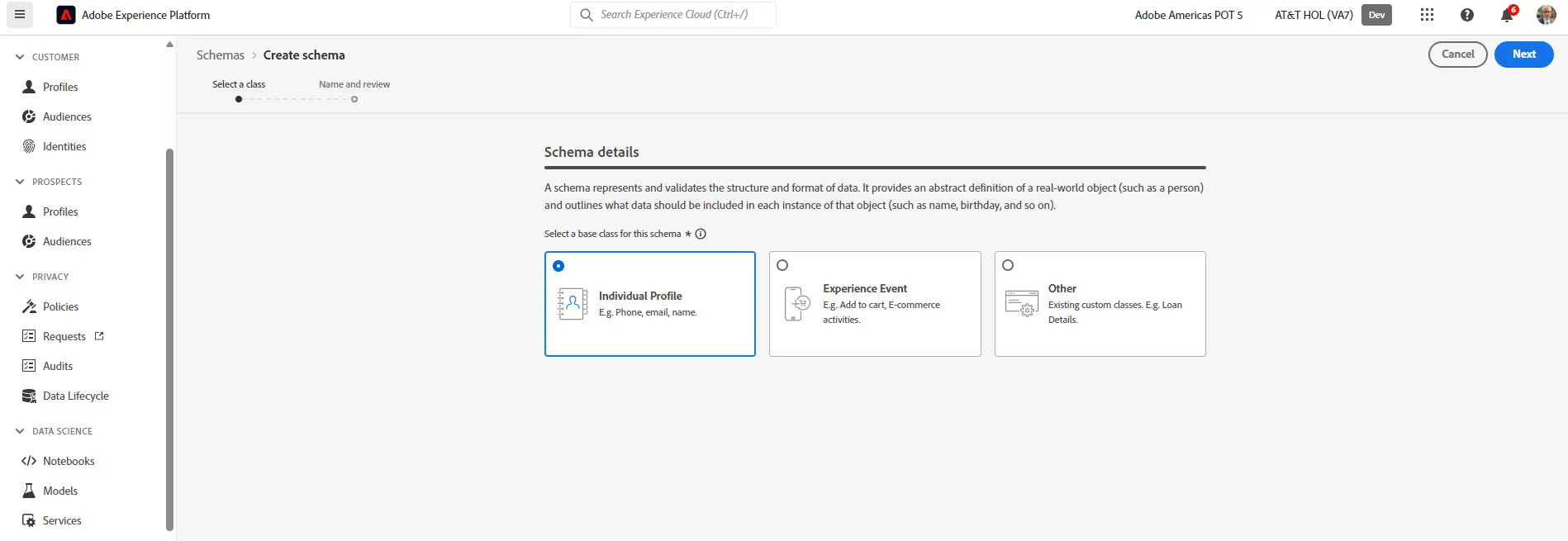
Give the schema a name like HOL Customer Profile + Your Initials and click Finish
We are going to leverage existing field groups to build out schema.
First we are going to add some Adobe built industry specific field groups
Click Add next to Fields Groups
Click the checkbox next to Telecommunications
Click the check boxes next to Loyalty Details and Telecom Subscriptions
Click Add field groups button
Next we are going to add some previously created custom field groups
Click Add next to Fields Groups
Uncheck the checkbox next to Telecommunications
Find and click the checkboxes next to CustomerInfo and Identities
Click Add field groups button
Your schema should look like this and then click the Save button in the upper right
Your schema is now created!