Profiles & Activity Logs
2 min
Objective:
To understand and manage user profiles and activity logs within Marketo.
Please follow the steps below:
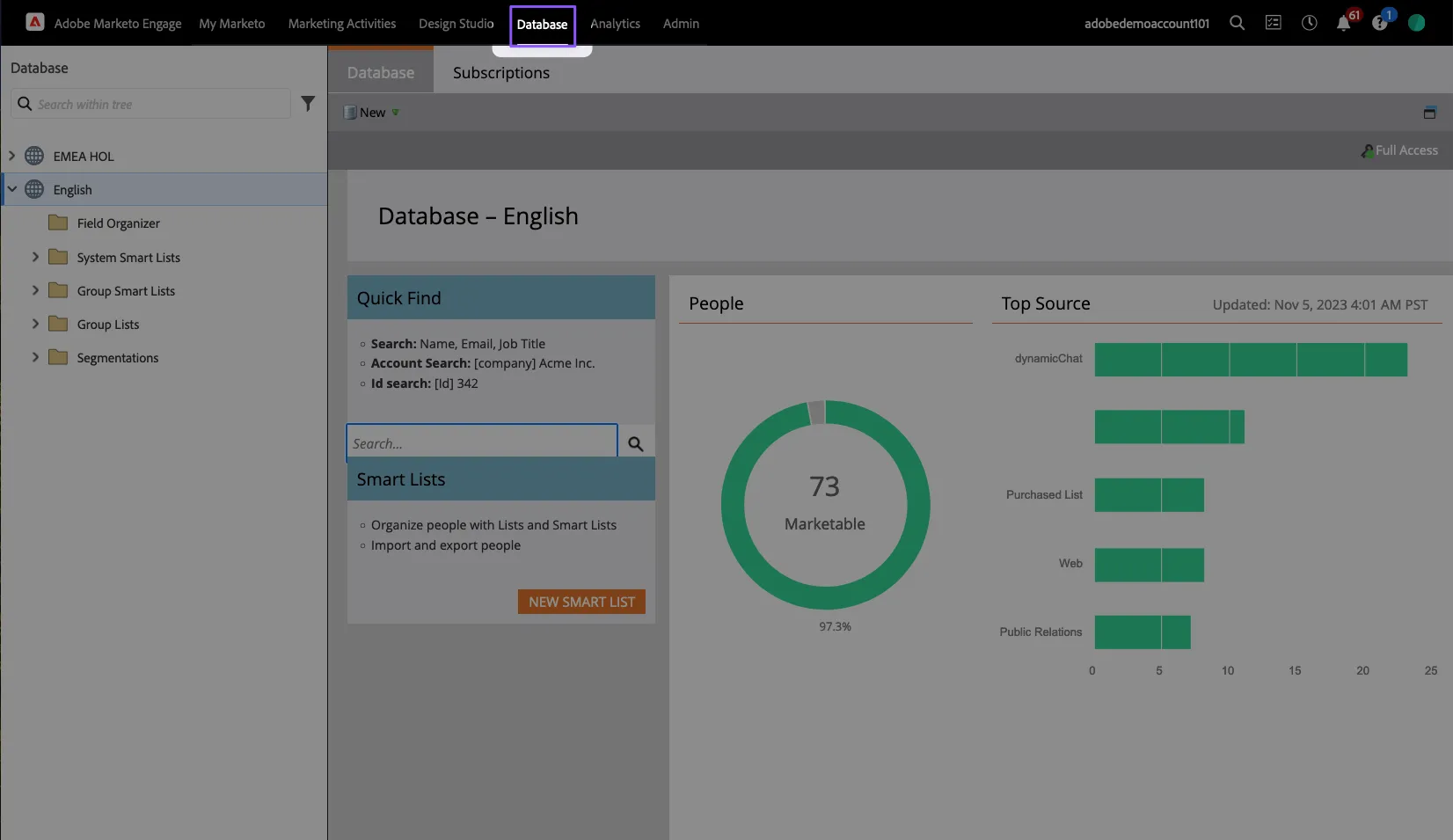
- Select Database from the top bar navigation menu
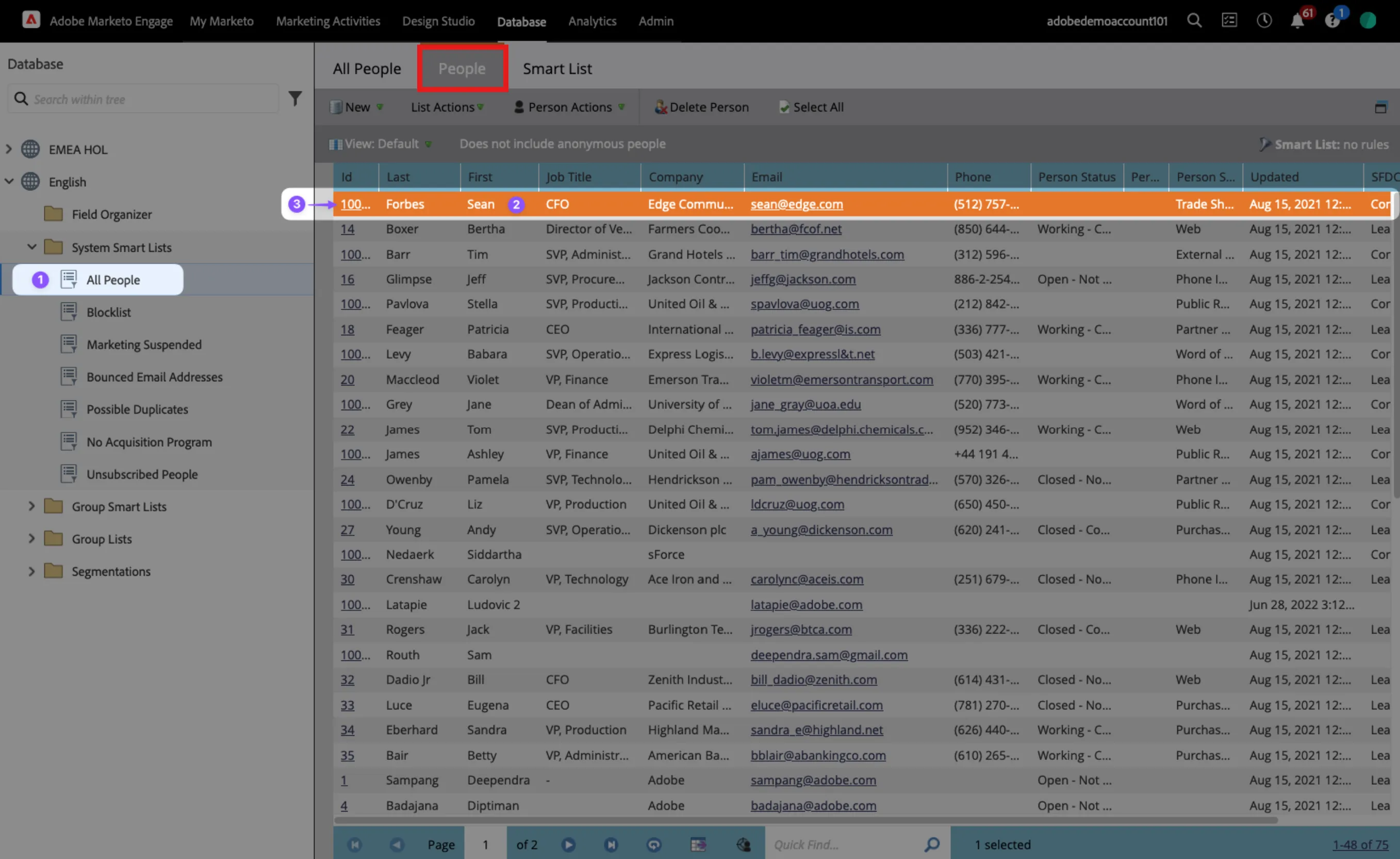
2. Select All People, People (highlighted in Red) tab, and select a profile from the list on the right, and select the ID of any profile
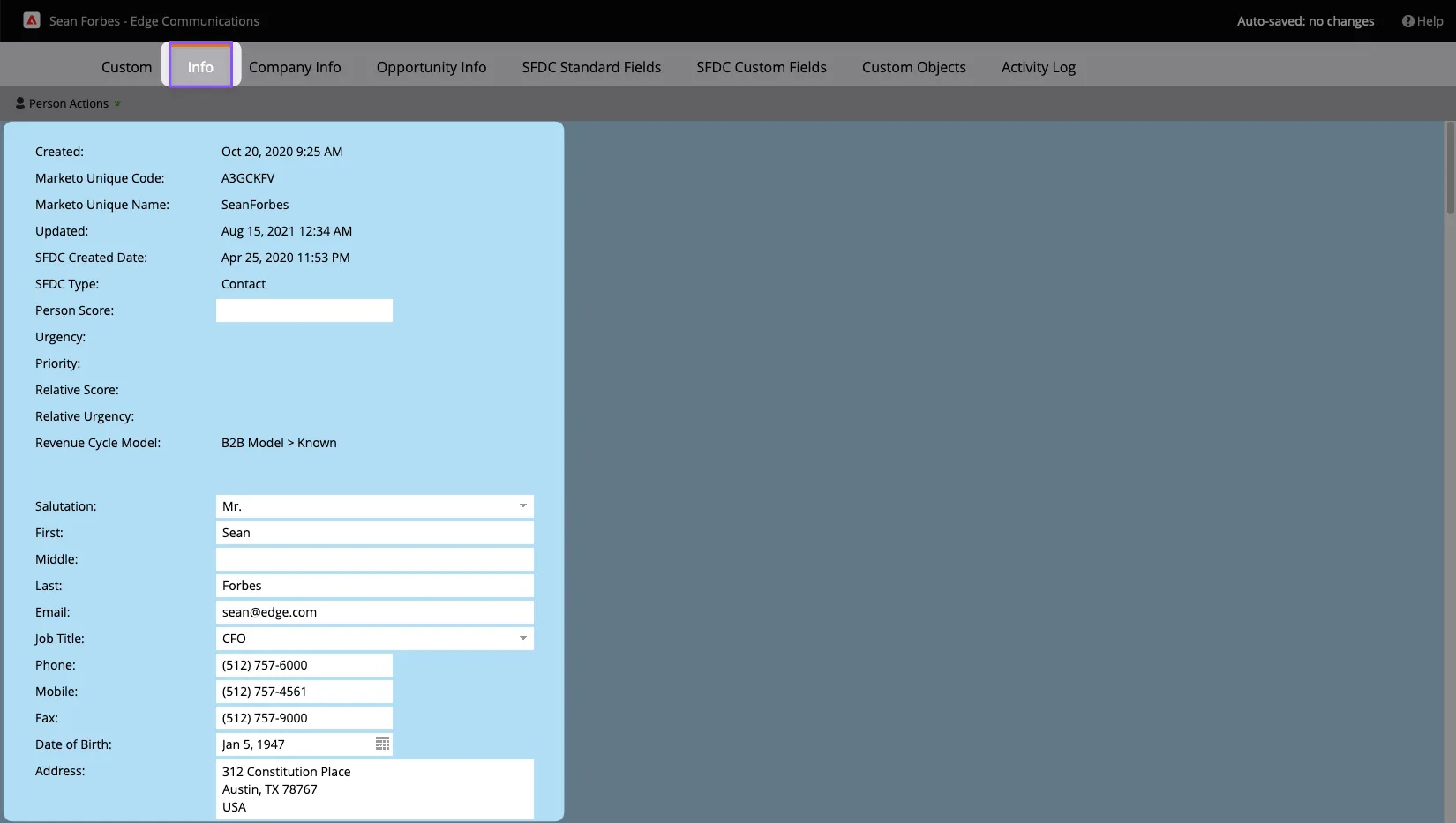
3. Select the Info tab within the profile
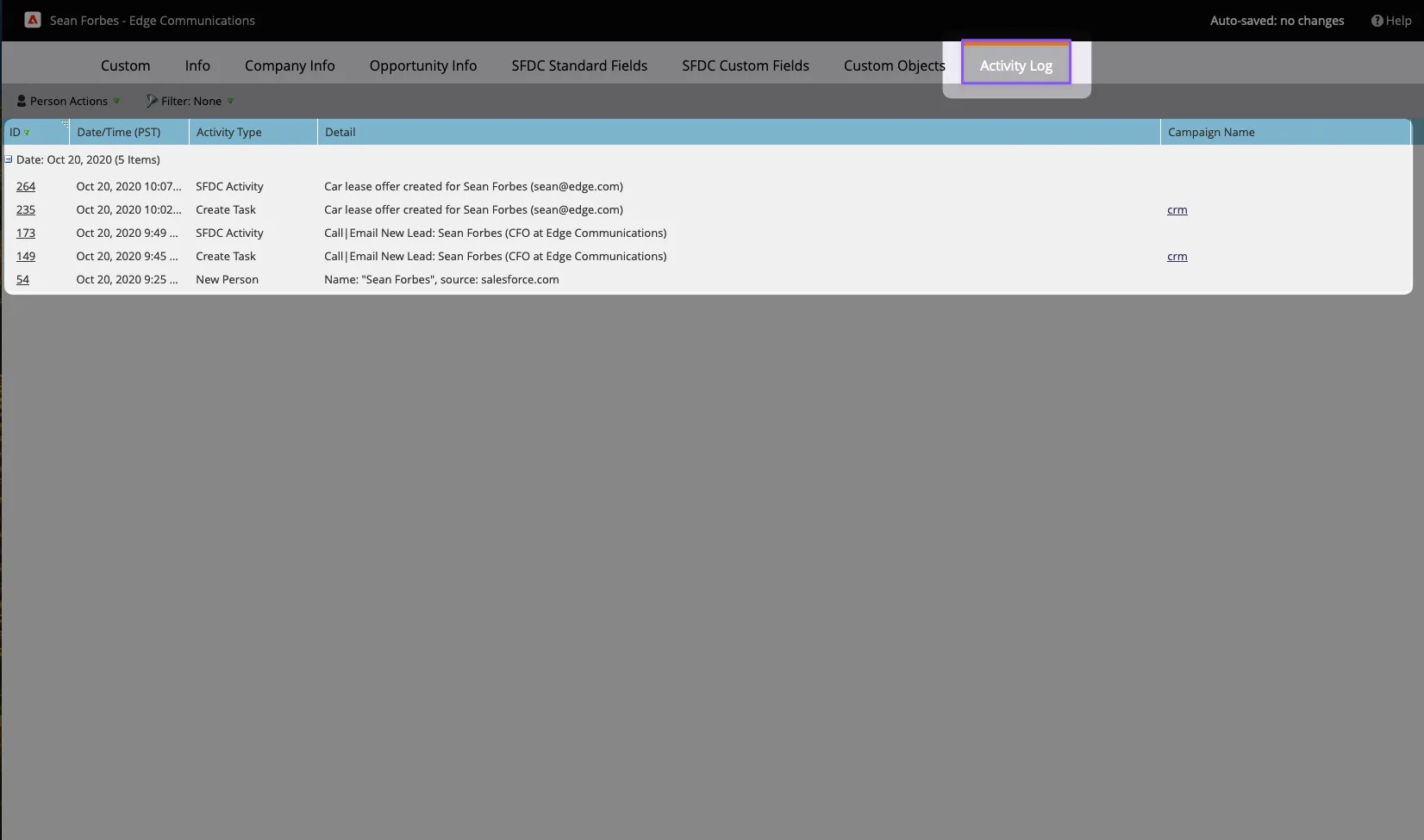
4. Select the Activity Log tab within the profile