Submitting a brief
Introduction
Now that we found an oppurtunity lets submit a request for buliding it.
Workfront request is the centralised placed to submit all types of requests in for the organisation.
Logging into workfront
We will be starting from workfront Home. You can navigate to workfront home by following Logging into the platform > Navigating to workfront section.
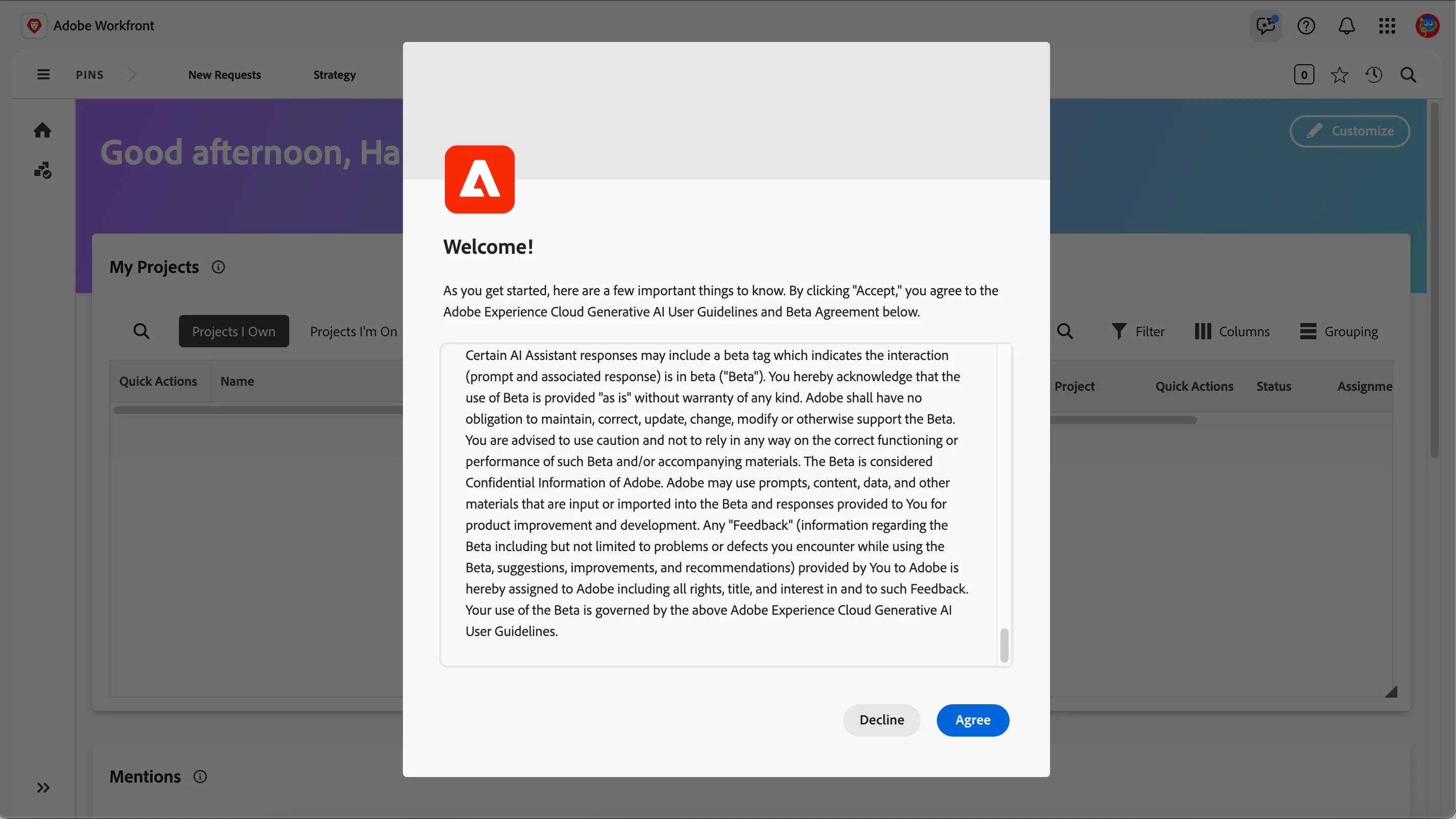
In case you see a GenAI agreement popup, scroll to the end and click on Agree. This is needed for the usage of AI assistant in workfront.
Submitting a request
Click on the burger menu (three lines) to see the workfront menu.
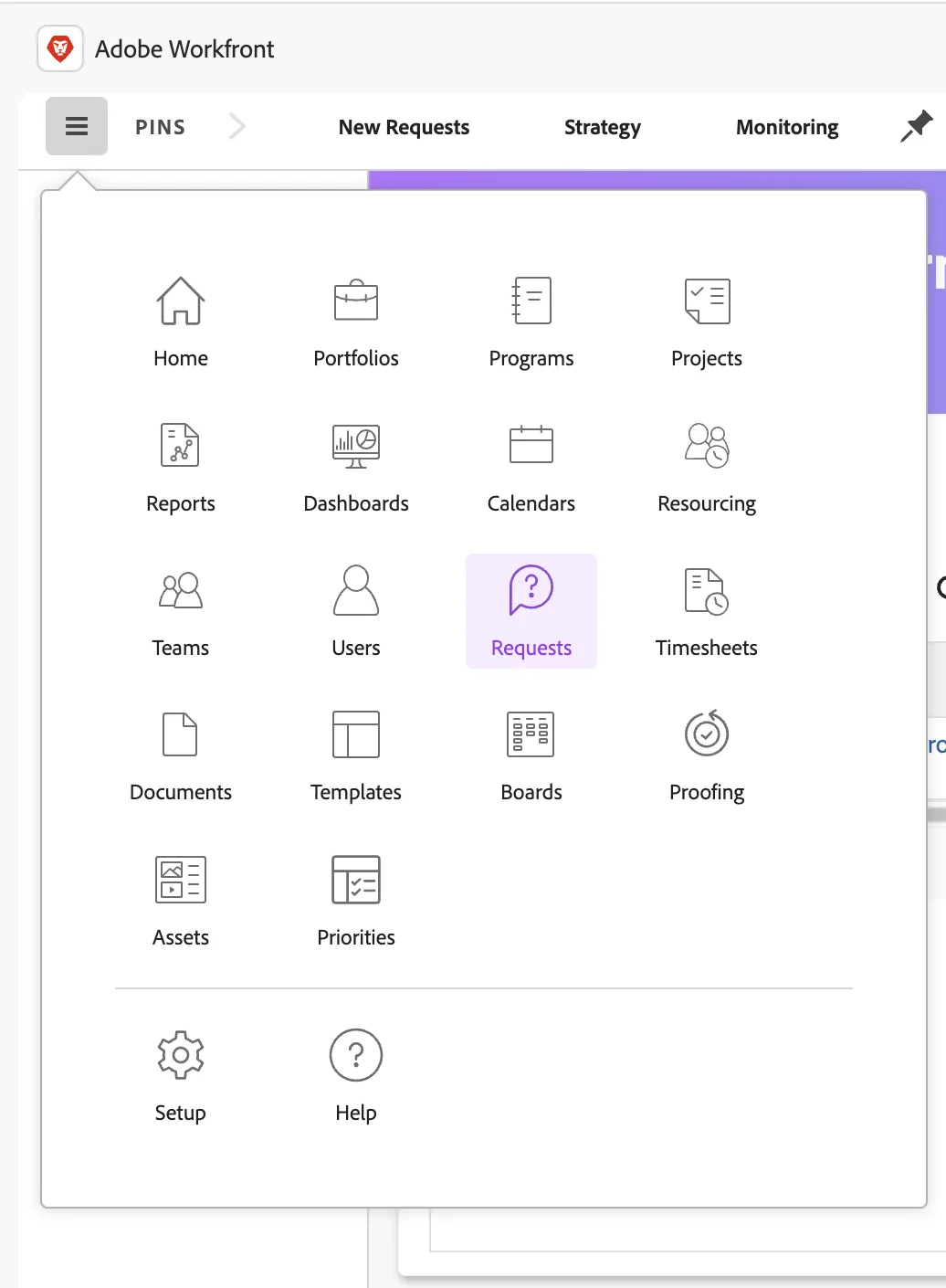
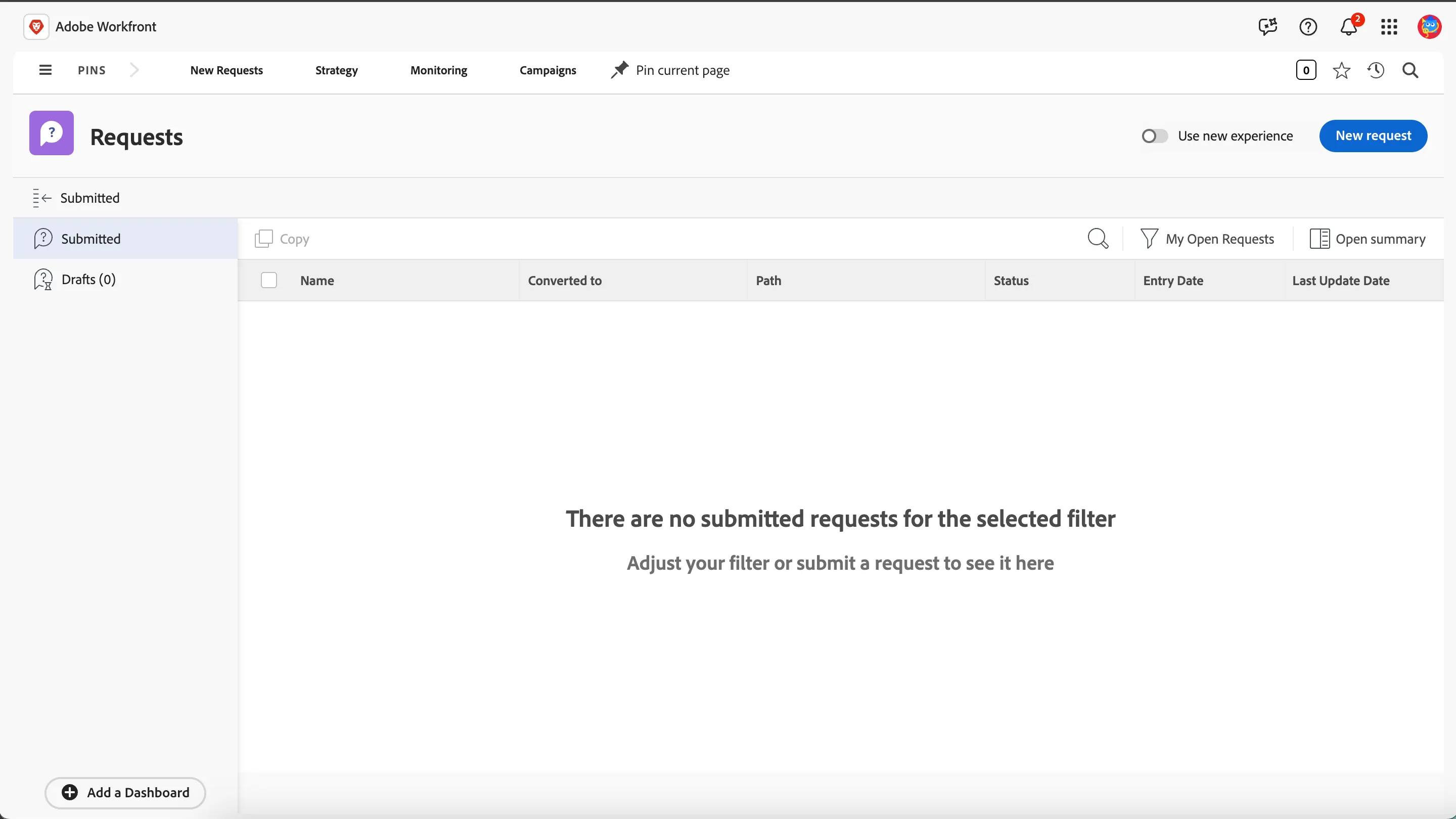
Click on Requests to open the Requests overview page. Requests is the central place where we capture all types of requests for the organisation. In case you see the below screen, click on the toggle button to Use new experience.
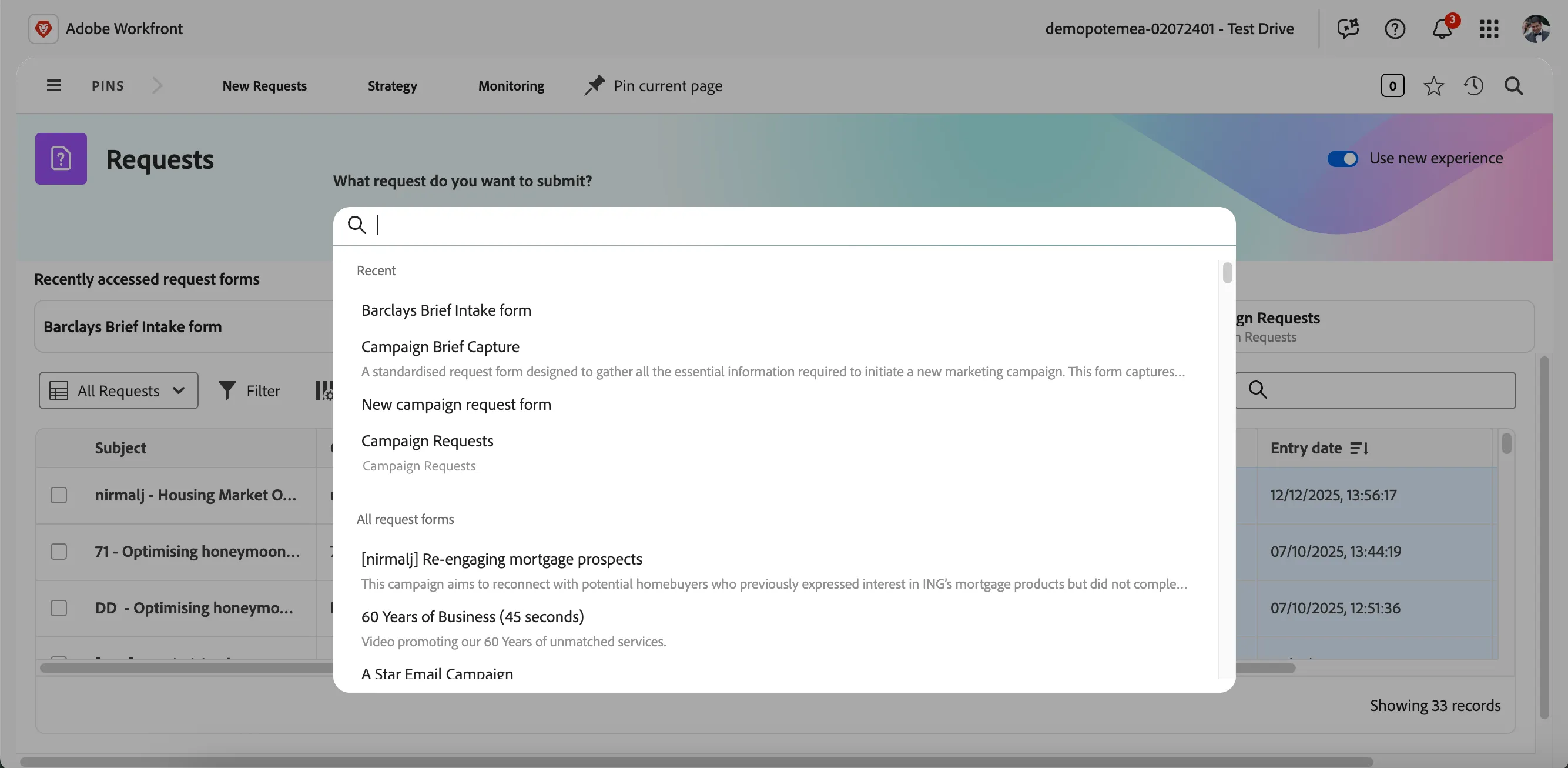
Different request queues can be created and managed to ensure processing various types of requests in an organisation. In our case, we want to create a request for a new campaign. To do that, click on the search bar and select Barclays Brief Intake form.
This will open up a form to enter the brief details.
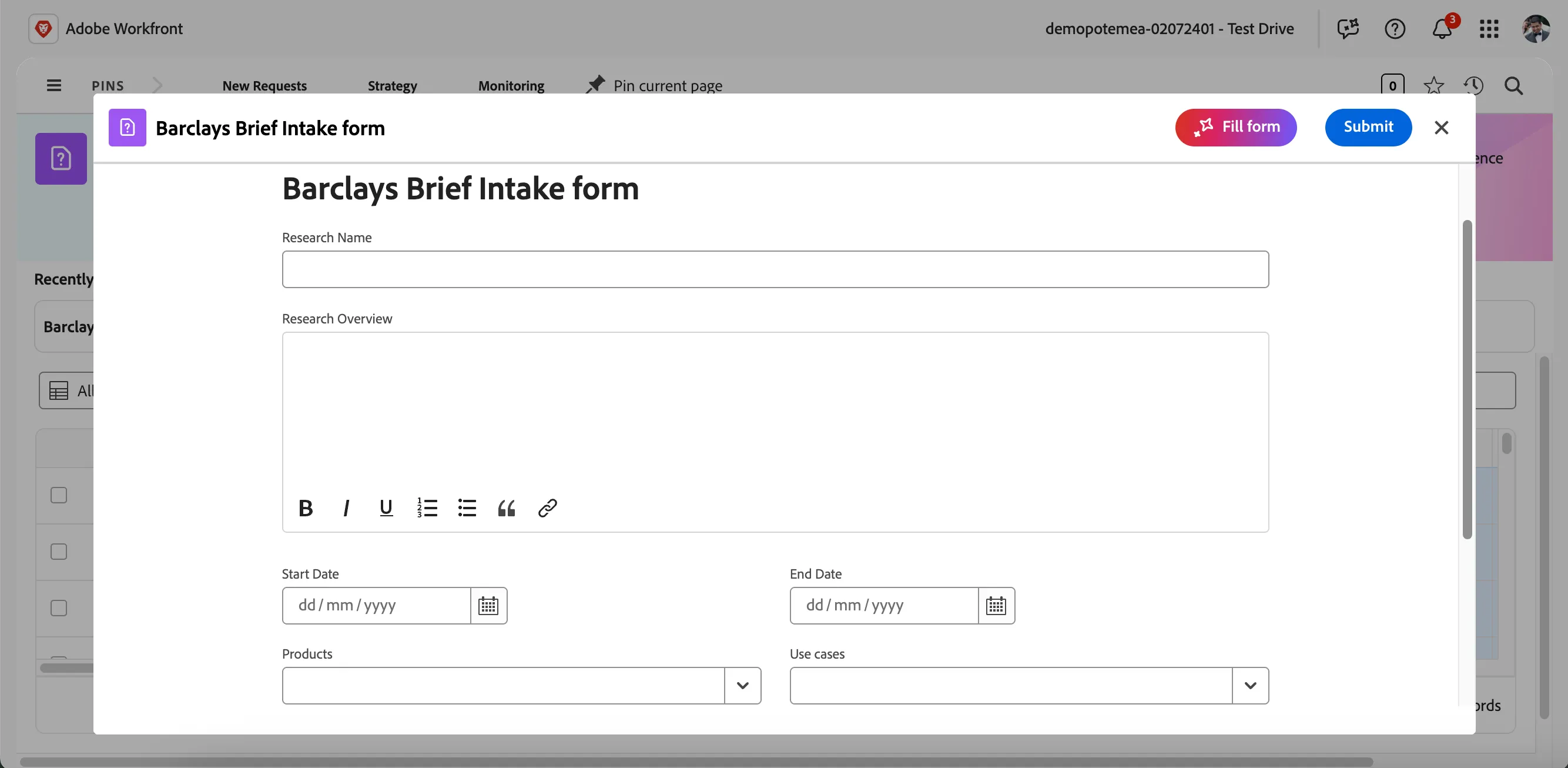
Enter the below research details
Research Name : [initials] - Housing Market Outlook 2026Use your name prefix along with the research name eg. {{CUSTOMER_NAME}} - Housing Market Outlook 2026
Research Overview : This research explores the projected housing market outlook for 2026 in both the UK and US, providing a comparative view of expected performance and examining how global economic conditions are shaping each market.
Start Date : Select todays date i.e. 17/12/2025
End Date : Select a date in the January as the end date i.e. 01/31/2026
Use Cases : Select Data-driven lending
You can leave the other fields unfilled. Click on Submit to submit the campaign brief. There are various other ways to submit a brief, read documentation for details
Once successfully submitted, you will receive a toast message as Request submitted successfully.
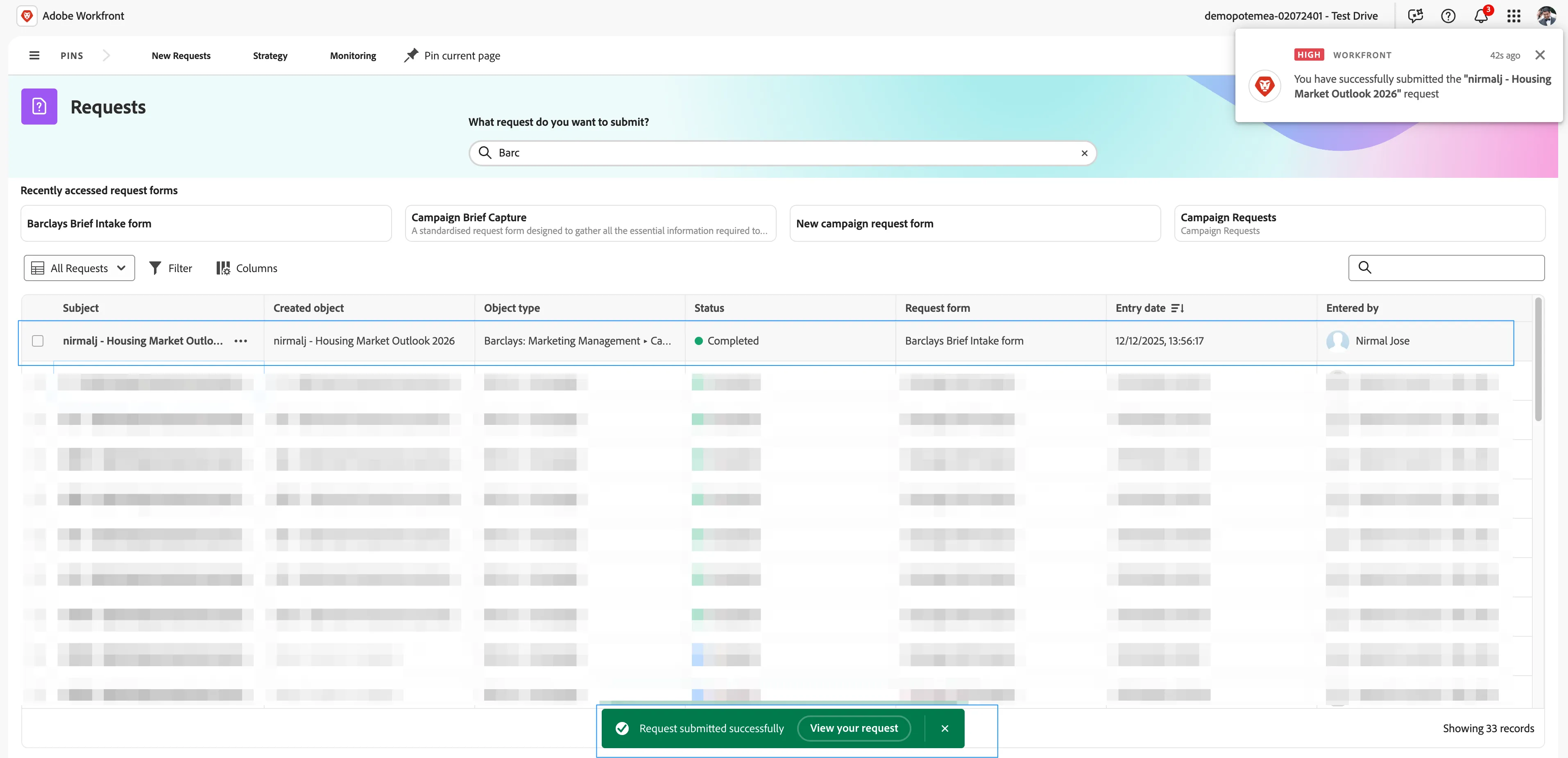
We can create custom request forms to capture all kinds of information needed for various types of campaigns and projects. We can also create routing rules or approval processes for requests based on request types allowing different areas in organisation to manage its own request queues.
You have now successfully submitted a campaign brief in workfront and created a campaign object in workfront planning.