SMS Designer
2 min
This lab will walk through the steps to create an SMS Message in Adobe Journey Optimizer.
NOTE: Some exercises may vary during the actual Hands on Lab versus what is listed in the Archbee Page, due to industry setup and / or Presenter preferences.
Create a New Message
- Within the Basic Journey, click on SMS action node
- Enter a Label and Description for the message.
- Select Transactional for Category and MultichannelTransactional
- Click on Edit Content
Define the SMS Message
Type the SMS message: "New Luma Products! Check out the new Luma Products today by visiting!https://luma.com/new-products"
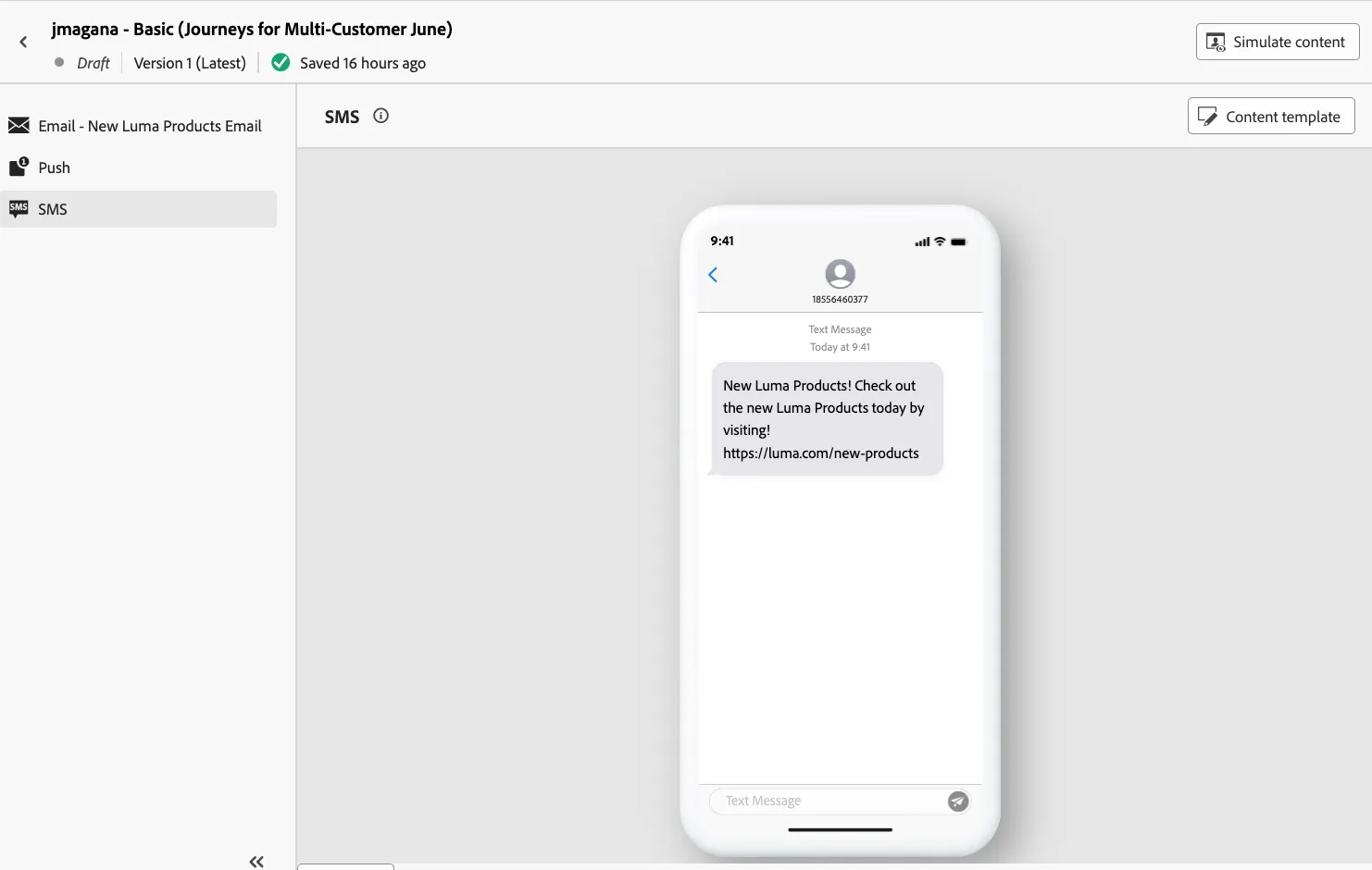
- Exit the designer after composing the message.