Connect Clients
Data Distiller allows you to connect from a variety of desktop client applications. Data Distiller uses the PostgreSQL protocol, so you dive deeper in how to use PostgreSQL tools and drivers to connect and write queries.
For this part of the lab you will need to have PostgreSQL installed on your local machine to be able to complete query.
{% embed url="https://www.postgresql.org/download/" %}
The PostgreSQL CLI will be included in the download and you will use that to connect to Data Distiller through the terminal or cmd on your computer.
To get the login credentials for connecting a client to Data Distiller, go to Queries on the left side navigation and click on Credentials.
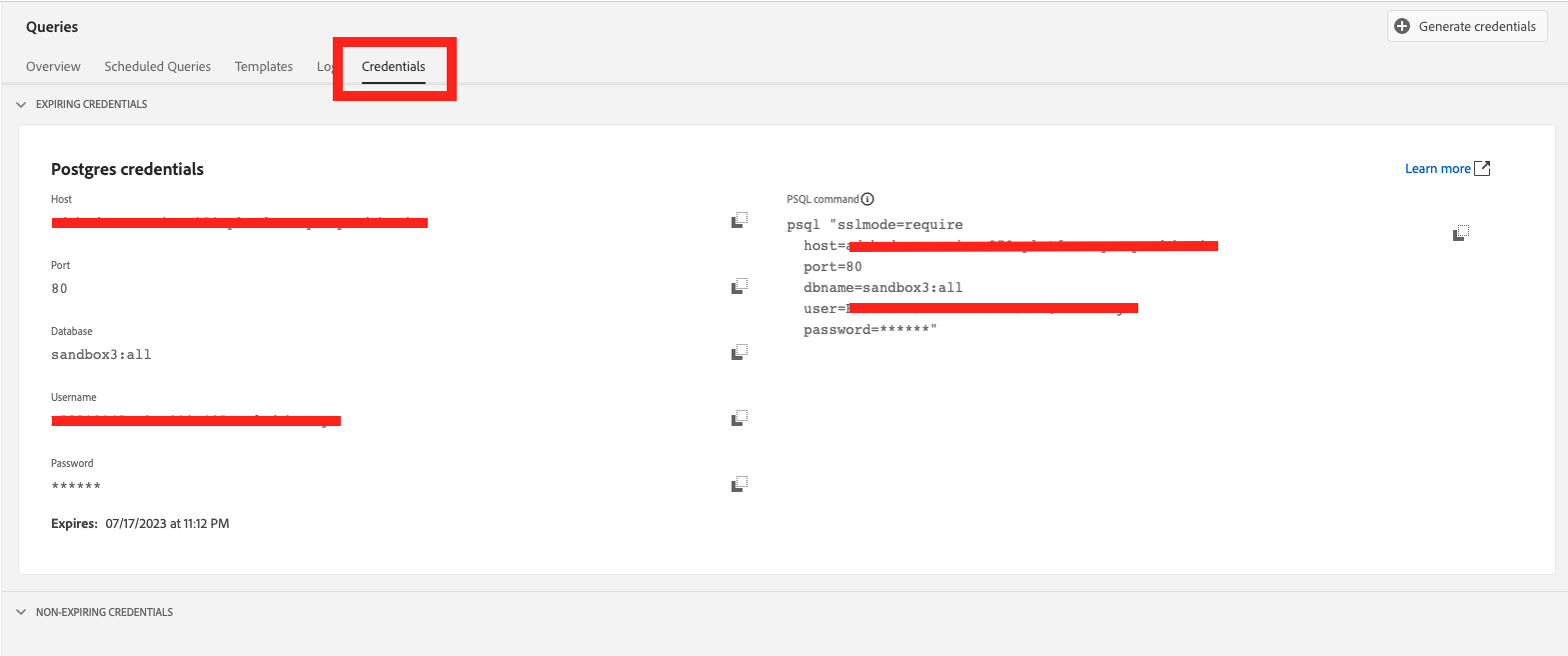
You will see 2 credentials presented to you. The one on the right will be used for connecting UI based clients like DbVisualizer, Looker, Power BI, Tableau, and more. The one on the left will be used to connect to Data Distiller through a terminal or CLI.
For this exercise you will copy the credentials on the left, then open your terminal of choice. Once your terminal is running, copy and paste the credential in the terminal and in a few moments you will be connected to Data Distiller through a client.
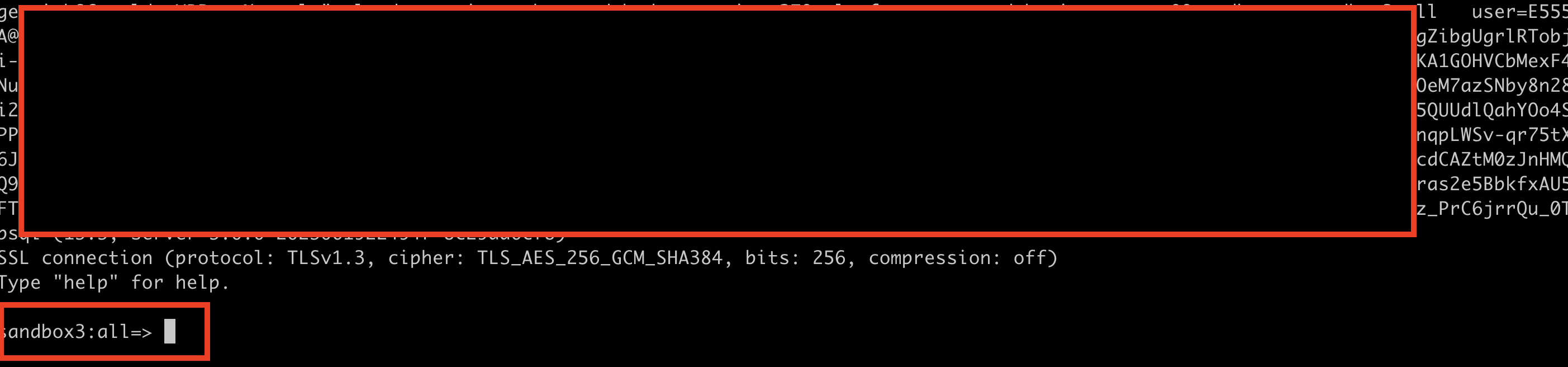
Once you are connected you will see the sandbox that you are connected to. You will be able to run queries from the CLI.
Let's do a test and make sure that you can successfully run a query in the terminal.
SELECT  timestamp as `date`,
_adobeamericaspot5.bankingInfo.numOfAccts as numOfAccts,
_adobeamericaspot5.bankingInfo.points as points,
_adobeamericaspot5.bankingInfo.balance as balance,
_adobeamericaspot5.bankingInfo.balance * _adobeamericaspot5.bankingInfo.numOfAccts as Total
FROM banking
LIMIT 50;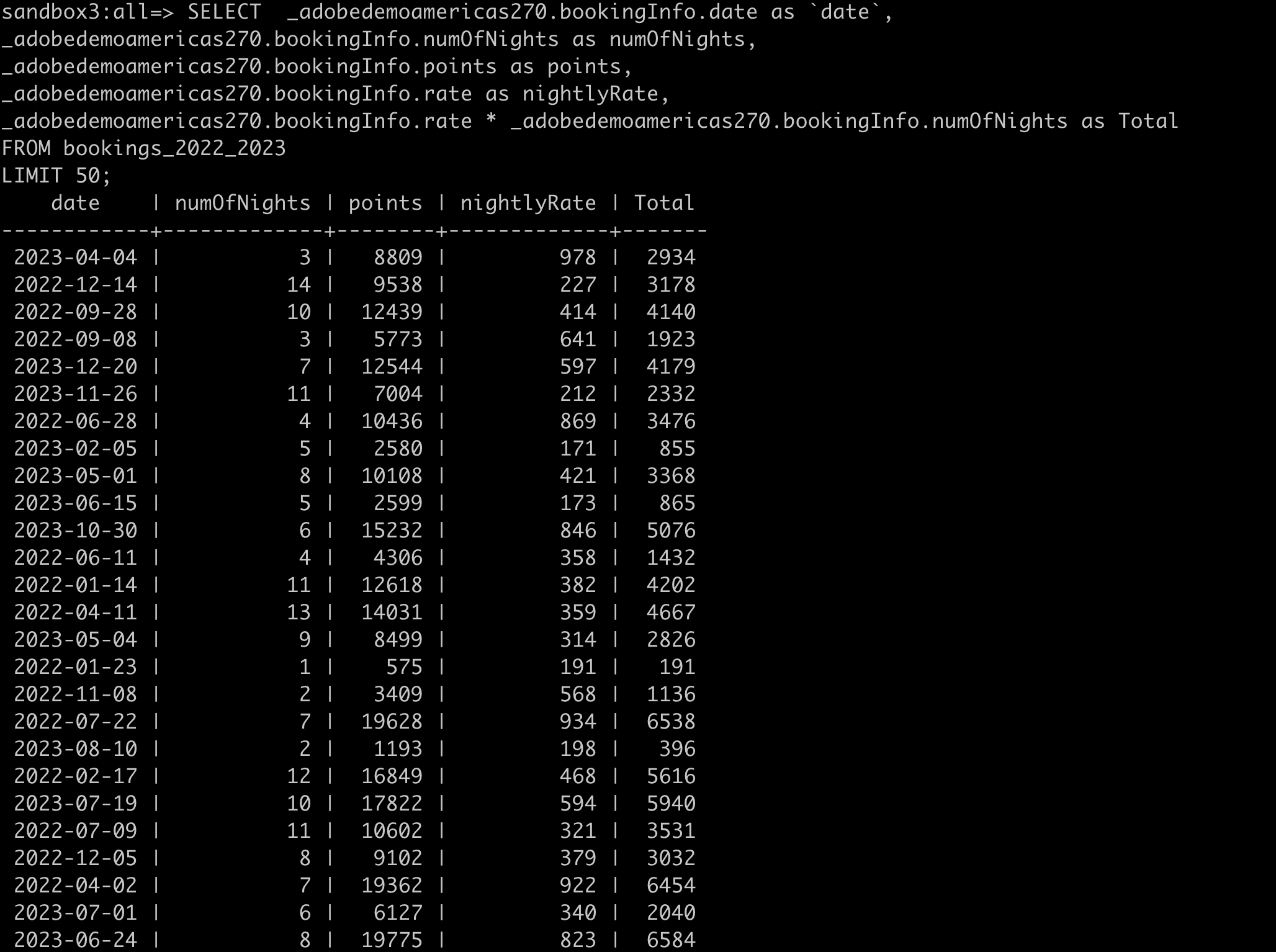
Now that you have confirmed that you can successfully run queries through the client, let's move forward with extending the use case from the query completed in the UI.
The goal of this query is to create a list of all people from all of 2023 that have not confirmed a booking. You will need to run the query to get the list and the next steps will be to create a table with that list of people.
SELECT crm._adobeamericaspot5.memberInfo.branchCity as branchCity,
        crm._adobeamericaspot5.memberInfo.branchState as branchState,
        crm._adobeamericaspot5.memberInfo.hasRewardCard as hasRewardCard,
        crm._adobeamericaspot5.personDetails.loyaltyDetails.loyaltyLevel,
        b._adobeamericaspot5.bankingInfo.mortgage as mortgage,
        b._adobeamericaspot5.bankingInfo.date as `date`,
        b._adobeamericaspot5.bankingInfo.numOfAccts as numOfAccts,
        b._adobeamericaspot5.bankingInfo.points as points,
        b._adobeamericaspot5.bankingInfo.balance as balance,
        b._adobeamericaspot5.bankingInfo.balance * b._adobeamericaspot5.bankingInfo.numOfAccts as Total
FROM crm_fsi crm
JOIN banking b
ON crm._adobeamericaspot5.personDetails.loyaltyDetails.loyaltyId = b._adobeamericaspot5.bankingInfo.loyaltyId
WHERE b._adobeamericaspot5.bankingInfo.date BETWEEN '2024-01-01' AND '2024-08-30'
AND b._adobeamericaspot5.bankingInfo.mortgage = FALSE
ORDER BY Total DESC;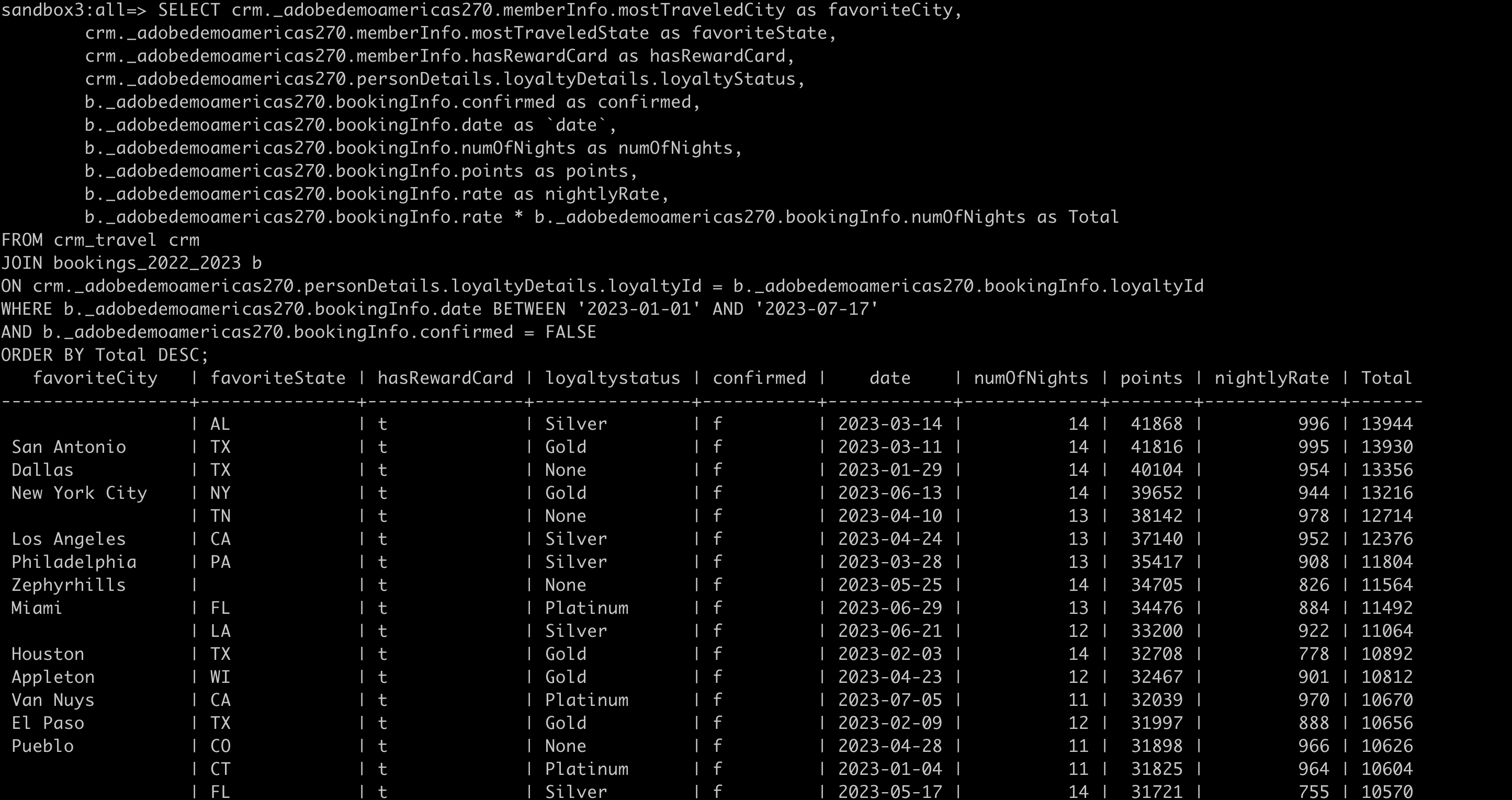
Now that you have that list, create a new table.
CREATE TABLE notmortgage2024 AS
	SELECT crm._adobeamericaspot5.memberInfo.branchCity as branchCity,
			crm._adobeamericaspot5.memberInfo.branchState as branchState,
			crm._adobeamericaspot5.memberInfo.hasRewardCard as hasRewardCard,
            crm._adobeamericaspot5.personDetails.loyaltyDetails.loyaltyLevel,
			b._adobeamericaspot5.bankingInfo.mortgage as mortgage,
			b._adobeamericaspot5.bankingInfo.date as `date`,
			b._adobeamericaspot5.bankingInfo.numOfAccts as numOfAccts,
			b._adobeamericaspot5.bankingInfo.points as points,
			b._adobeamericaspot5.bankingInfo.balance as balance,
			b._adobeamericaspot5.bankingInfo.balance * b._adobeamericaspot5.bankingInfo.numOfAccts as Total
	FROM crm_fsi crm
	JOIN banking b
	ON crm._adobeamericaspot5.personDetails.loyaltyDetails.loyaltyId = b._adobeamericaspot5.bankingInfo.loyaltyId
	WHERE b._adobeamericaspot5.bankingInfo.date BETWEEN '2024-01-01' AND '2024-08-30'
	AND b._adobeamericaspot5.bankingInfo.mortgage = FALSE
	ORDER BY Total DESC;
Congrats, you have completed queries using the Client Connector in Data Distiller.