Share Audience
1 min
To start sharing audiences, navigate to the Share tab in your project workspace. In this tab, you can review and manage shared audiences
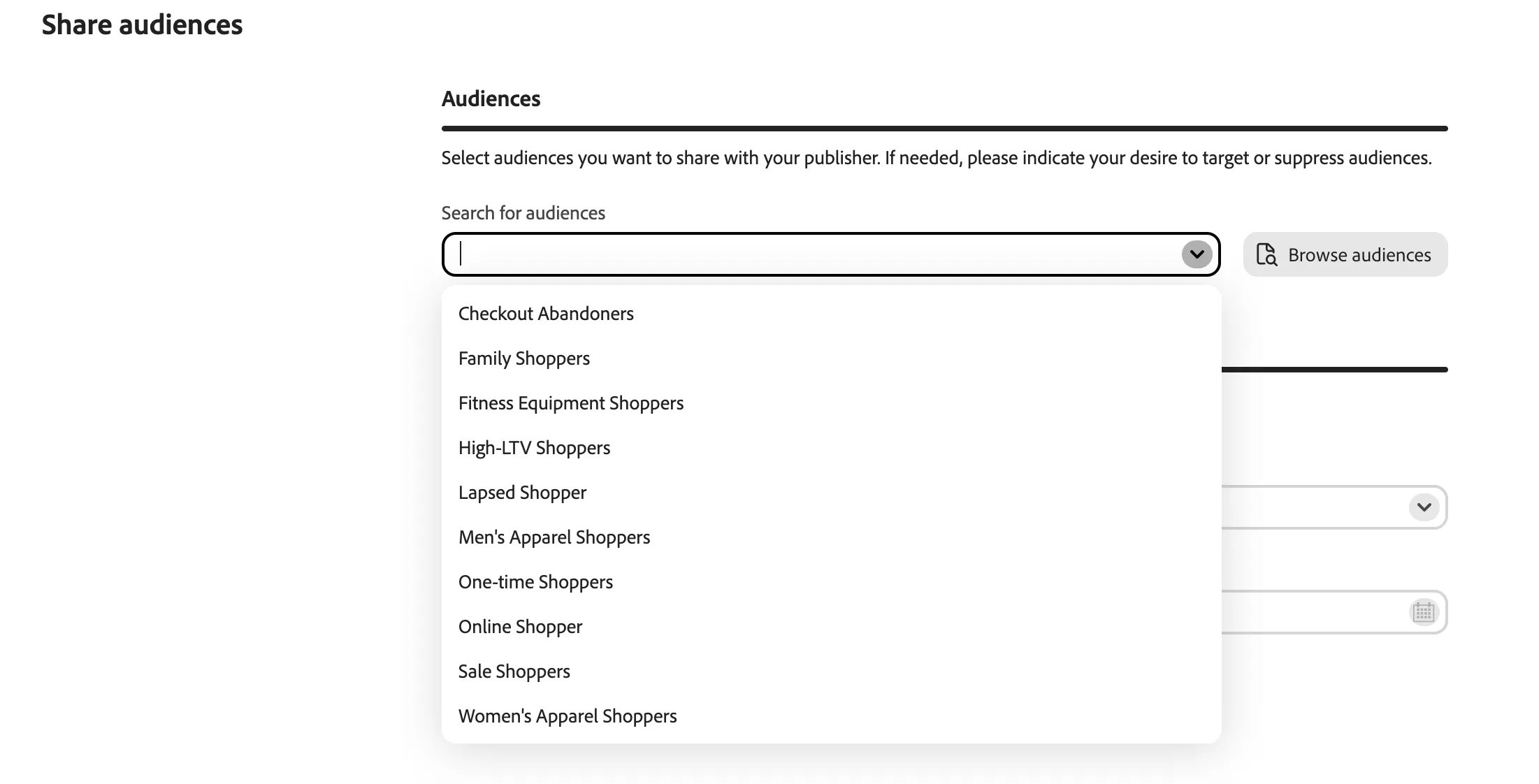
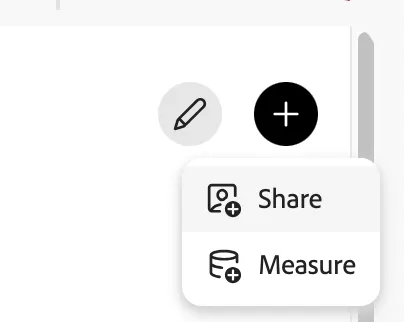
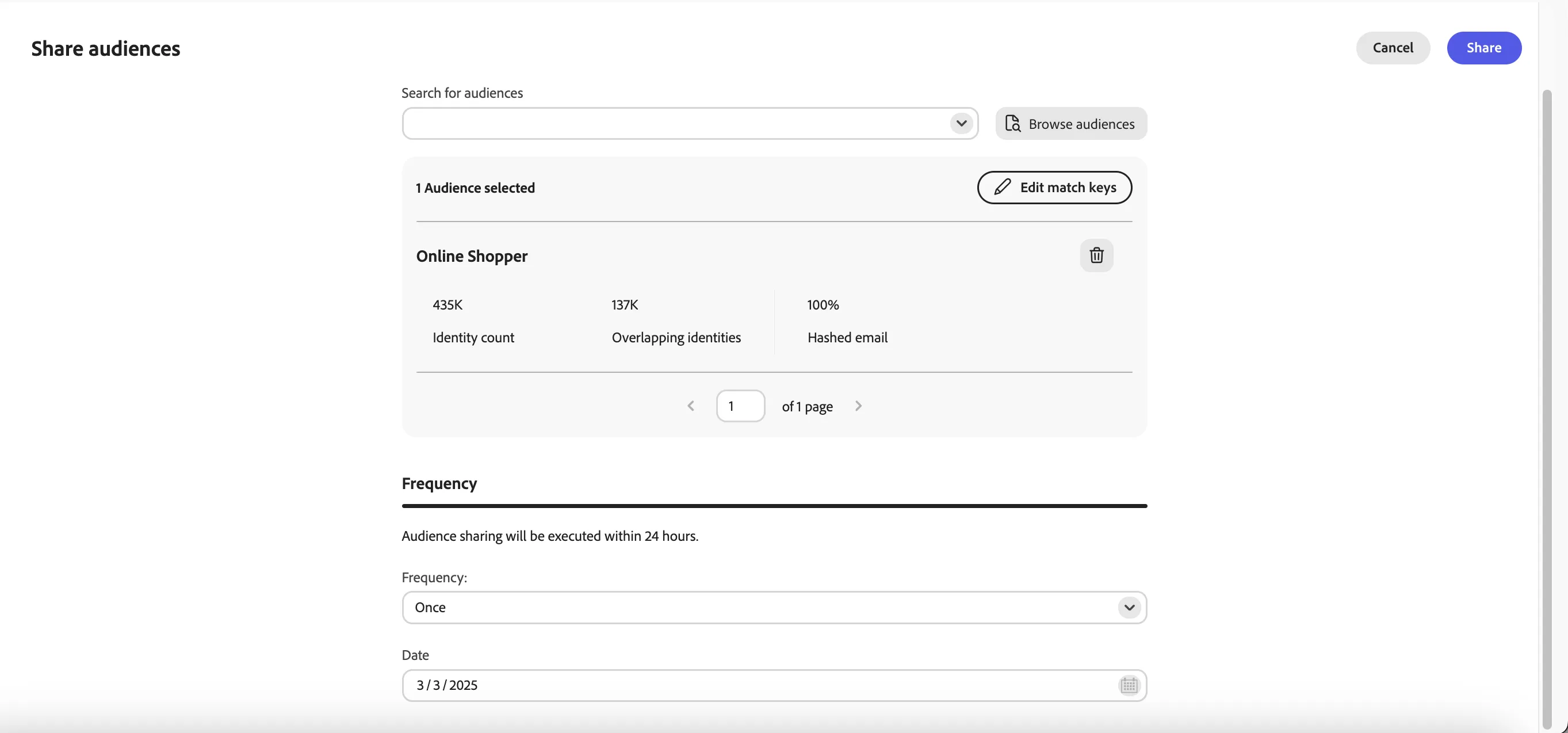
Find and select the audience to share: Online Shopper
Leave the frequency and date as is
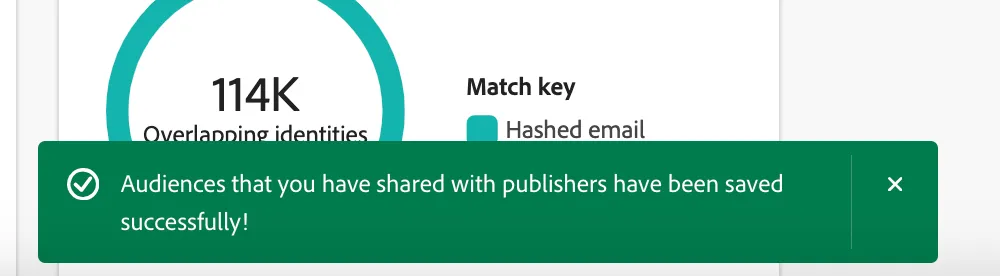
Congrats! You have successfully shared yout audience with your collaborator
After you share an audience for activation, the audience immediately shows up in the publisher's Activate view. The audience will be exported to the publisher's indicated location at the interval set during the workflow.