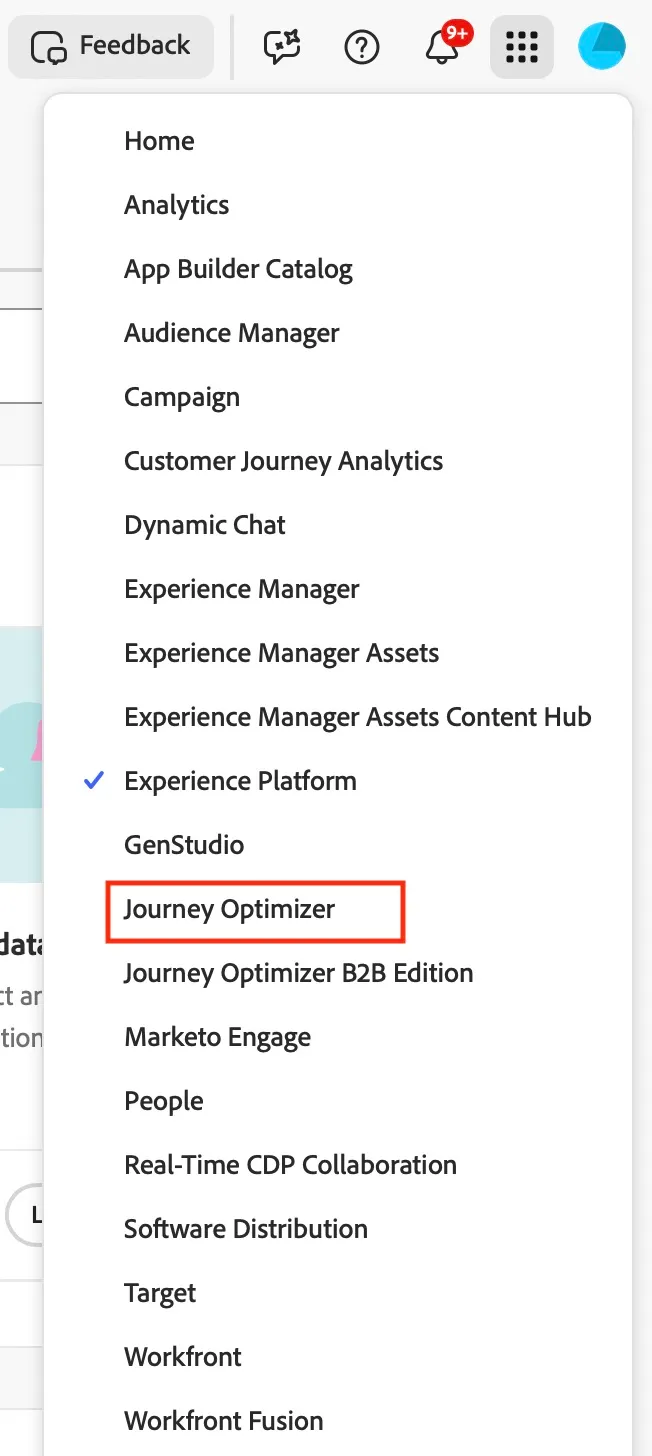
Access
Login
- When prompted for authentication, use the following Adobe ID. Do not use your own email address. Also, sign-out from all Adobe instances that might be open.
S. No. | Login Email |
|---|---|
1 | |
2 | hol4u02@apac.aephandsonlabs.com |
3 | hol4u03@apac.aephandsonlabs.com |
4 | hol4u04@apac.aephandsonlabs.com |
5 | hol4u05@apac.aephandsonlabs.com |
6 | |
7 | |
8 | |
9 | |
10 | |
11 | |
12 | |
13 | |
14 | |
15 | |
16 | |
17 | |
18 | |
19 | hol4u[email protected] |
20 | hol4u[email protected] |
21 | hol4u[email protected] |
22 | hol4u[email protected] |
23 | hol4u[email protected] |
24 | hol4u[email protected] |
25 | hol4u[email protected] |
26 | hol4u[email protected] |
27 | hol4u[email protected] |
28 | hol4u[email protected] |
29 | hol4u[email protected] |
30 | hol4u[email protected] |
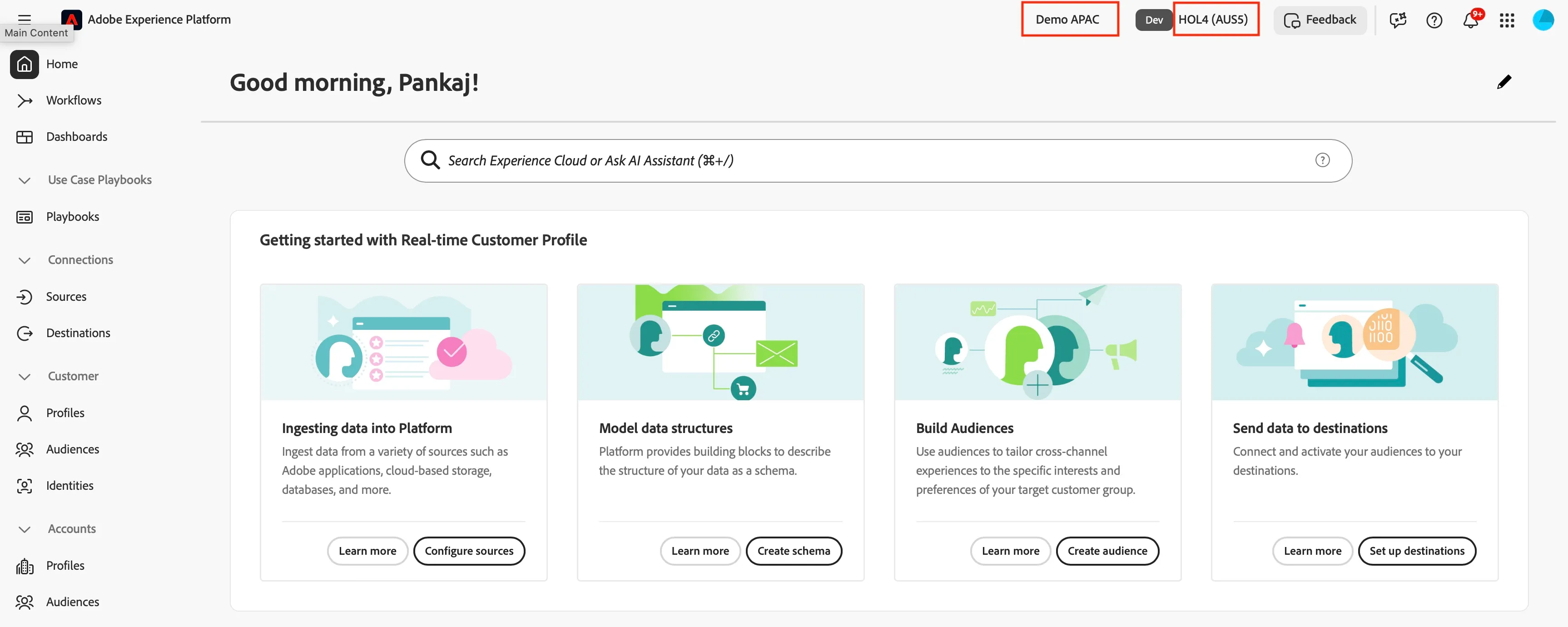
Ensure you are in the right sandbox. On the top right you should see...
- Demo APAC, indicating the organisation.
- hol4, indicating the sandbox
Click on the nine-dots icon in the top right and you can see Adobe Journey Optimizer in the dropdown list.