Datasets
Datasets
In this exercise, you’ll configure the required datasets to capture and store profile information and customer behaviour.
Create Profile Dataset
- Navigate to the Datasets section through the left panel
- Click on the Create dataset in the upper right hand corner
- Click on the Create dataset from schema card

2. Select the option to Create dataset from schema. Select your schema created in the last module [your surname-userno.] - CRM Schema .
3. Click Next to continue.
4. Name your dataset [your surname-userno.] - CRM Dataset . Ex. rawat-31-HOL-CRM Dataset
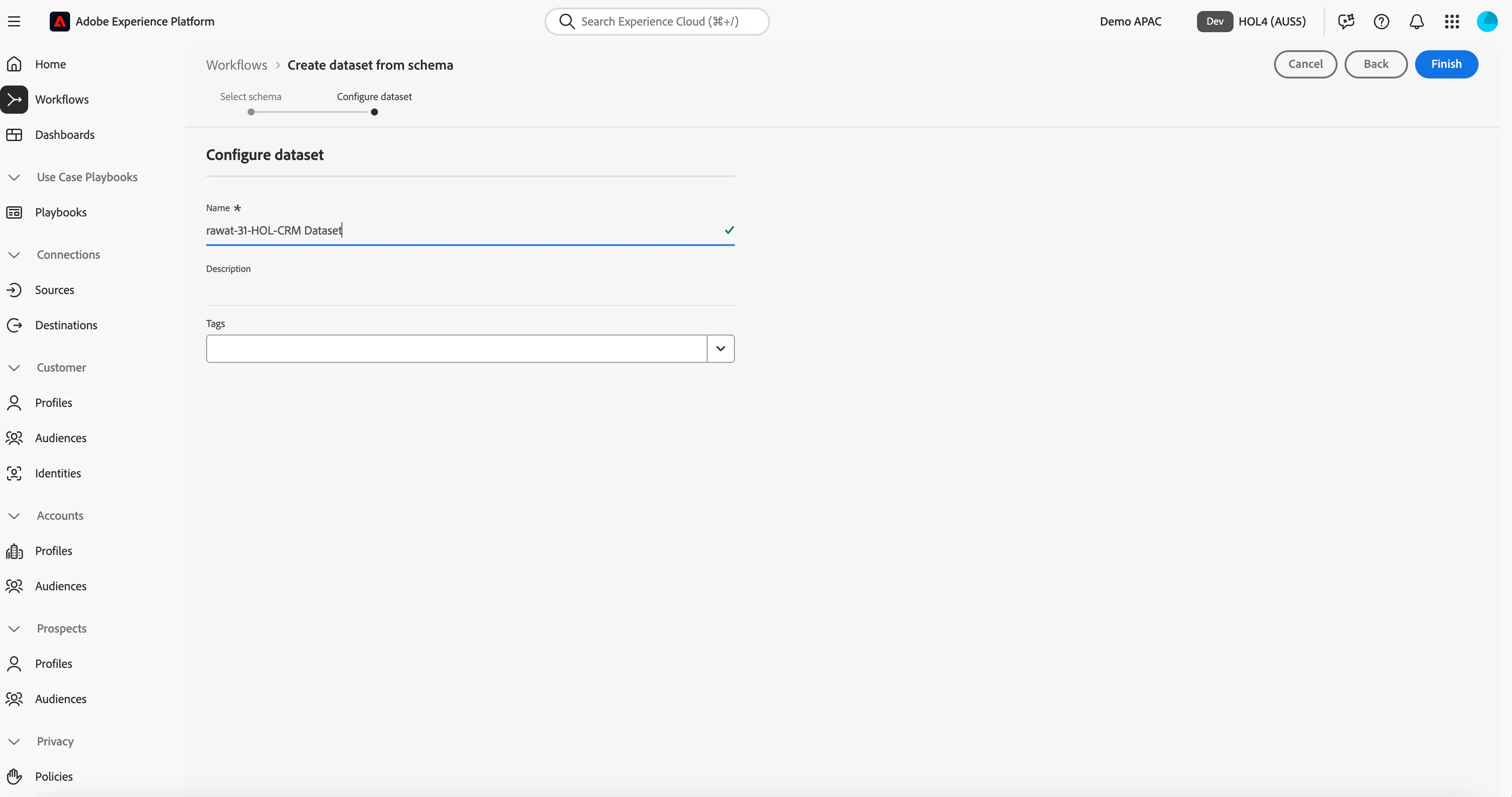
5. Click Finish to finish your dataset configuration
You'll now see this:
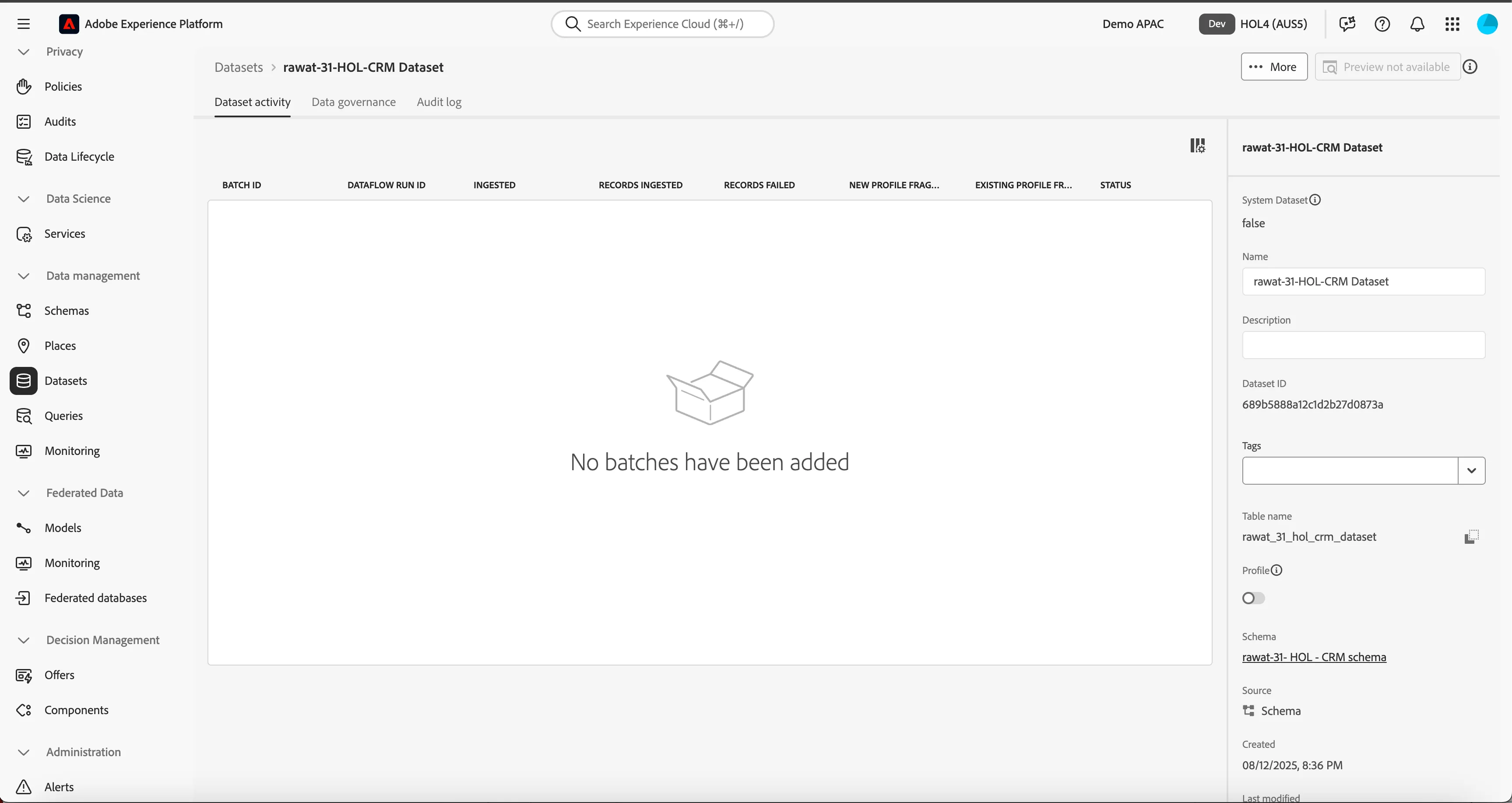
Congratulations! You have completed the Datasets exercise.