Data Views
A Data View is the next step in the CJA setup process after creating a Connection.
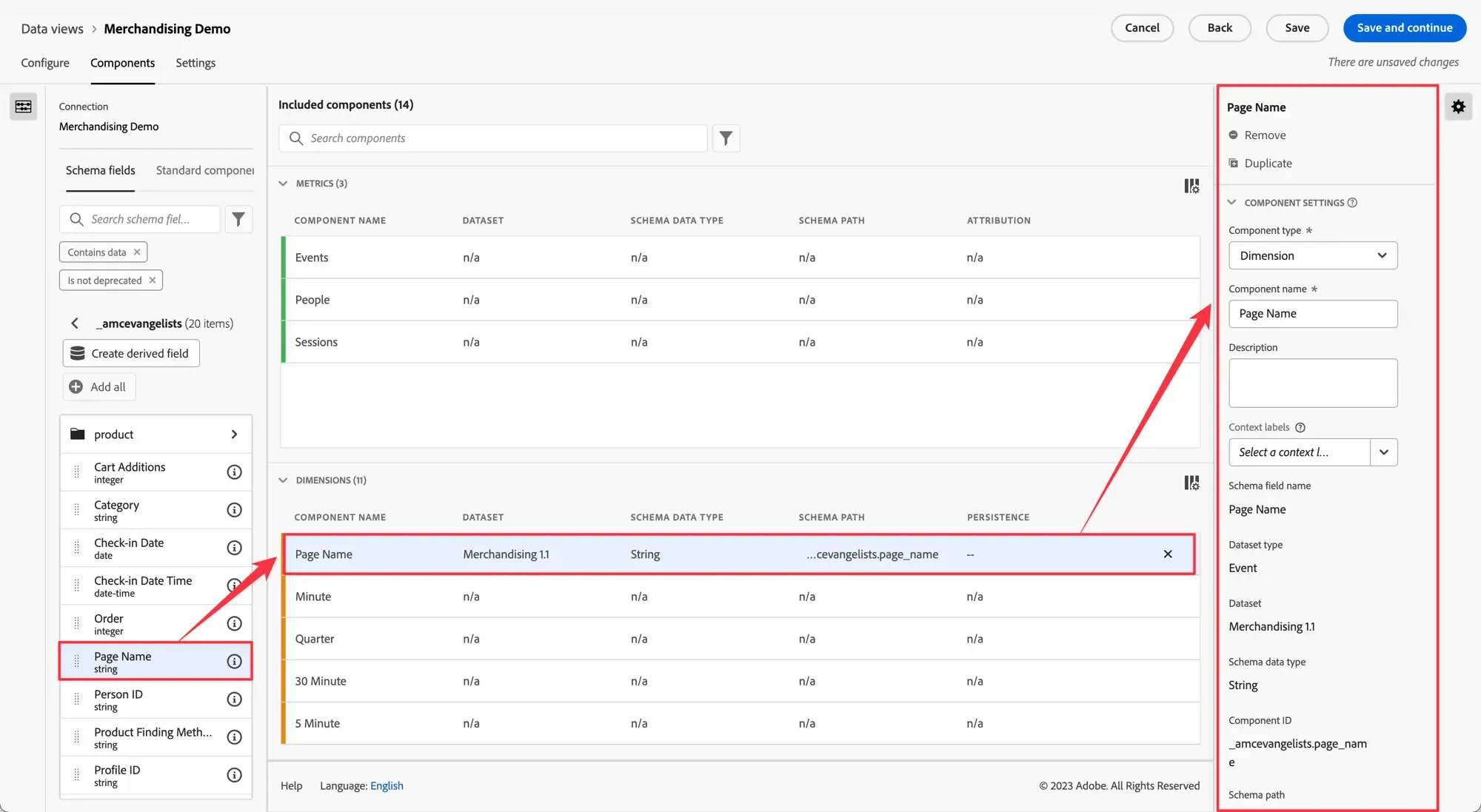
Data Views enable you to determine how to interpret data from a Connection in preparation for reporting in Analysis Workspace. It enables the admin familiar with the raw data and reporting needs to specifiy all dimensions and metrics needed to be available in Analysis Workspace.
Note: Any settings that you select or change in a data view are retroactive and non-destructive. In other words, they do not permanently change your underlying data. You can create different data views for the same connection, with very different sets of components (dimensions/metrics). Or create data views with different settings for visit timeout, attribution, etc.
Data views let you spontaneously change schema element settings, without having to change the schema in Adobe Experience Platform or re-implementing your Customer Journey Analytics environment.
A lot can be done with Data Views. To learn more about all the availble functionalities, use-cases, as well as the setup process, please review all sub-sections avaible on Experience League.