Welcome & Setup
Welcome to the Hands-on Lab!
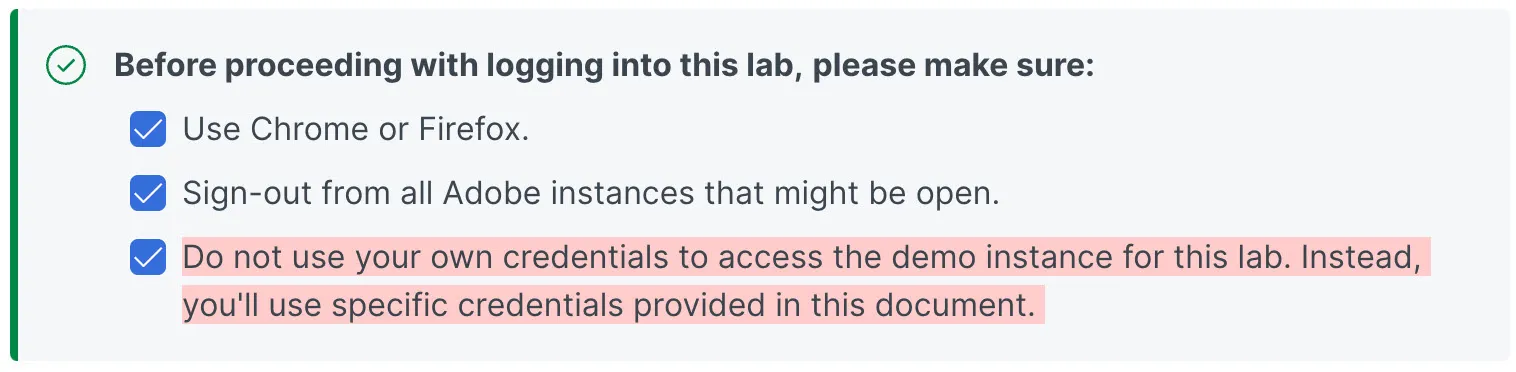
Login to Experience Cloud: https://experience.adobe.com
After navigating to the URL above, you will see a screen like this If you see anything else, then make sure you sign-out, and try again:
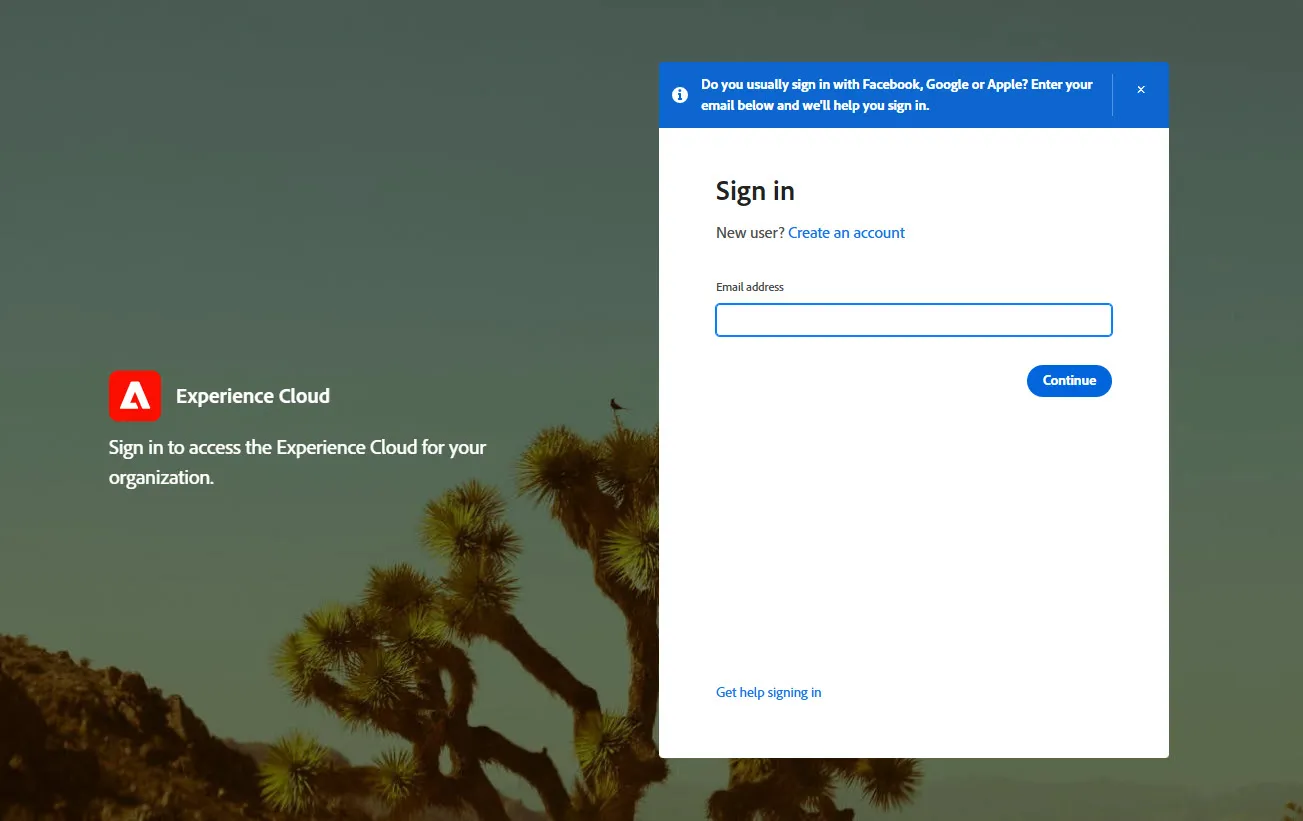
Below are the login credentials for the lab environment, pulled from the signup list. Locate your name and assigned login email.
User | Name | Login Email |
|---|---|---|
01 | Bill Conaway | |
02 | Kody King | |
03 | Daniel Frankel | |
04 | Jeff Michaels | |
05 | Diane Lucero | |
06 | Jason Conley | |
07 | Matt Kroeker | |
08 | Ken Wong | |
09 | Nick Gross | |
10 | Jeffrey Ritterband | |
11 | David George | |
12 | Bryce Earl | |
13 | Marc Silsbe | |
14 | Brad Brinton | |
15 | Lacey Bell | |
16 | Bibhash Das | |
17 | Martin Goetzinger | |
18 | Matt Stutz | |
19 | JD Jorgensen | |
20 | Kate Solinsky | |
21 | Scott Franklin |
Password for all usernames listed is: Adobe2025!
After you enter your assigned username from above (email address) click the 'Continue' button and then you will see the single sign on screen below. We use Microsoft Active Directory so you will see a Microsoft logo and a prompt to enter a password.
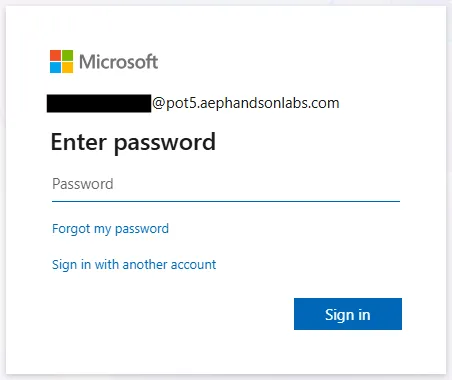
Click the 'Sign in' button. If prompted to 'Stay signed in?' you can choose 'Yes' or 'No'.
Navigate or click to the project CJA > Company Folder > CJA MC HOL: Home.