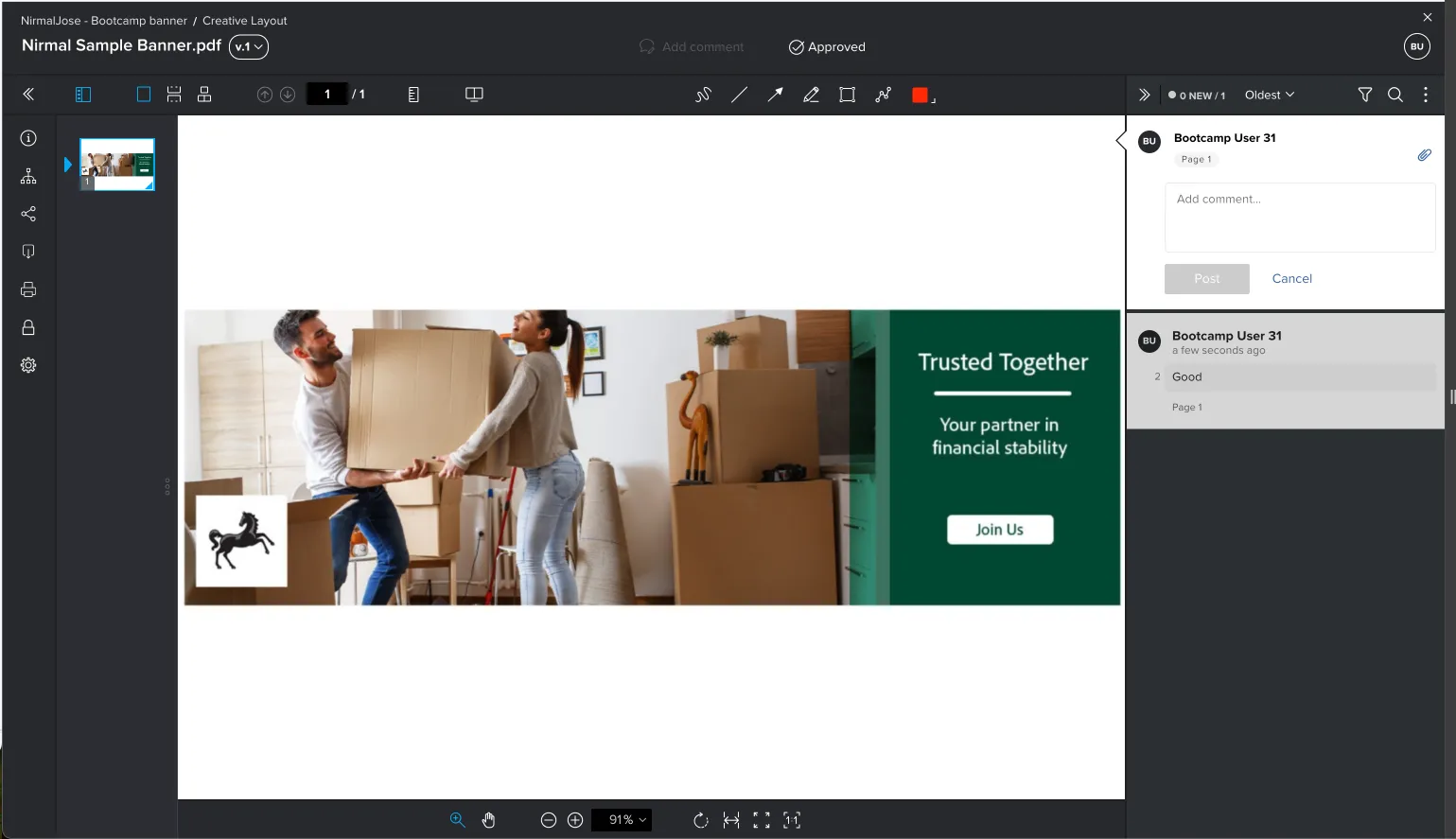
Review
1 min
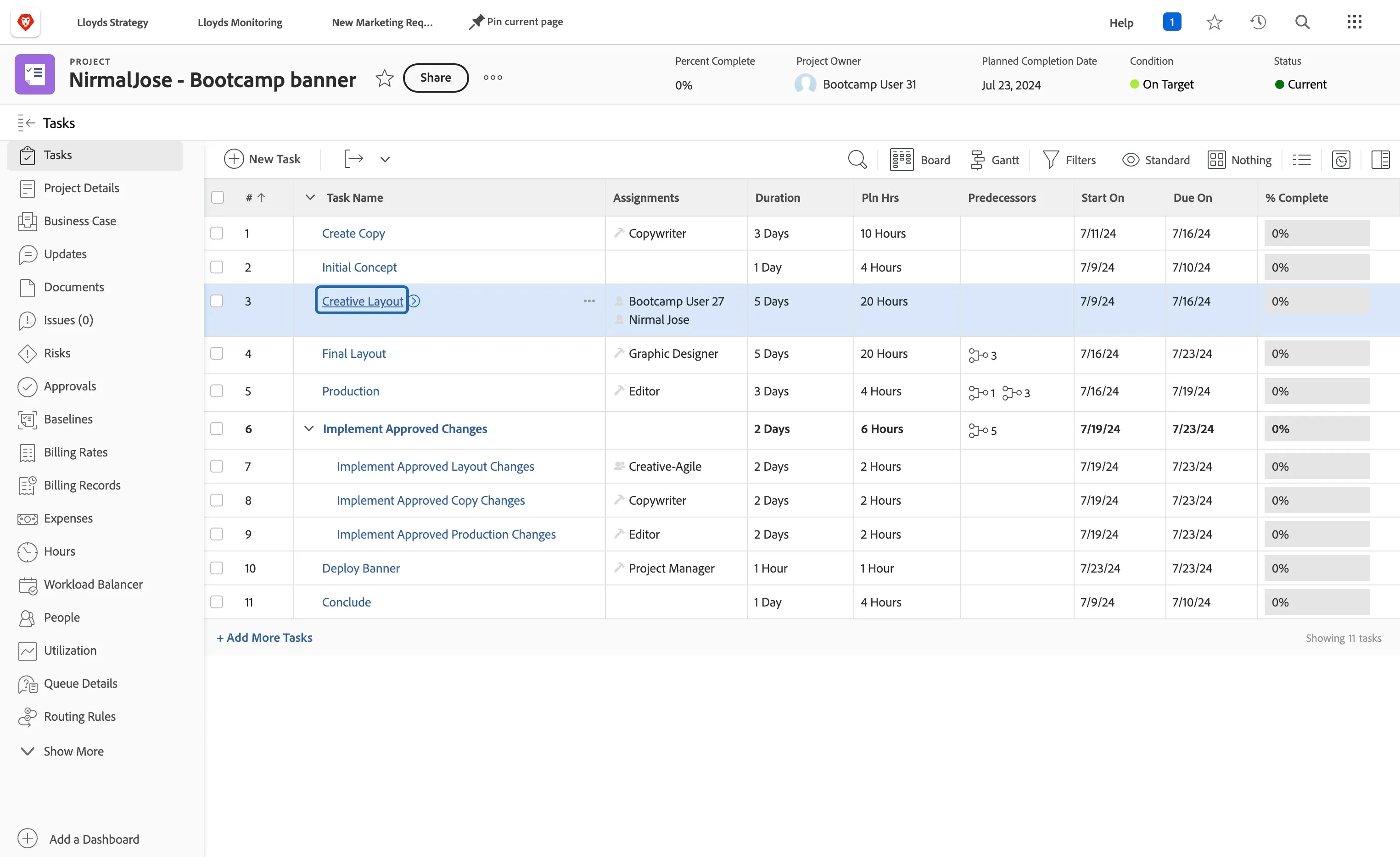
Go to <YourName> - Bootcamp banner Project
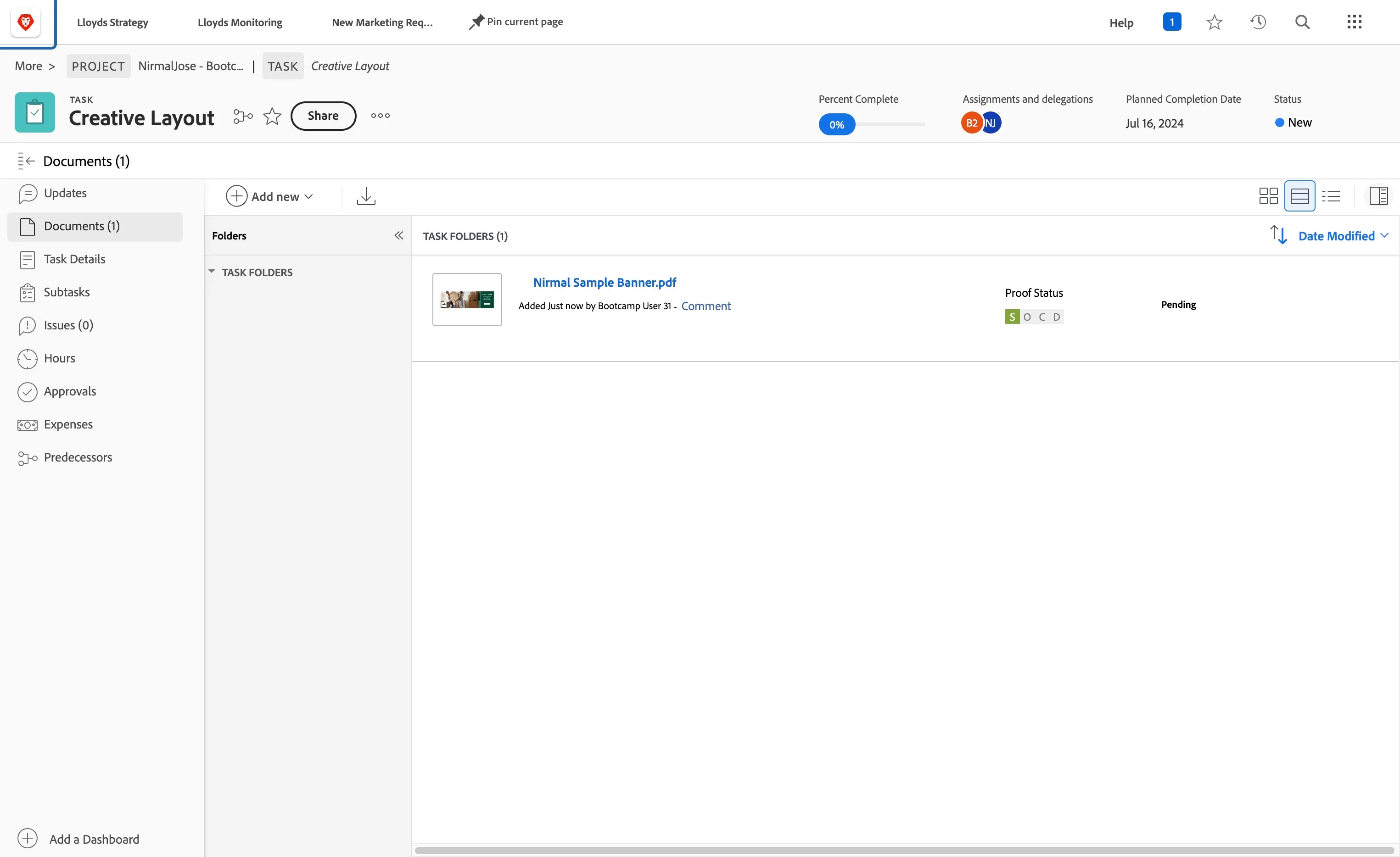
Click on Creative Layout task
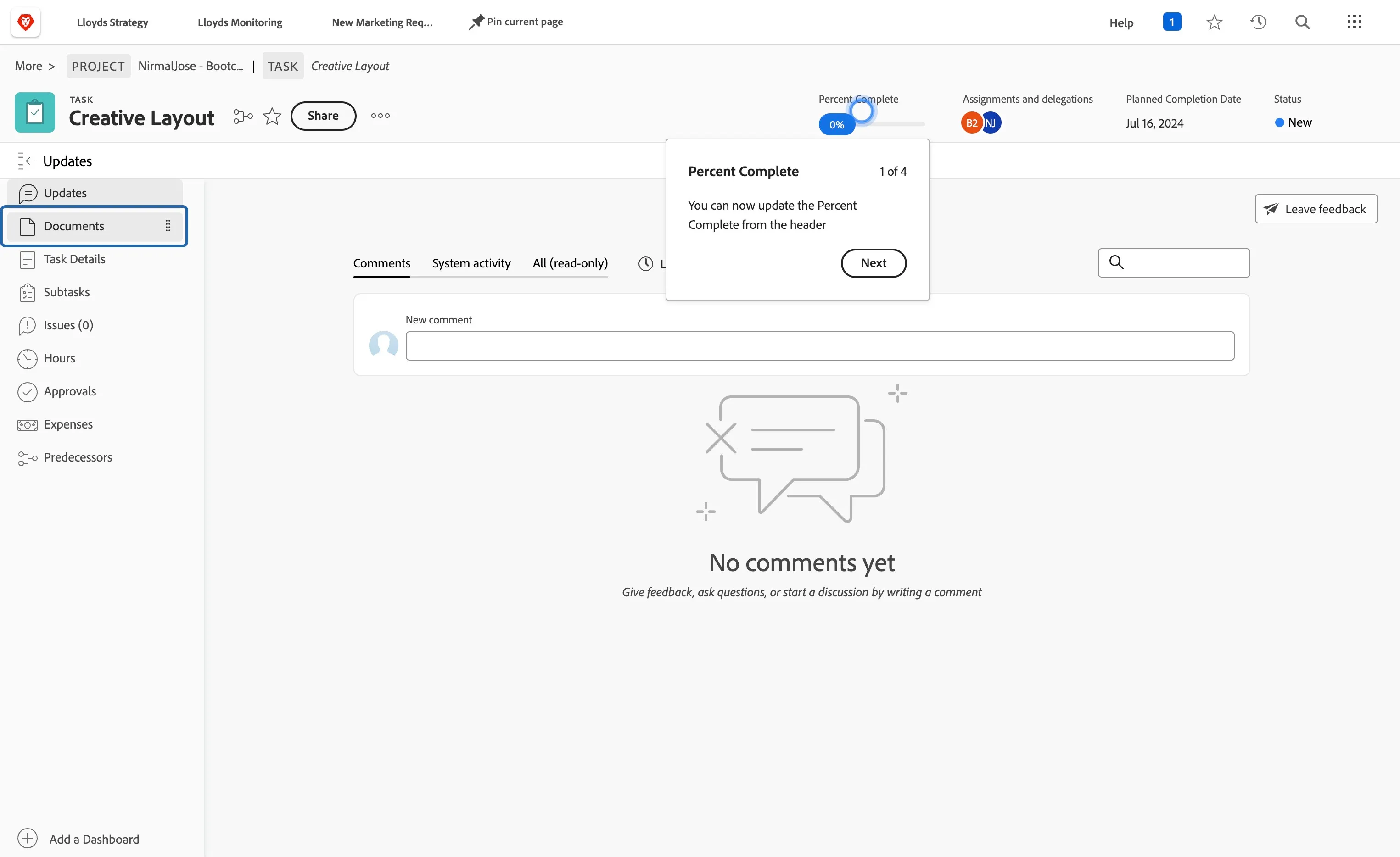
Click on Documents
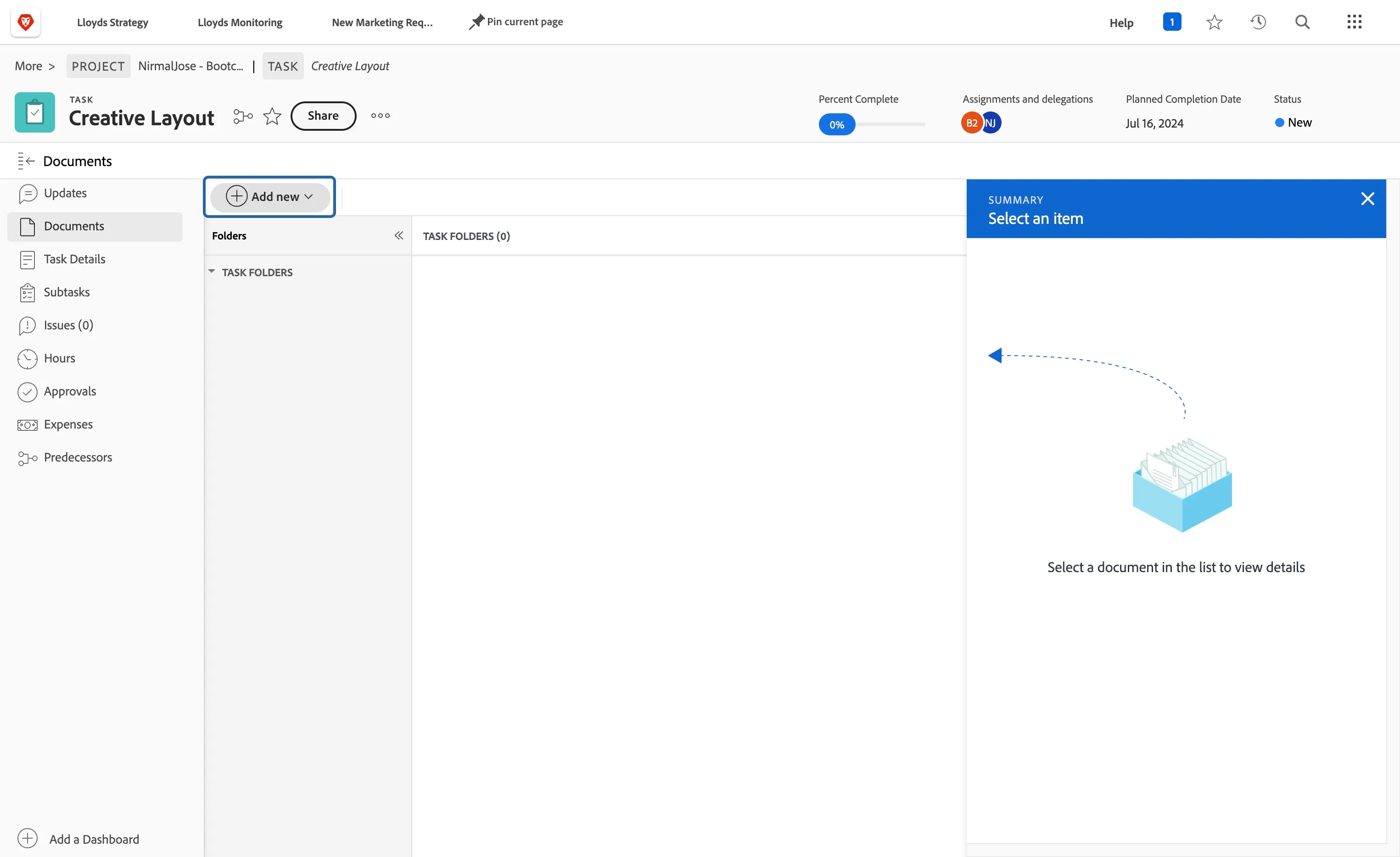
Click on Add new
Select Proof
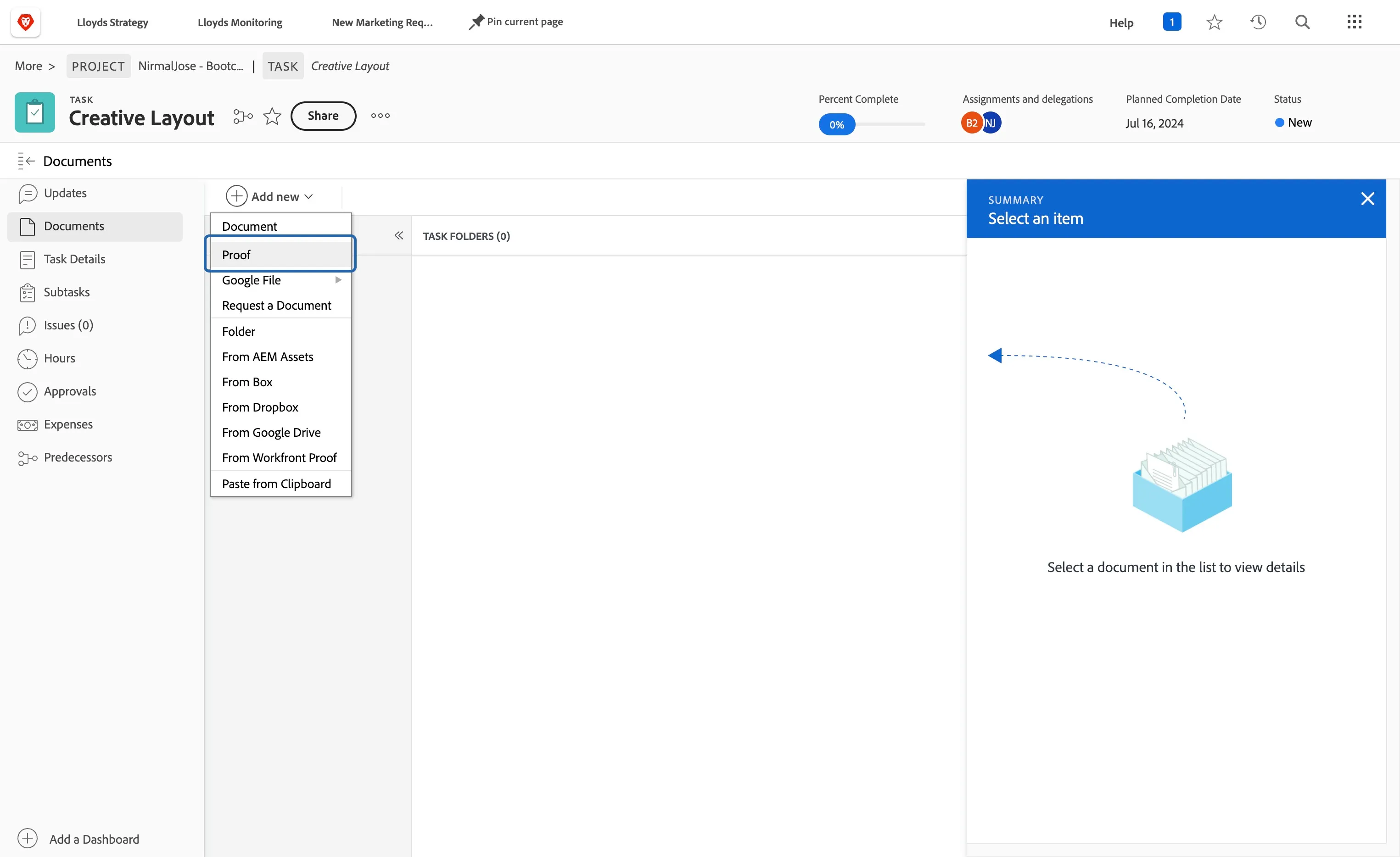
Upload "<YourName> Sample Banner.pdf" file that you downloaded from Express
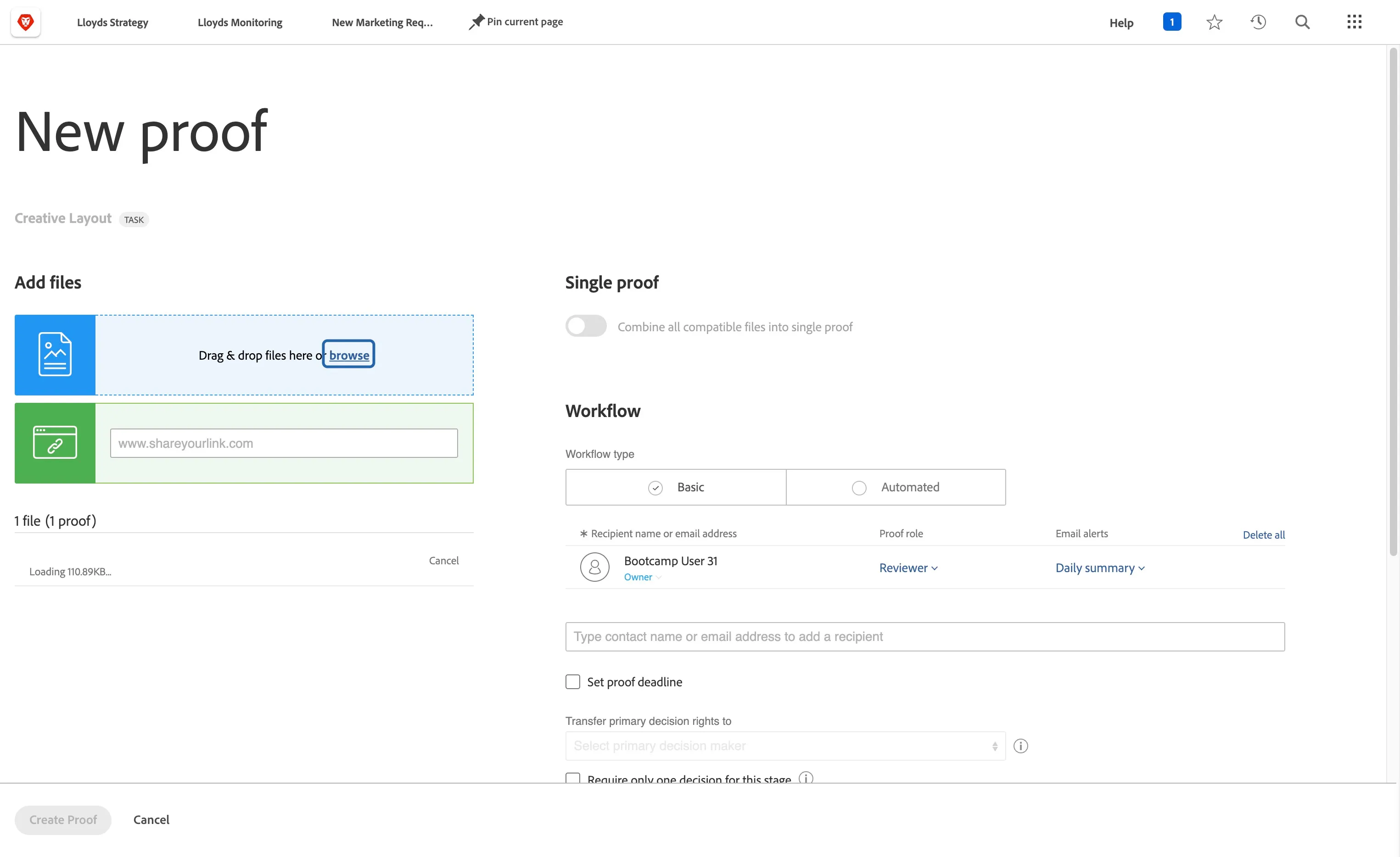
Click on Reviewer
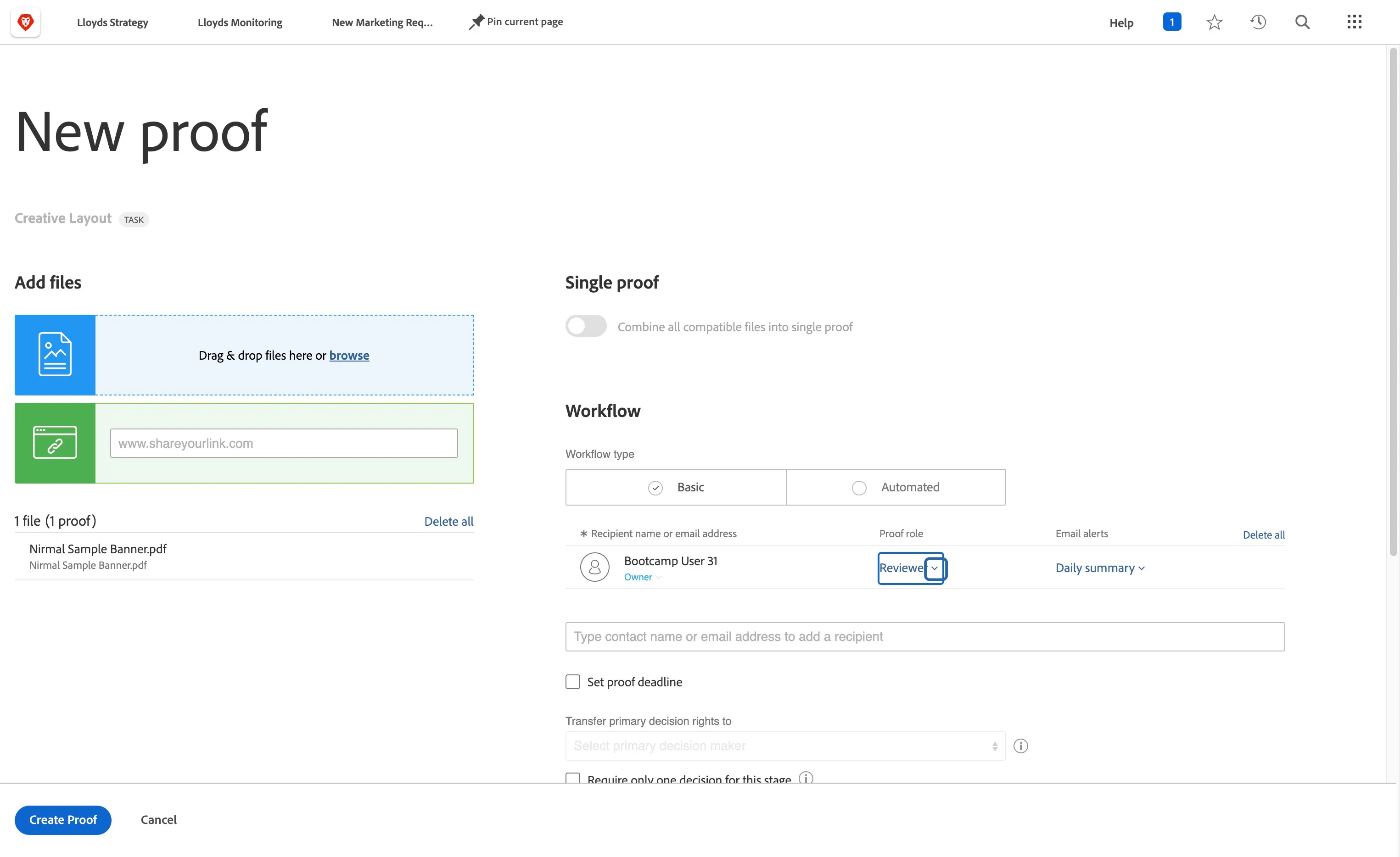
Add your colleague as an Approver
Click on Create Proof
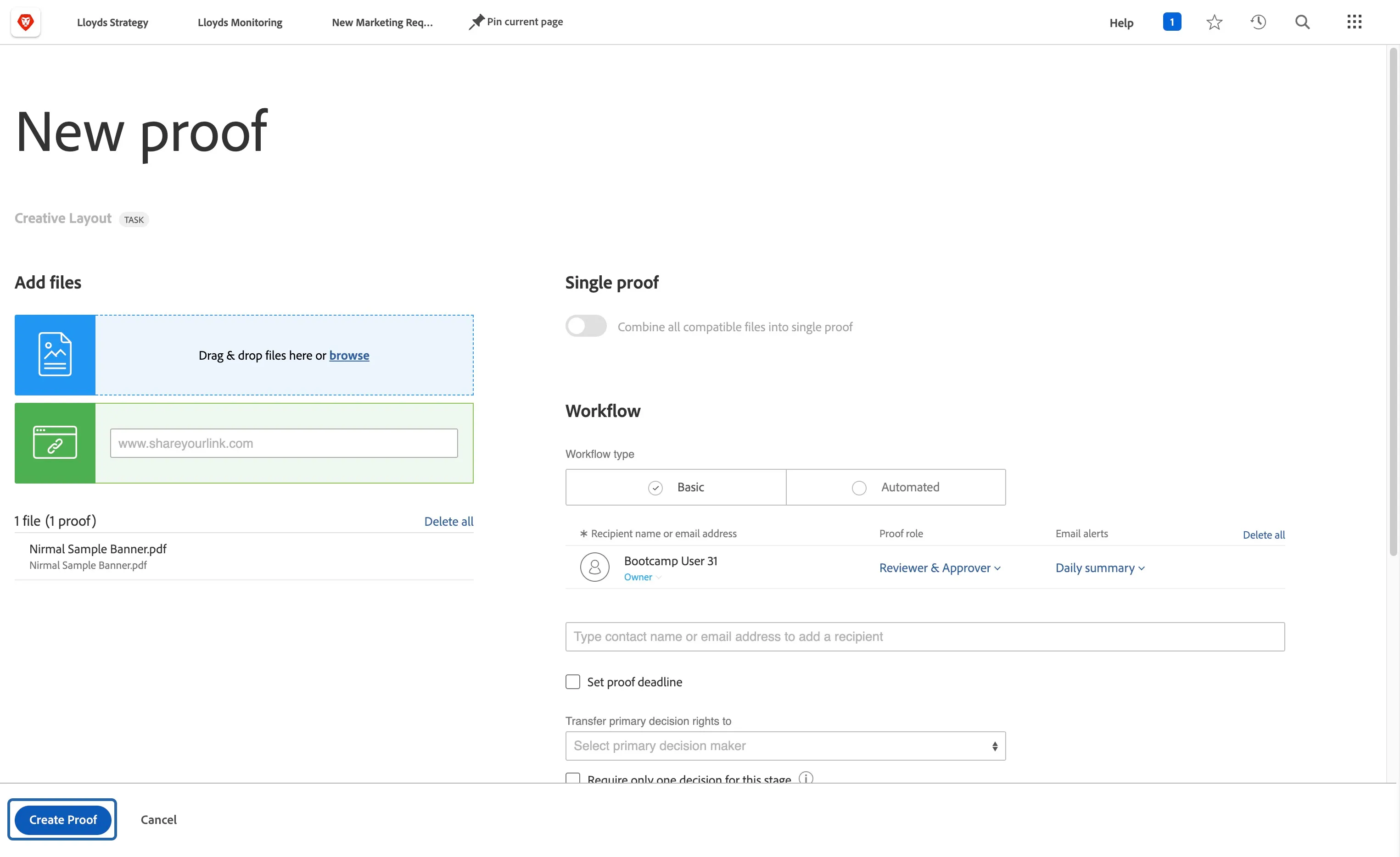
Go to Creative Layout
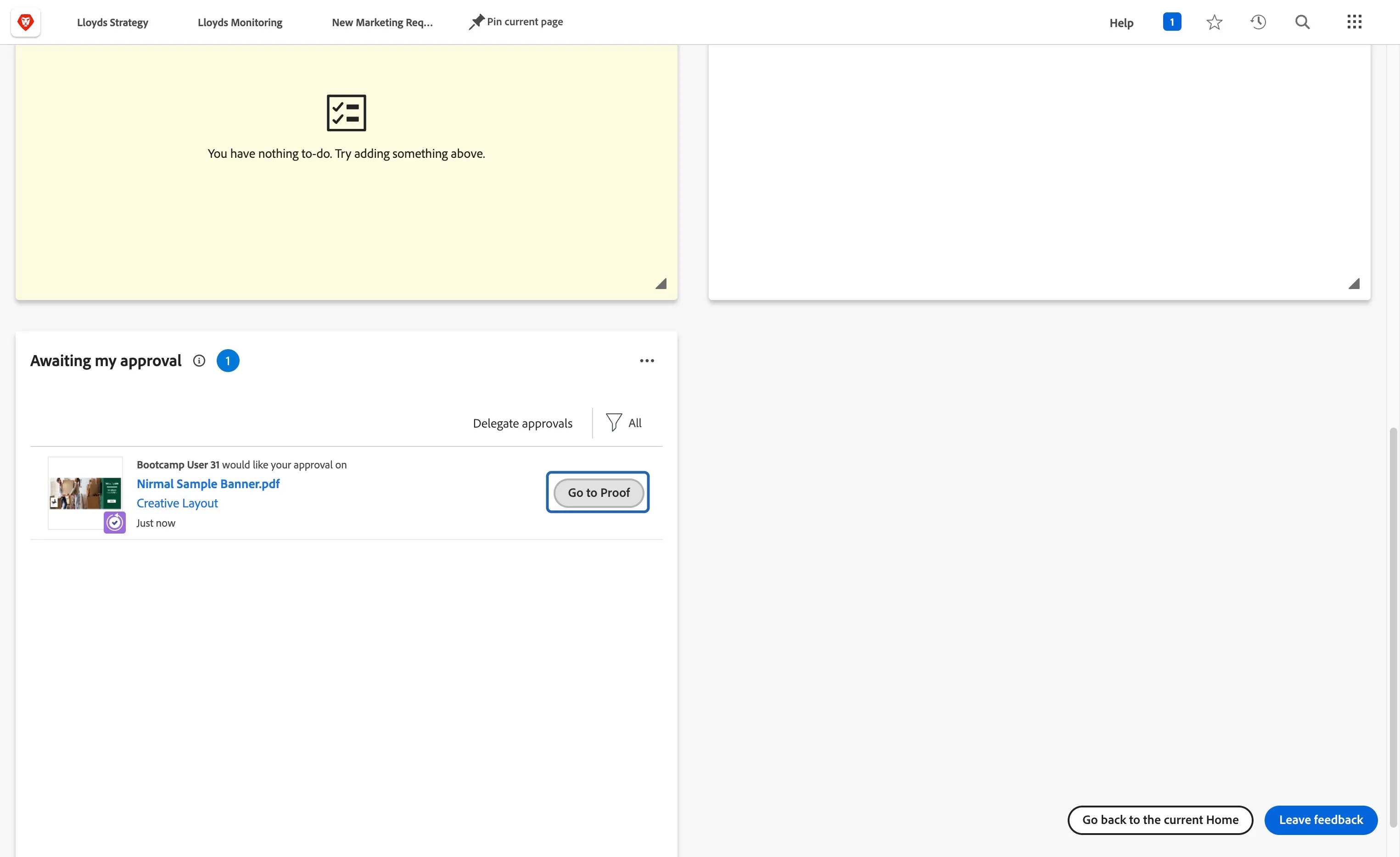
Go to Home by clicking the workfront Logo on top left
Click on Go to Proof
Add comment on the proof by clicking Add comment
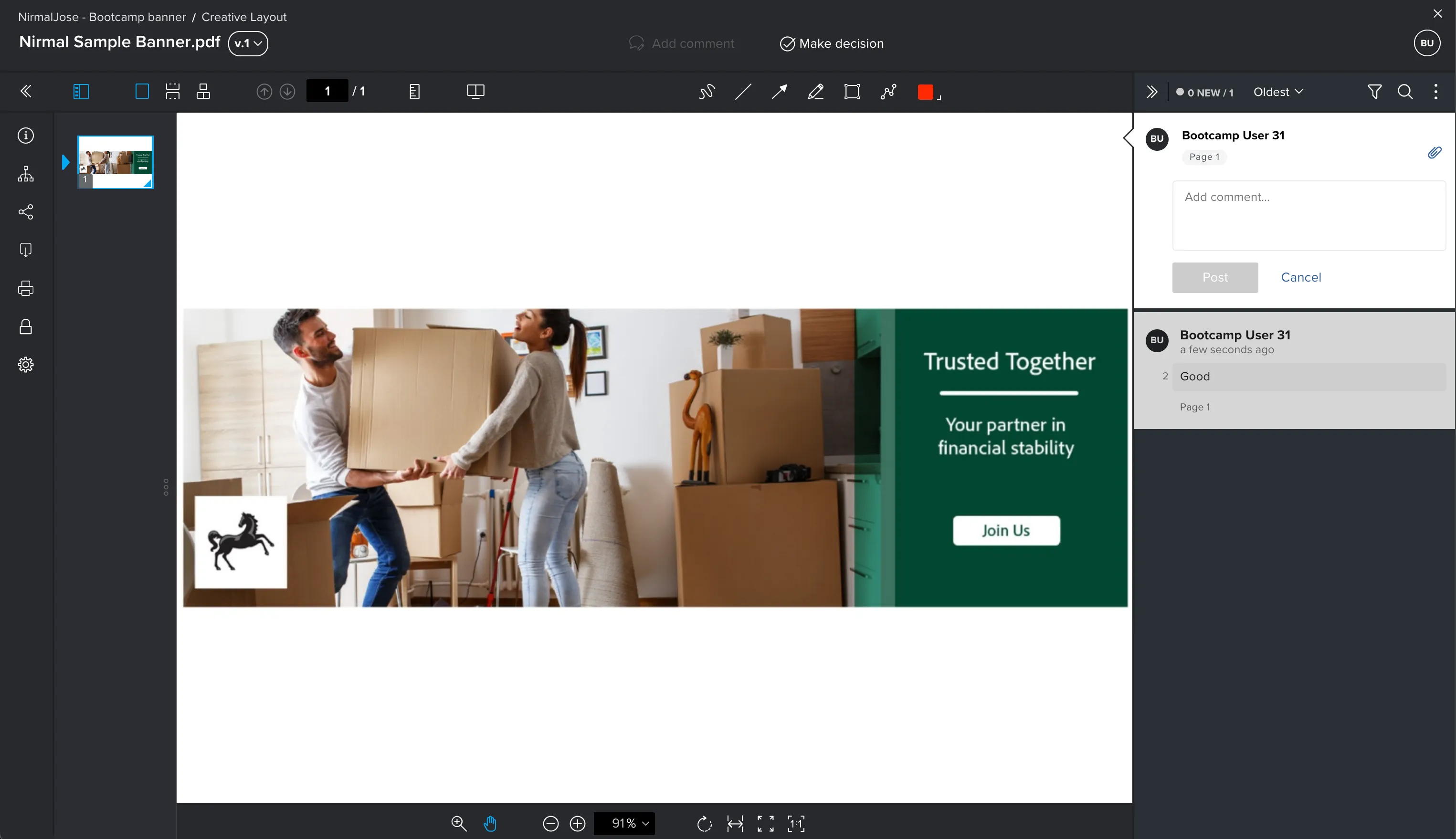
Click on Make decision to start review process
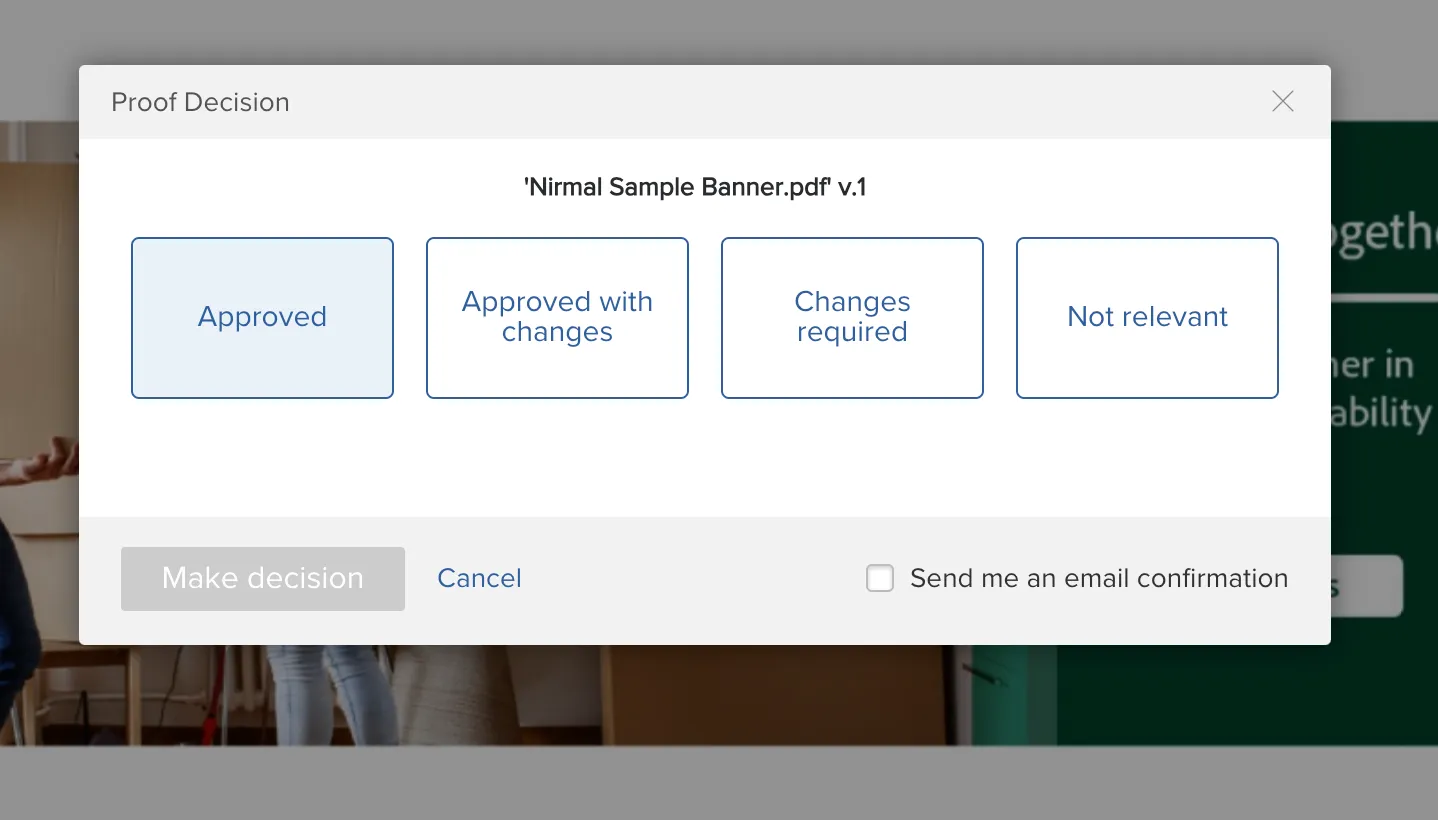
Select Approved and click Make decision. The asset is approved now.