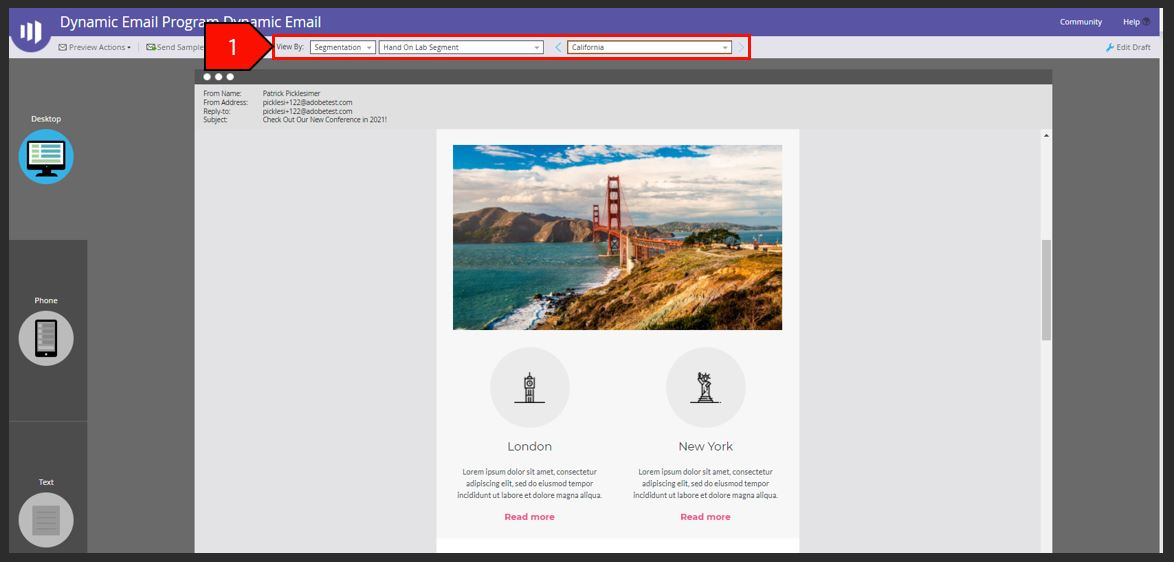
Build a Dynamic Email
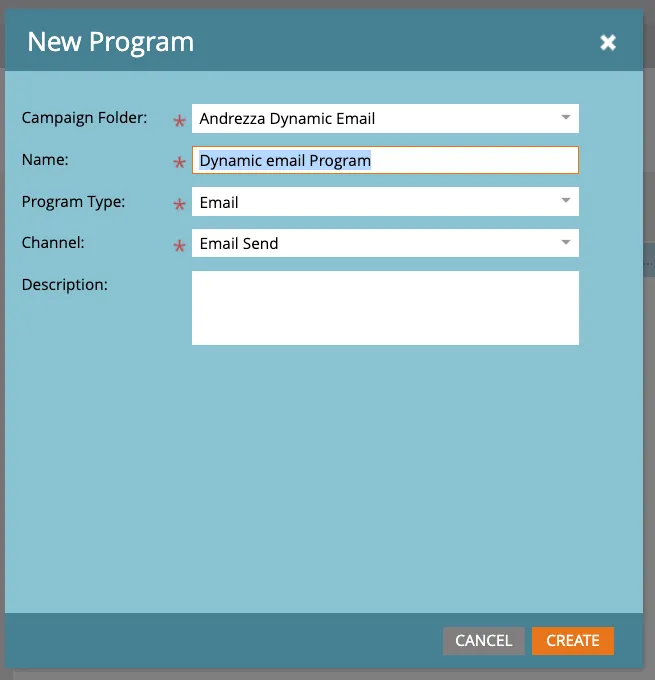
- Crie um novo folder sob o seu nome <seu nome> Dynamic Email e crie um novo programa com os seguintes parametros:Campaign Folder: Andrezza Dynamic Email
Name: <seu nome> Dynamic email Program
Program Type: Email
Channel: Email Send
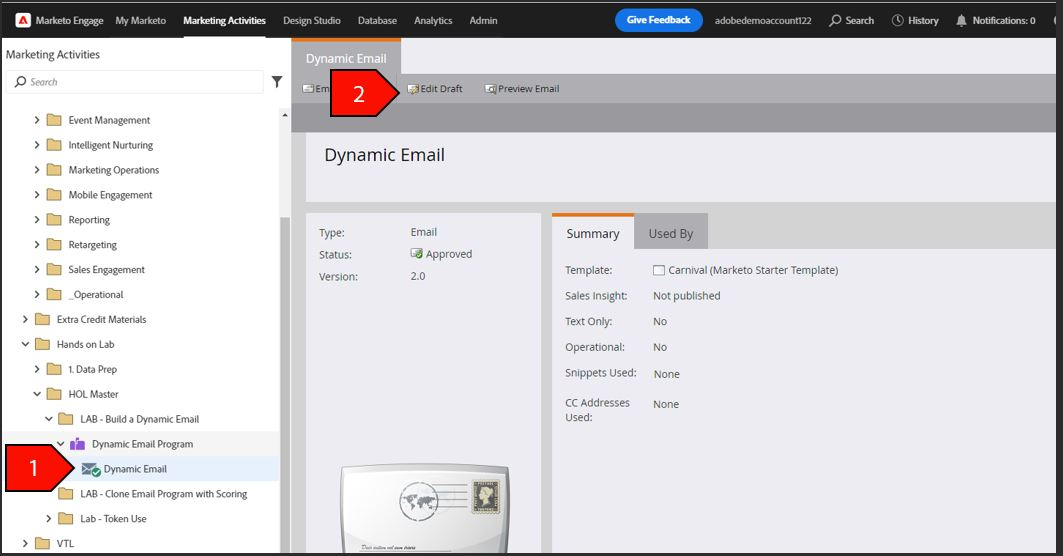
- Selecione a pasta <seu nome> Dynamic Email no menu de navegação
- Click New e selecione New Local Asset e escolha email
- Escolhar o template FYI
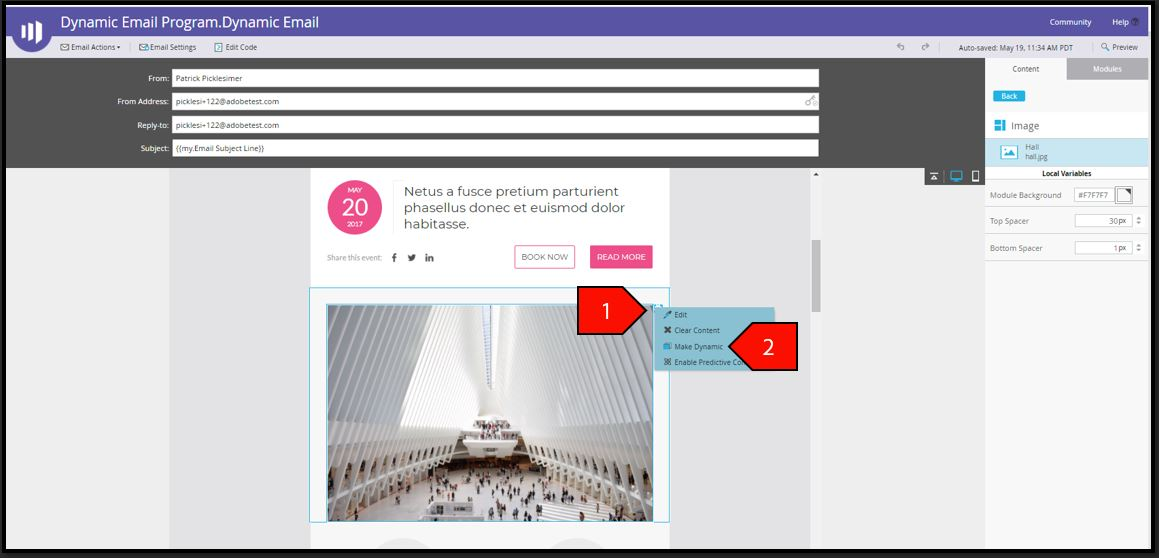
3.No editor do email, selecione a imagem e clique no icone ao lado da imagen
4.Clique Make Dynamic
5. Under Segmentation, select Hands on Lab Segment
6. Click Save
NOTE: The segmentation was created earlier in the lab. After we are done, we will show you where you set up your segmentation, an action that has to be done prior to making a dynamic email
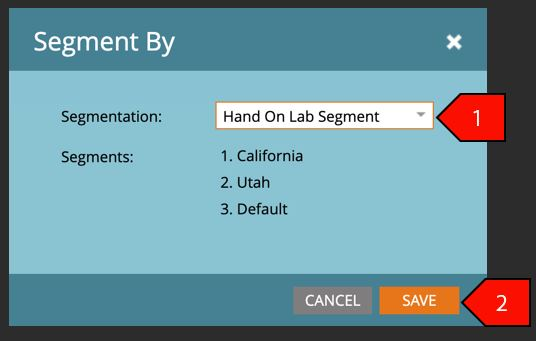
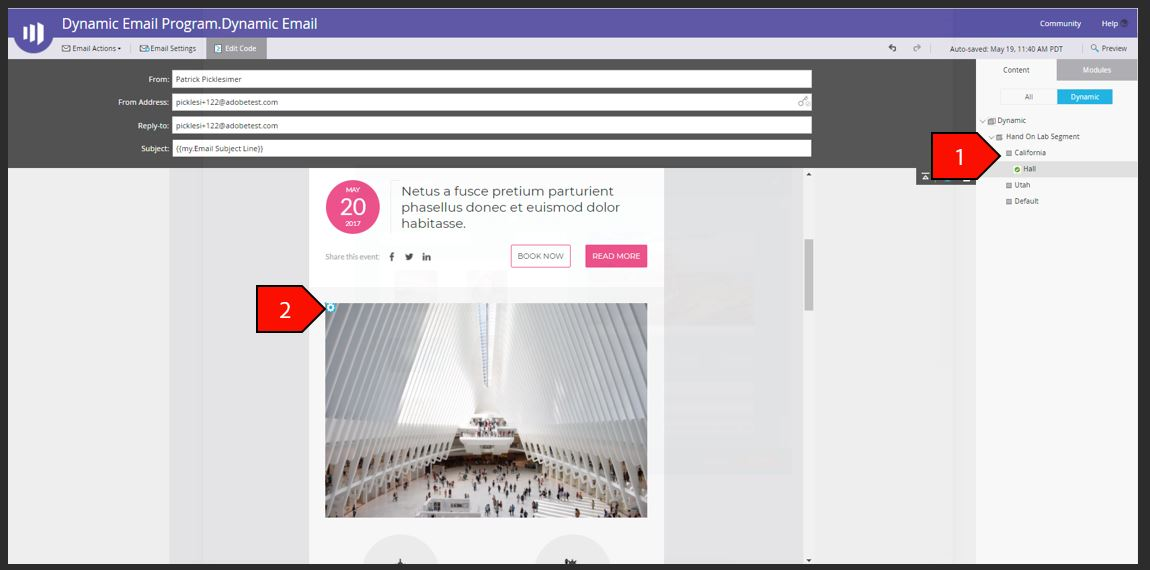
7. Selecione California do menu de segmento
8. On the image click the gear on the left and select Edit
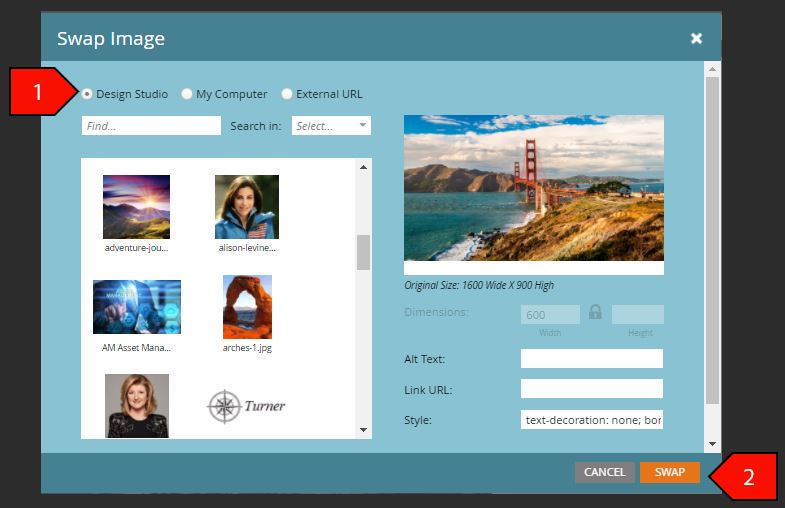
9. Selecione Design Studio e pesquise California Imagem. e Utah Image para Utah.
10. Clique Swap
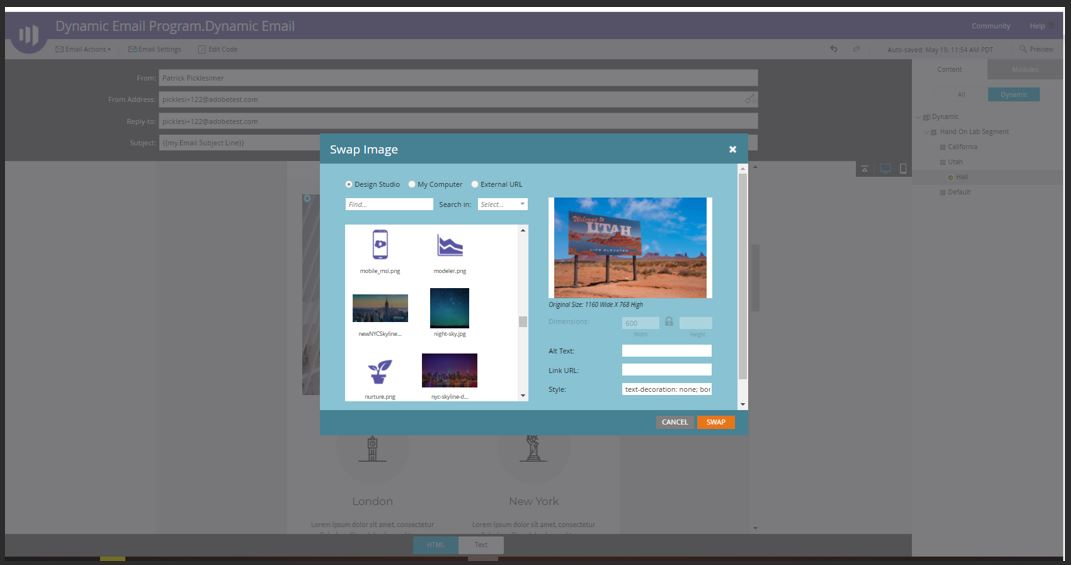
11. Repita isso para Utah
12. No iníco da página clique em Preview e veja por Segmentation