Facebook Custom Audience
2 min
- Click on Destinations in the left Menu panel
- Check the My Destinations radio button. This shows all destination connections that have already been configured in your sandbox.
- Check the Connections box.
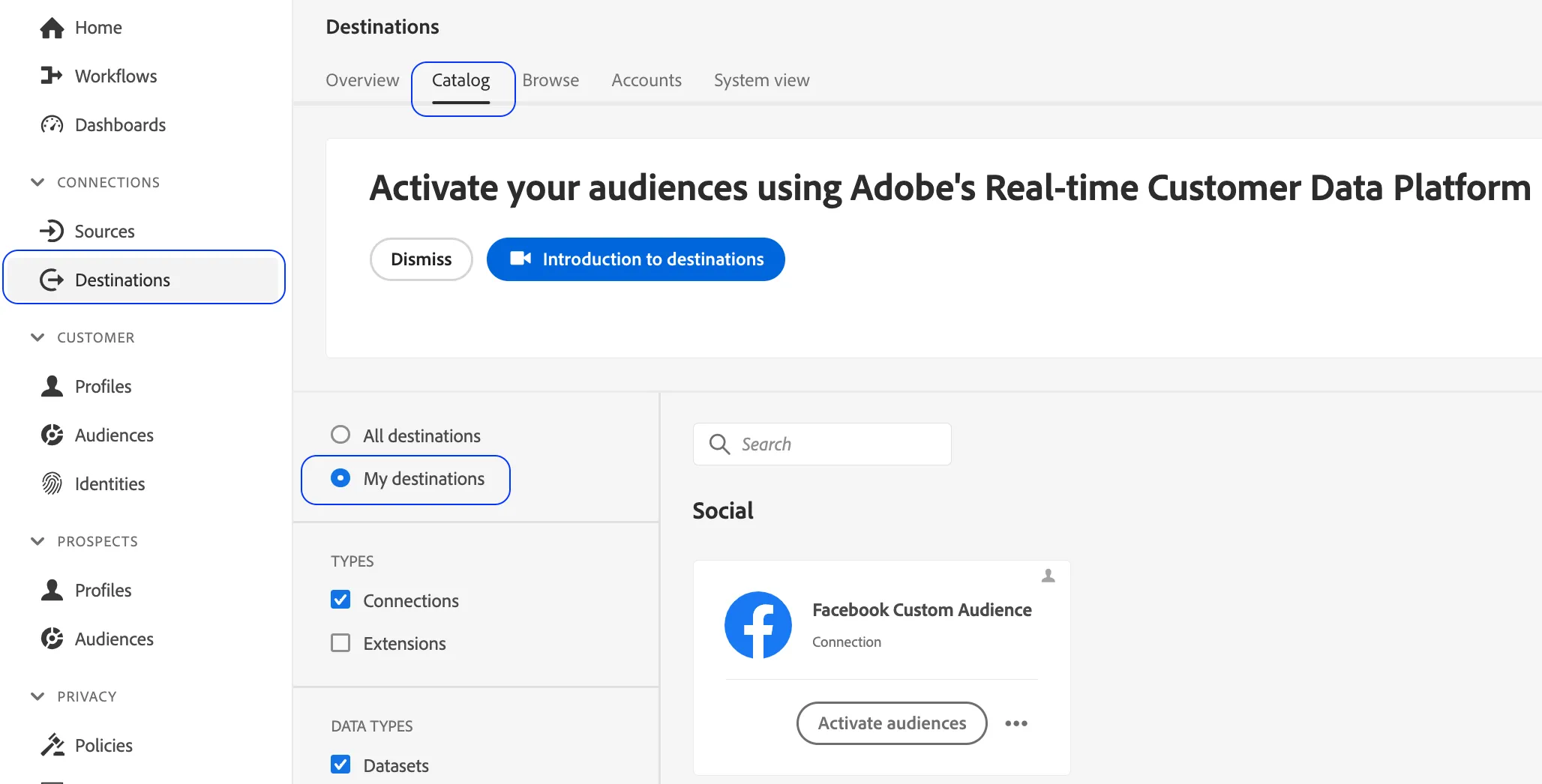
4. Click on Activate Audiences
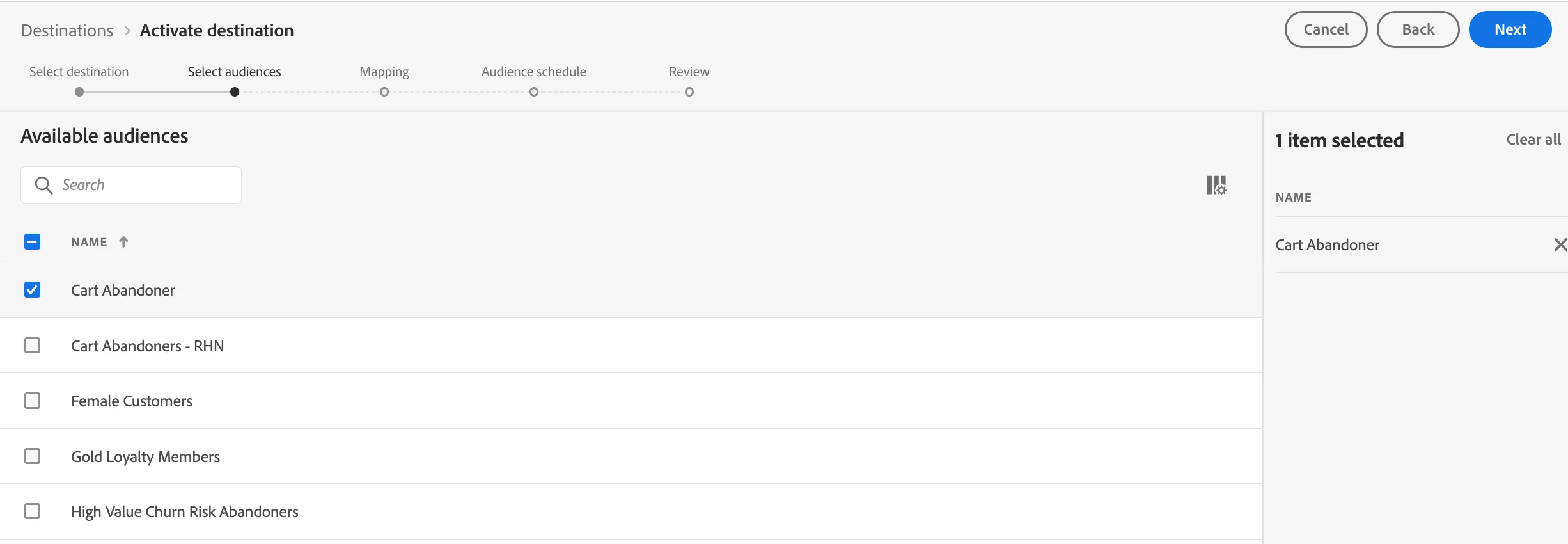
5. Select the RTCDP Lab Facebook Destination connection and click Next

6. Select the Audience/s you created in the previous section to map over and click Next
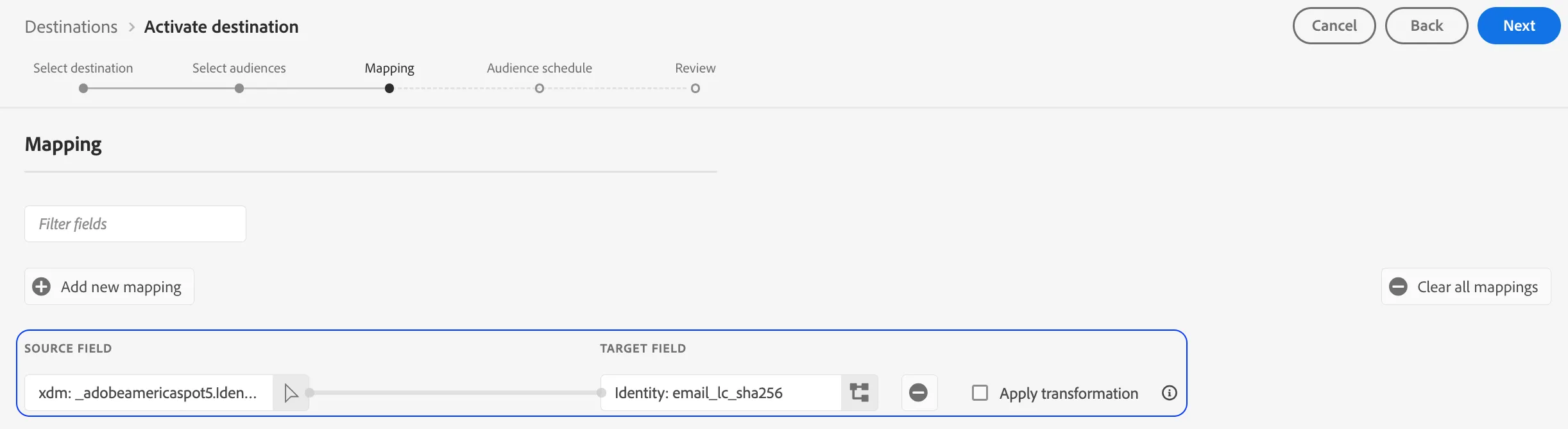
7. Click on the Add New Mapping . This is done so we can map over two fields to Facebook. Add the Email field from within the Identification object as the source field and map it to the email_lc_sha256 target field.
Select the Apply Transformation option. This will hash the plain text email and send an SHA256 version to Facebook.
8. Set a value for the Origin of audience (Directly from Customers). Click Next.
9. Review your set up and click Finish.