Qantas AJO HOL
7 min
Users
User No | Login Email | Password |
|---|---|---|
1 | qffAJO@2025 | |
2 | qffAJO@2025 | |
3 | qffAJO@2025 | |
4 | qffAJO@2025 | |
5 | qffAJO@2025 | |
6 | qffAJO@2025 | |
7 | qffAJO@2025 | |
8 | qffAJO@2025 | |
9 | qffAJO@2025 |
Login
Go to https://experience.adobe.com
Enter login email and password, you will be transferred through a microsoft login flow for authentication.
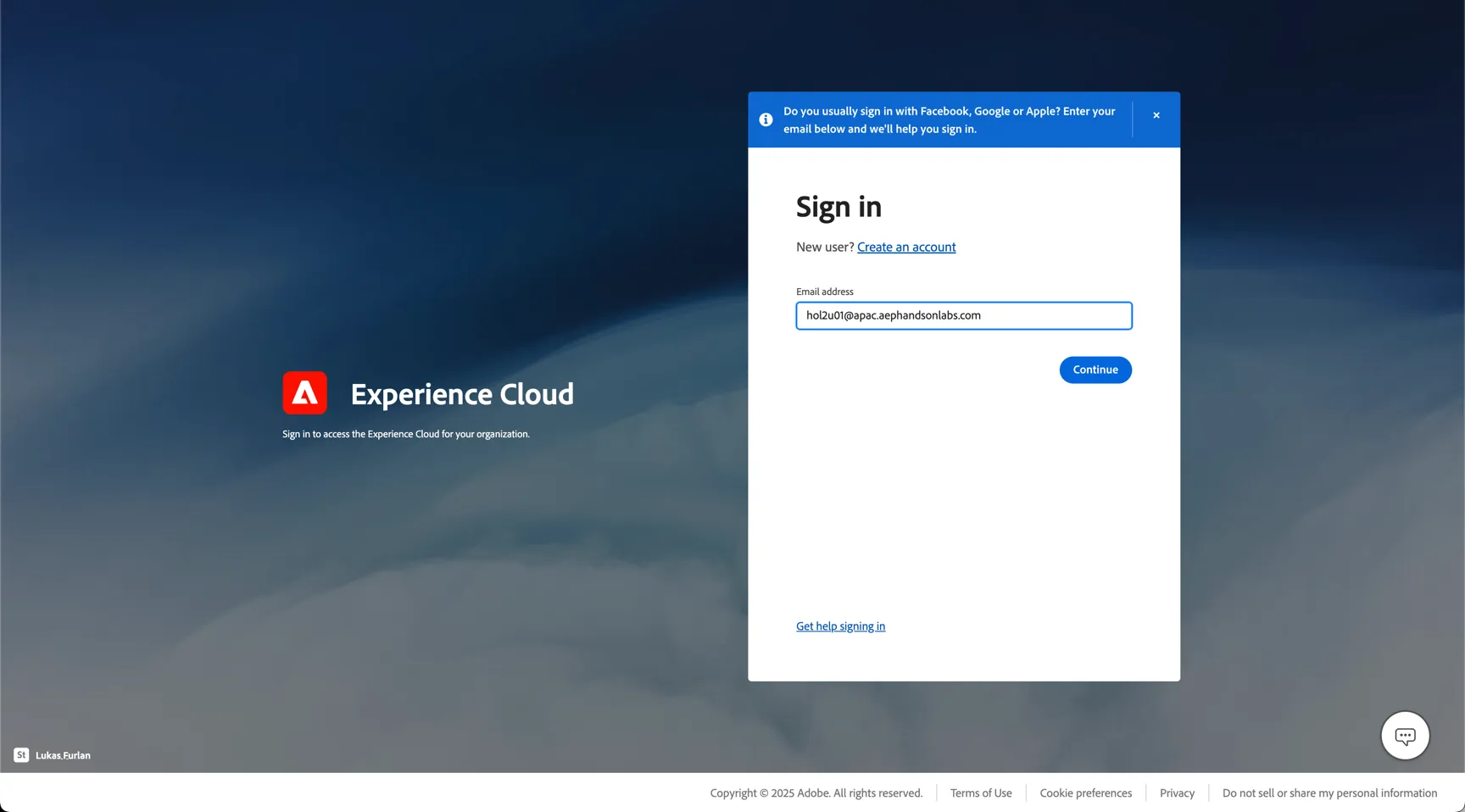
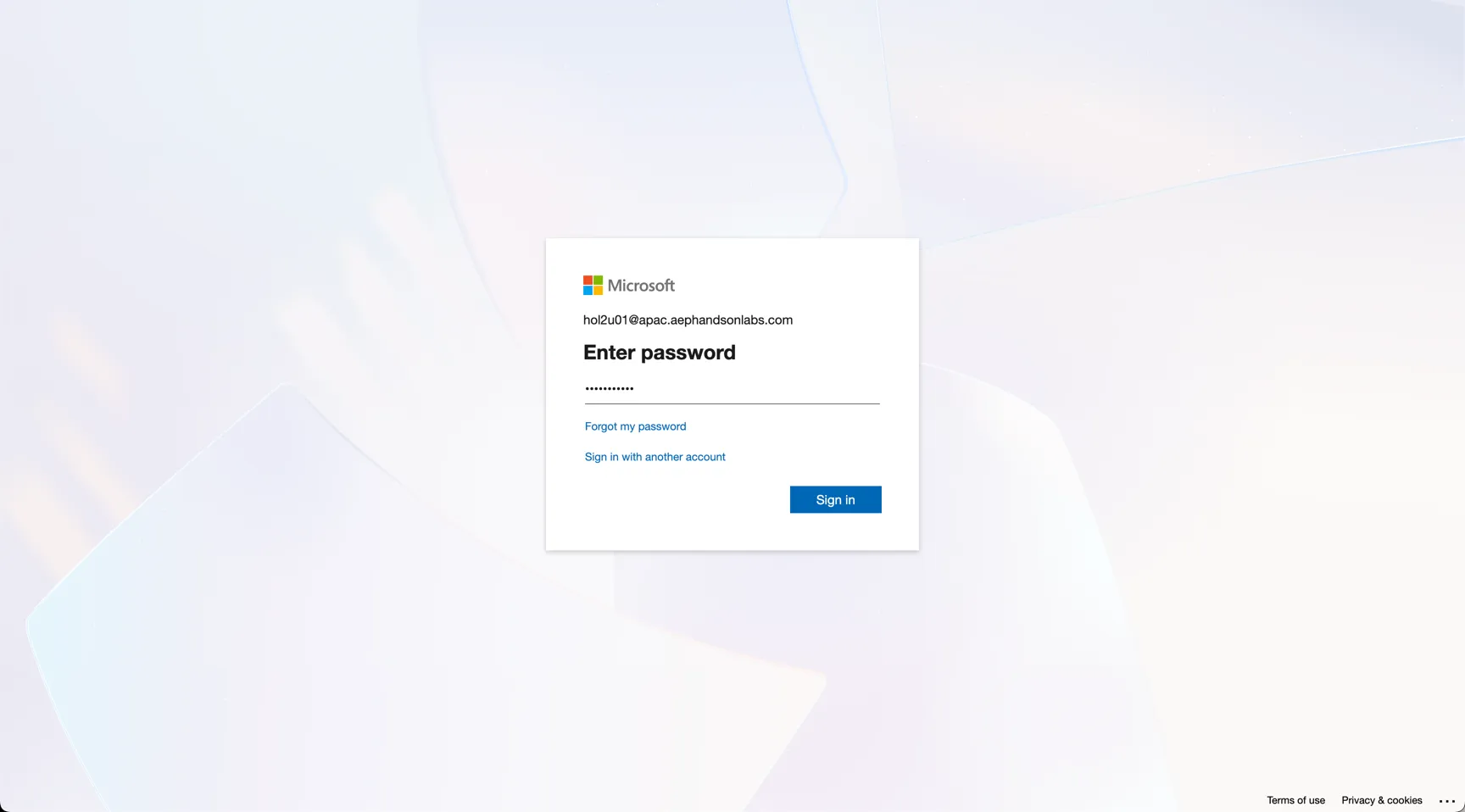
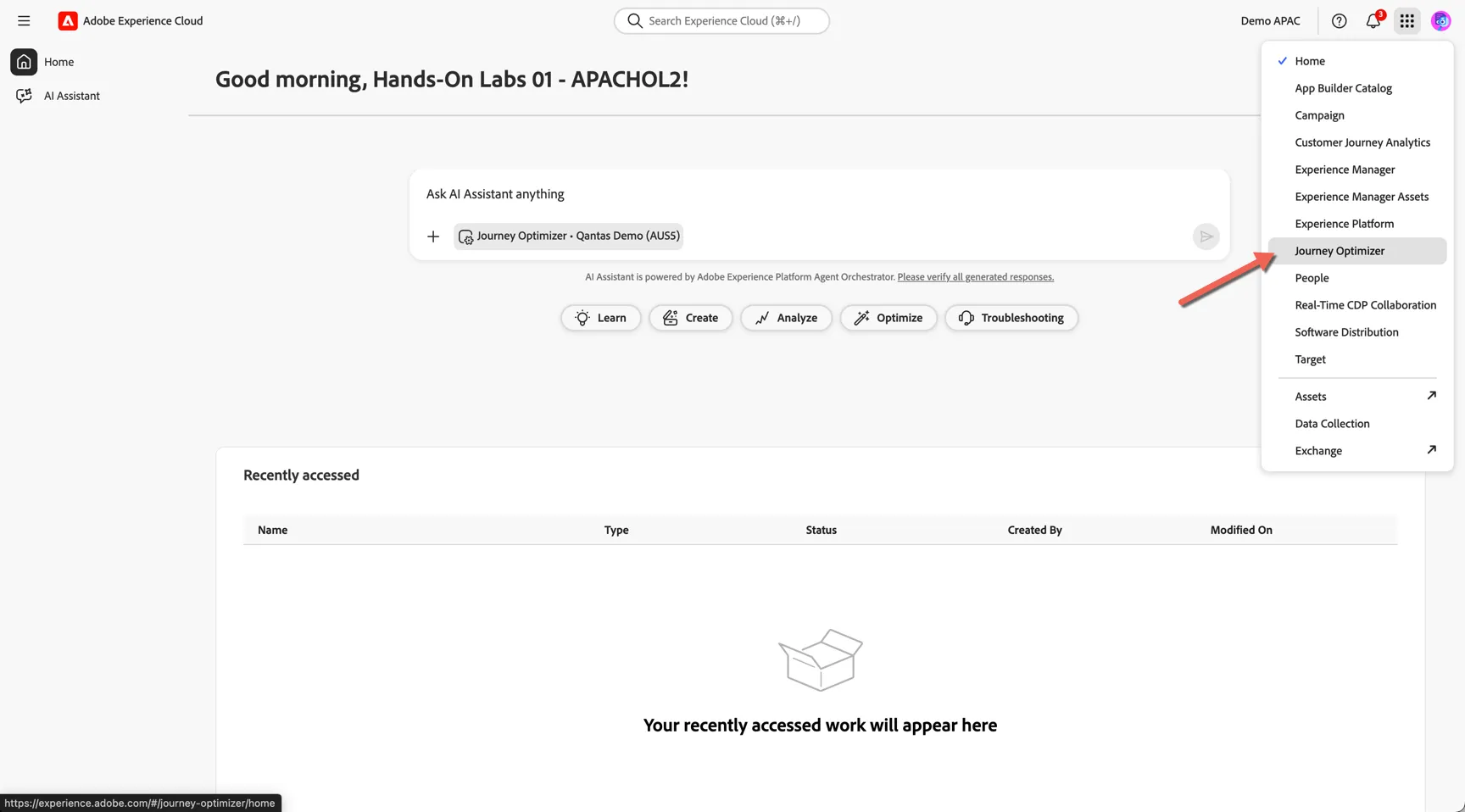
You'll land on the experience cloud home page you can use the solution switcher to change to Journey Optimizer.
Email Templates
In this exercise we will cover:
- Creating/editing a template
- Pasting modules from other campaigns
- Email build from scratch using drag and drop functionality
- Deliverability review/email rendering check
Campaign Build
In this exercise we will cover:
- Building a (simple - adhoc) audience
- Error message handling/troubleshooting
- Pulling a template
- Making small HTML changes in the drag and drop functionality
- Adding dynamic rules
- Copying modules for other campaigns
- Peer reviewing process/capability for audiences
- Topline reporting/immediate send stats
User Access
In this exercise we will cover:
- User access restrictions