Onboard your company
1 min
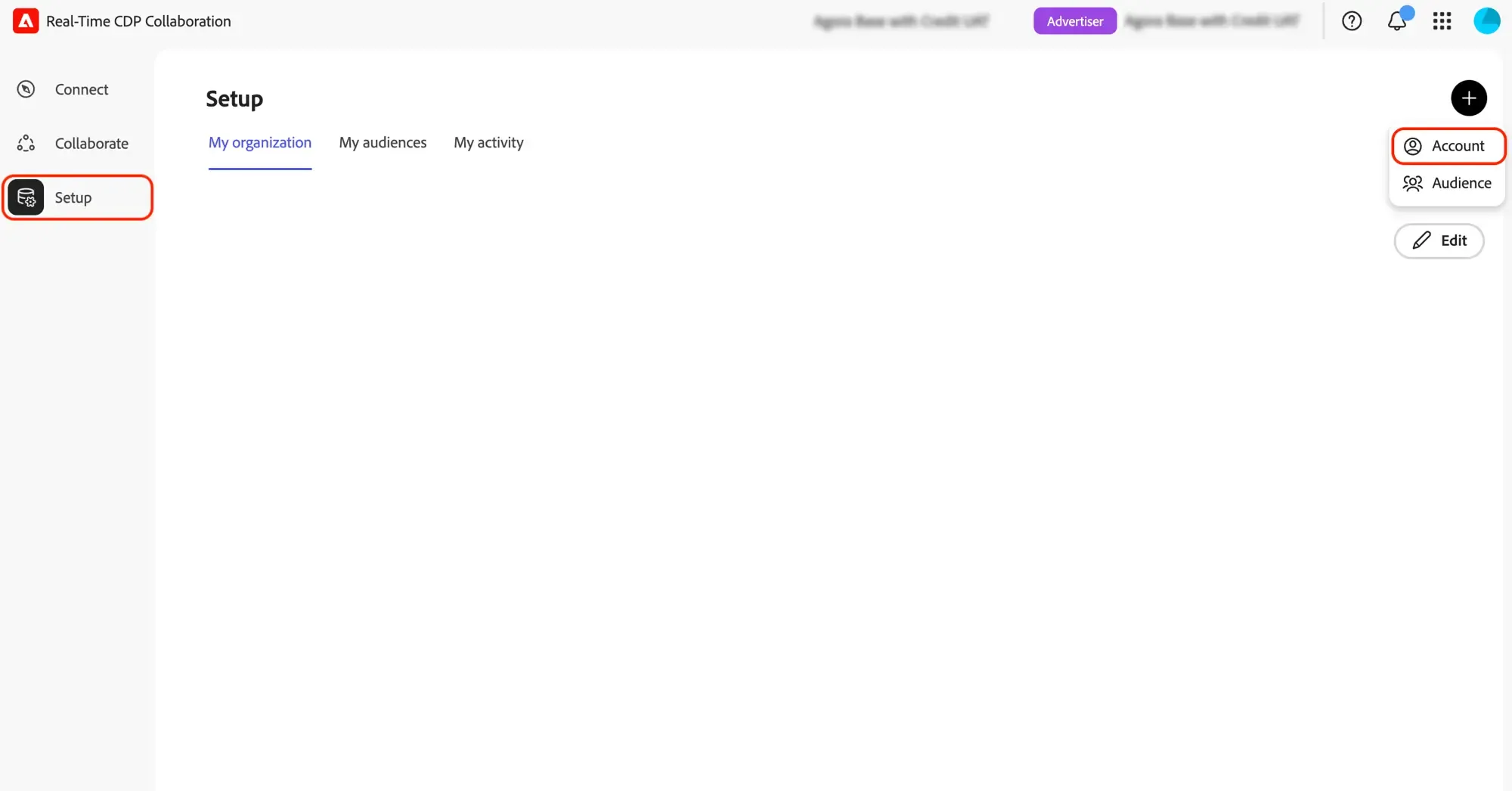
The initial setup of your organization happens once. Click the Setup button on the lefthand side then the + button to add a new organization.
Enter organization details
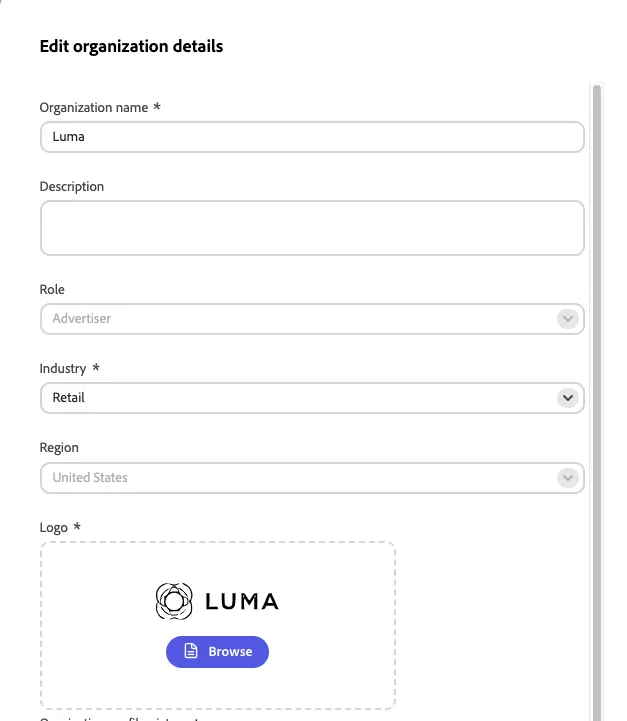
Name: Luma + your initials:
Industry: Retail
Upload the Luma brand logo to your machine (refer to .svg file in the welcome email). Upload or drag & drog the .svg file
Add Match keys
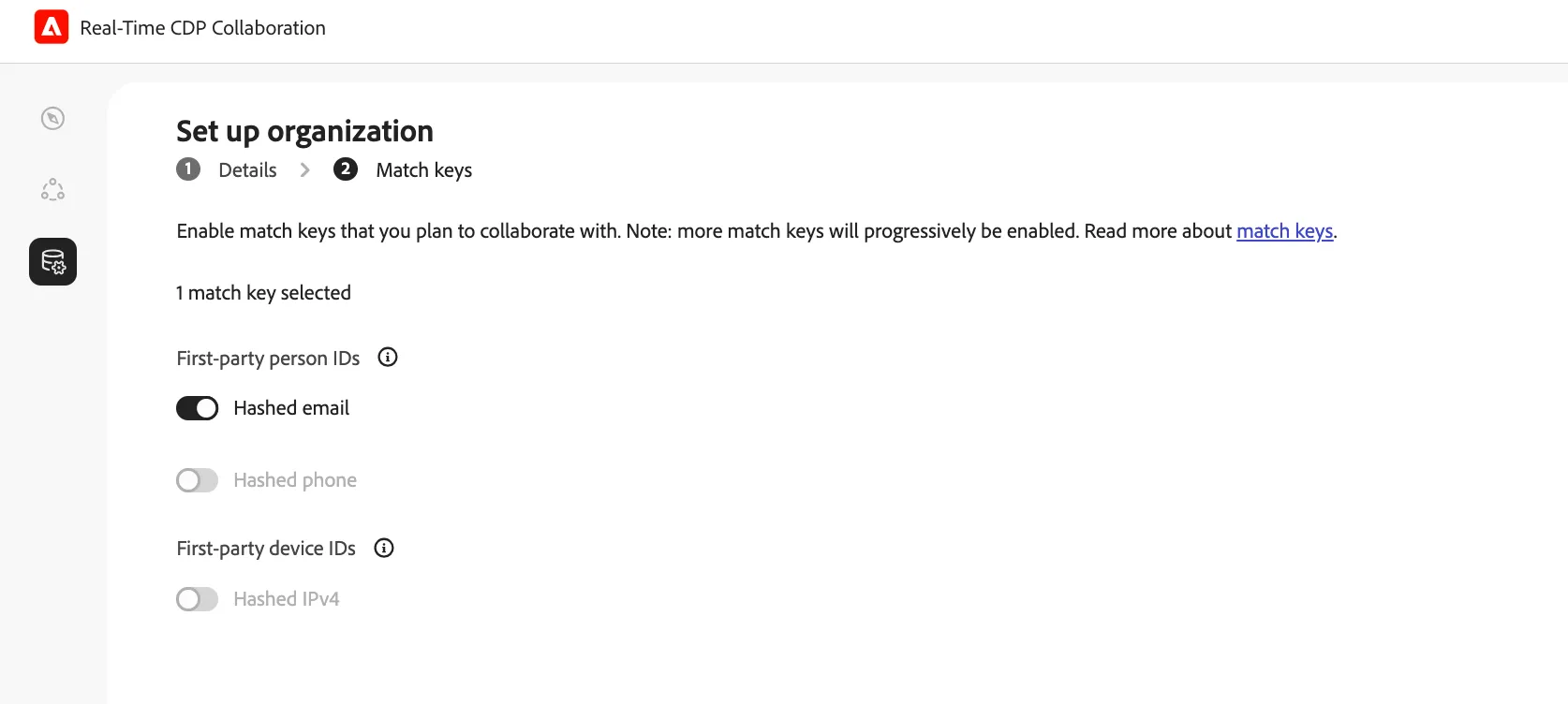
Match keys are identifiers used to reconcile members across audiences from different data sources. Include any match keys that your company can work with.
Select Hashed email and click Complete.
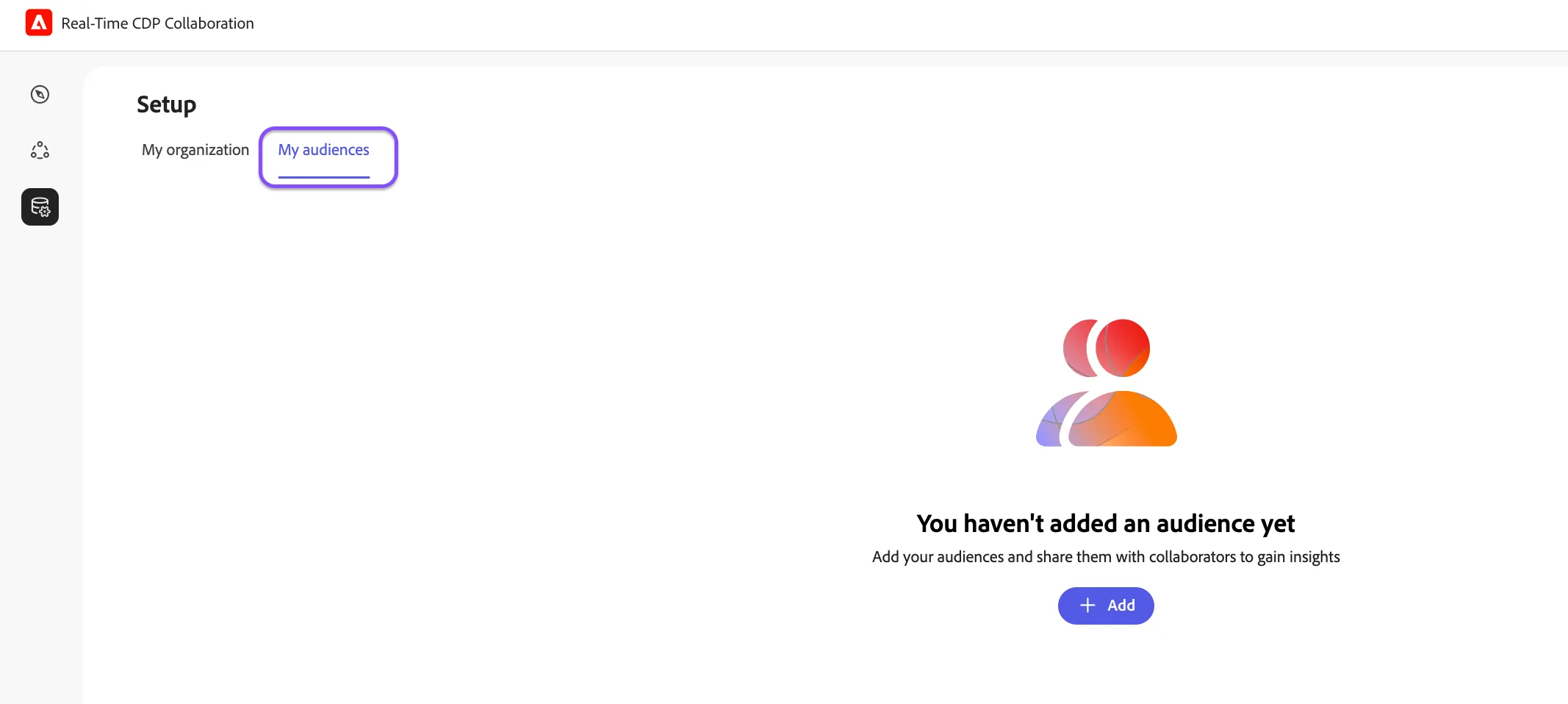
Click the My audiences tab and the + Add button to start importing your audiences