Ex5: Experimentation
In this lab, we will run an A/B test comparing different styles of the "Related articles" block to determine which version generates more conversions, measured by clicks on related articles.
Step 1 — Create the Experimentation
This is our hypothesis: A more visually prominent and easier-to-scan “Related articles” layout will encourage more users to click on a related article than the existing card layout.
- Go to your created Article Page: here.
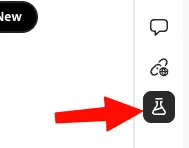
- In Universal Editor, locate the Experimentation extension:
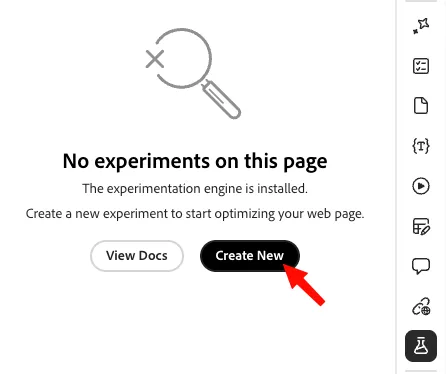
- Select Create New:
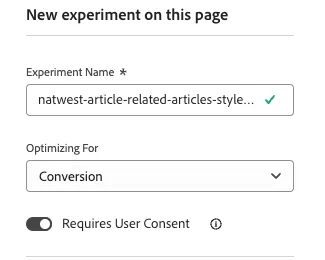
- Create the experiment, enter the following values:
- Experiment name: natwest-article-related-articles-style-01
- Optimizing for: Conversion
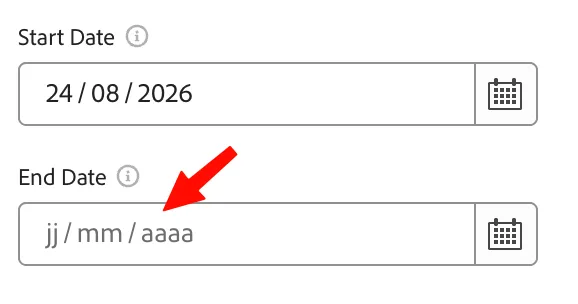
- Add an end date for our experiment:
- Click Save as draft, then activate:
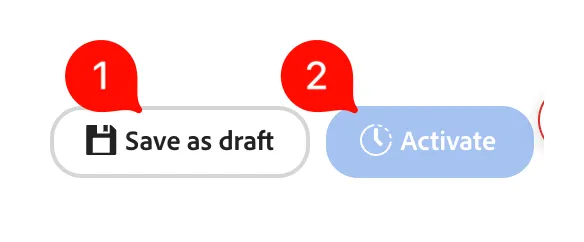
At this point, we have activated the experiment, but the two pages are the same. Let's change the Challenger page.
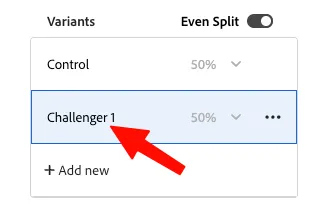
- Create the challenger, click on Challenger 1:
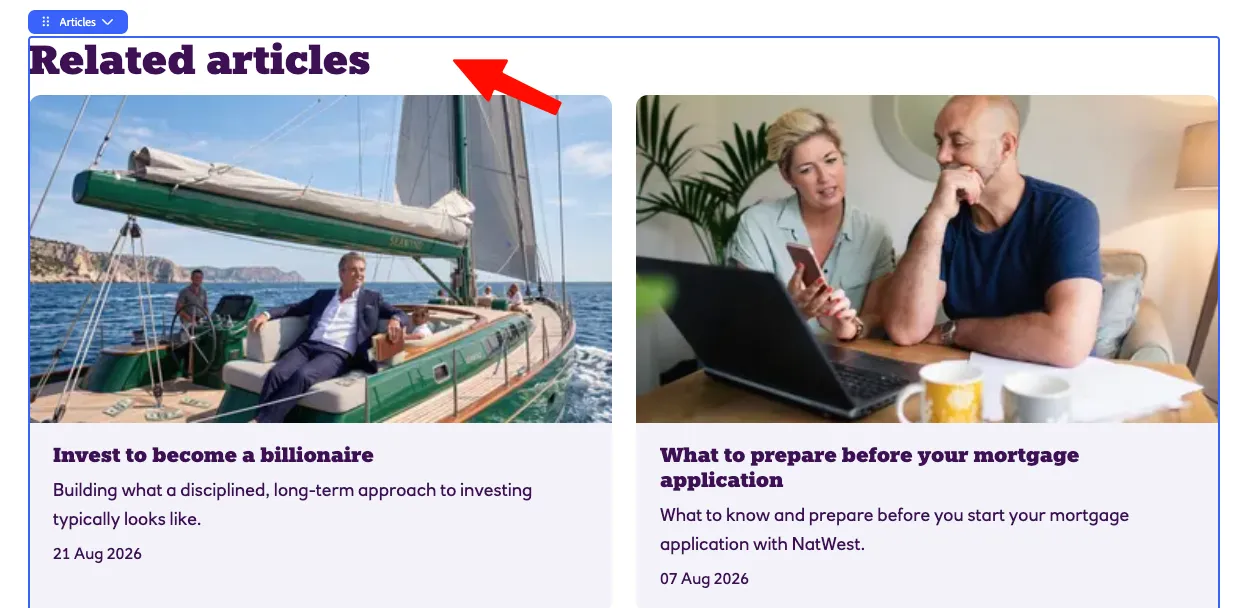
- Scroll down and select the "articles" block:
- On the right, select properties:
- Change the styling to List:
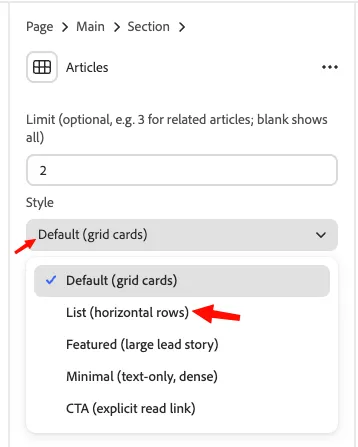
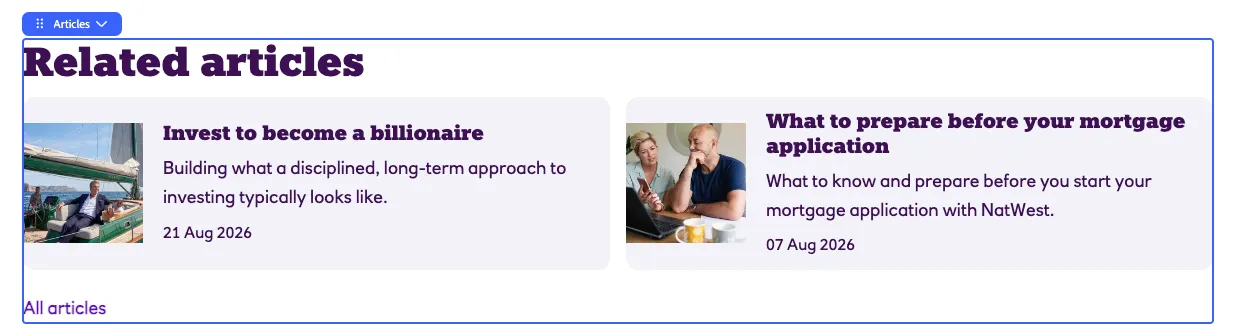
- You will see the block styling change:
- Go back to your article page: here.
- Click on experimentation:
- Your A/B test is now activated:
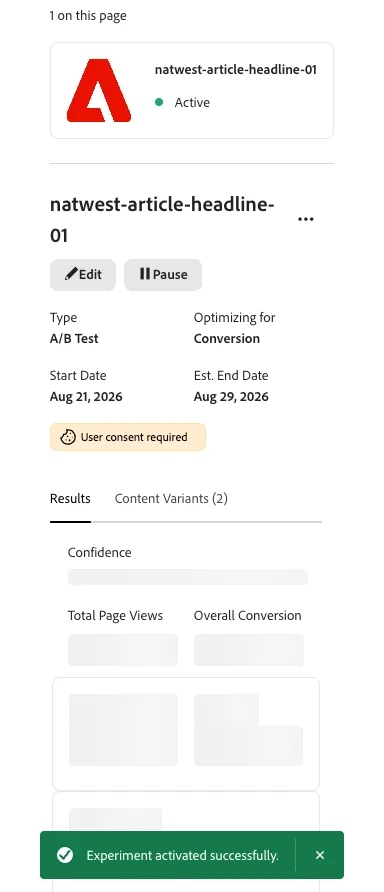
- After collecting enough data, the result will look like this:
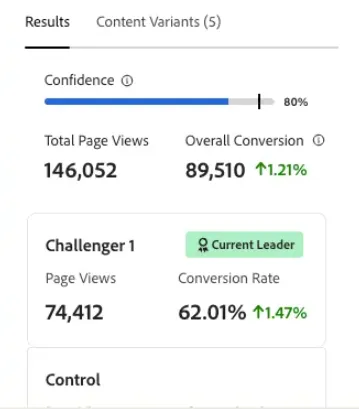
Interpretation
- If the challenger has the higher conversion rate, the alternative layout generated more related-article clicks.
- If the control has the higher conversion rate, the existing layout performed better.
- If the results are very close, the experiment may not show a meaningful difference.
Conclusion
This lab demonstrates how Universal Editor experimentation can be used to compare two “Related articles” designs. By changing only the block style and measuring clicks on related articles, the experiment provides a clear comparison of which layout generates stronger user engagement.