Getting Started
Overview - Web Pages in AEM
AEM has two environments that work together to deliver your website: Author and Publish.
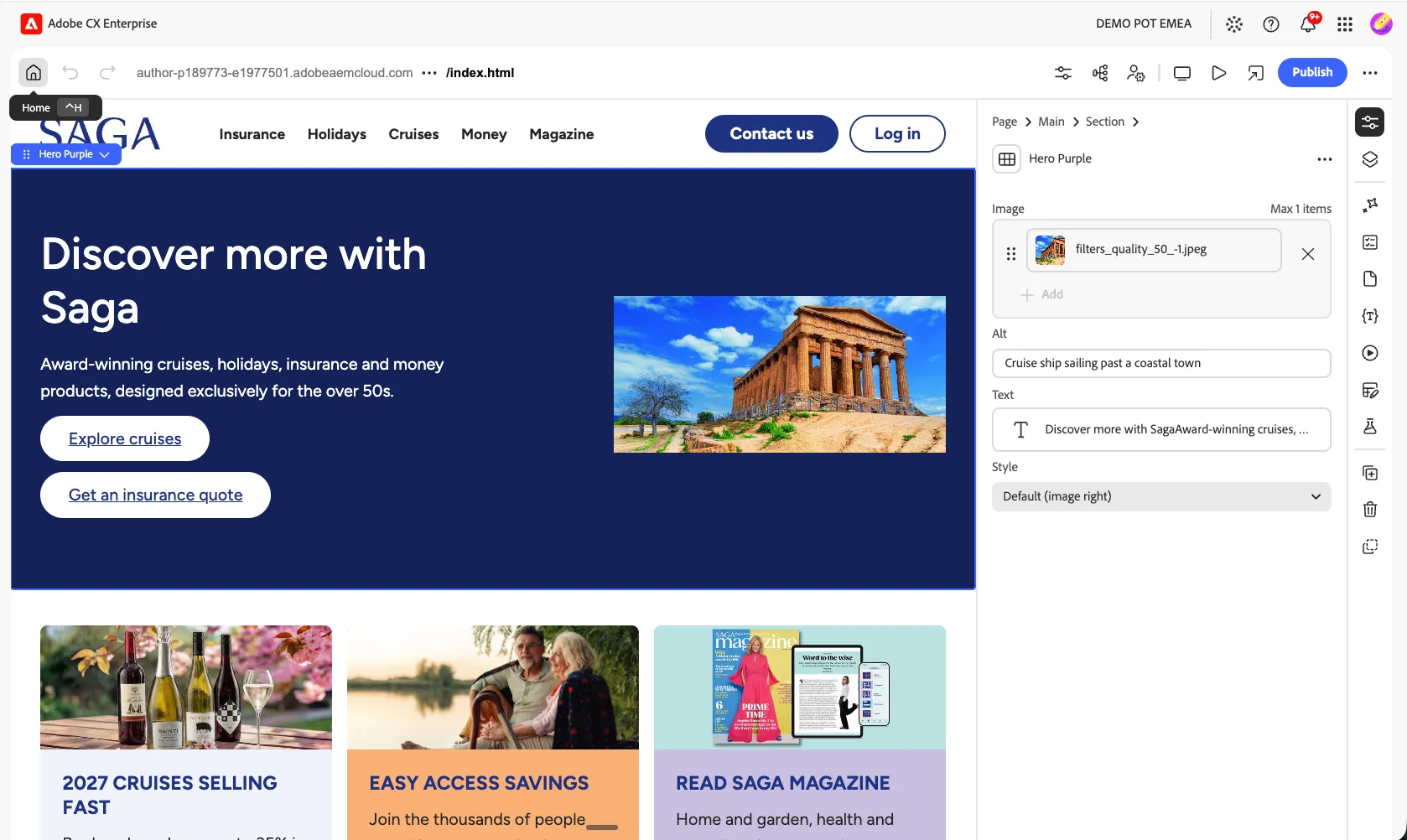
- Author environment — where content is created, updated, and reviewed before it goes live.
- Publish environment — where that content becomes visible to site visitors.
As an author, you organize your site by creating and naming content pages so that:
- You can find them easily in the author environment
- Visitors can browse them easily on the published site
A website's structure is a tree of content pages. The page name forms the URL, while the page title is what's displayed when the content is viewed. For example:
/content/natwest/us/en/faq.html
In the next exercises, you'll create a new page and learn how to reuse content.
Authoring Workflow
Creating and publishing a page moves through three tools working together: the Sites console for management, the Universal Editor for authoring, and Edge Delivery Services for delivery.

- AEM Sites console — used for content management: creating pages, Experience Fragments, Content Fragments, and more. All core AEM capabilities are available, including workflows, MSM, translation, and Launches.
- Universal Editor — used to author the content managed in AEM.
- A modern, WYSIWYG UI for content authoring.
- AEM renders the HTML, while scripts, styles, icons, and other resources are served by Edge Delivery Services.
- All changes are persisted to AEM as a Cloud Service.
- Publishing to Edge Delivery Services — content authored in the Universal Editor and saved to AEM is published to Edge Delivery Services.
- AEM renders the semantic HTML required for Edge Delivery Services ingestion.
- That content is then published to Edge Delivery Services.
- Edge Delivery Services delivers the published content with a 100% Core Web Vitals score.