Creating an Offer
5 min
Create a Personalized Offer
Create an Offer
Click on Offers under Decision Management on the left menu.
Click on Create Offer.
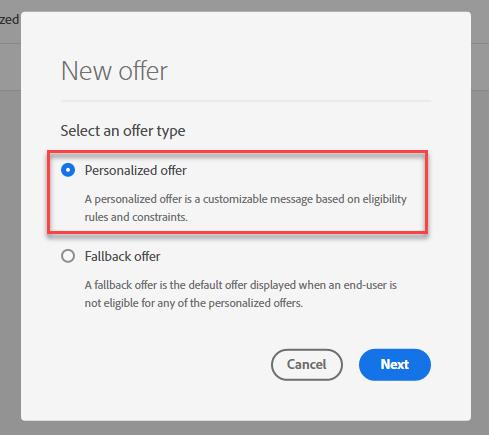
Select Personalized Offer.
Define Offer Details
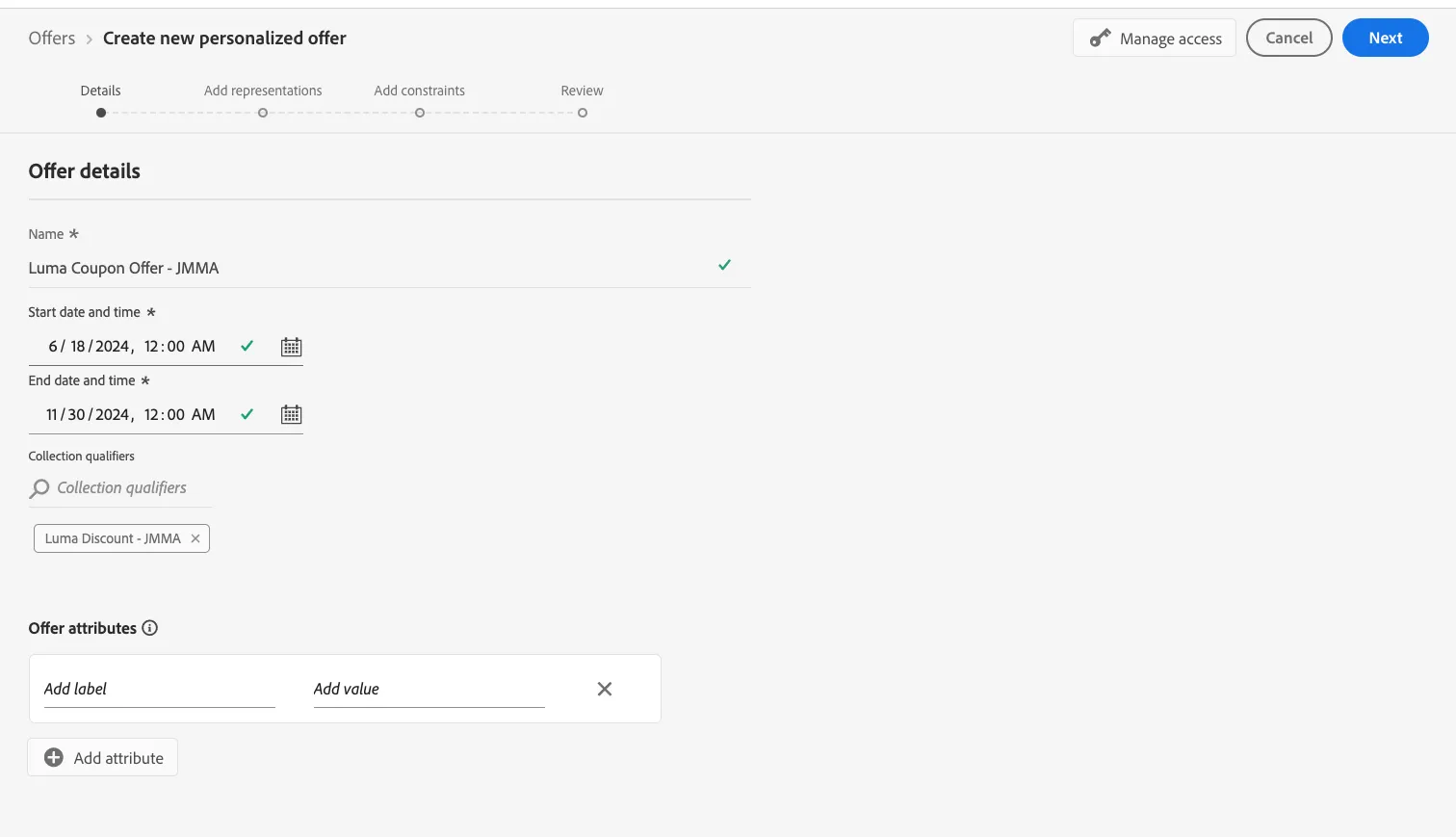
For name of Offer, type “Luma Discount Offer - {your initials}”.
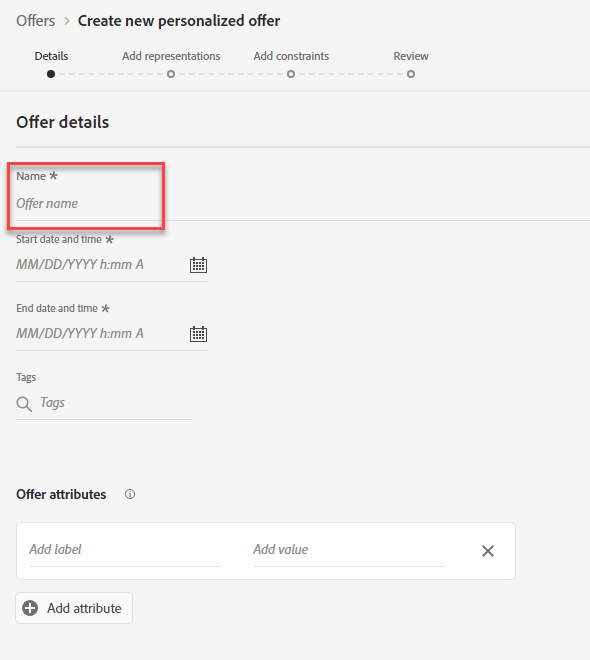
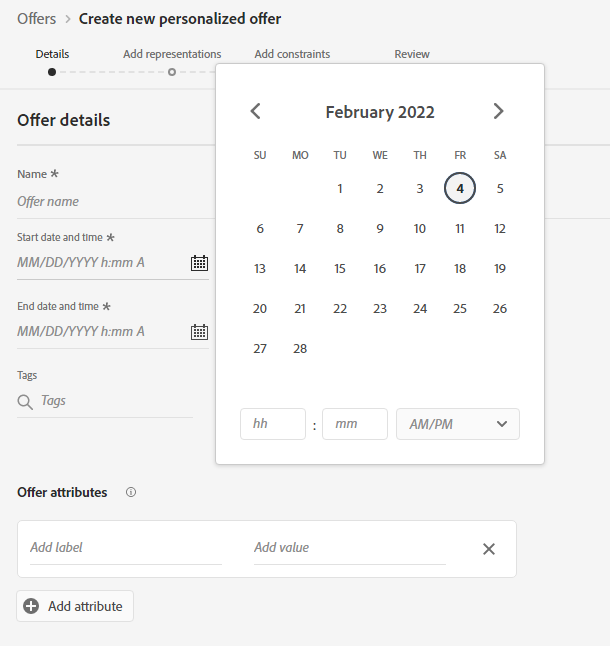
Populate the date ranges for Start and End Dates.
Add your collection qualifier by search by your initials.
Add Representations
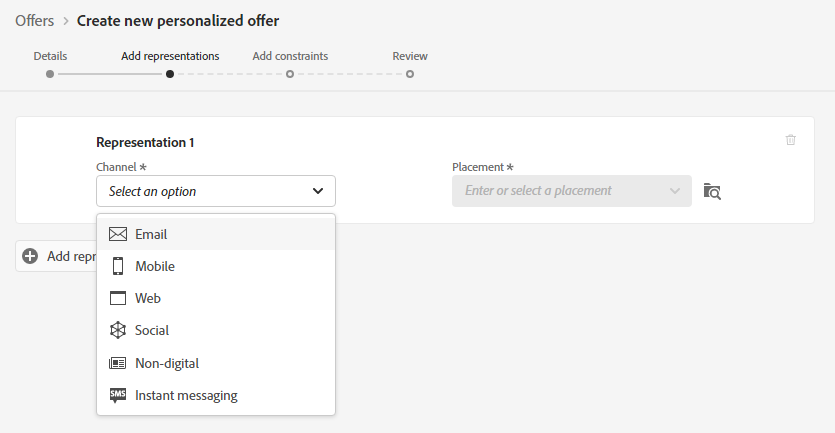
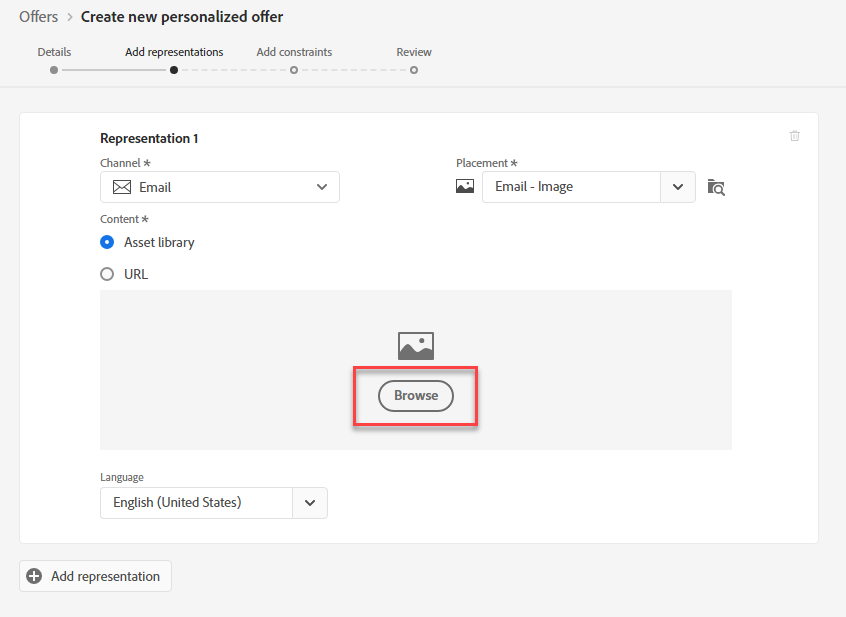
Select Email as your channel.
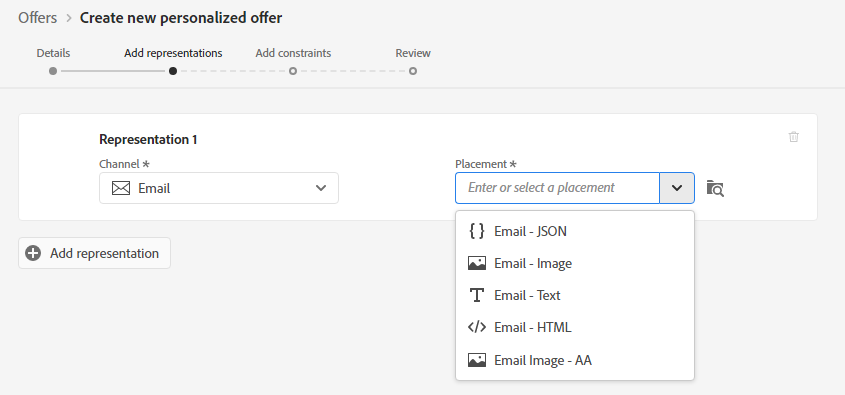
- Select the "Email - Image" as your placement.
-
Click Browse.
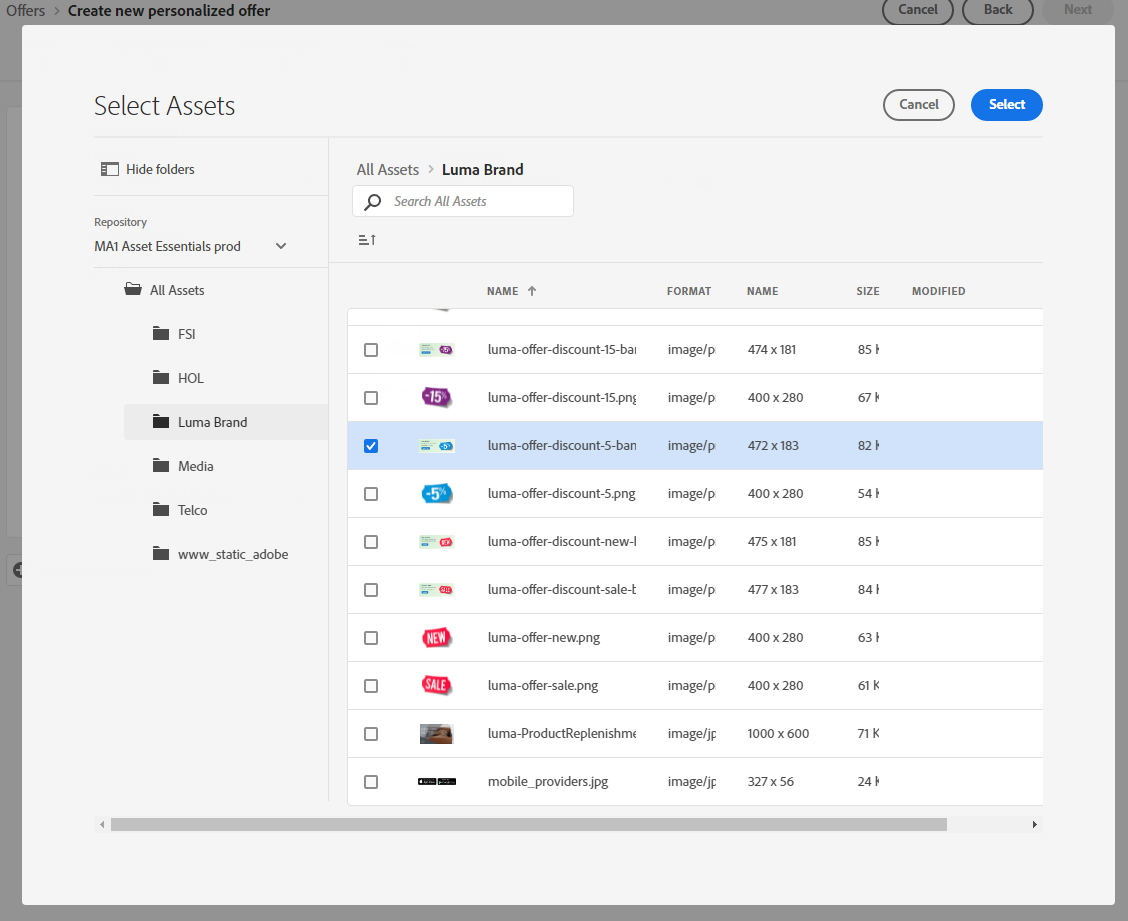
Search for "discount". Select the 15% Coupon Image. Click Select.
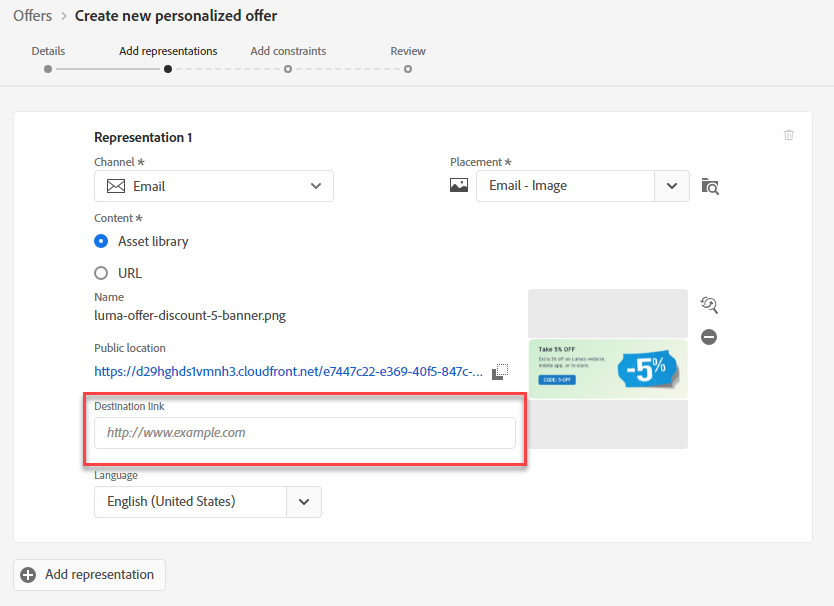
Provide the Destination Link: "https://builder.adobedemo.com/run/luma”
Click Next.
Add Constraints
Set Offer Eligibility. Select Visitors who fall into one or multiple segments.
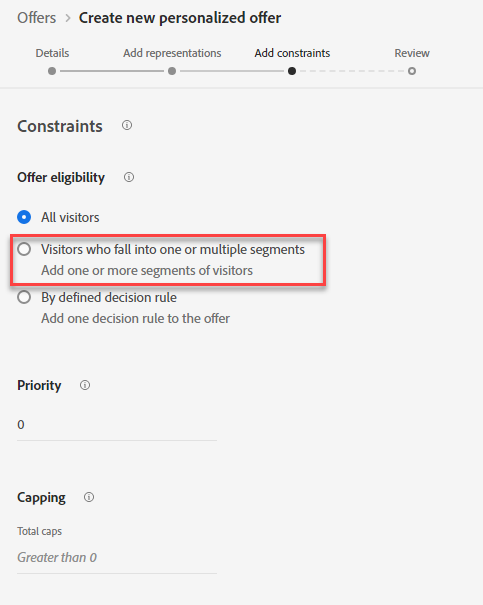
- Drag on these segments: Gold Loyalty Members and Platinum Loyalty Members
Set the Logic between segments as "Or"
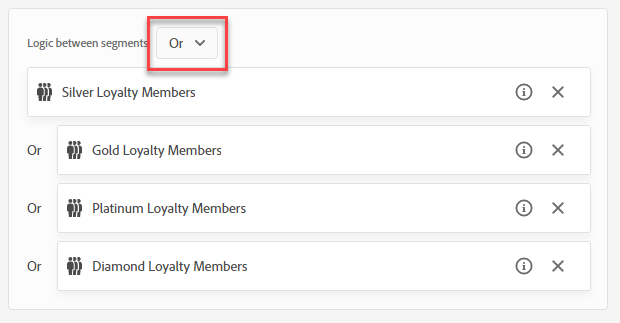
- Set Priority: 100. Do not Set Capping. Click Next.
- Review your Offer Details. Click Finish and Save and Approve.
Your offer should look like this:
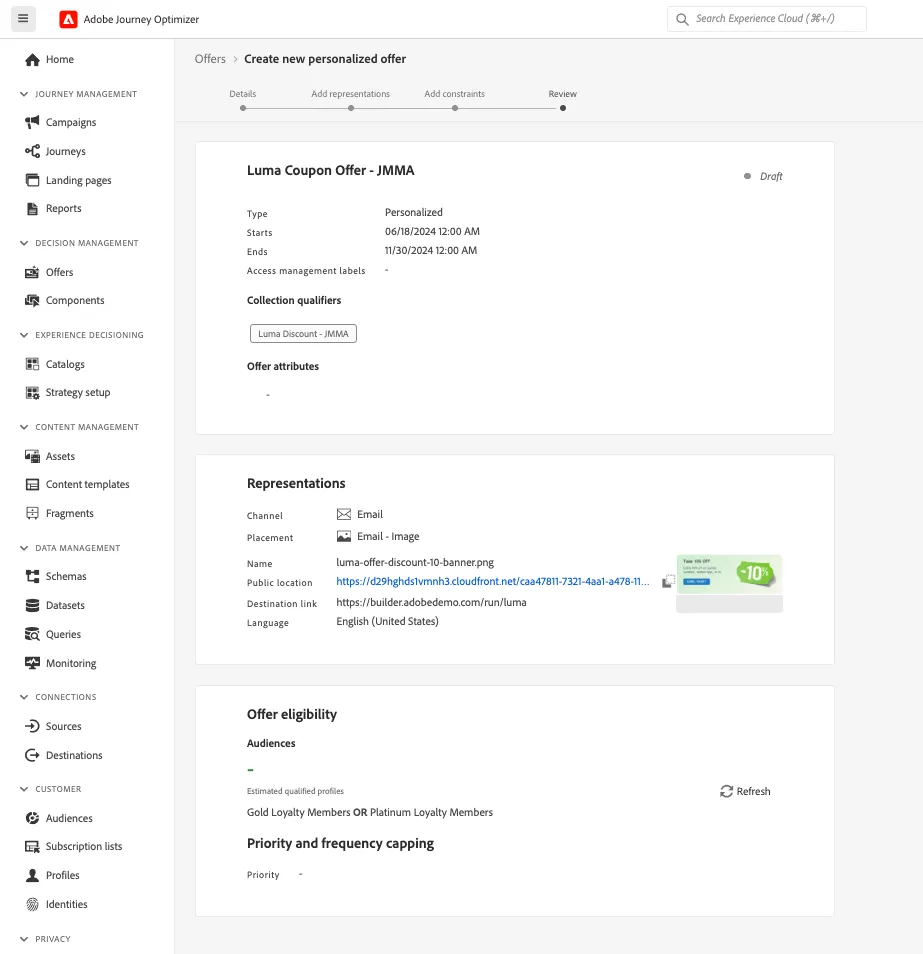
Navigate to the Collections tab and confirm the offer has been brought in due to the collection qualifier being added.