Test My Access
Welcome
We look forward to hosting you during the upcoming Hands-on Lab!
The lab is conducted in an Adobe CX Enterprise demo environment. To participate in lab exercises, you will need to log in to the demo instance.
How to test my access?
- If you are a current Adobe CX Enterprise user, please fully sign out of your instance from the upper right OR use a private/incognito window.
- Once you've logged out of your Adobe CX Enterprise instance, or if you're using a private/incognito browser, copy/paste this url into your browser: https://experience.adobe.com/
- Log in with the following credentials (copy/paste and make sure to remove extra spaces):
Username
Password
AEPTest2024!
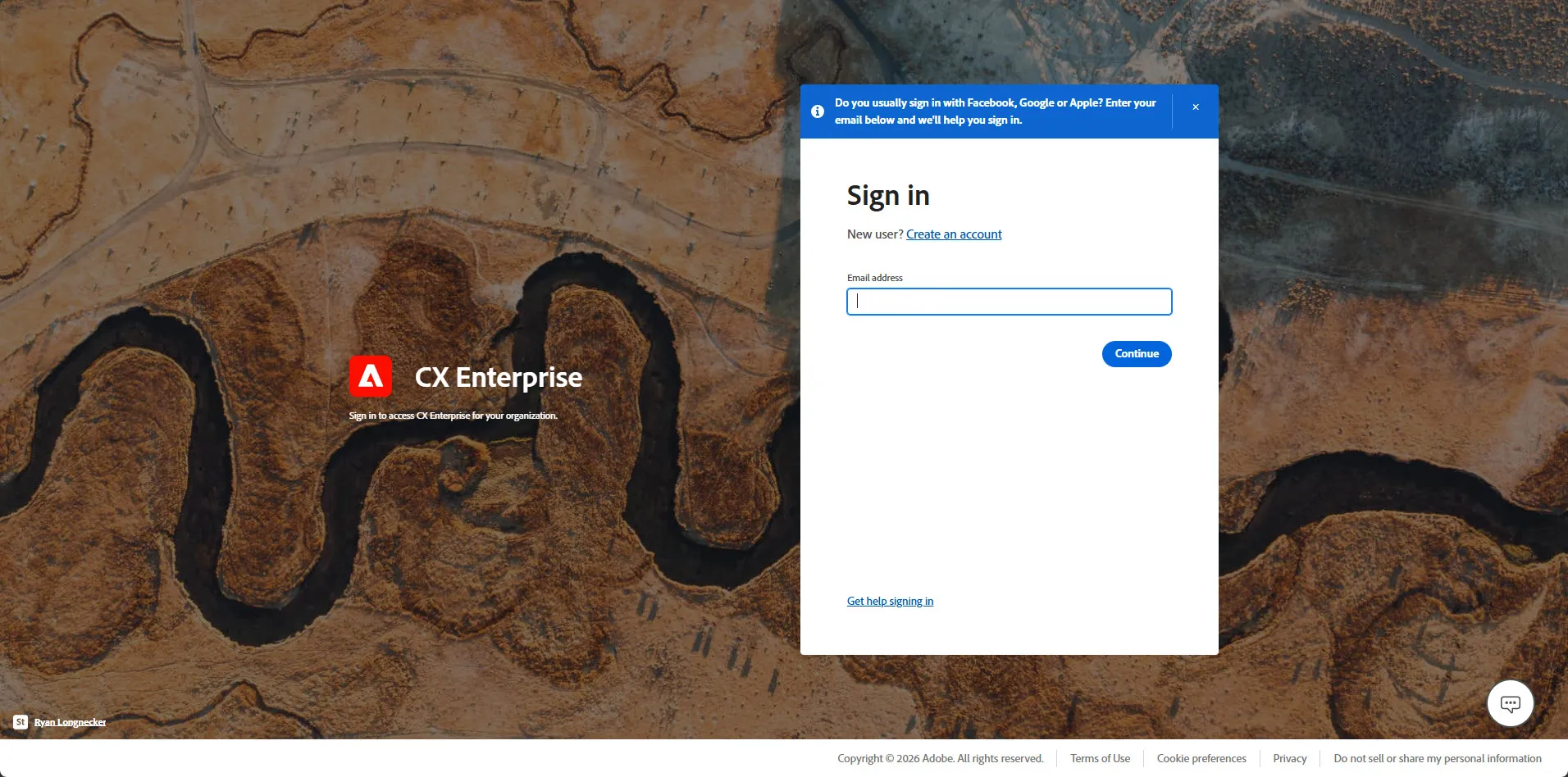
Copy and paste in username. Click Continue.
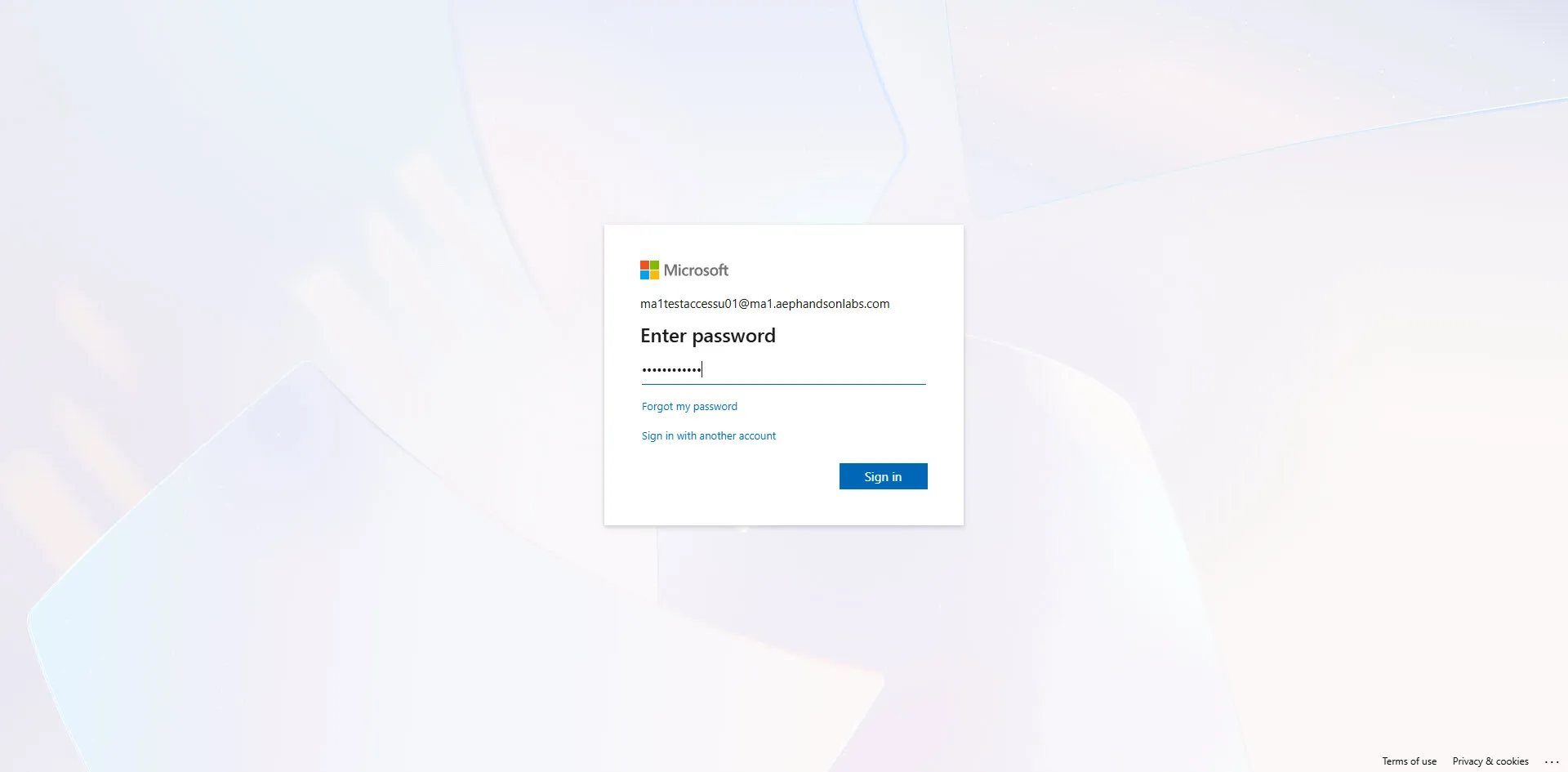
Copy and paste password. Click Sign in.
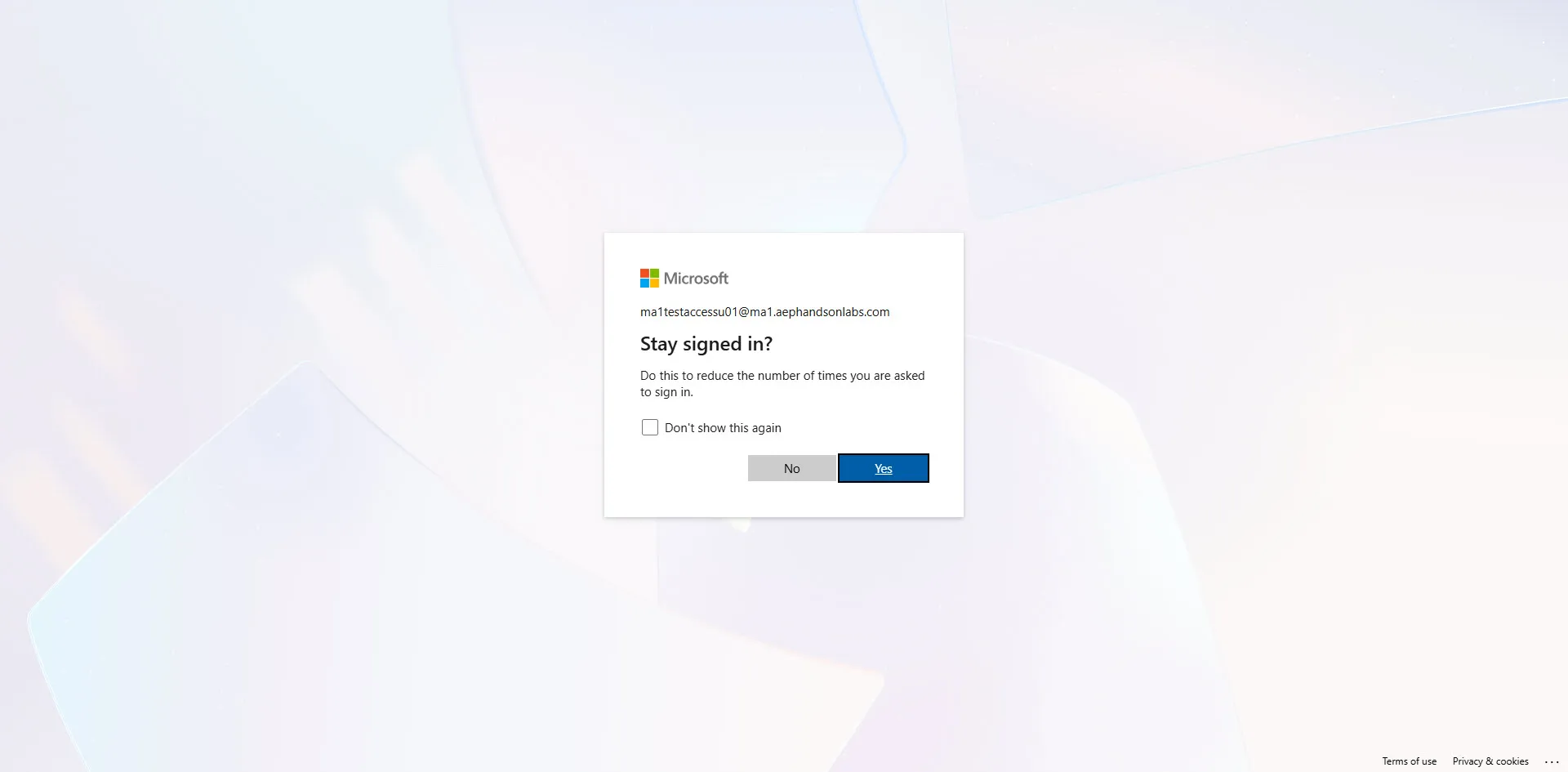
You can click Yes or No if prompted to Stay signed in.
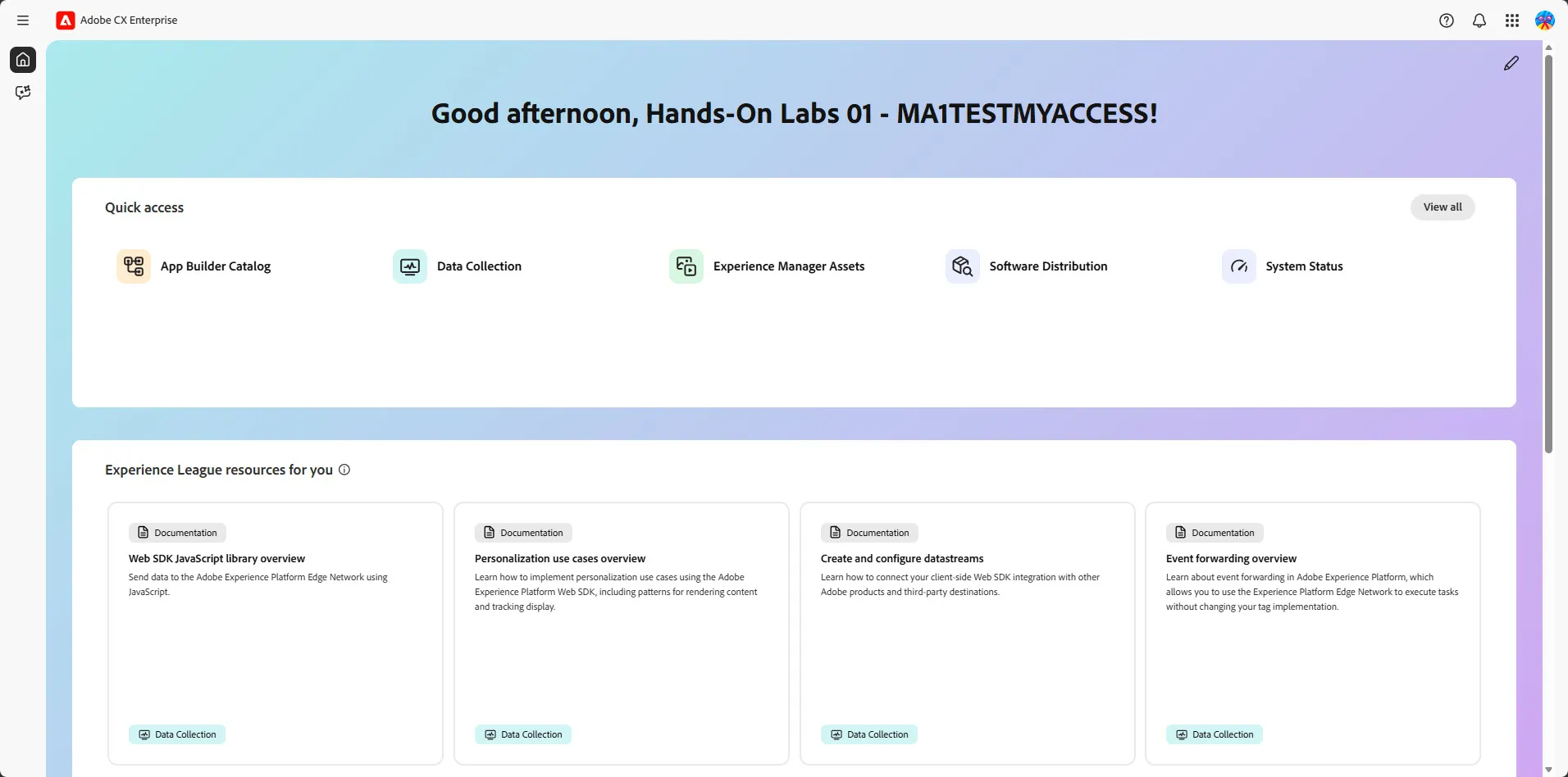
Upon successful login, you should be routed to the Adobe CX Enterprise home page:
What now?
If you are not able to log in, you might have a network firewall restricting access. In which case and if able, please access without the firewall enabled, plan to attend the lab using a personal computer or reach out to your IT security administrator for access support. If none of these options are available to you, we encourage you to attend as a lab watcher and you are welcome to ask questions throughout the lab.
Please ensure that your Adobe Representative is aware of your access testing to confirm your attendance.