Test My Access
4 min
We look forward to hosting you during the hands-on lab!
The lab is conducted in an Adobe Experience Platform demo environment. To participate in lab exercises, you will need to log in to the demo instance.
How to test my access?
- If you are an Experience Cloud user, please log out of your instance of the Experience Cloud OR use a private/incognito window.
- Once you've logged out of your Experience Cloud instance, or if you're using a private/incognito browser, copy/paste this url into your browser: https://experience.adobe.com/
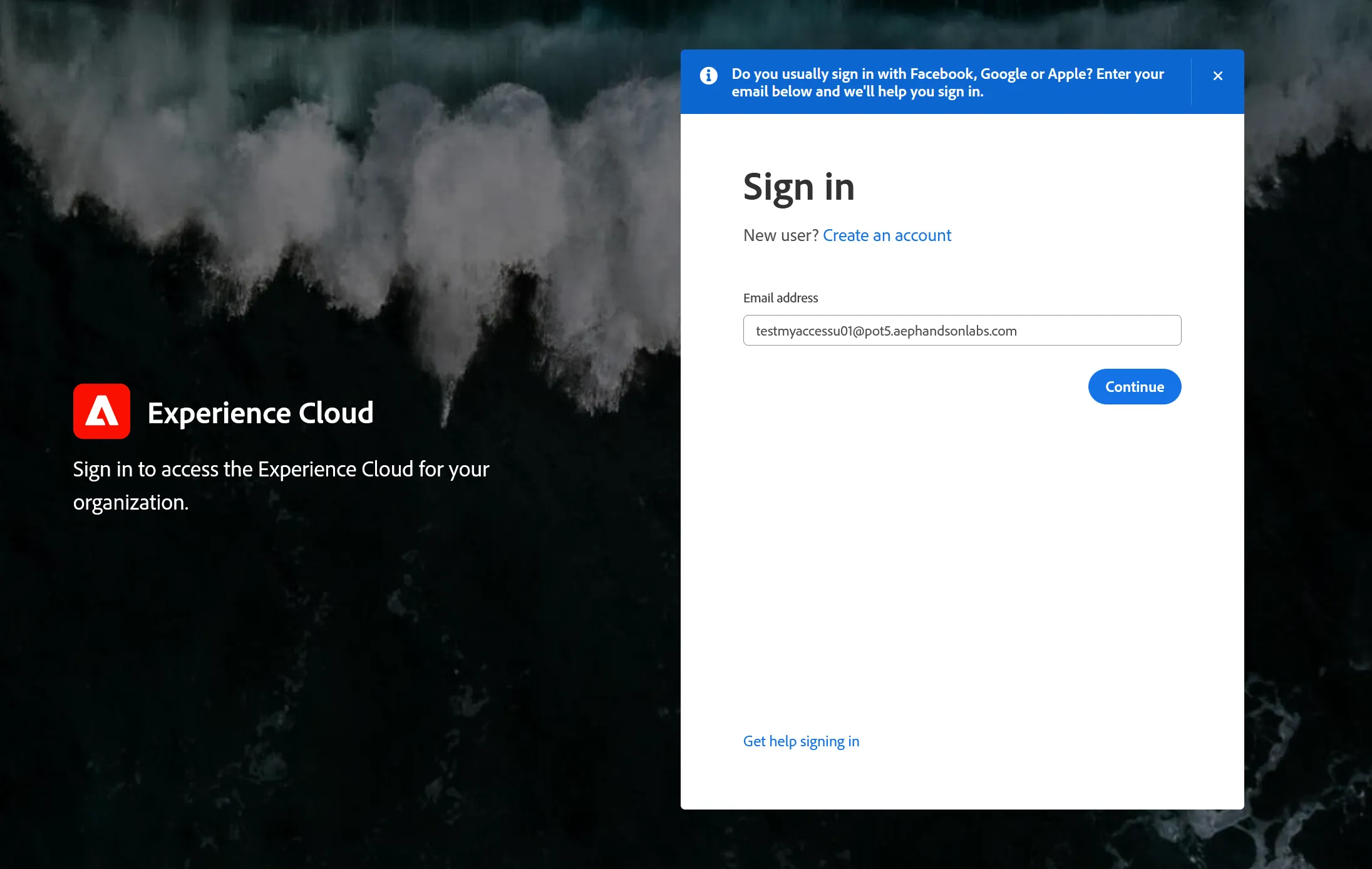
- Log in with the following credentials (copy/paste and make sure to remove extra spaces, and select Company of School Account if prompted):
Username
Password
AEPH0Luser
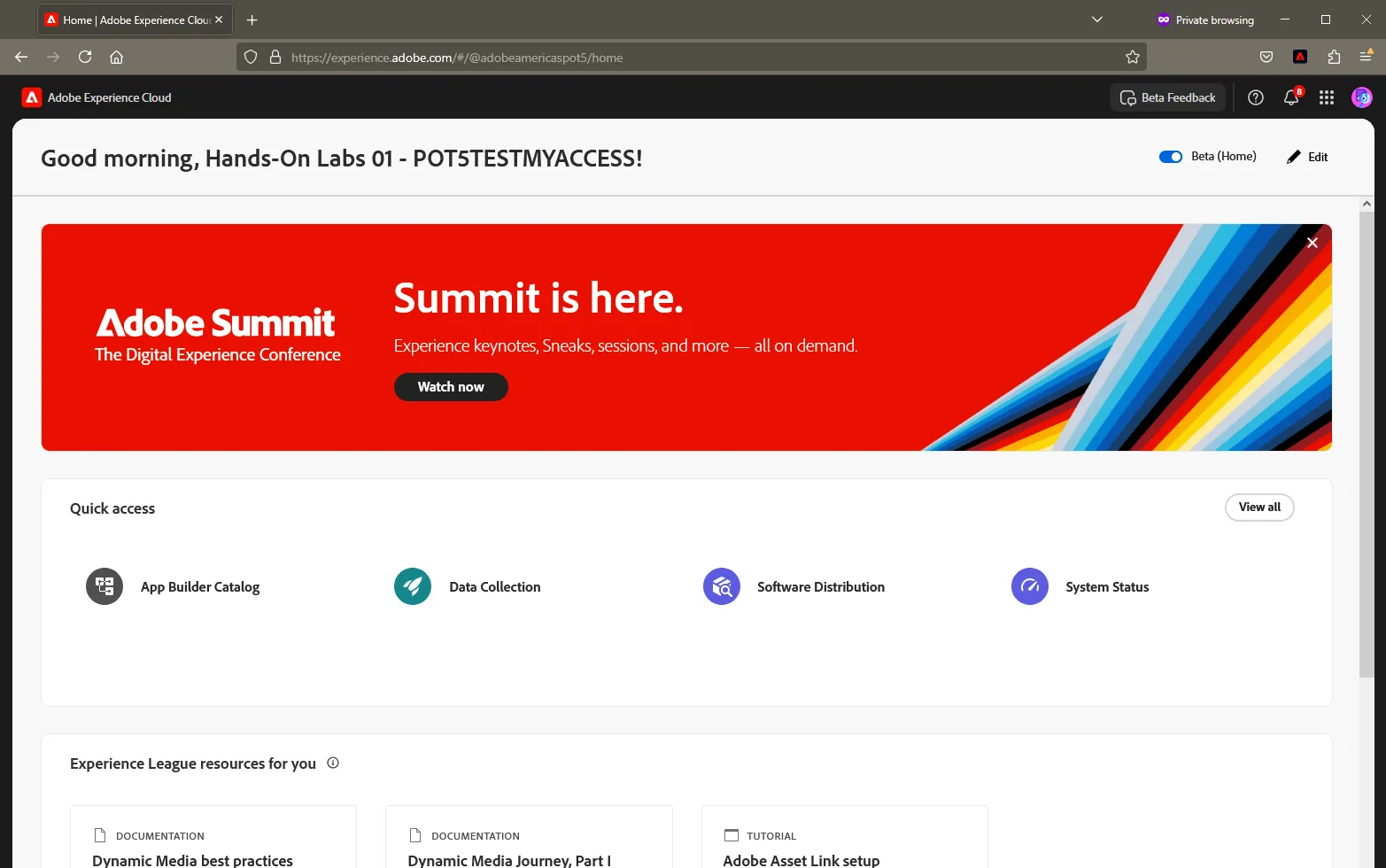
Upon successful login, you should be routed to the Experience Cloud home page:
What now?
If you are not able to log in, you might have a network firewall restricting access. In which case, please plan to attend the lab from a personal computer or reach out to your IT security administrator for support. If neither of these options are available to you, we encourage you to attend as a lab watcher and you are welcome to ask questions throughout the lab.
Please ensure that your Adobe rep is aware of your access testing to confirm your attendance.