API Permissions
1 min
The Technical Validation Toolbox uses a Developer Console project for it's API integrations inside the Adobe Experience Cloud. In order to use some of the features you'll need to provide permissions to the API Credentials used by the app.
This is set up for you during the onboarding, but can sometimes require updating.
Adding permissions
- Go to Adobe Experience Platform for your organization.
- Navigate to Permissions > Roles and open the role you use for super admins It's recommended to use your super admin role instead of creating a dedicated role for the TV Toolbox. The super admin role will be frequently updated to reflect the latest permissions whereas a dedicated role would likely become stale.
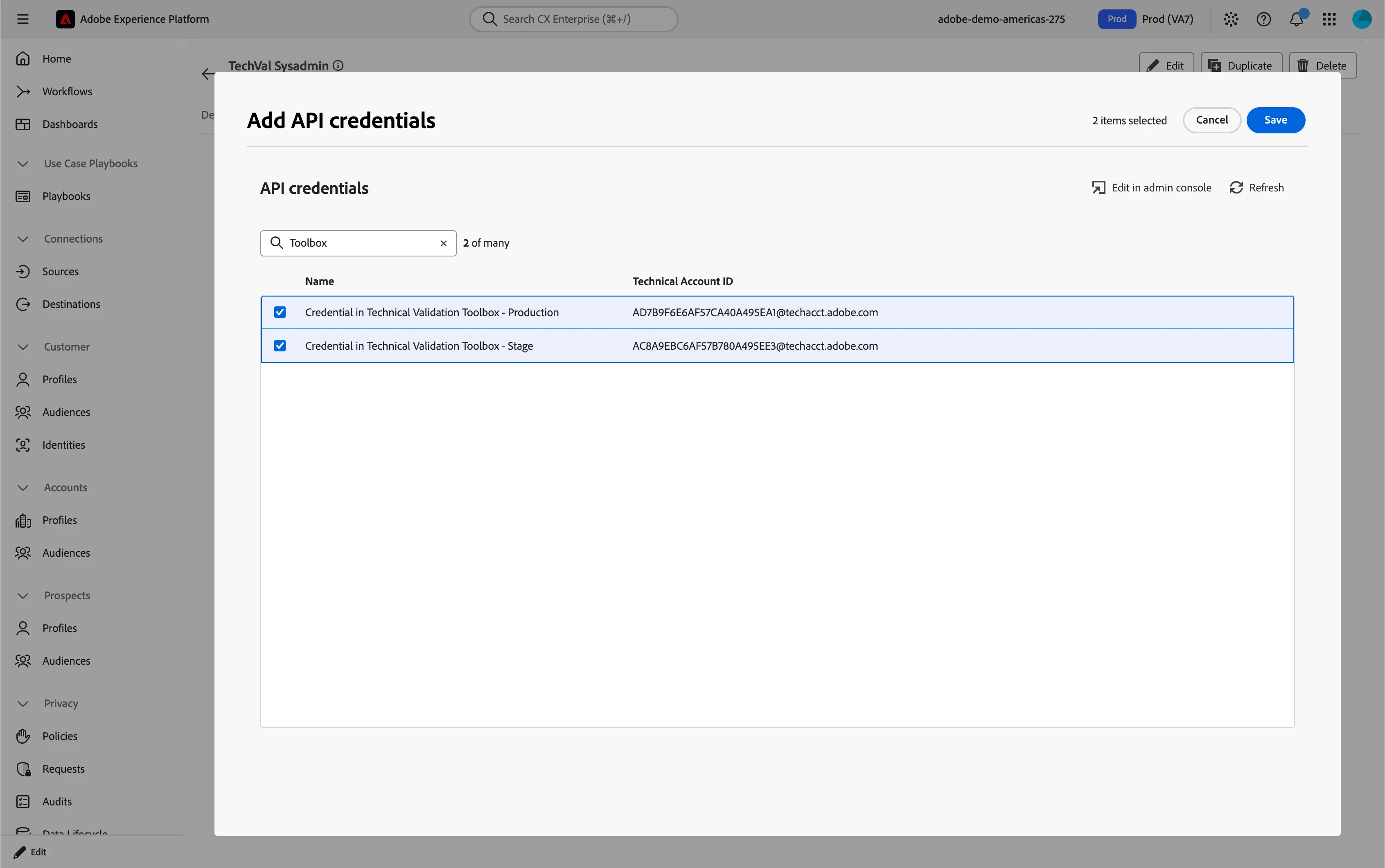
- Open the API Credentials tab and click Add API Credentials.
- Search for Toolbox, you should find credentials for Technical Validation Toolbox. There can be multiple, but at least one should be called Production. In APAC and EMEA the API Credentials are called "AEP Toolbox"
- Add all of these API credentials to the role.