Database
4 min
The first time you use the Technical Validation Toolbox it will prompt that you need to initialize the database. This process will create all required tables and out-of-the-box permissions so you can start using the app.
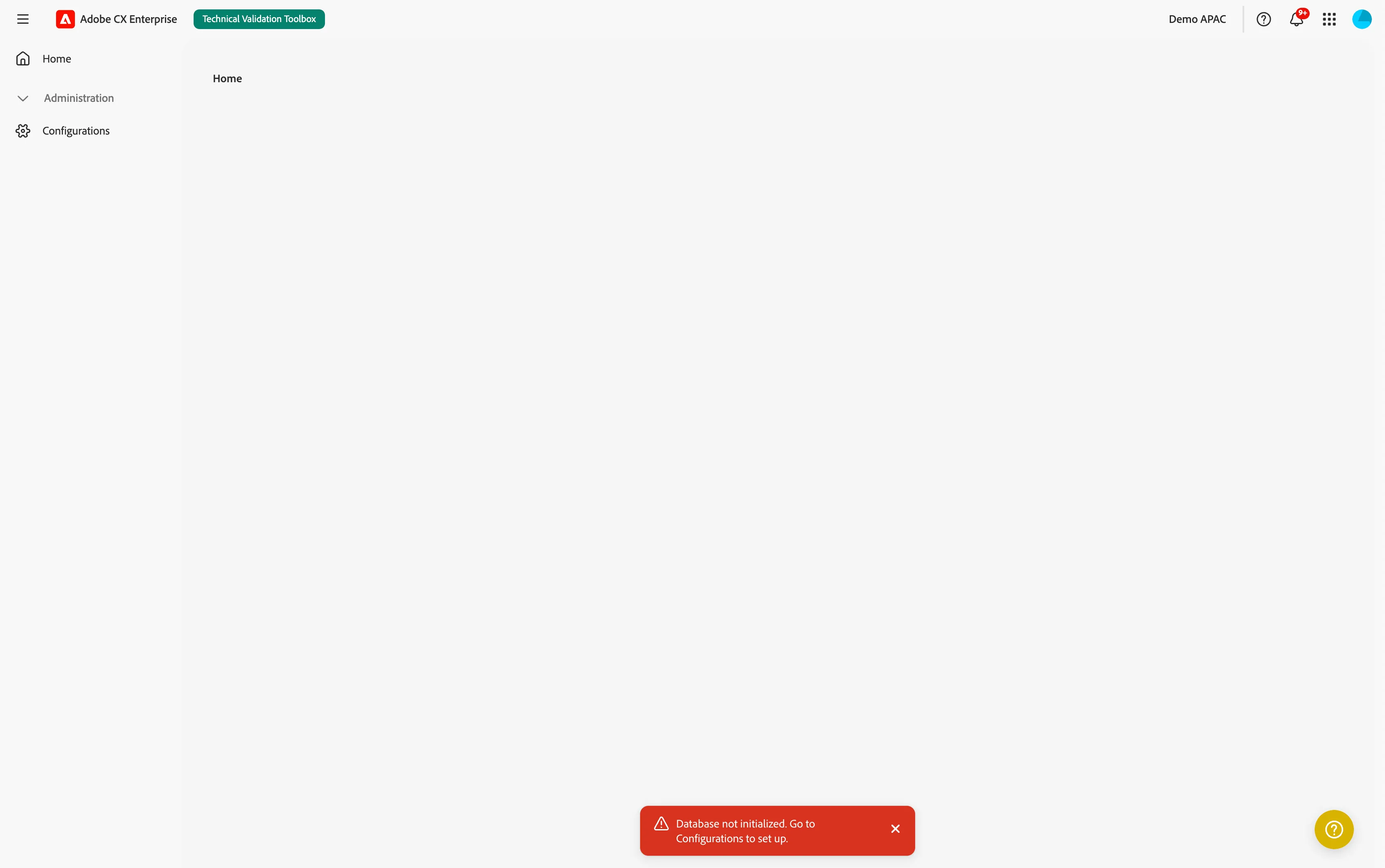
Initializing your database
- In the Technical Validation Toolbox, navigate to Administration > Configurations.
- In the App tab, you'll find a block dedicated to Database. It will say
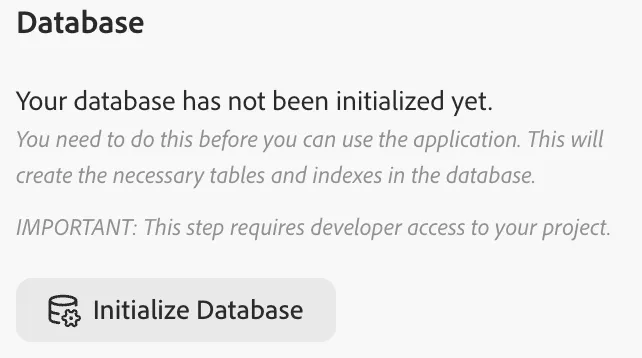
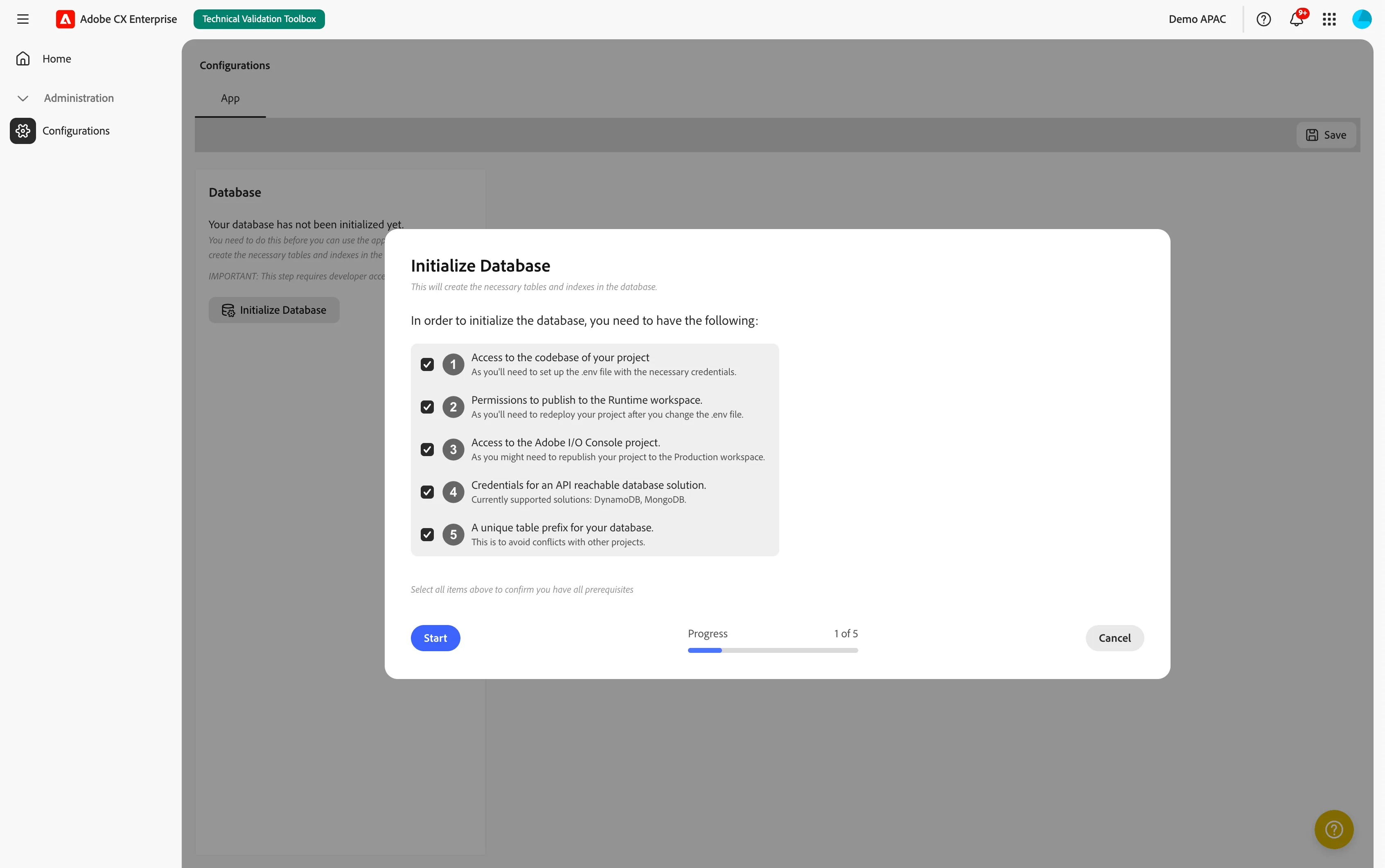
- Click Initialize Database. A window will open
- Check you have the required permissions and access and click Start. The onboarding process takes care of all items, so you should be fine to proceed.
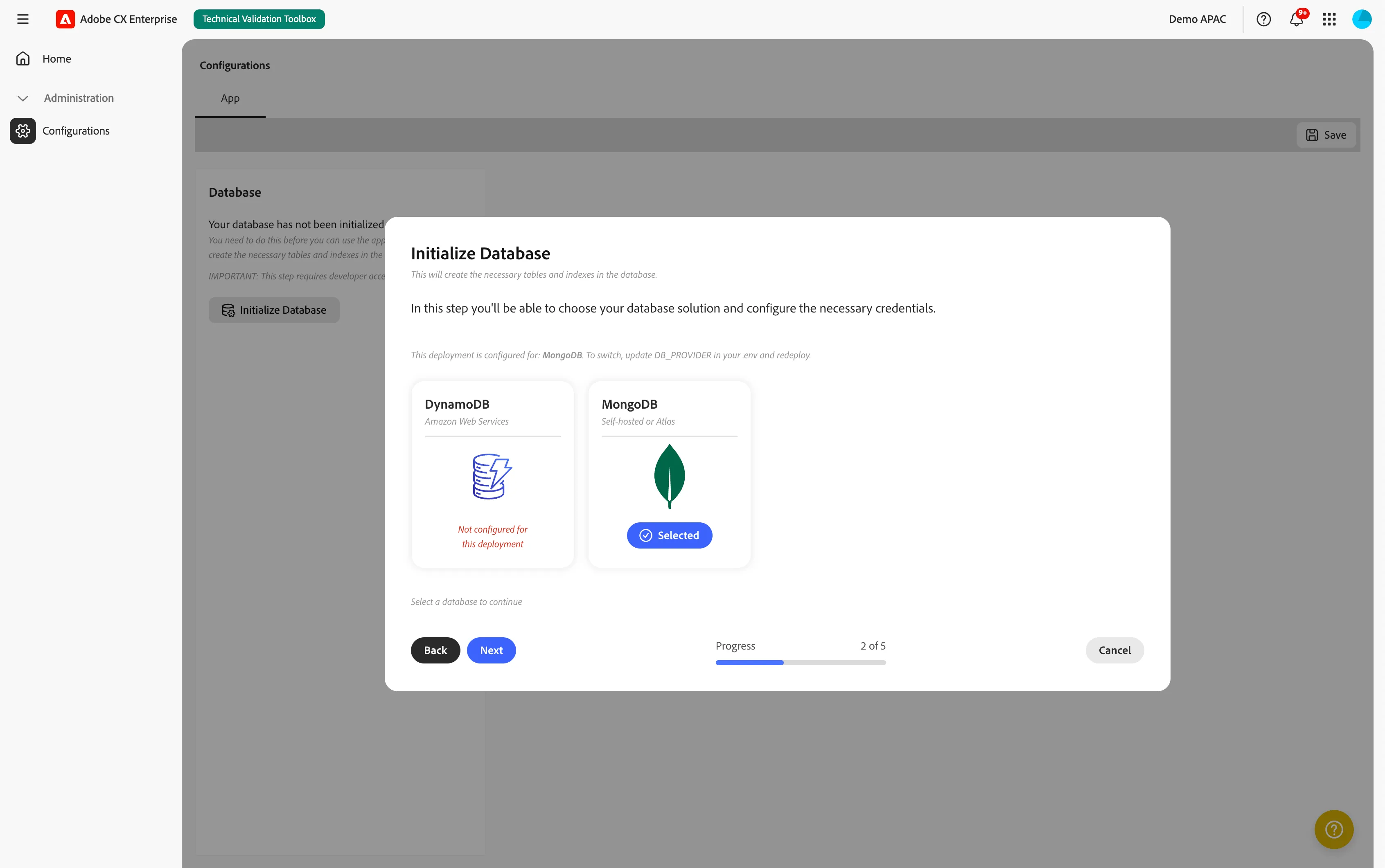
- Choose a database solution. For the Technical Validation Toolbox you are only allowed to choose MongoDB. Click Select in the MongoDB card and then click Next.
- Test if you are able to connect to the database by clicking Test Connection. After the test connected successfully, click Next.
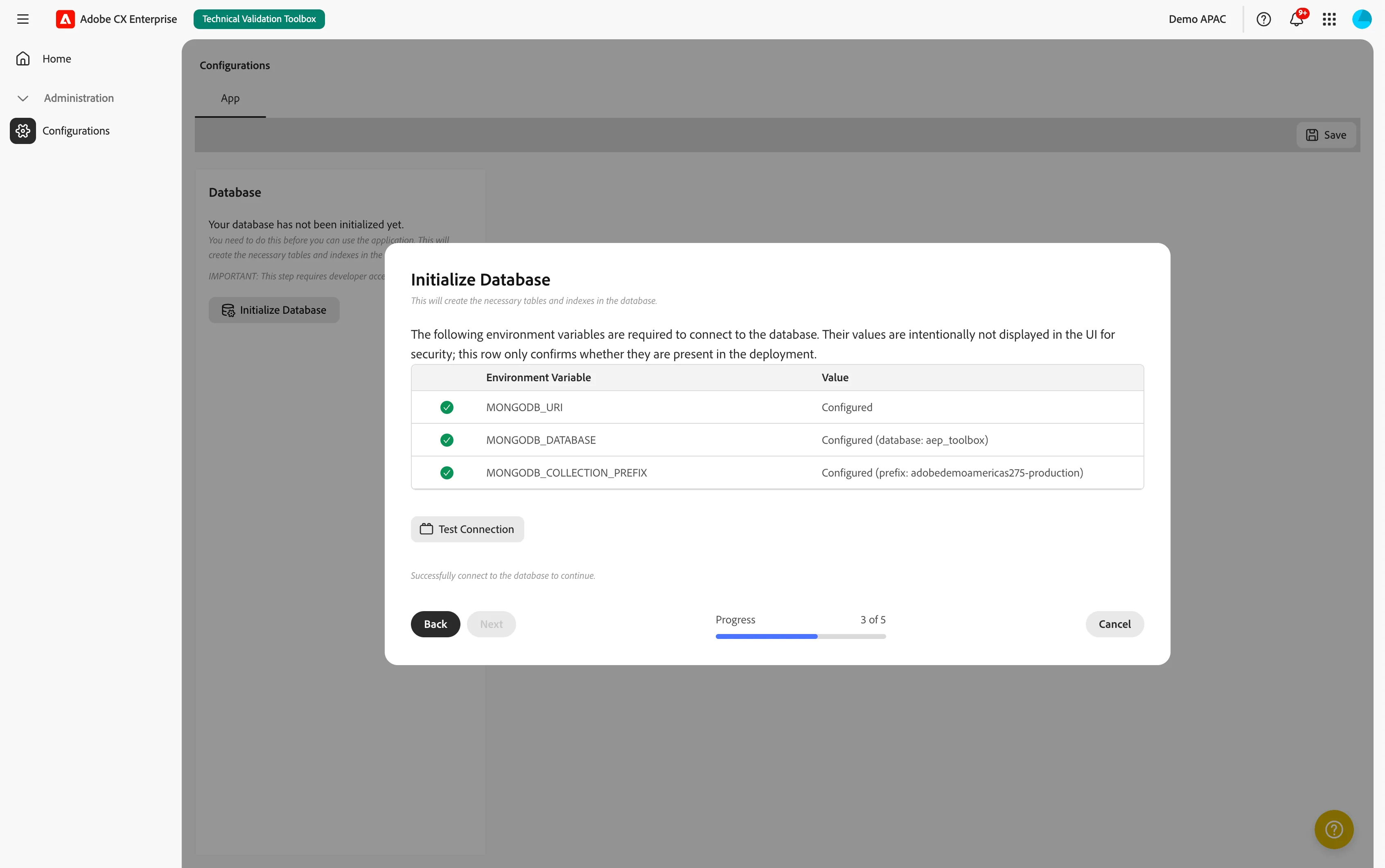
- In the next step you can start the Database Initialization. It will run through all tables and create the missing ones, then it will create all out-of-the-box permissions. When done, click Next.
- The database initialization has completed. You can now close this window and refresh the page. You'll notice the Administration menu item now has two new children: Permissions and Audit Logs.
Audit logging
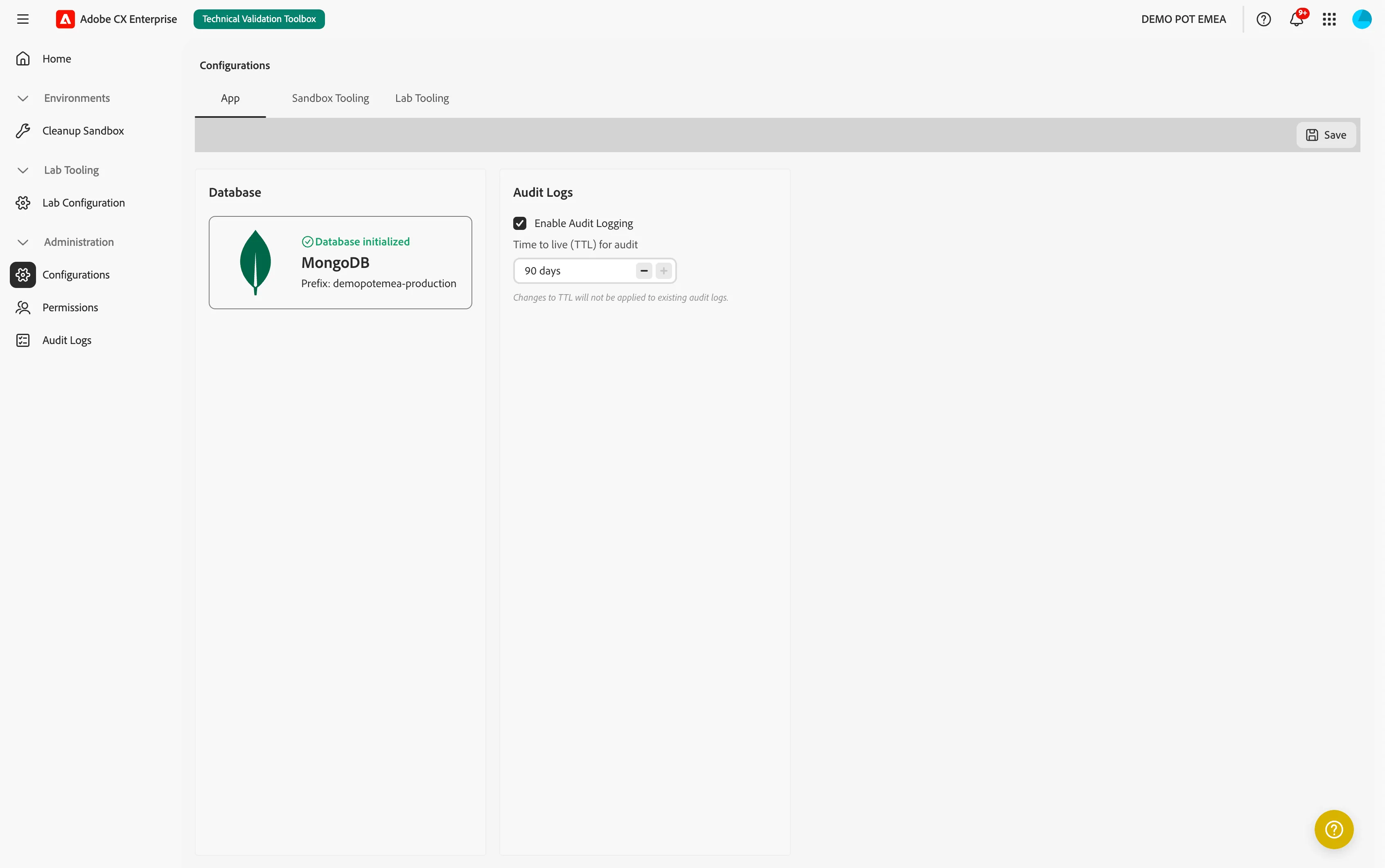
The application audit logs every action taken by users. By default this is enabled and is set to retain data for 90 days.
- In the Technical Validation Toolbox, navigate to Administration > Configurations.
- In the App tab, you'll find a block dedicated to Audit Logs. Here you can:
- Enable or disable Audit Logging
- Set the Time to live (TTL) for audit logs.
- If you made changes, click Save in the top right.
Audit logging uses a Time-to-live (TTL) timestamp when the log entry is created. This means that changing the TLL does not affect existing log entries.
Updating your database
When new versions of the App Builder release they can come with database changes. These changes require you to run a Database re-initialization. This process updates your database, adding missing tables and out-of-the-box permissions.