Lab Access
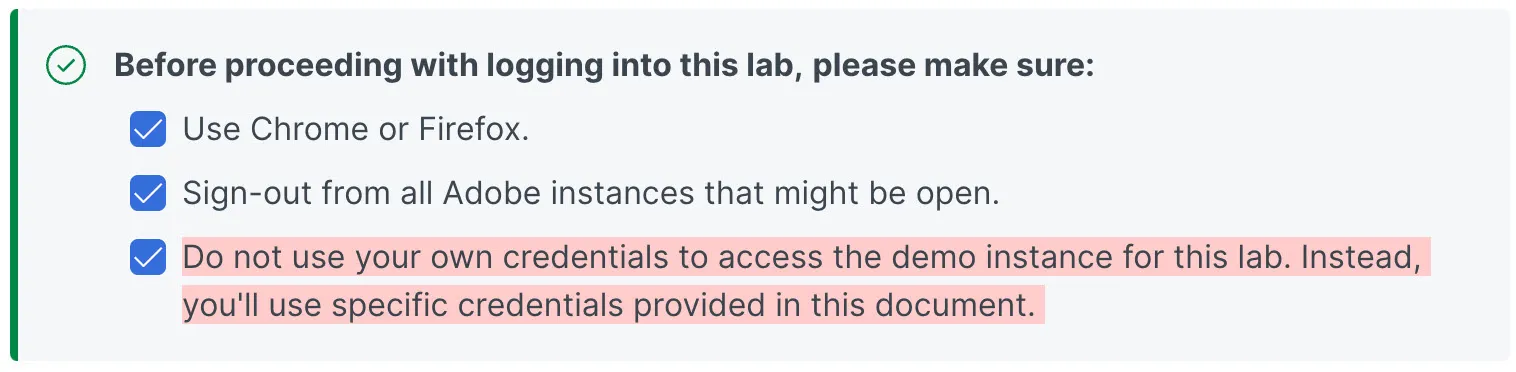
The Hands-on Lab URL: https://experience.adobe.com
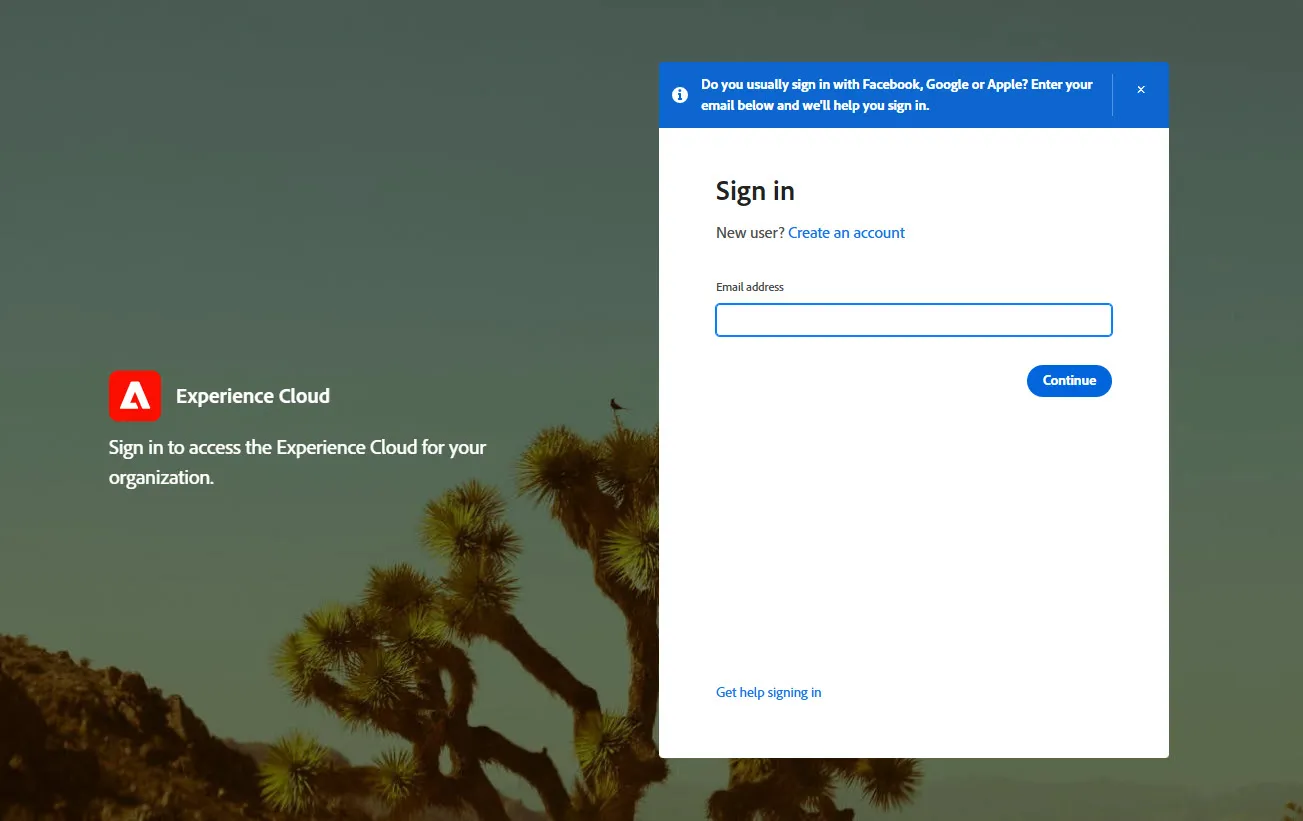
After navigating to the URL above, you will see a screen like this If you see anything else, then make sure you sign-out, and try again:
Below are the login credentials for the lab environment. Locate your name and assigned login email.
User | Name | Login Email |
|---|---|---|
1 | Eric Rozran | |
2 | Gokul Nagarajan | |
3 | Robin Bertelsen | |
4 | Mark Barash | |
5 | Danyelle Guernsey | |
6 | Austin JonesOhel | |
7 | Sean Shoemaker | |
8 | Gary Gamitian | |
9 | Timothy Denney | |
10 | Raquel Banuelos | |
11 | Deb William | |
12 | Tatyana Zachary | |
13 | Donna Paglia | |
14 | Andy Powers |
Password for all usernames listed below is: CJAB2Bhol$1025
After you enter your assigned username from above (email address) click the 'Continue' button and then you will see the single sign on screen below. We use Microsoft Active Directory so you will see a Microsoft logo and a prompt to enter a password.
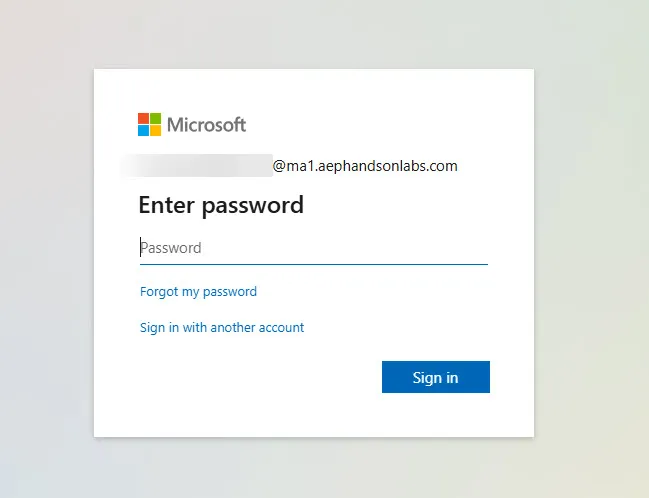
Click the 'Sign in' button. If prompted to 'Stay signed in?' you can choose 'Yes' or 'No'.