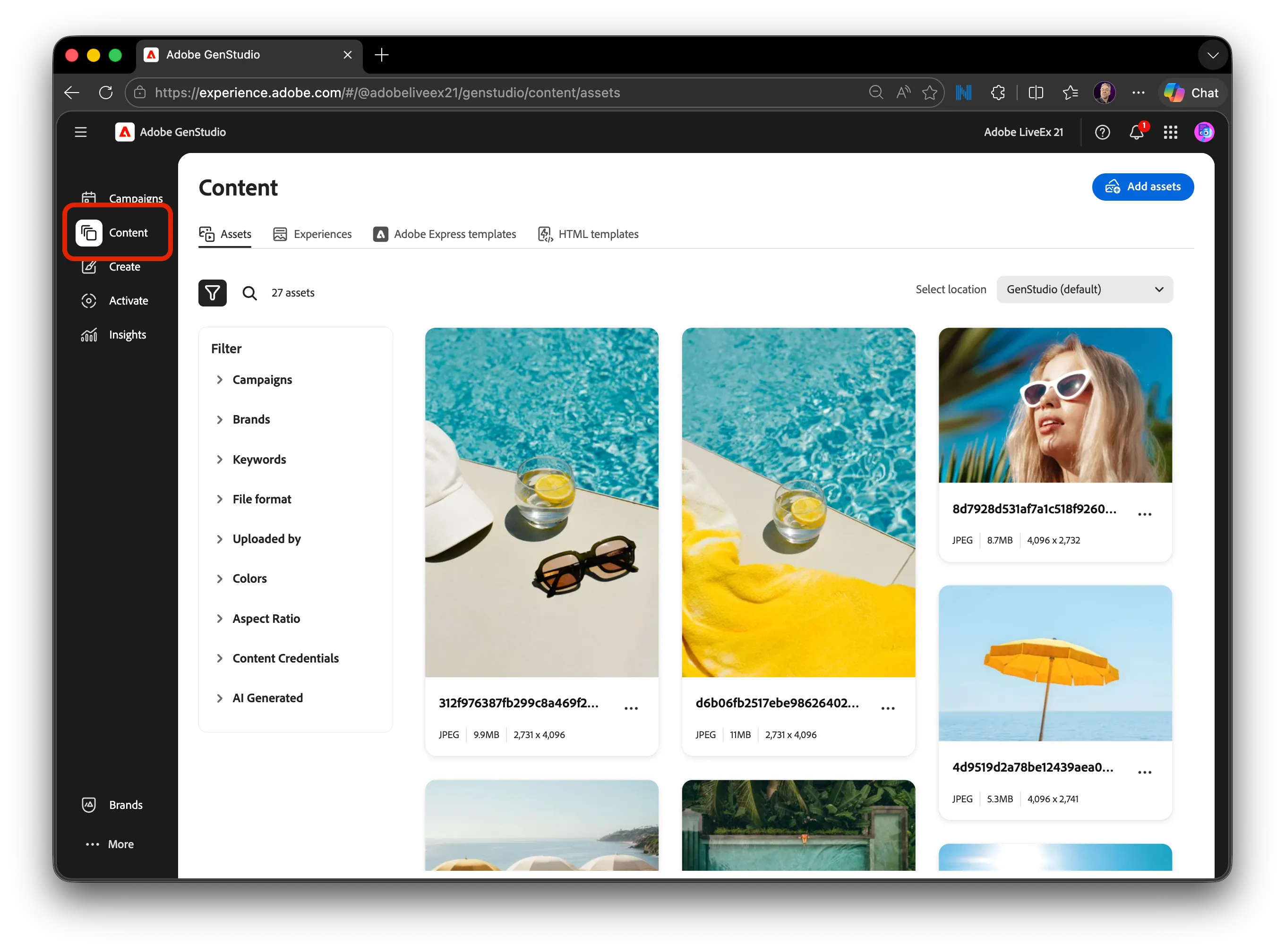
Campaigns
5 min
Campaigns Details
Campaigns organize marketing initiatives and connect brands, personas, products, and content.
Step 1: Open Campaigns
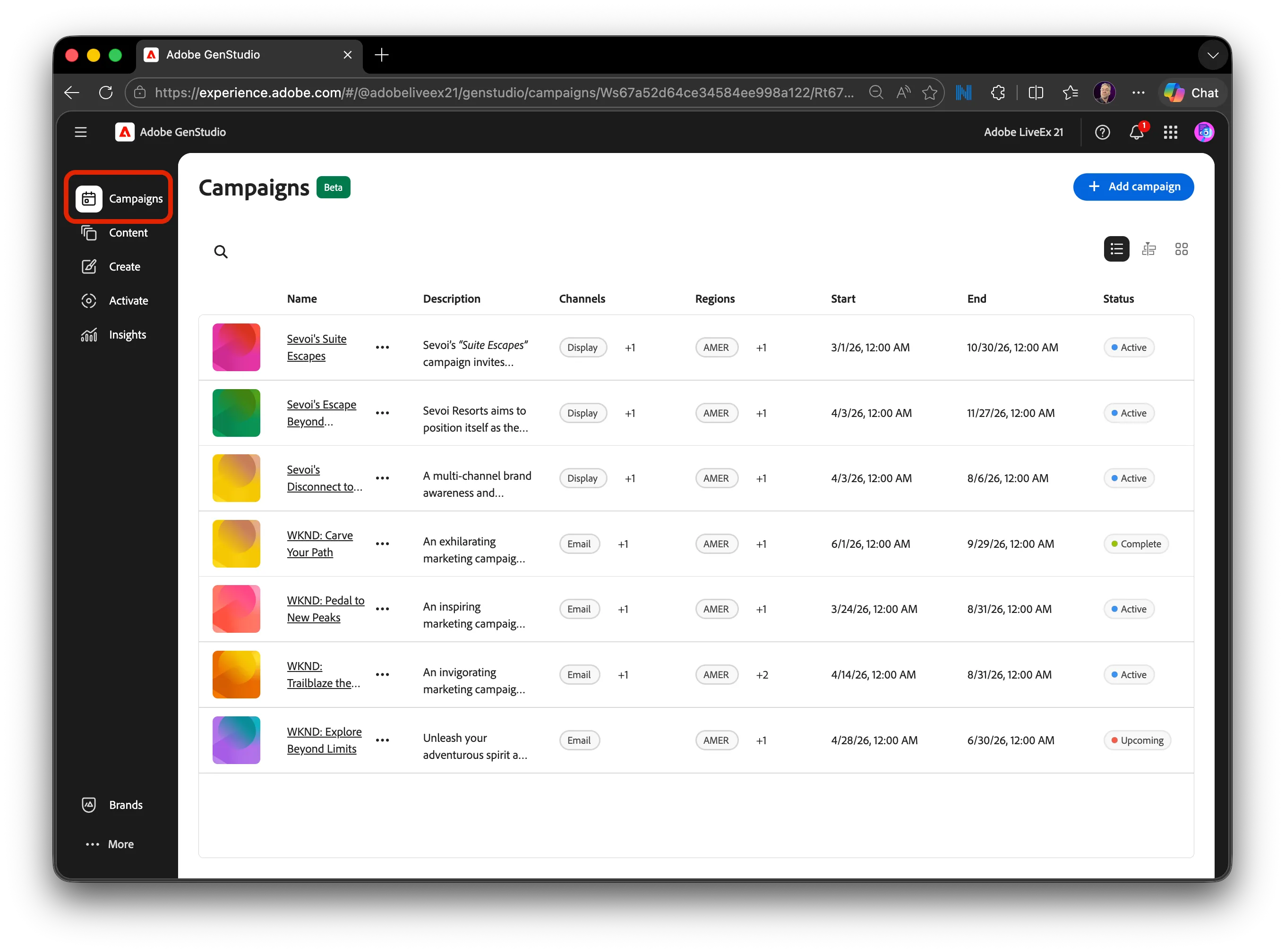
From the main navigation, select Campaigns to view all active and planned campaigns.
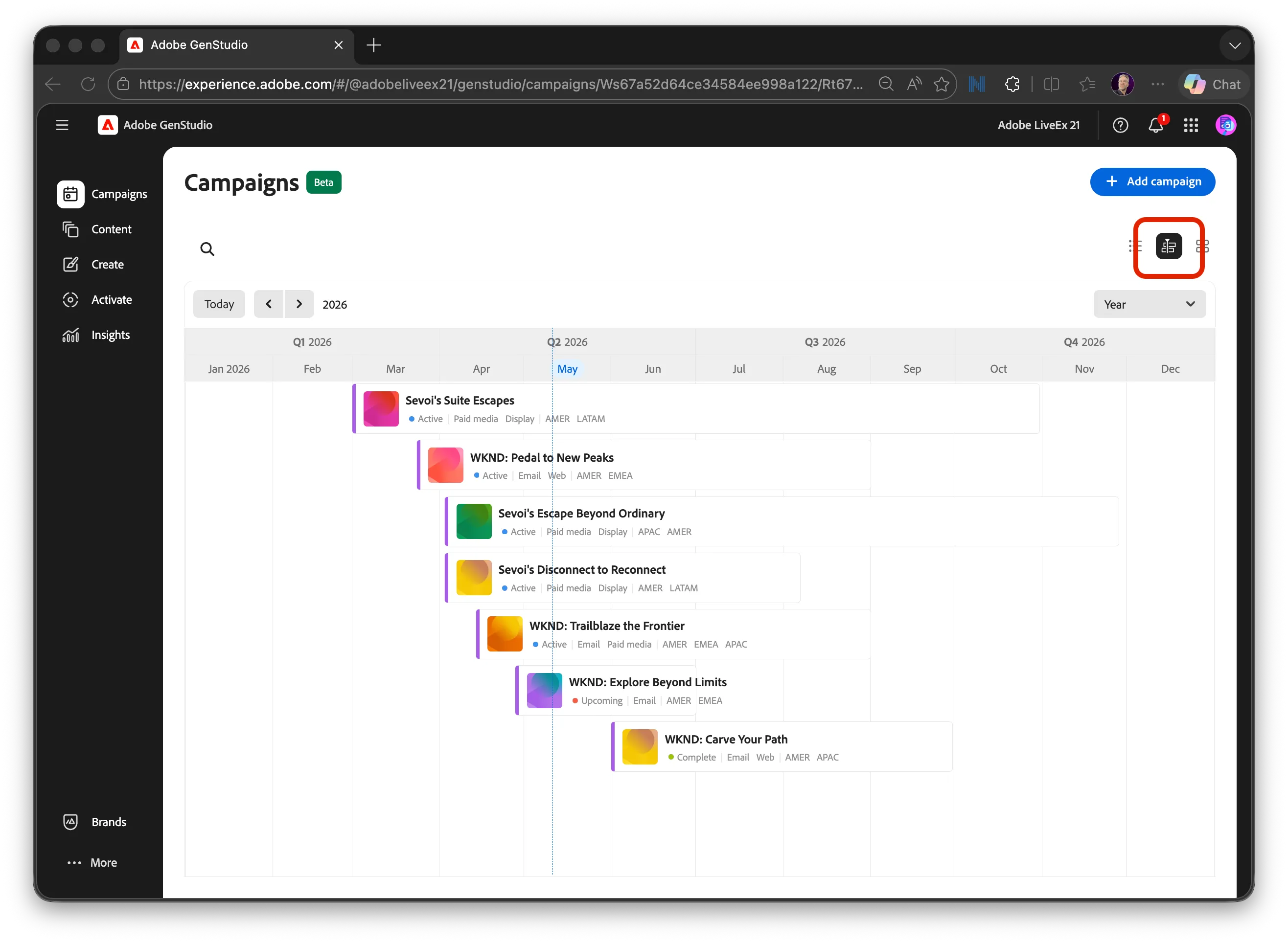
Click on the Calendar view for another way to review campaigns and timelines.
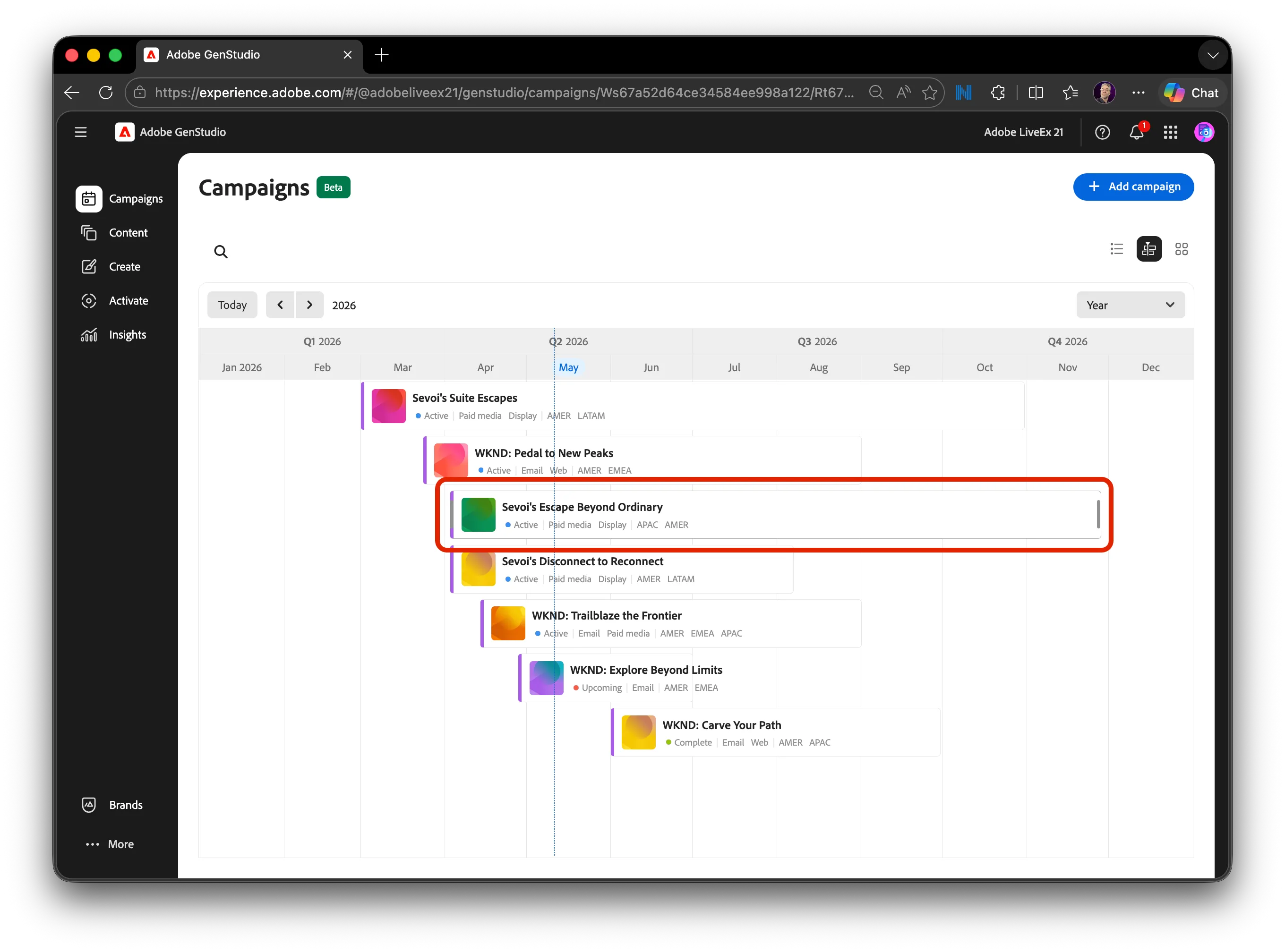
Step 2: Select the “Escape Beyond Ordinary” campaign
Click Sevoi – Escape Beyond Ordinary to open the campaign details.
Step 3: Review the Overview tab
Scroll through the Overview tab to review:
- Campaign Desciption and Objectives
- Timeline and status
- Associated Products and Personas
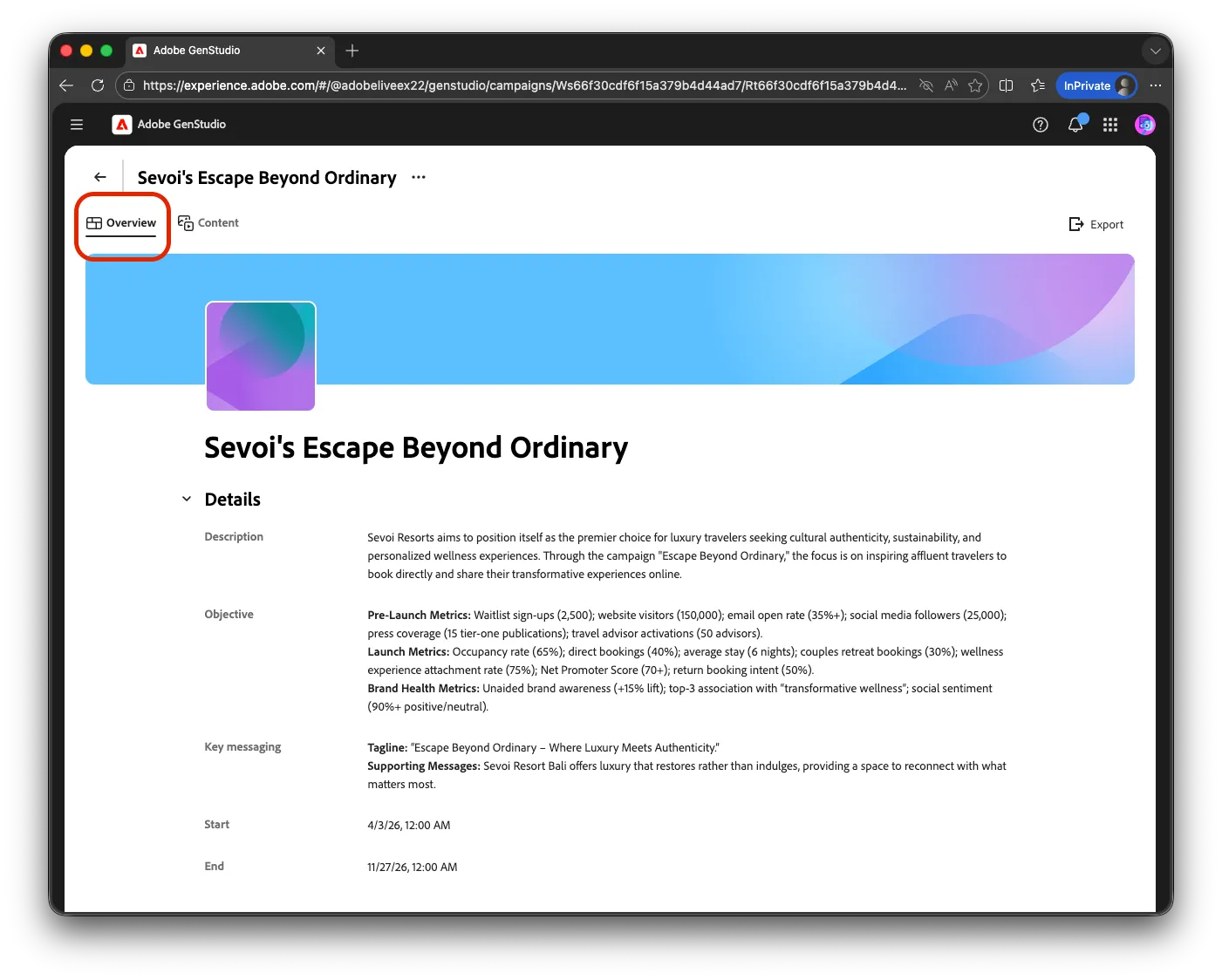
Step 4: Review campaign-specific content
Select the Content tab within the campaign to see all approved assets associated with this campaign.
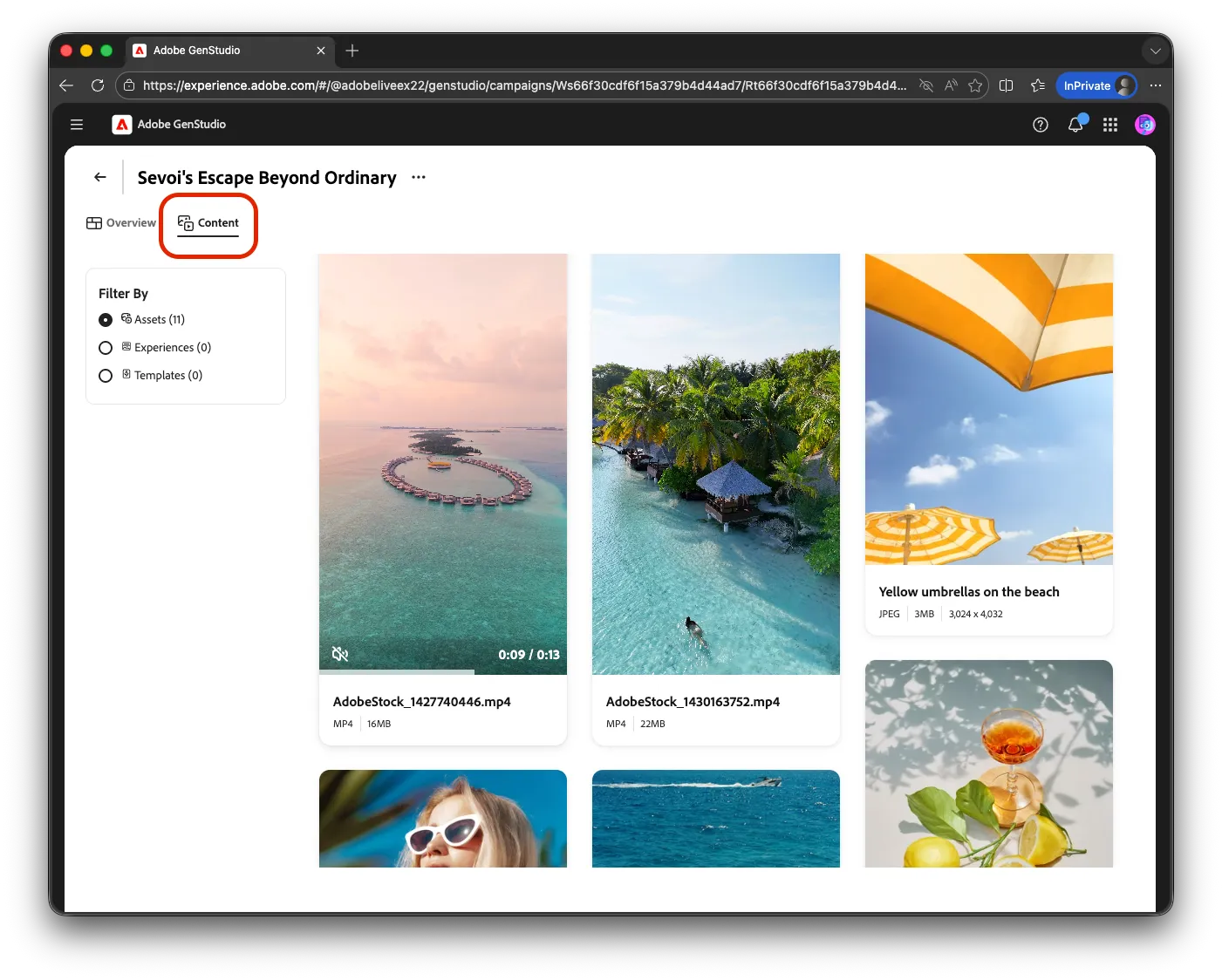
Here, you can:
- View which assets are approved and ready for use
- Understand how content supports this specific campaign
- Confirm that the right assets are aligned to the campaign strategy
This view focuses on content in the context of a single campaign.
Step 5: Transition to the full Content workspace
To manage content across campaigns, channels, and use cases, navigate to the global Content section from the main navigation.