Creation of asset
Introduction
We now have the Creative Asset Build task assigned to you and now lets do it. The ask is to create a hero banner for the welcome email in the honeymoon journey.
In the real world, it may be any of our enterprise creative software such as Adobe Photoshop or Adobe illustrator which has a native workfront integration. In these software, creative team will get their tasks from workfront readily available in the tool of their choice.
For this exercise, we will be using Adobe Express as our asset creation tool for this lab. Open Adobe express
Once logged in, you should land on the Adobe Express Homepage as below.
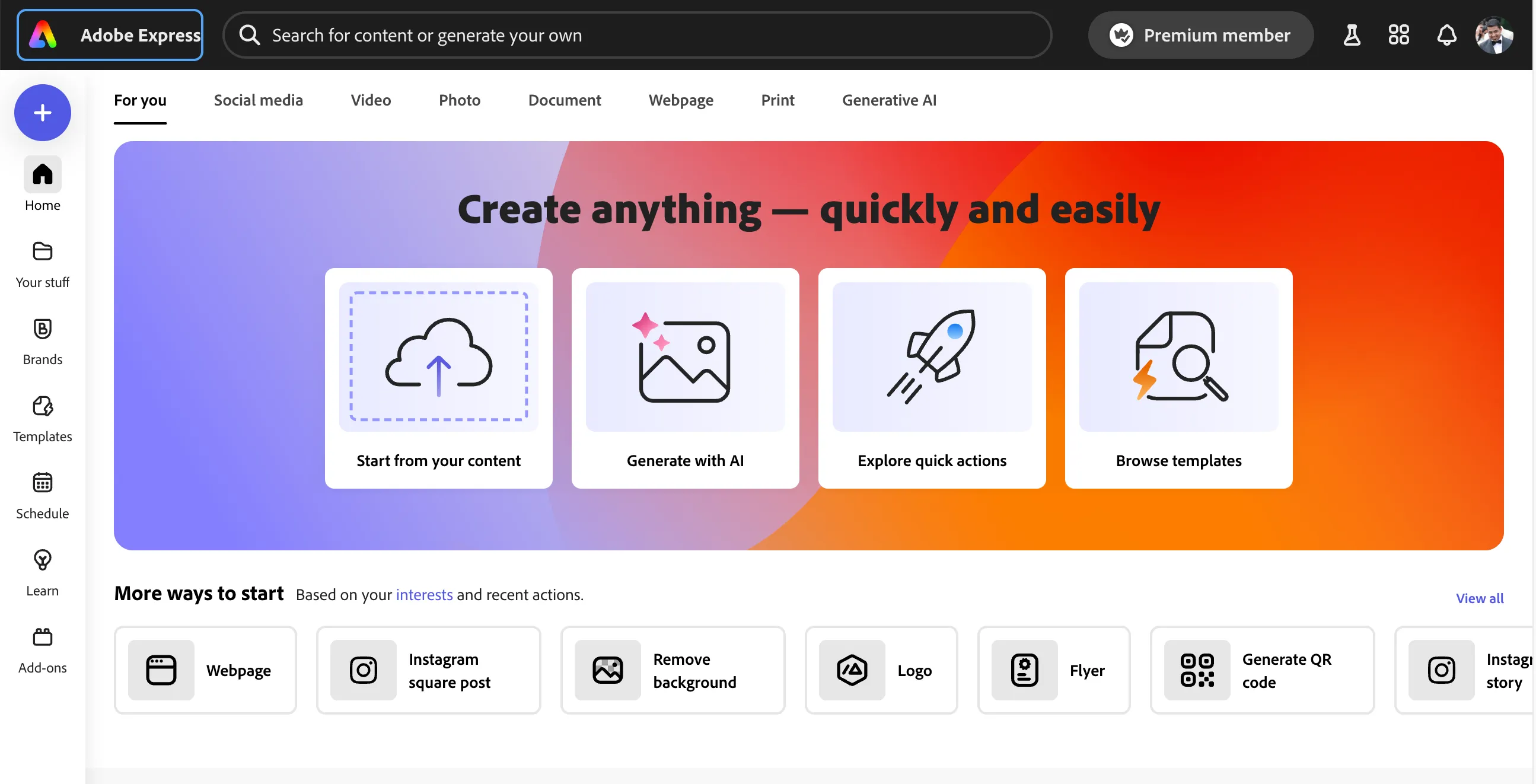
Starting from brand templates
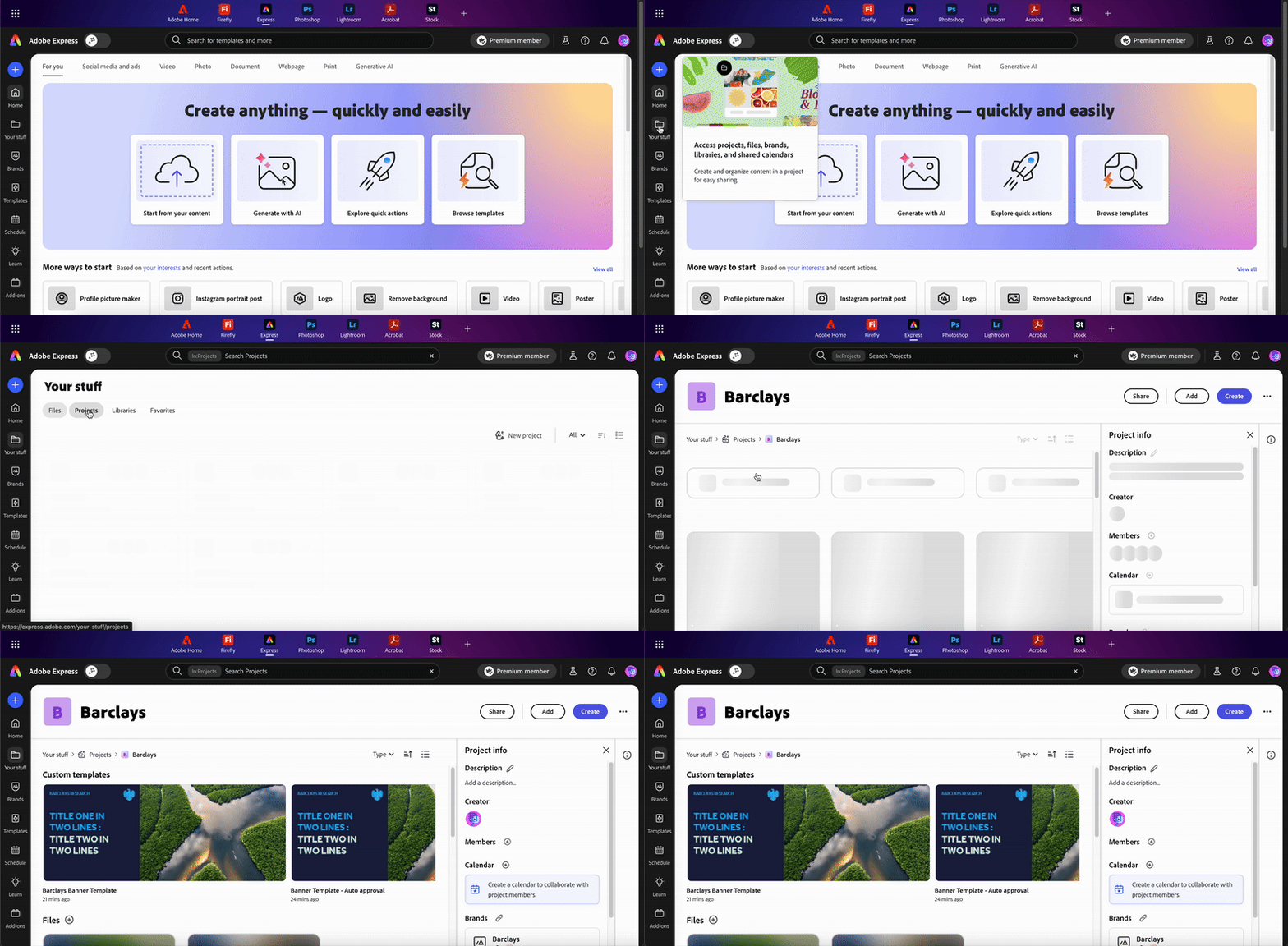
Click on Your stuff in the left hand menu and go to Projects tab and select Barclays project.
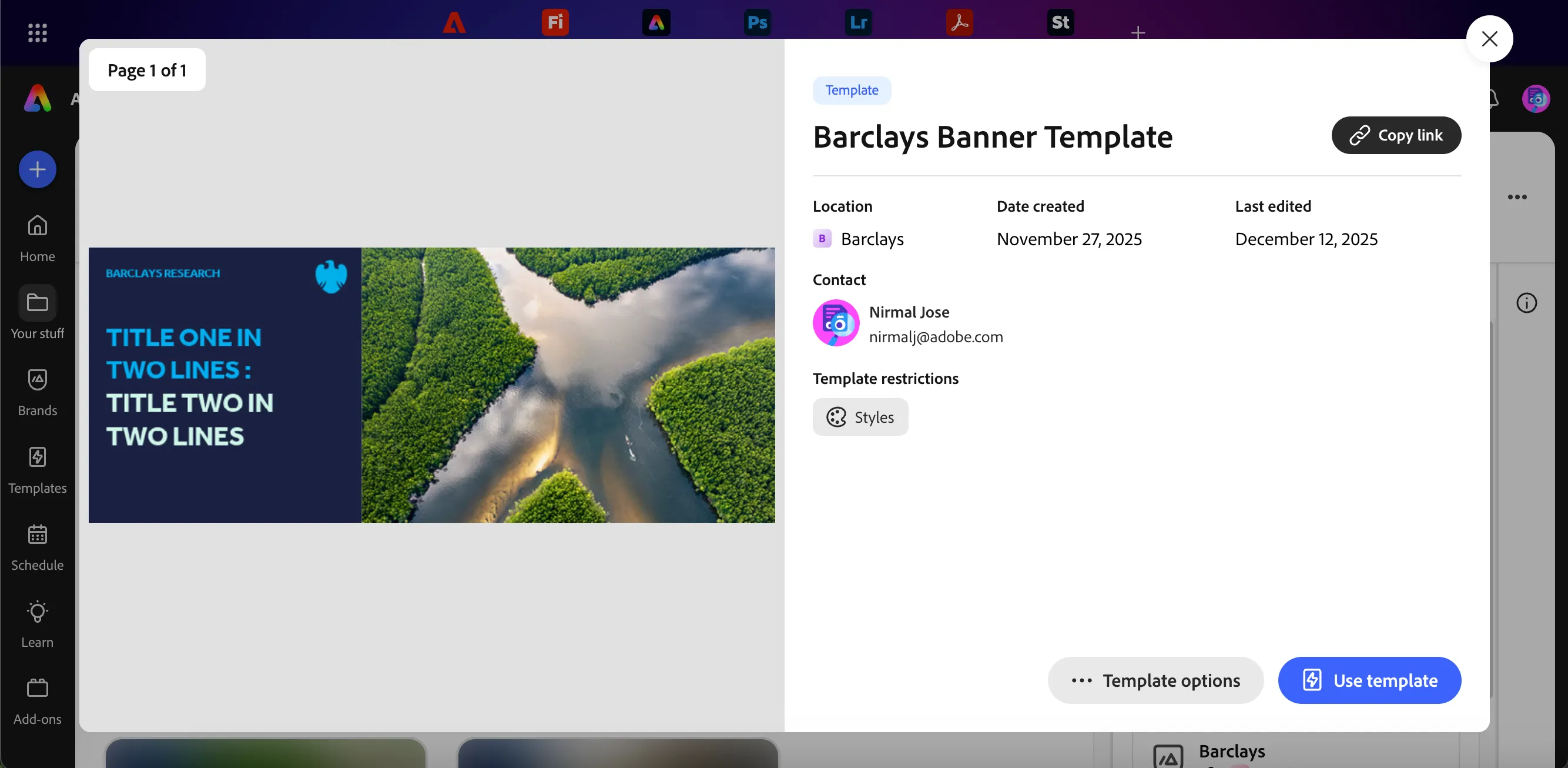
Click on Barclays Banner Templaa to start from this template. Templates allows us to quick create brand adhered assets. Click on Use template to create a new file using this template.
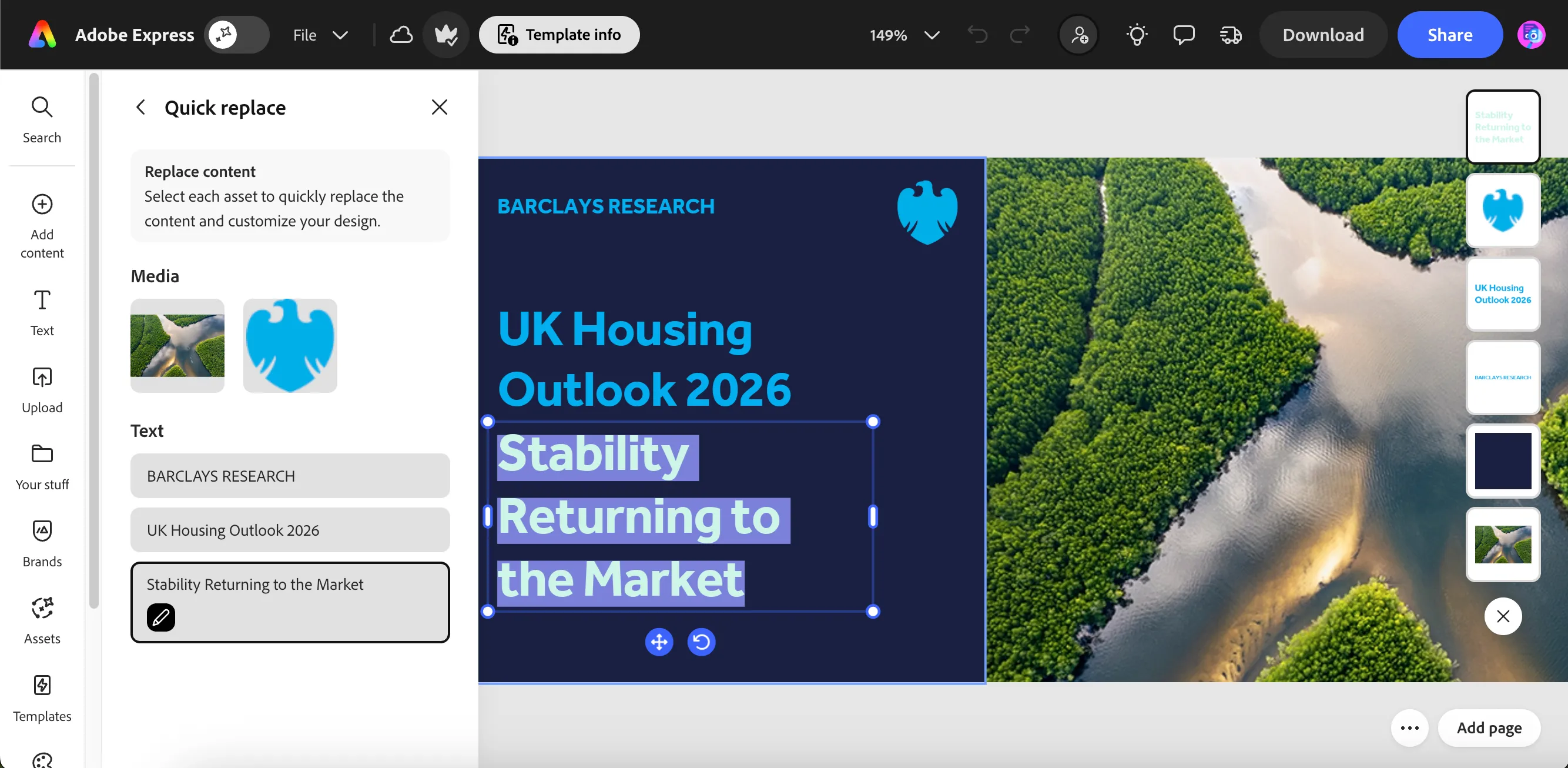
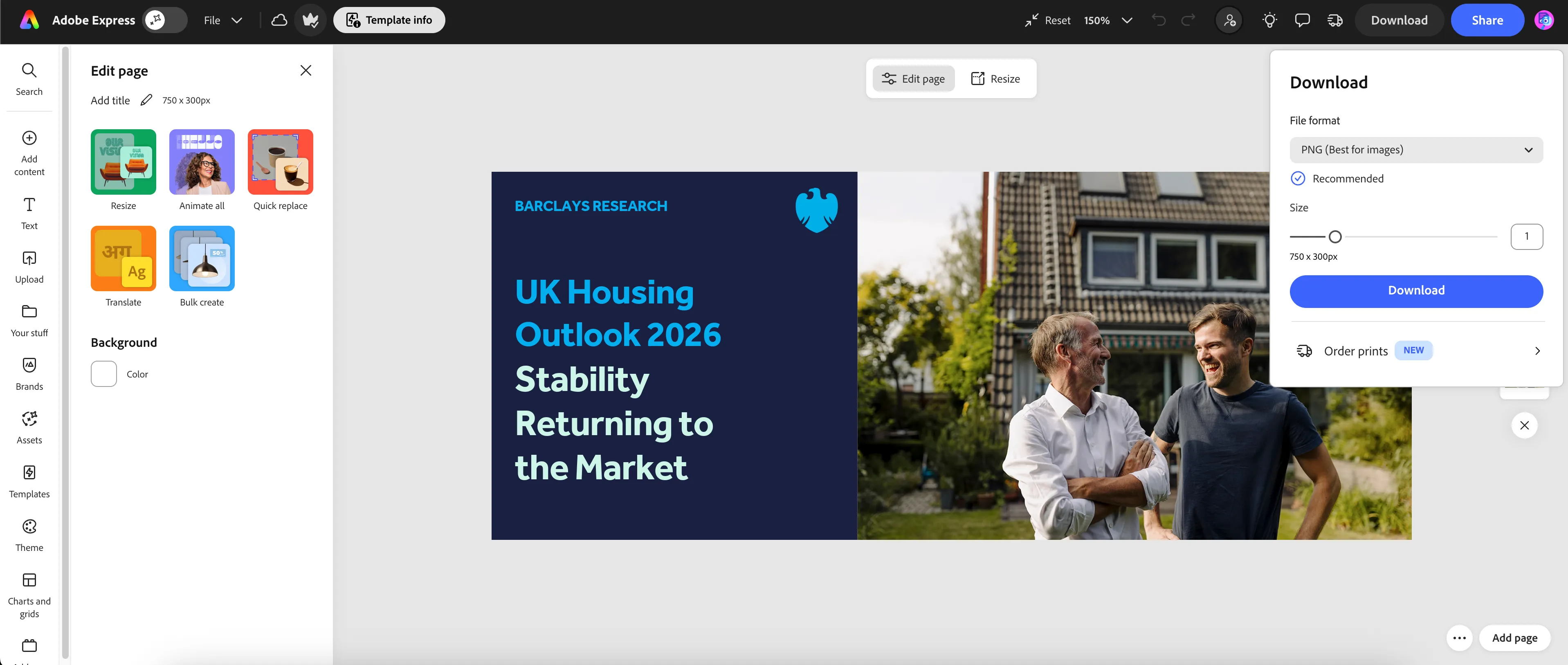
Click on the first Text element block in the Quick replace menu. Update the title as UK Housing Outlook 2026.Update second line text as Stability Returning to the Market
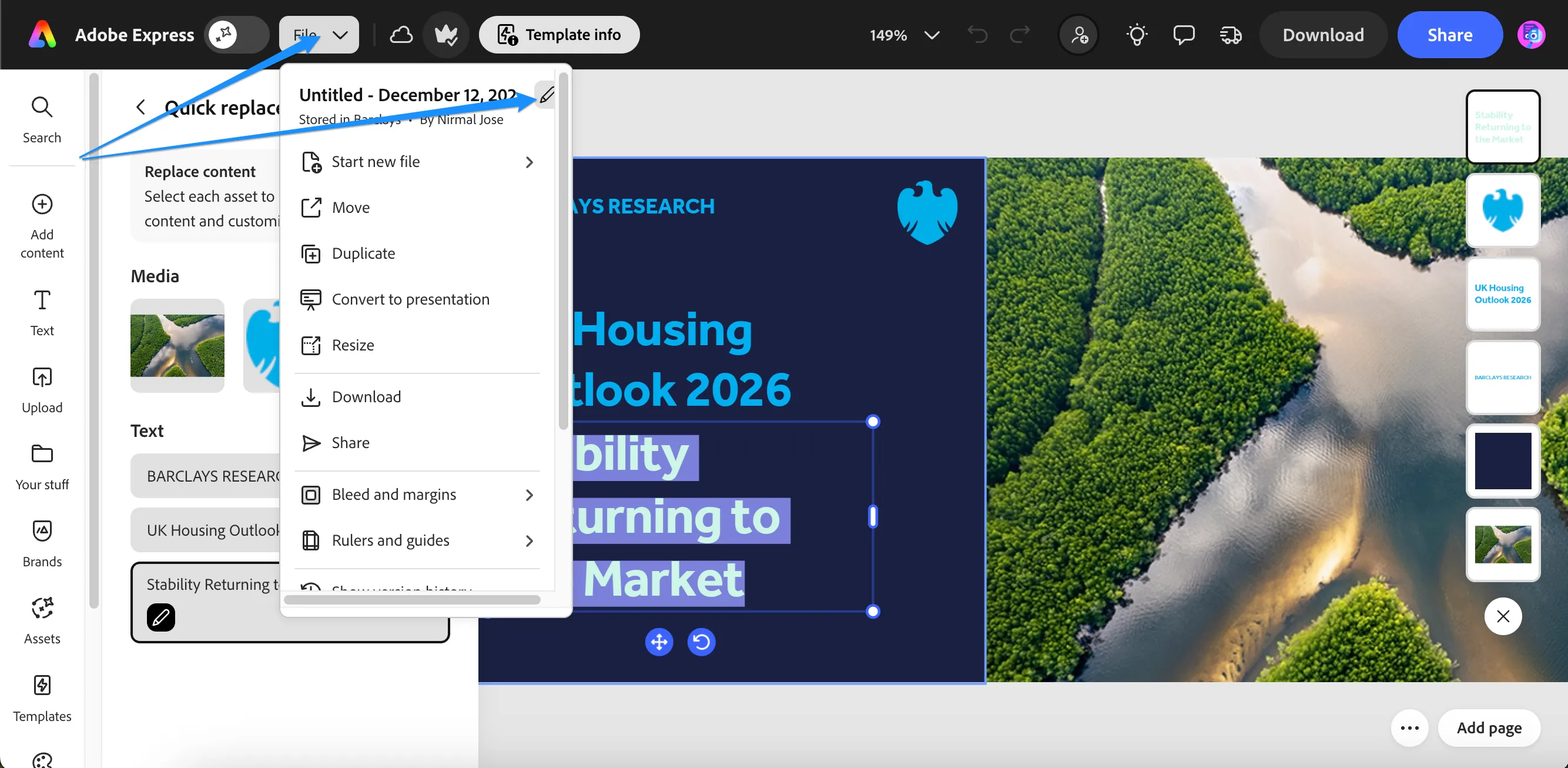
Click on File and Edit icon on the file name. Update the the Name of the file and rename it with your name prefix as {{CUSTOMER_NAME}} - UK Housing Outlook 2026 Banner
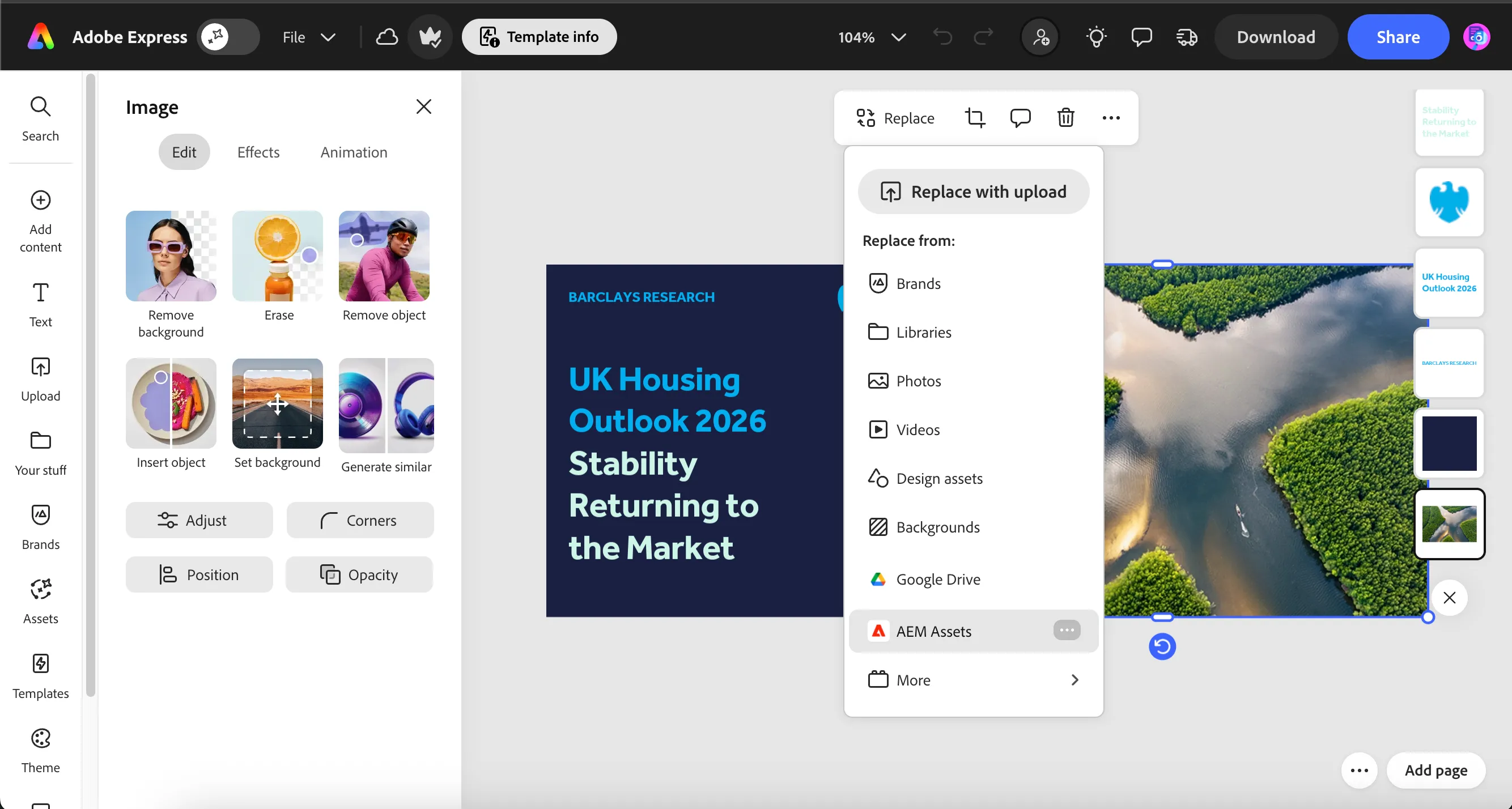
Replace the image with asset from AEM assets
Click on the image to show the image menu options. Click on Replace button and select AEM Assets from the list.
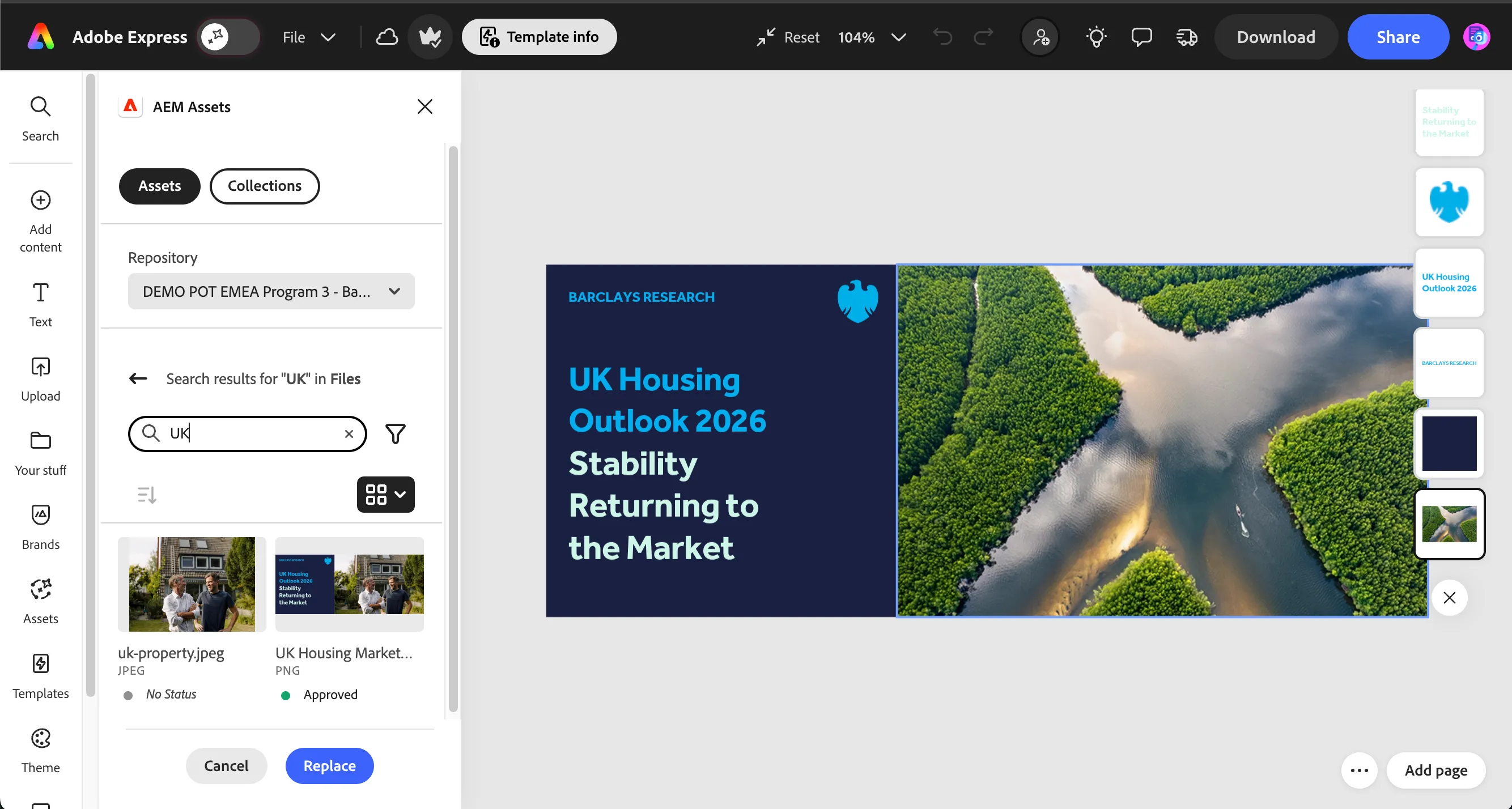
This opens up AEM Assets rail on the left. Search for UK in the search bar to filter for UK images.
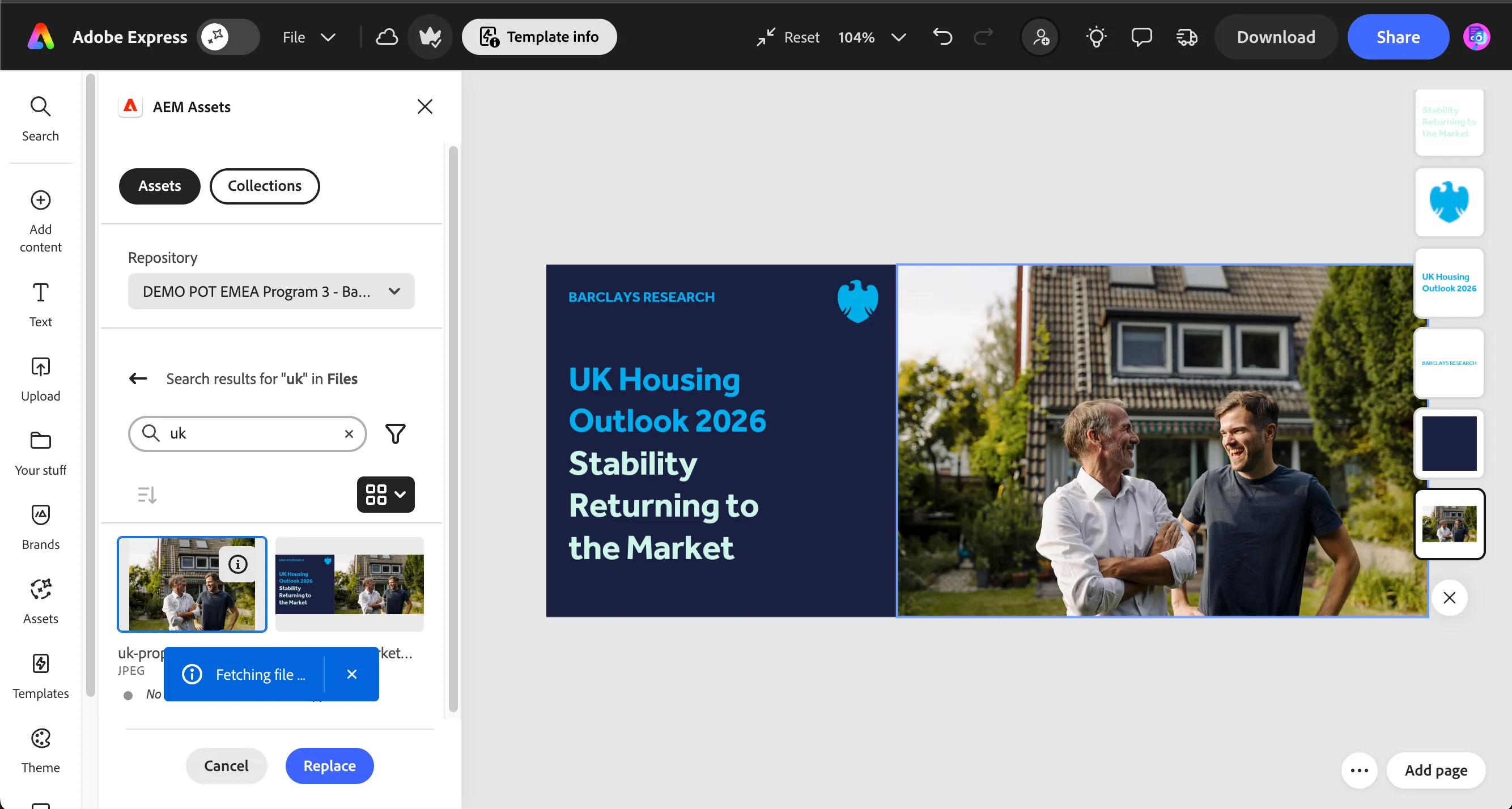
Click on the uk-property.jpeg image thumbnail to replace the image in our banner.
Once the banner is ready, to download the image
- Click on Download from the top ribbon menu.
- Select File format as PNG.
- Click Download button to download the image to your local machine storage.
In a production instance, there is direct integration where you can send the assets directly to workfront for review & approval for Adobe Express. You can read more about it in documentation.
You have now successfully created a banner in Adobe express.