Create an Offer
5 min
Create a Personalized Offer
NOTE: Some exercises may vary during the actual Hands on Lab versus what is listed in the HOL Page, due to industry setup and / or Presenter preferences.
Create an Offer
Click on “Offers” from the Left Menu
Click on Create Offer
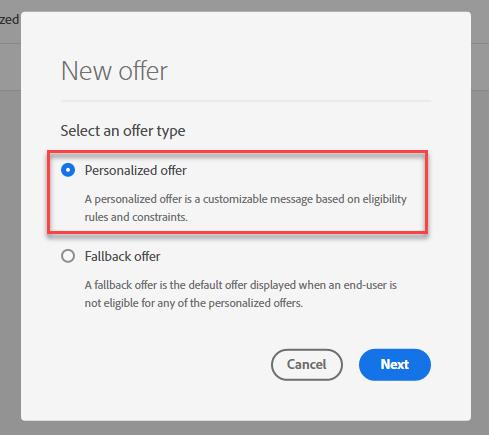
Select “Personalized Offer”
Define Offer Details
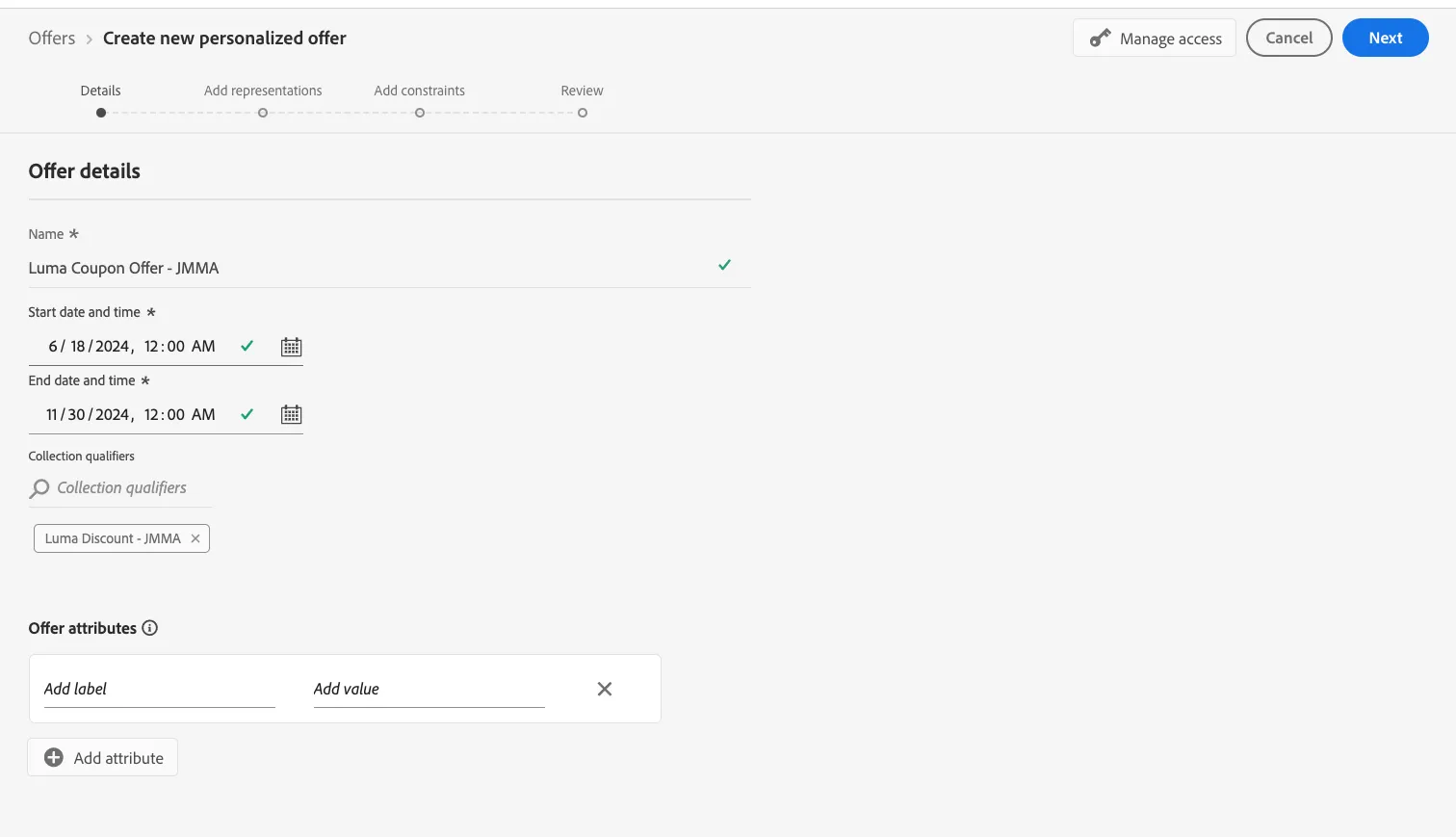
For name of Offer, type “Luma Coupon Offer - Your Name”.
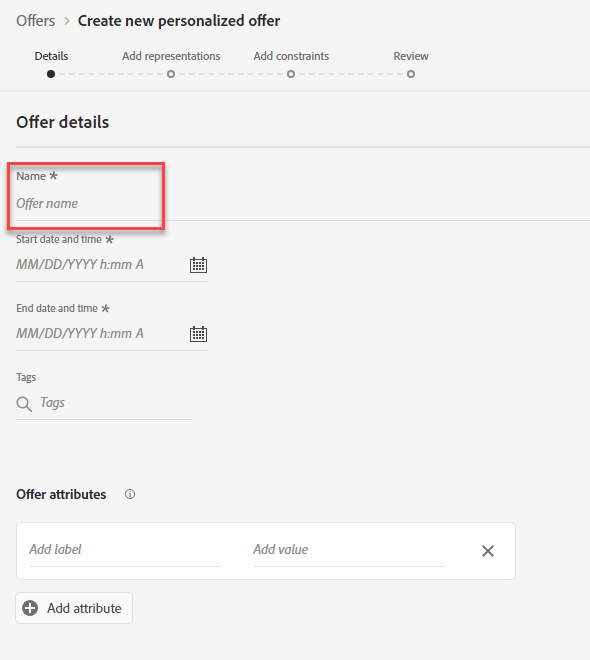
Populate the date ranges for Start and End Dates
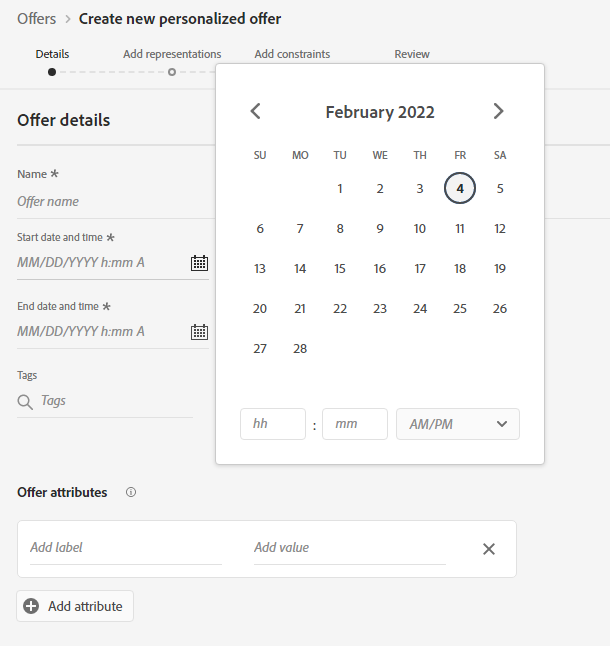
Add your collection qualifier by search by your initials.
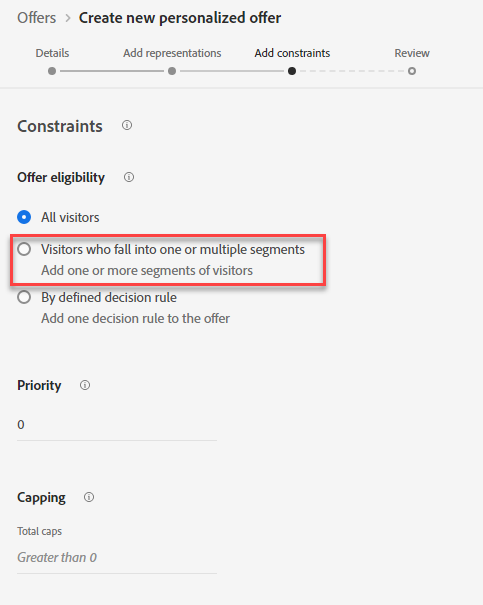
Add Constraints
Set Offer Eligibility. Select Visitors who fall into one or multiple segments
- Drag on these segments: Gold Loyalty Members and Platinum Loyalty Members
- Set the Logic between segments as "Or"
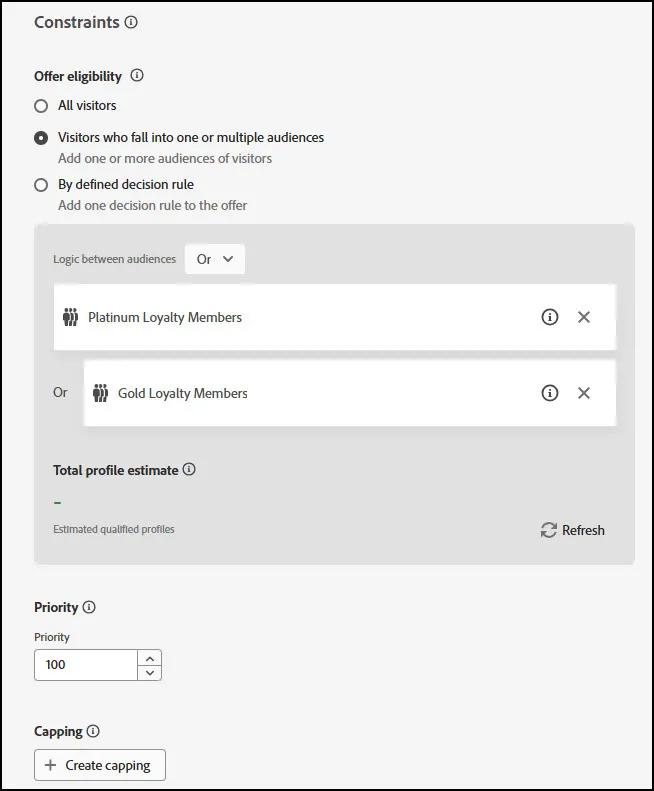
- Set Priority: 100. Do not Set Capping. Click "Next".
- On the next screen, we will set up the Representation of the Offer.
Add Representations
Select Email as your channel.
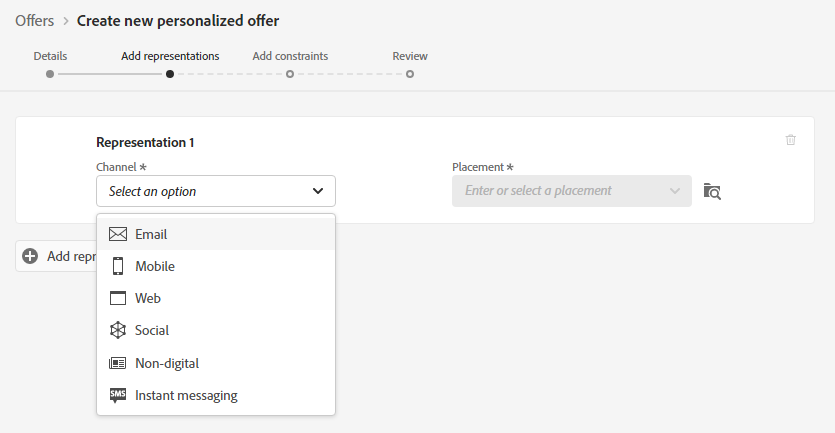
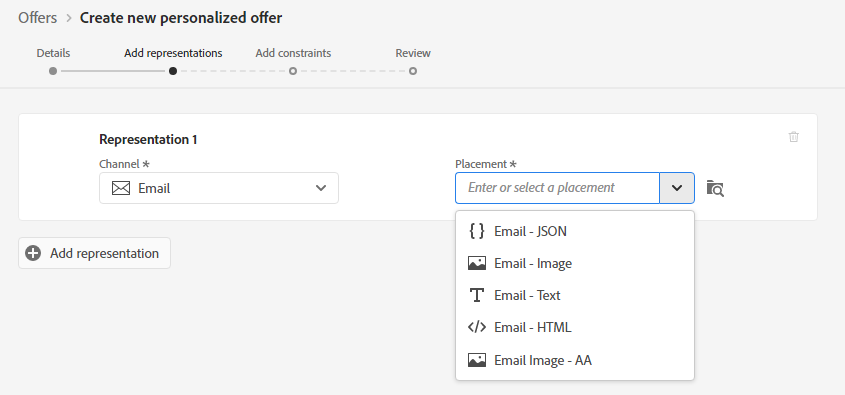
- Select the "Email - Image" as your placement
-
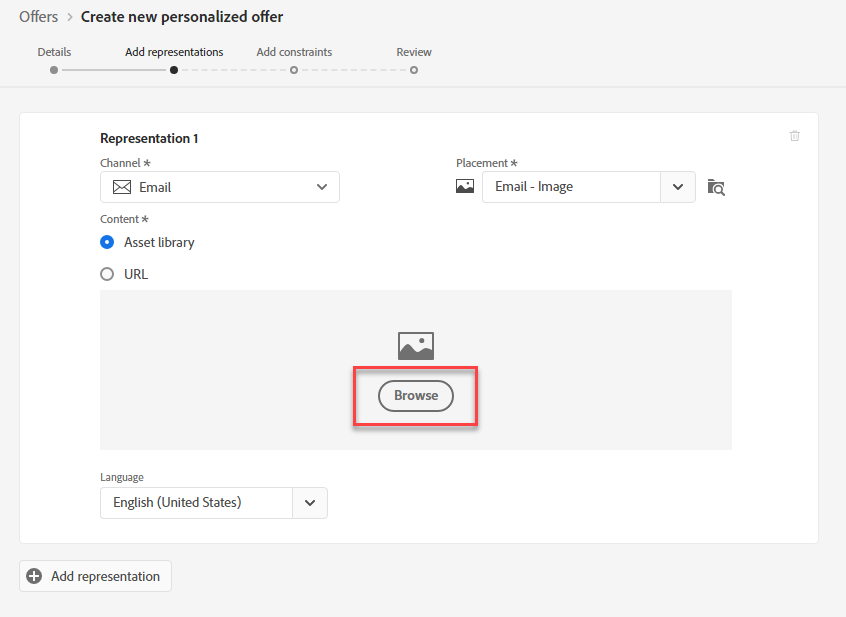
Click Browse
- Select the 10% Coupon Image. Click Select.
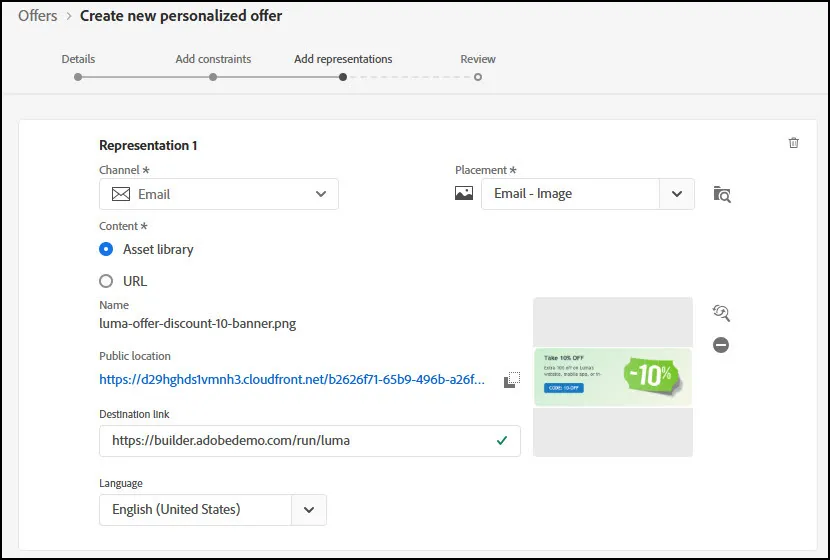
- On the next screen, you can view a summary of your Offer:
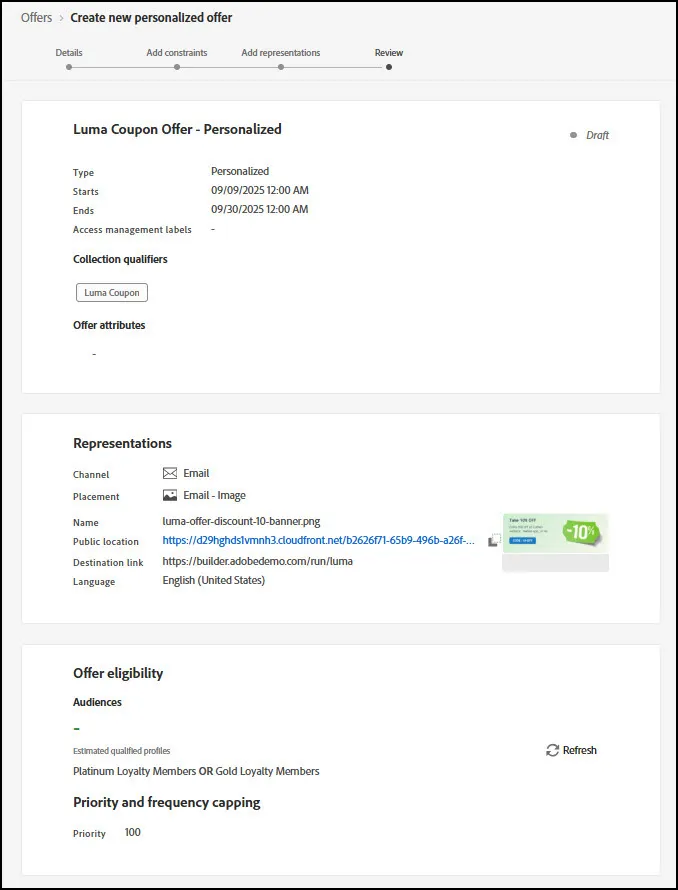
- Click Finish to save your Offer.
- End of Lab.