Adobe Experience Platform
6 min
Login
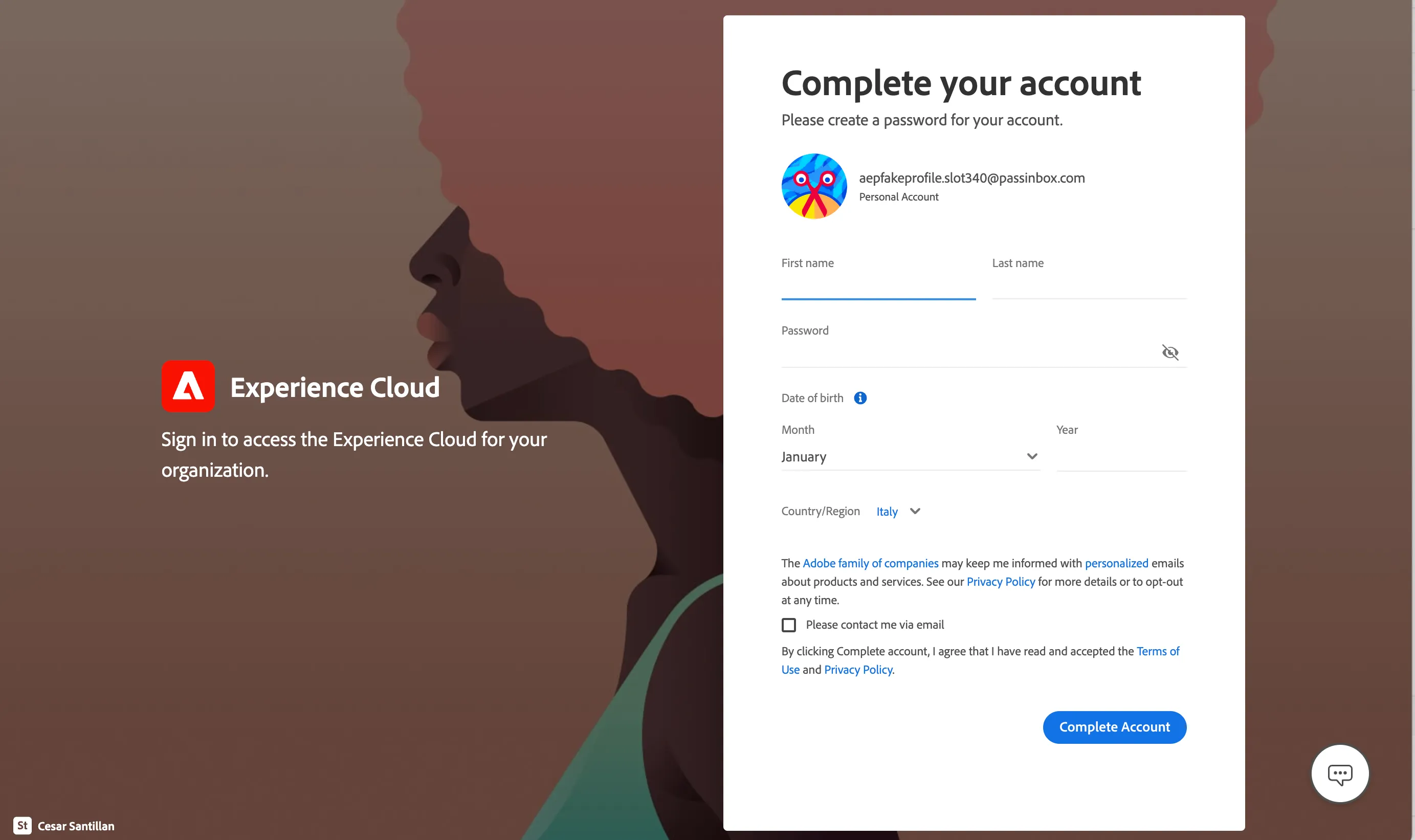
If you already have an Adobe account, you can follow these steps:
- logout from Adobe Experience Cloud (if you are already logged in).
- Input your email address, click Continue.
- Input password, click Continue.
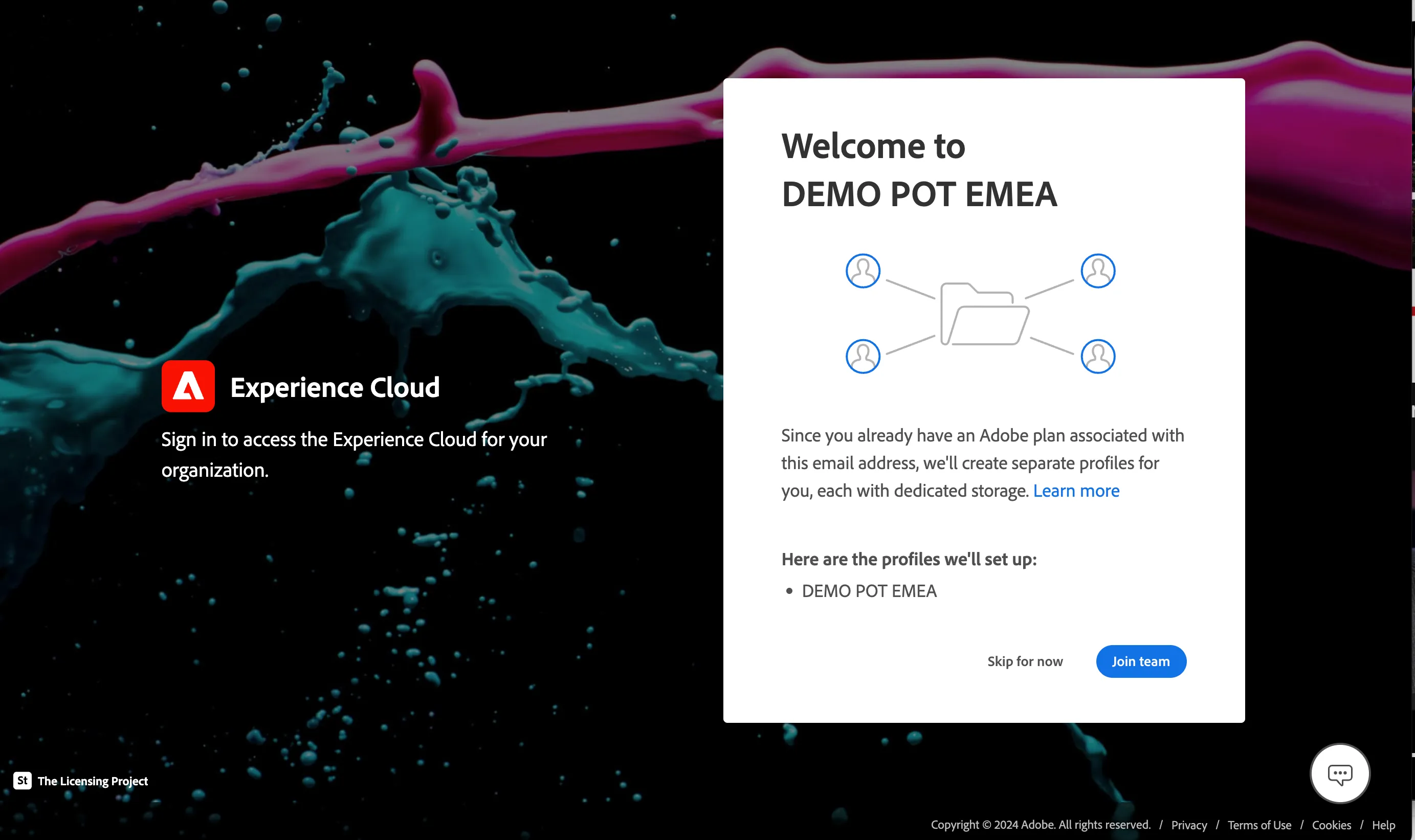
- Then you're asked to join a team; click Join team.
- If you're asked to Add your phone number, click Not now.
- Click on the nine-dots icon on the top right corner, and click on Experience Platform.
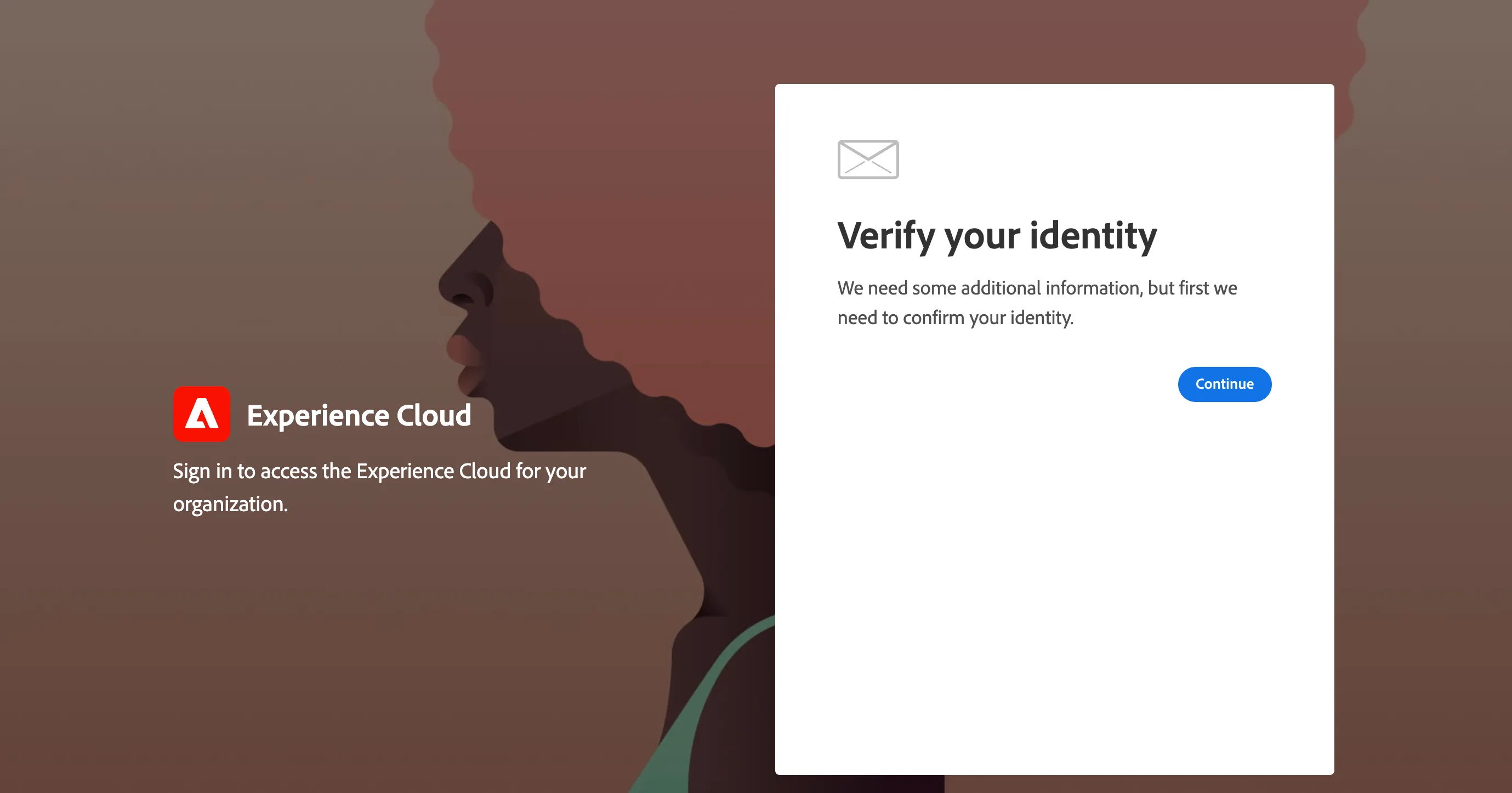
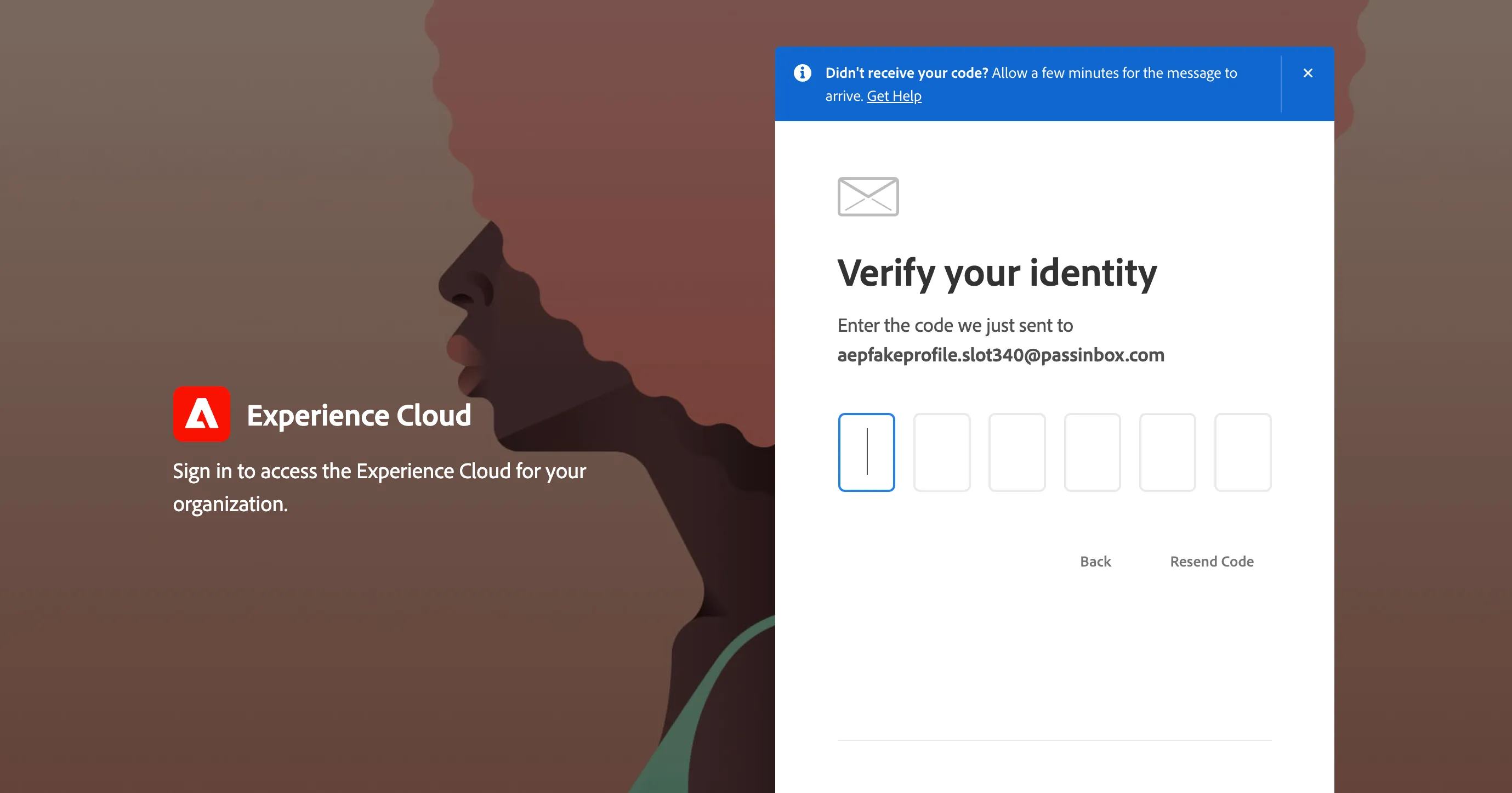
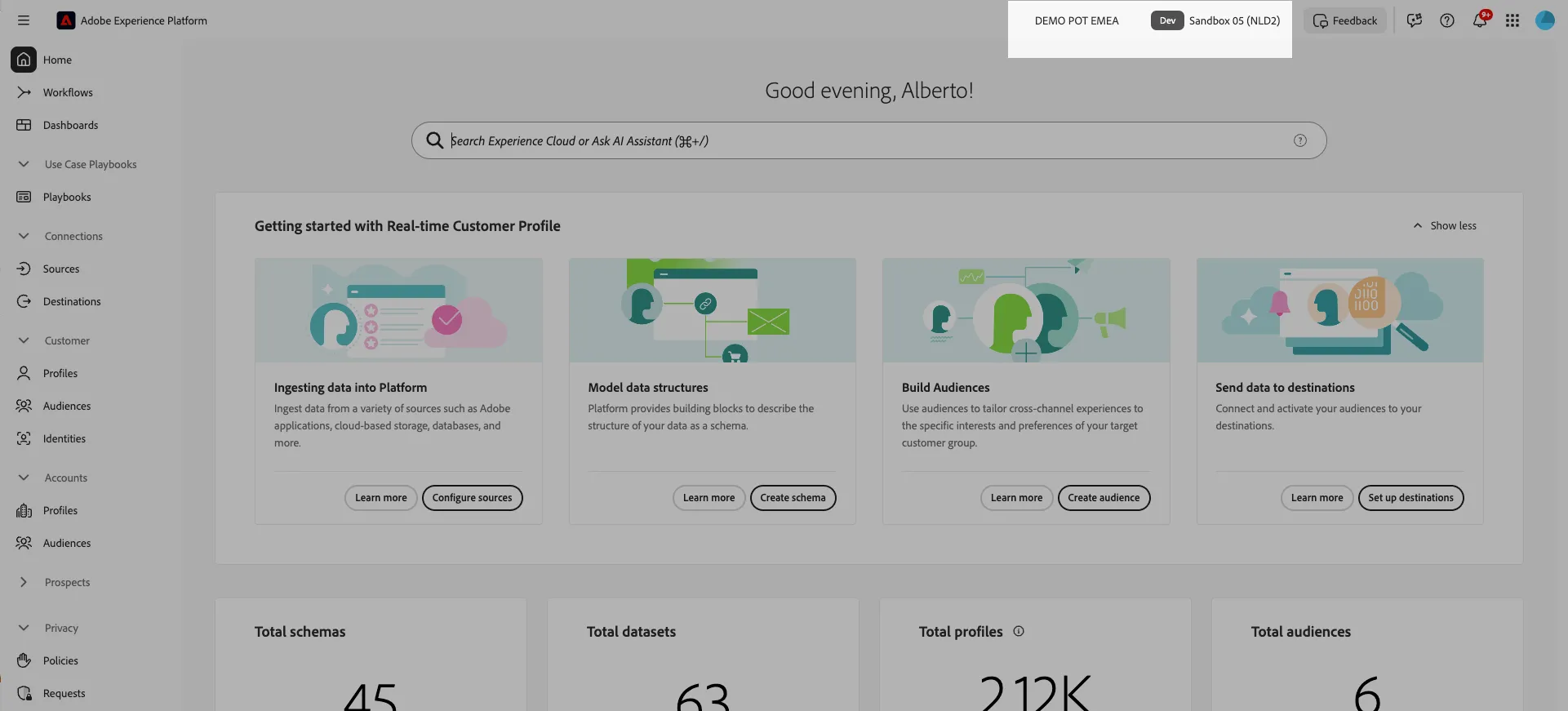
Ensure you are in the right sandbox. On the top right you should see:
- DEMO POT EMEA , indicating the organisation.
- Sandbox 05 (NLD2) , indicating the sandbox.
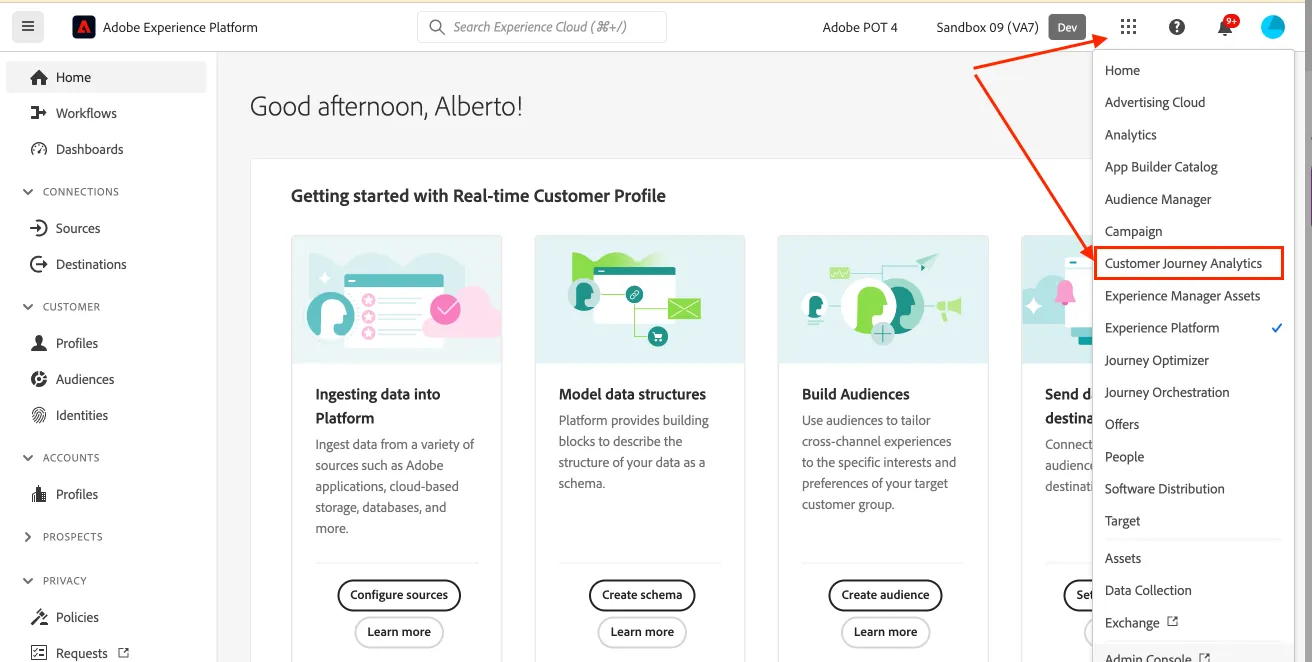
Navigating to Customer Journey Analytics
Click on the nine-dots icon in the top right and select Customer Journey Analytics in the dropdown list.
Set language preferences
This guide is written in English and the screenshot are taken from a UI set for English language. If your UI is set to use other language, it can be difficult to recognise buttons, labels and text. We suggest you to switch your Adobe account preferred language to English.
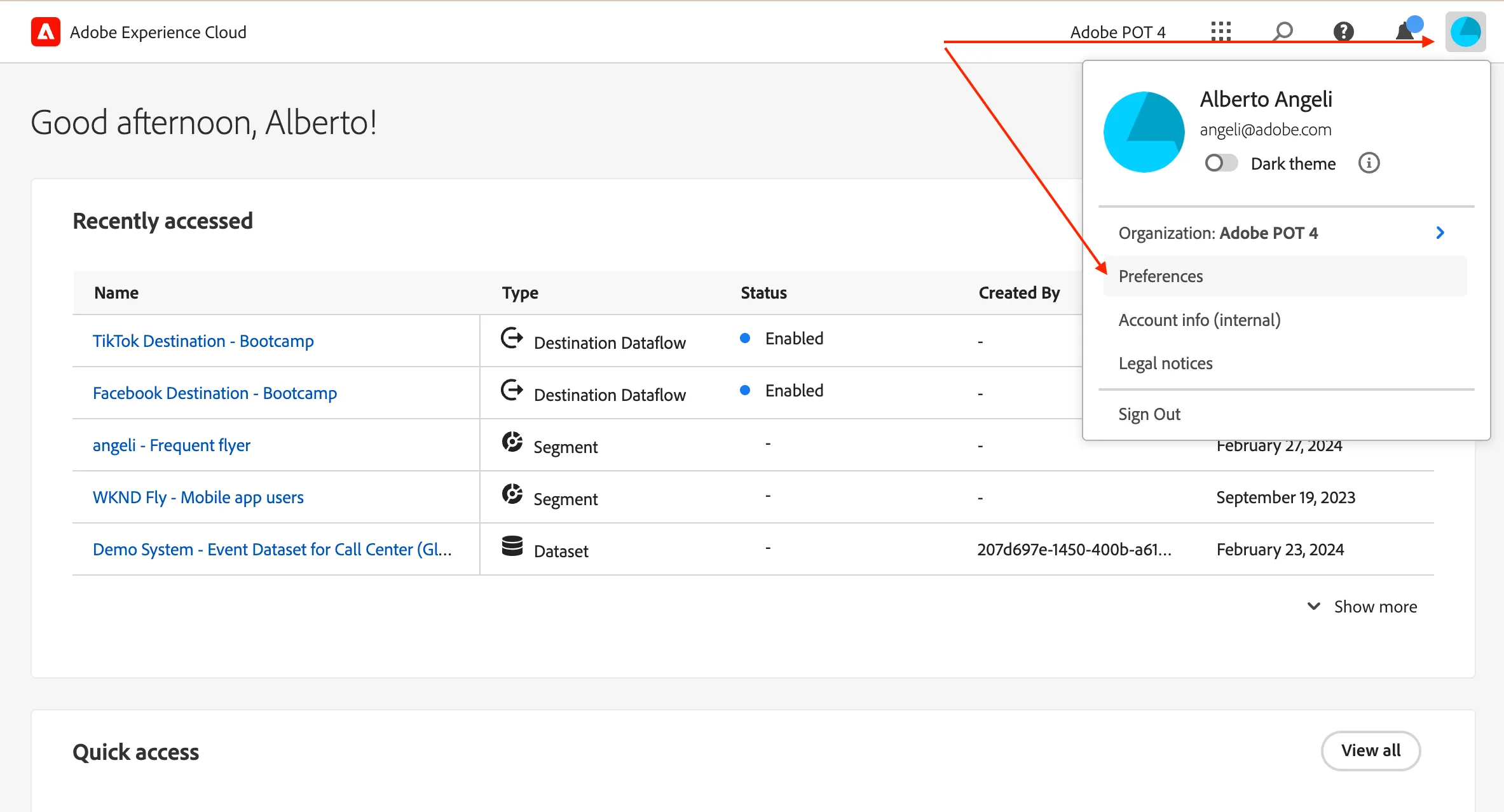
To change the preferences:
- click on the profile icon on the top right corner;
- click on Preferences.
- Click on the language label just below your name.
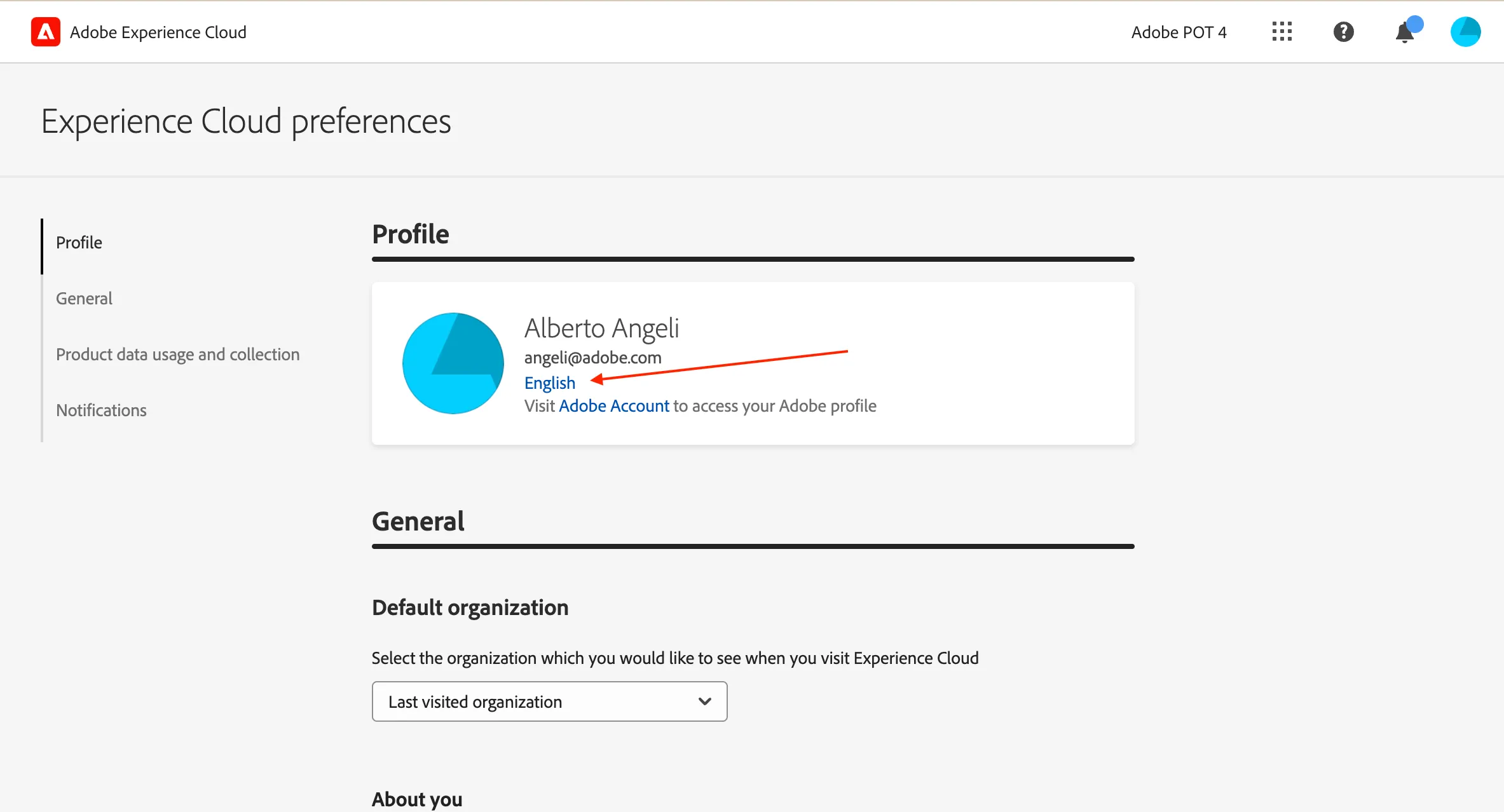
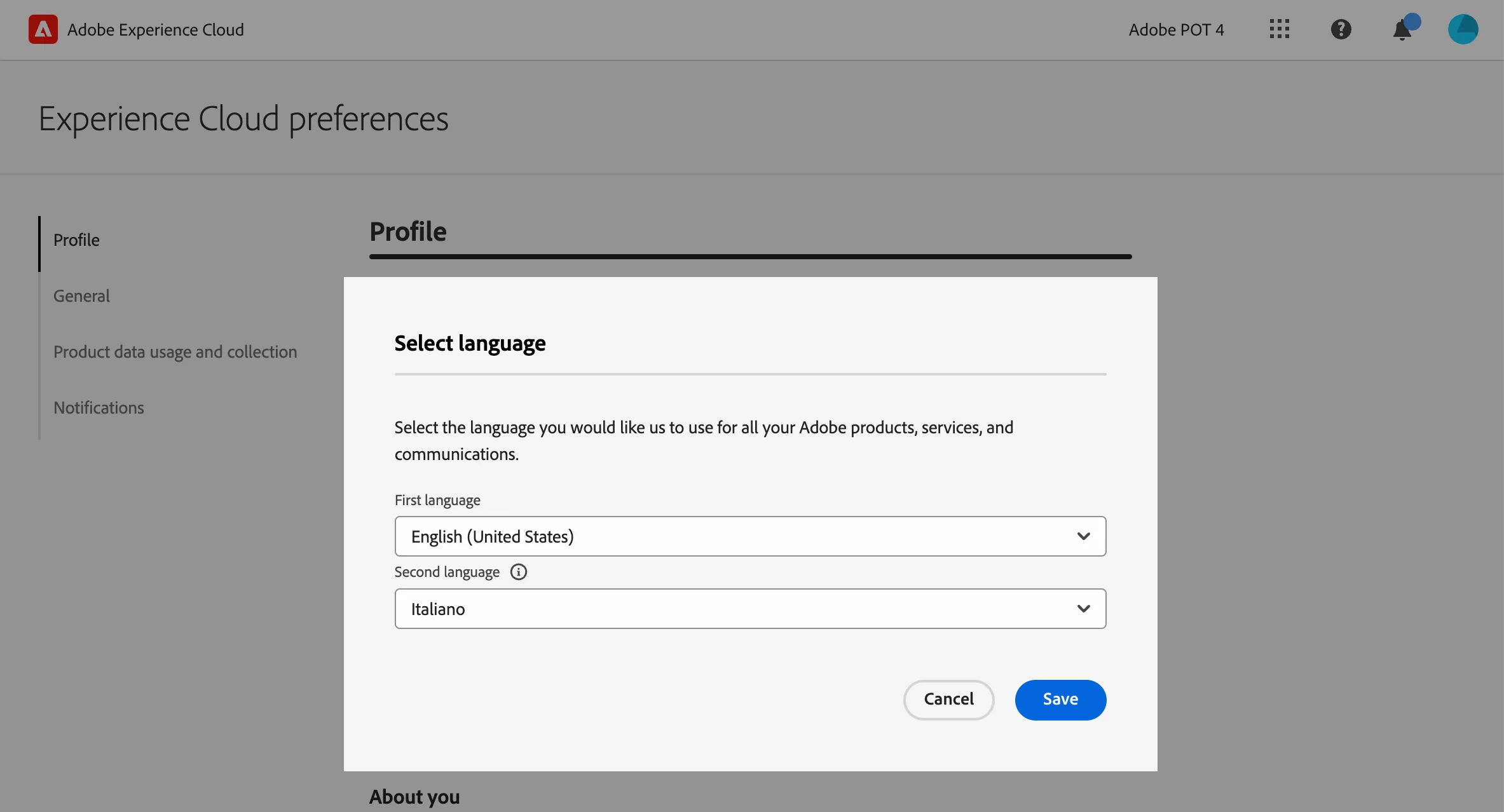
- Select English (United States) as First language;
- select your preferred language as Second language;
- click Save.