Campaigns
Description
Campaign content consists of approved assets and experiences.
Once a GenStudio for Performance Marketing asset or experience has been approved, it can be included in multiple Campaigns. You can add content to a Campaign by adding a Campaign label to an approved asset while:
- Saving an approved asset to Content
- Uploading or importing a file
- Saving an asset during content creation
Details
As a marketer, you will begin by reviewing details around a product launching for the WKND brand named The Slot Canyon Active Shorts as part of the JP - WKND - Explore Beyond Limits Campaign.
- Begin by navigating to the Campaigns area in the left sidebar
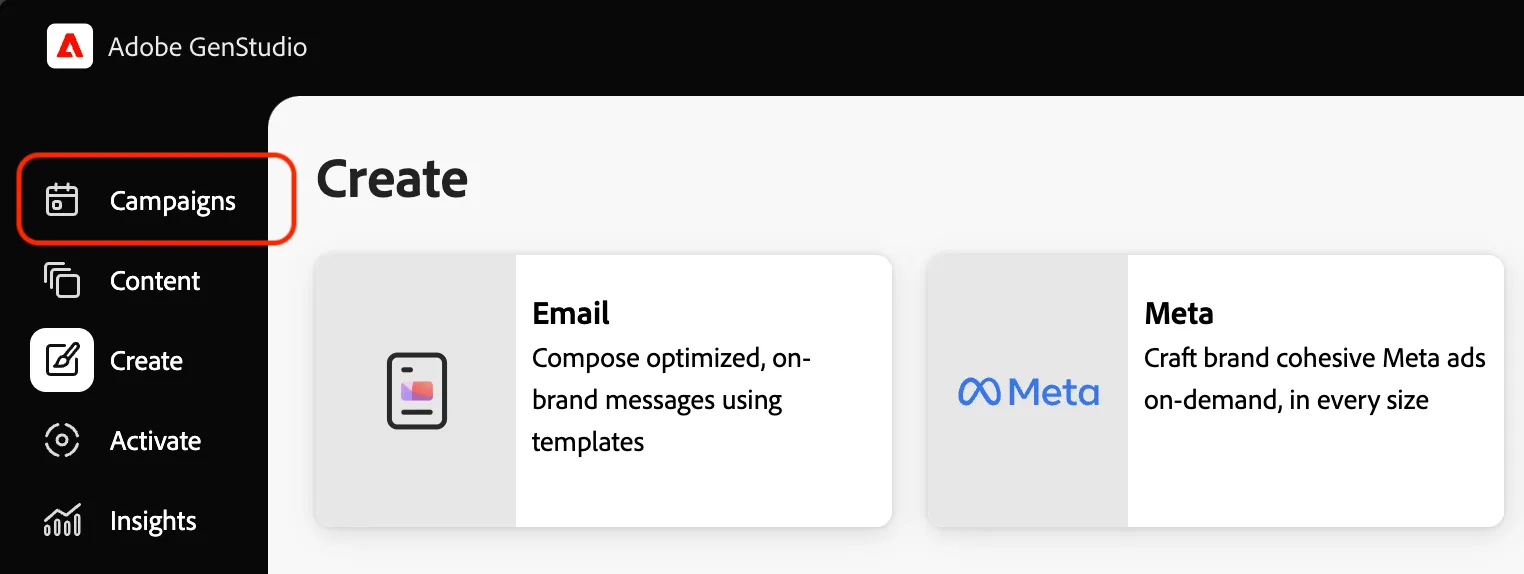
- Click on the campaign for WKND - Explore Beyond Limits Campaign
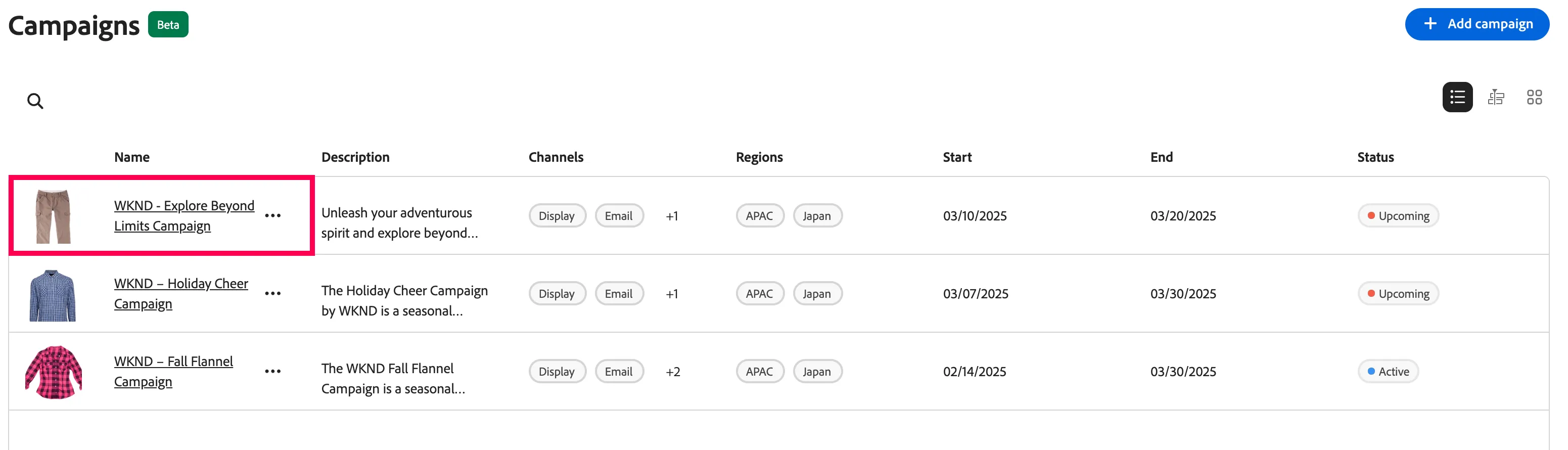
- Scroll through to see details about this campaign in the Overview tab
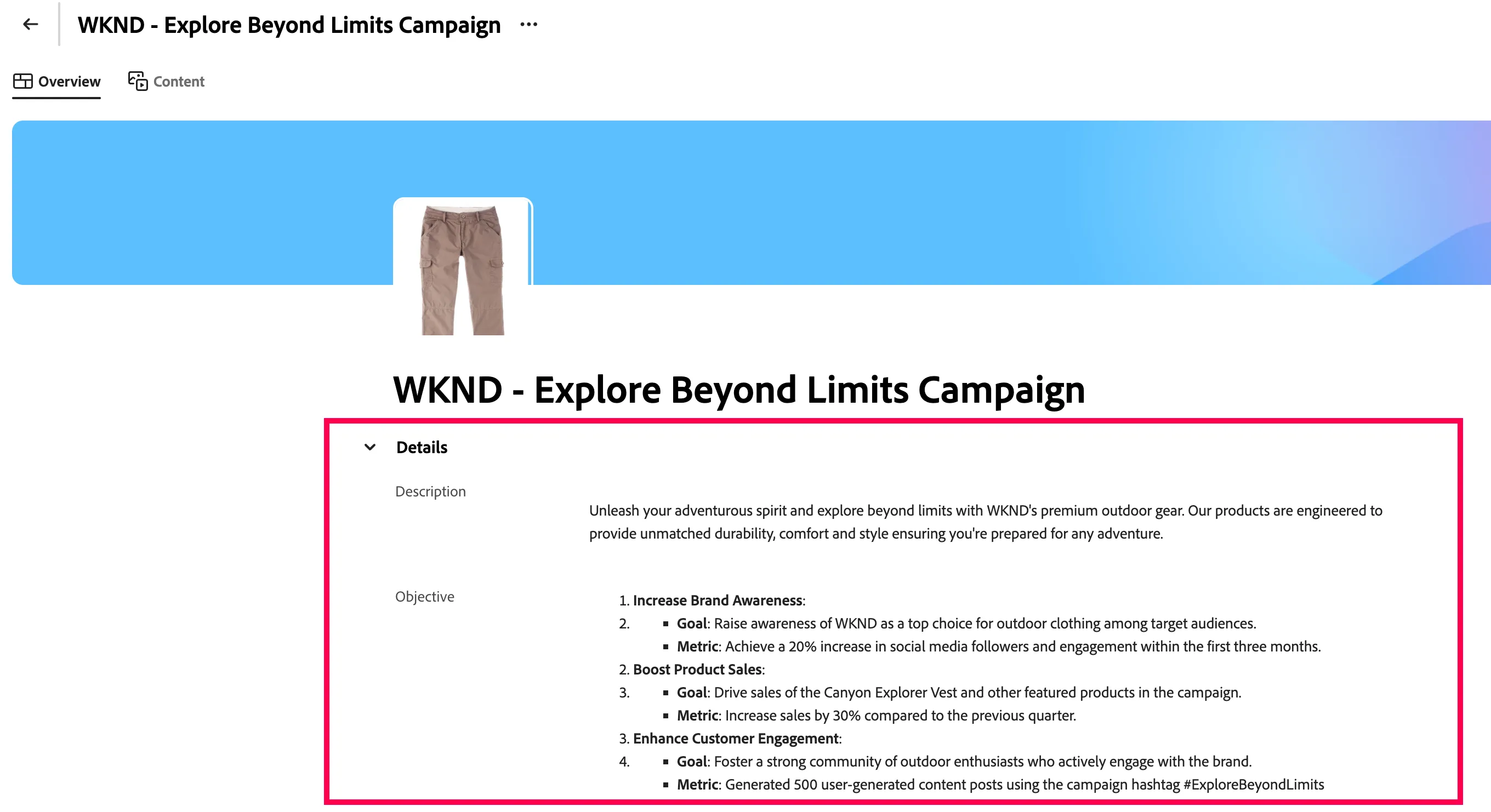
SCroll down and check the product and persona for this campaign. you can click on it to see the detail.
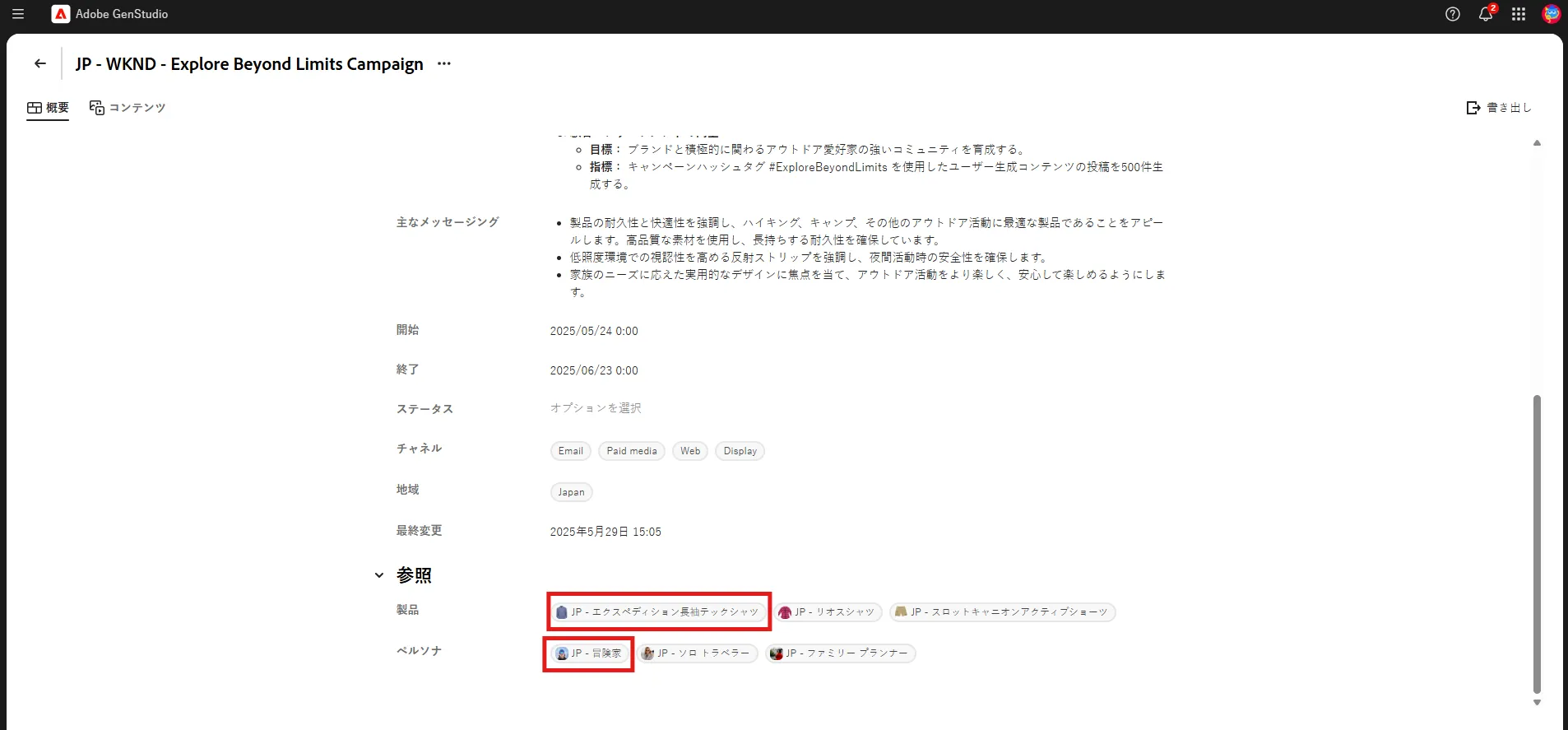
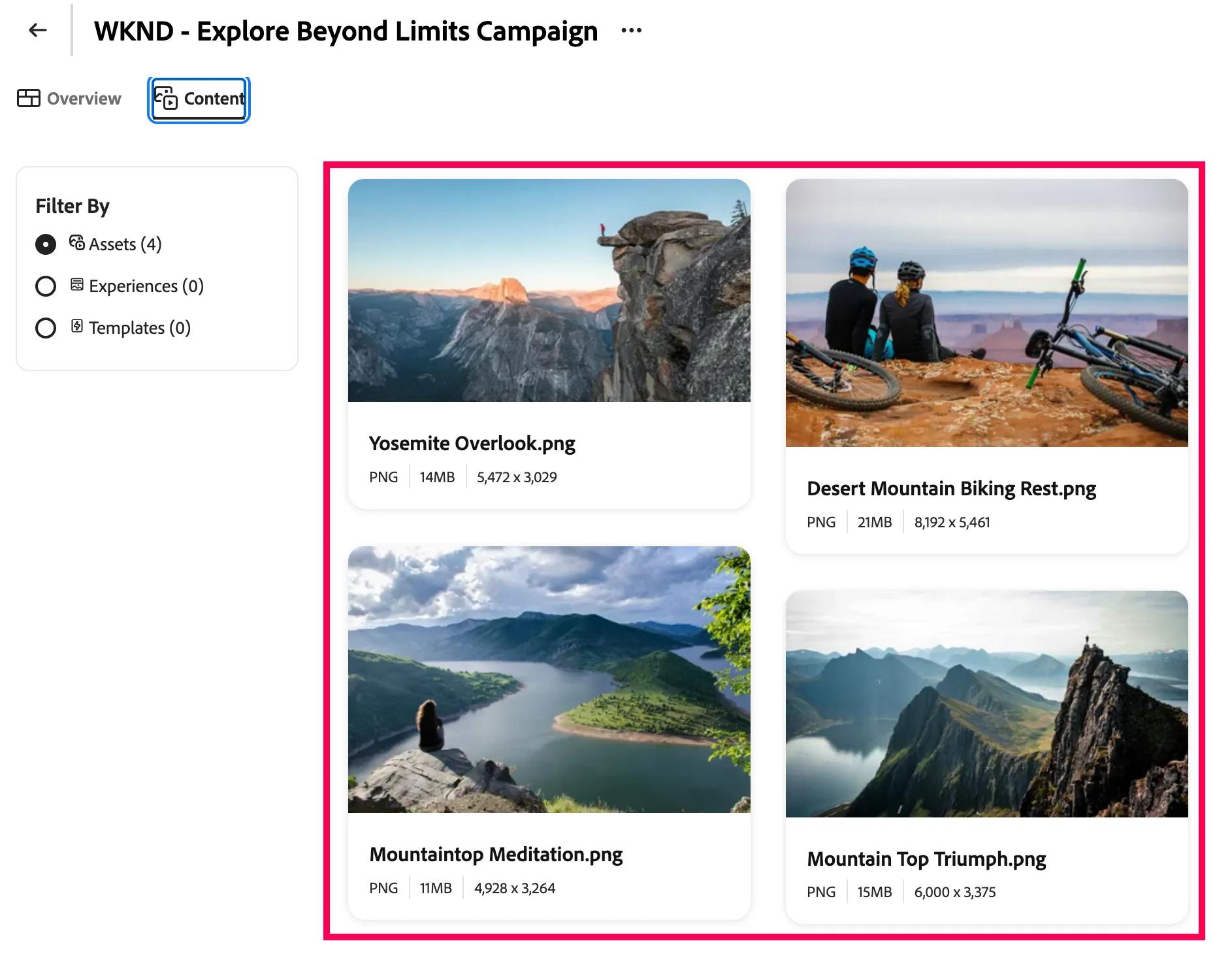
- Come back to your campaign screen and click on the Content tab to see the approved sets available for this campaign
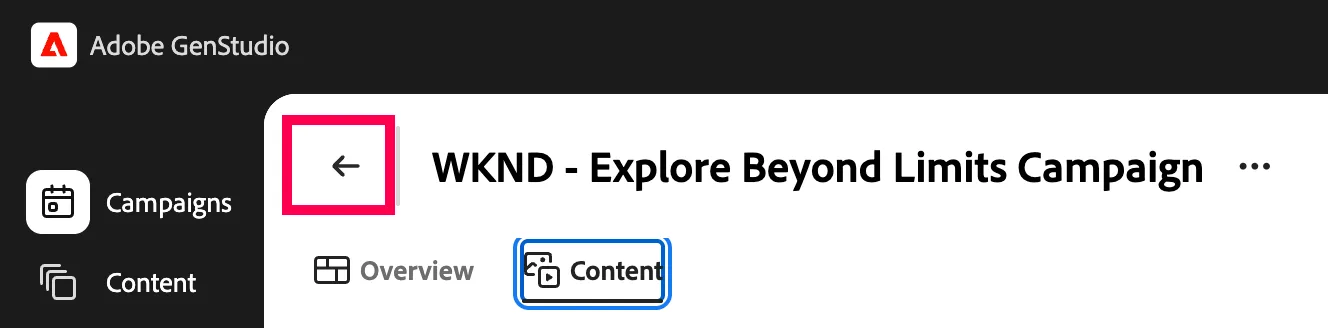
- Click the back arrow to exit the campaign details
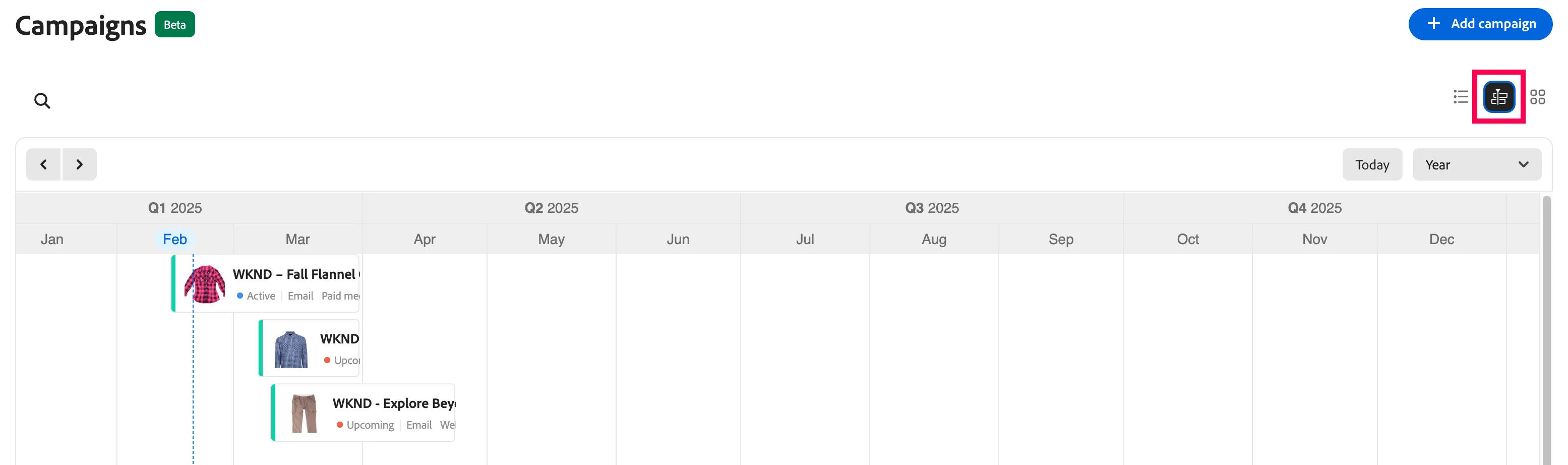
- Click on the Calendar view for another way to review campaigns
Having the information at hand for a campaign is a great starting point, but now you will use performance metrics from prior launches to inform the experiences you will create. In this next section, you will use the Insights tools of GenStudio for Performance Marketing to improve the performance of your campaign with content analytics.