Audience Enrichment
This page demonstrates how to leverage an existing AEP audience to enrich a Federated Audience Composition
Enriching Adobe Experience Platform Audience with Federated Composition
- Map AEP audience to the Federated Audience Composition destination
- Build your composition with your the mapped audience as a Read audience
- Reconcile the identities in your read audience, to join with federated data
The first step outlined above will be demonstrated by the lab instructor, as this only needs to happen once.
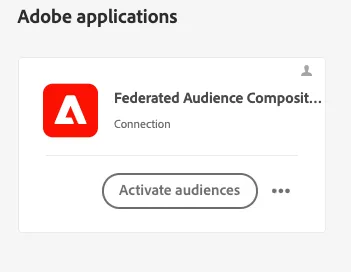
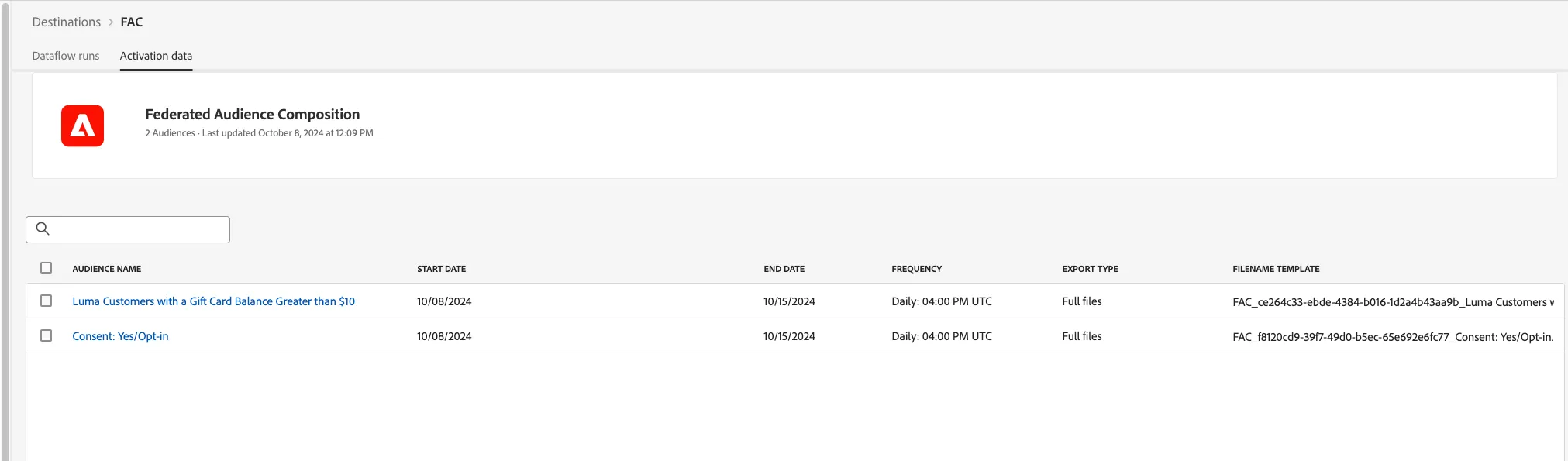
In the Federated composition tab, create a new composition. Give your composition the following name
Inactive Luma Customers with Gift Card Balance
In the composition canvas, click + and add the Fork flow control
In the first path, click + and Create audience. Click the Read audience radion buton and find the following audience
Luma Customers with a Gift Card Balance Greater than $10
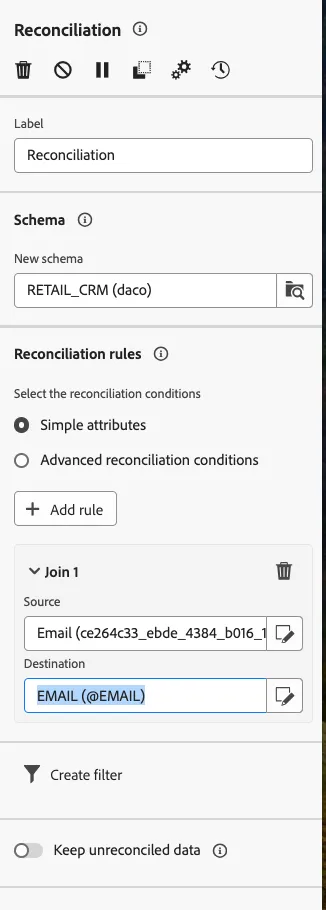
Click the + button to the right of the read audience and add the Reconciliation activity
Find and select the Retail CRM schema
Create the following Join rule
Source: Email (ce264c33_ebde_4384_b016_1d2a4b43aa9b_9f5344f7_d1a4_4825_843e_476817bc01c4/@Email)
Be sure to select the Email attribute within the audience folder
Destination: EMAIL (@EMAIL)
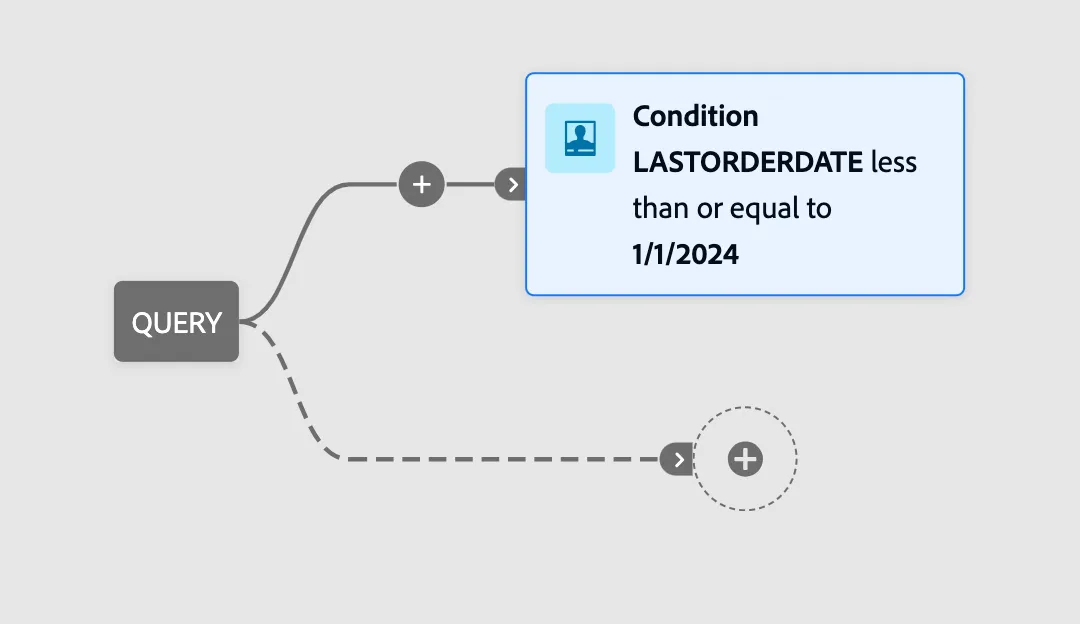
In the second Fork path, click + and create audience. Use the Retail CRM schema to build a query.
Open the query builder and add the following condition
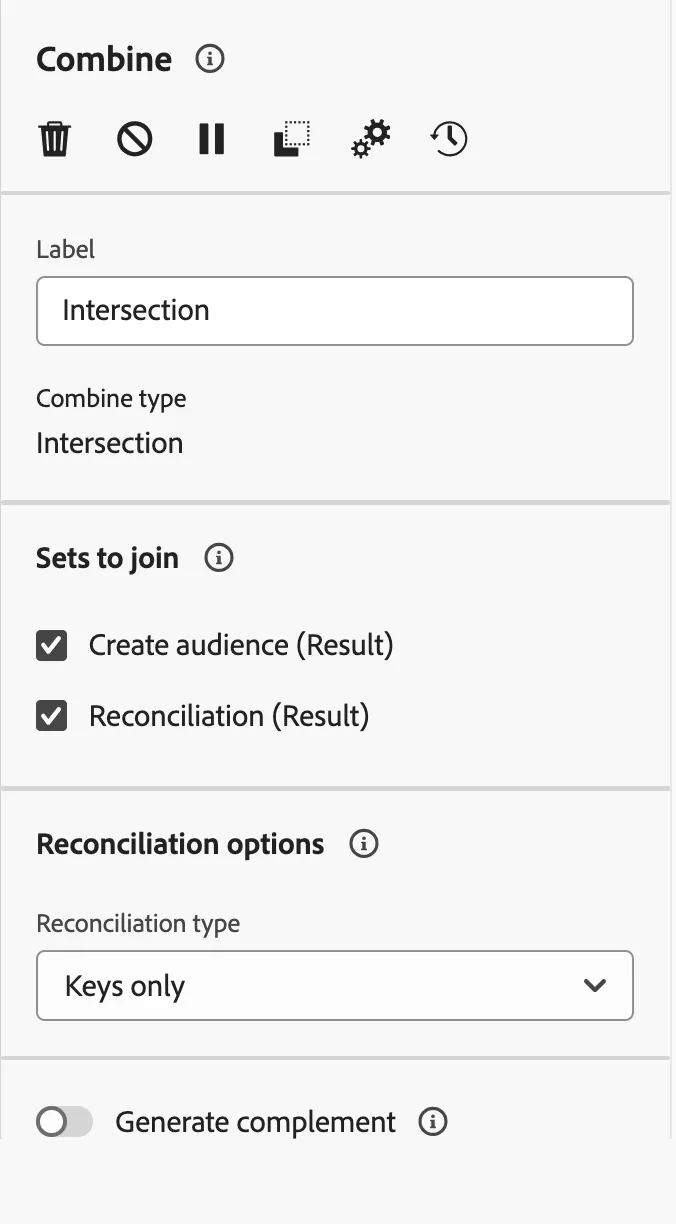
Add a Combine activity and select Intersection
Join the results of the reconciliation and the create audience
Reconcile using Keys Only
Hit Save and Start your composition