Map Federated Audience to S3
[Hands on keyboard!]
For this exercise, you'll learn how to leverage audience attributes in your data warehouse to enrich your audience's experience in downstream activation workflows using RTCDP destinations. For SecurFinancial, these federated attributes can be used to enrich the customer audience's personalization experience offline. For this example, we will map the federated audience to a pre-configured S3 destination
If you did not finish building your federated audience, no problem! Continue reading to map enrichment attributes using an existing federated audience.
Map the Federated Audience to the Amazon S3 Destination
Navigate to the Destinations portal
Click the 3 dot menu button next to the pre-configured Amazon S3 destination then click Activate Audiences
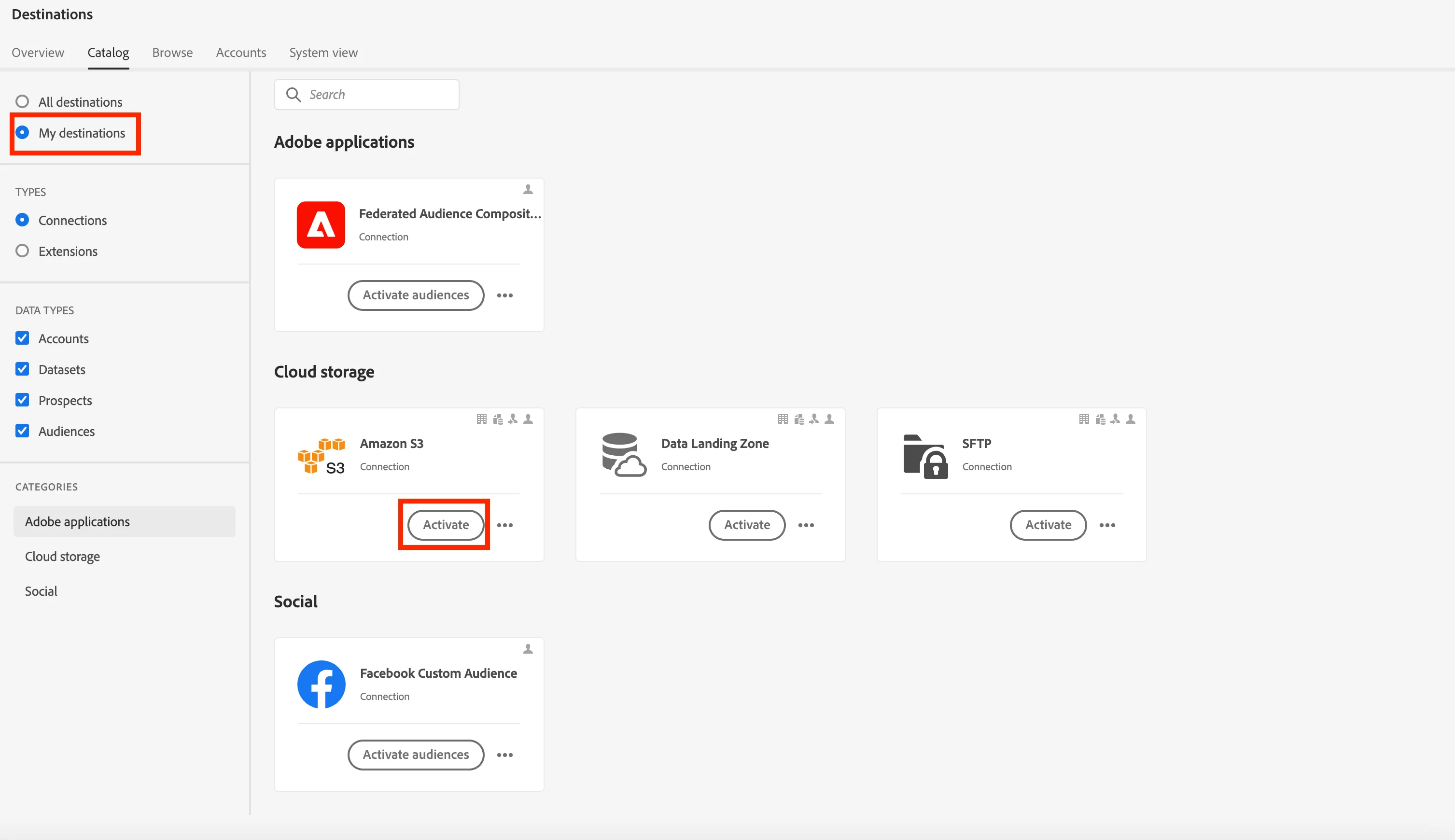
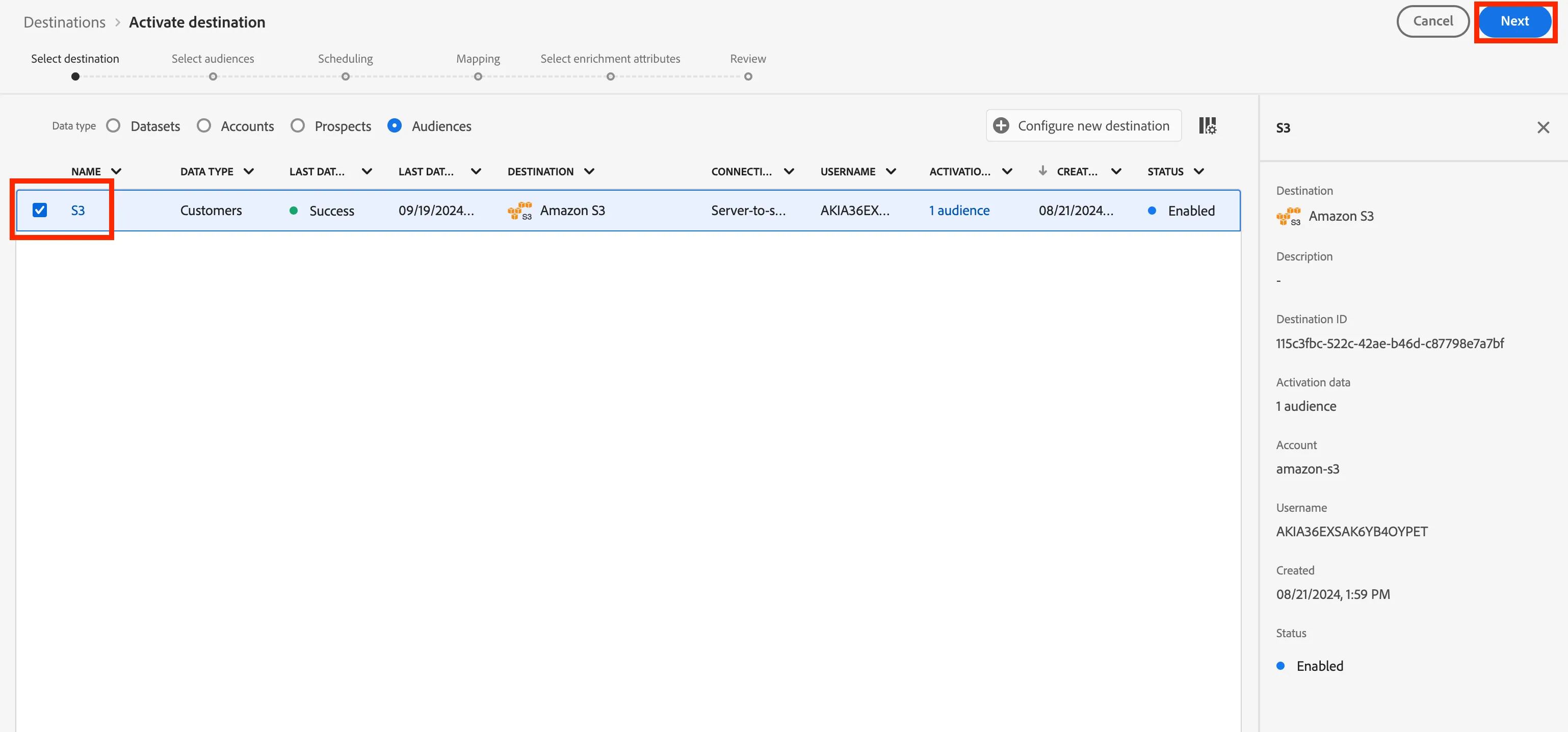
Select S3 destination then click Next
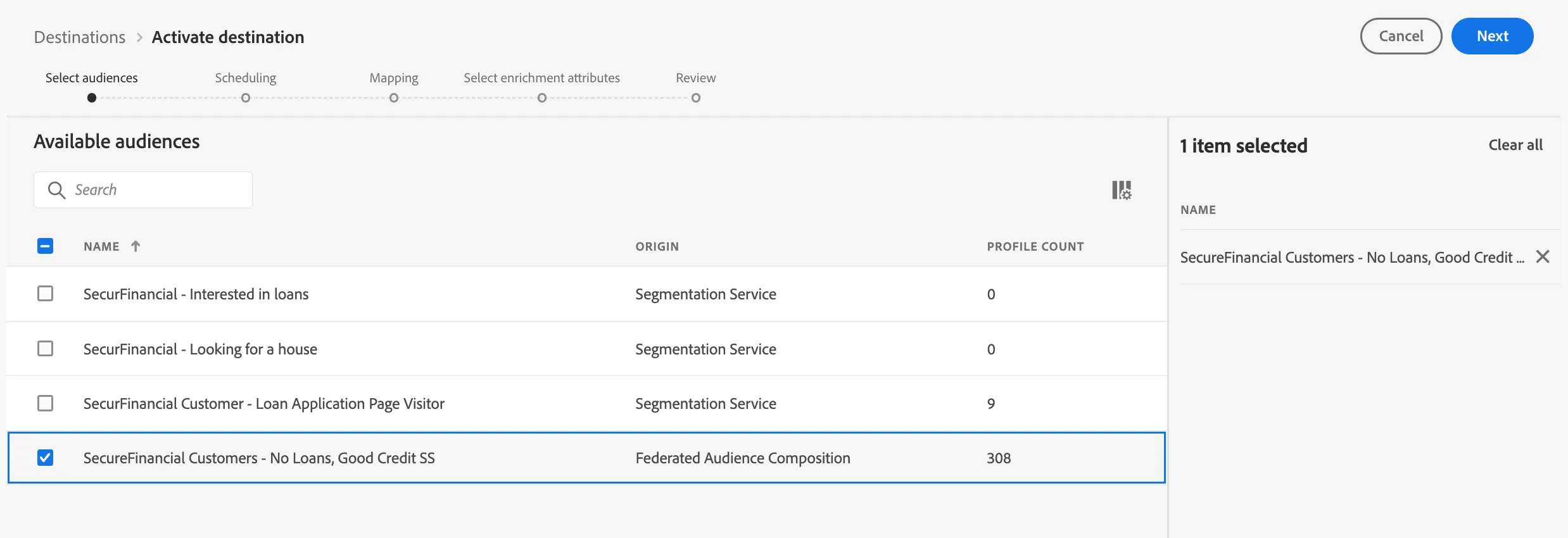
Select the SecureFinancial Customers - No Loans, Good Credit + lab user ID audience
In the Scheduling section, leave all default settings and click Next
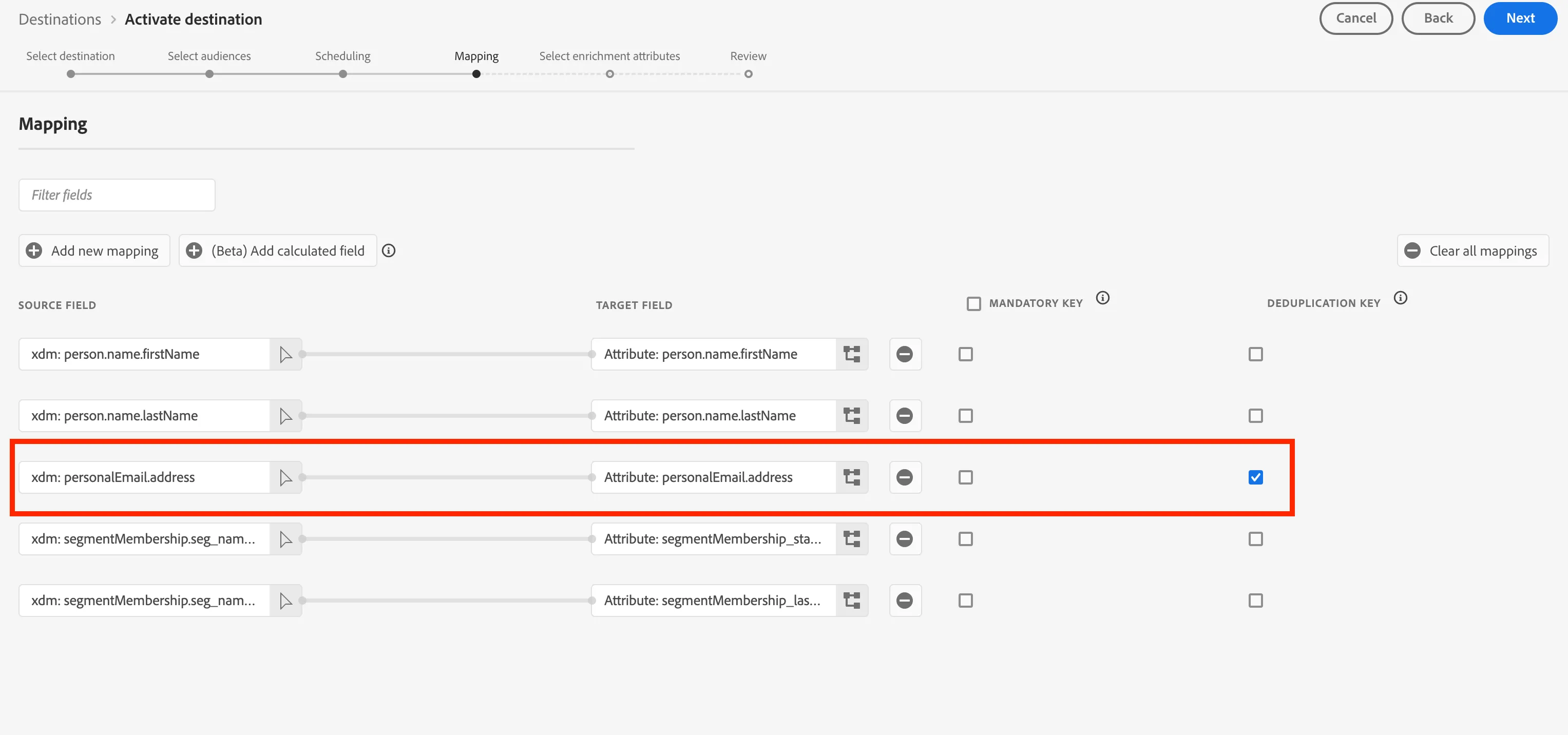
In the Mapping step, the following should be included and selected as Deduplication Key. Then click Next
xdm: personalEmail.address
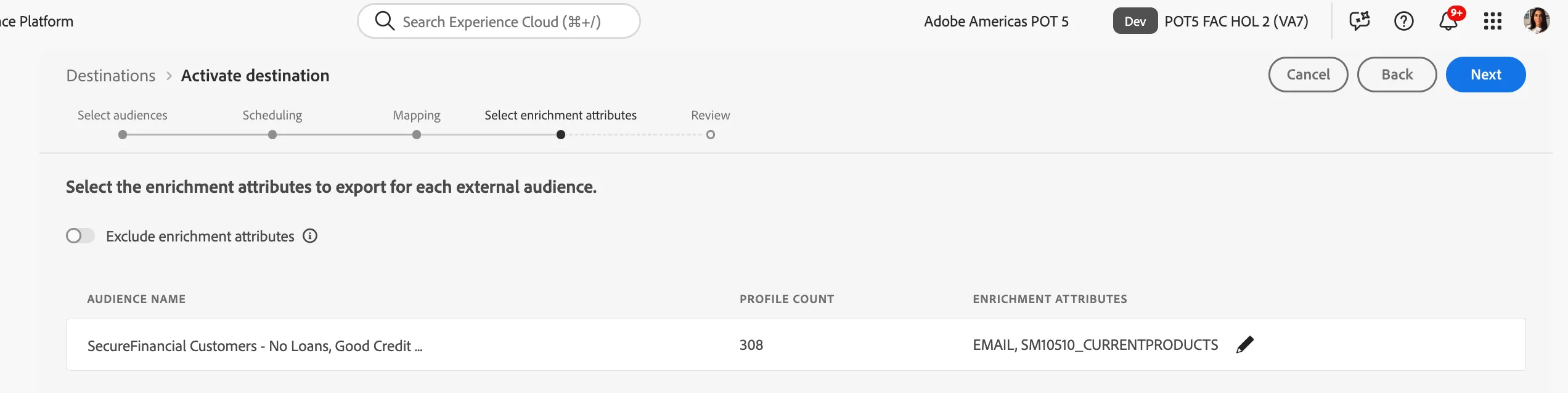
In the following mapping step, you can select enrichment attributes based on audience field mappings in the federated audience composition.
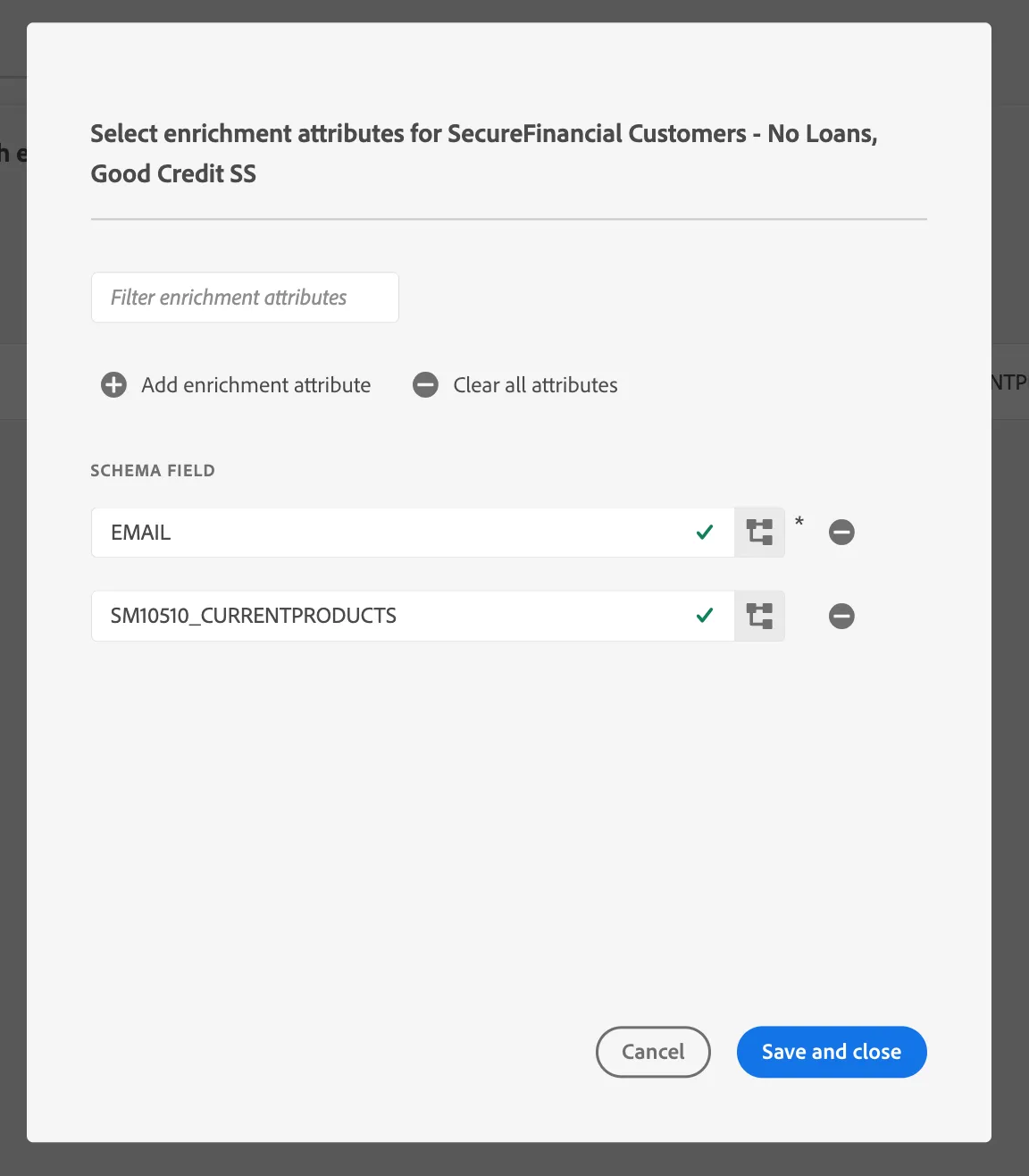
click the pencil (edit) icon to view the pre-selected attributes
Review your audience mapping and hit Finish