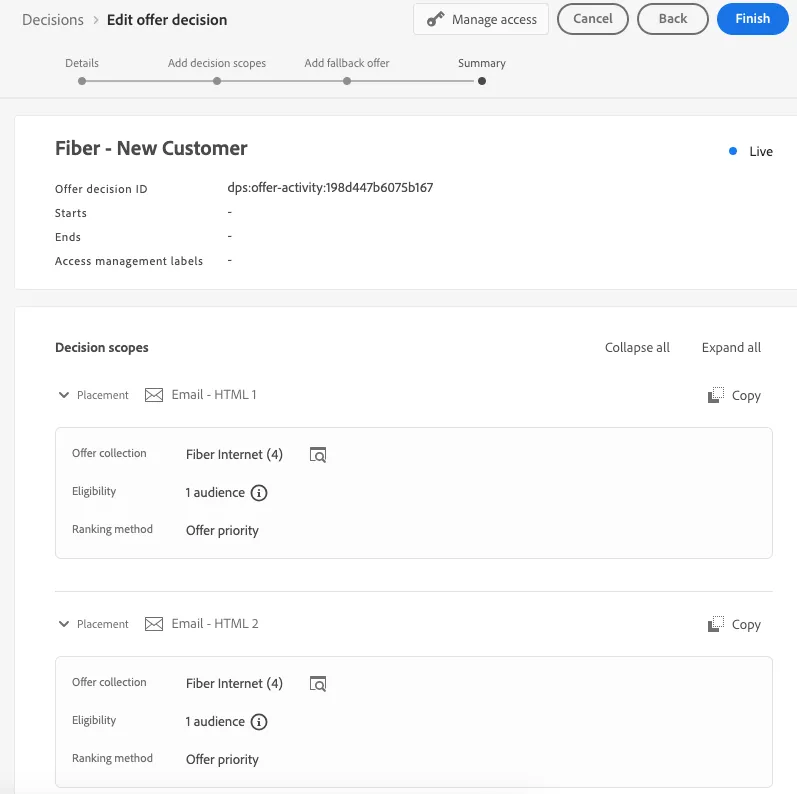
Lab: Create a Decision
4 min
Create a Decision
Navigate to Offers in the Left Menu

Select Decisions

Click “Create Decision”
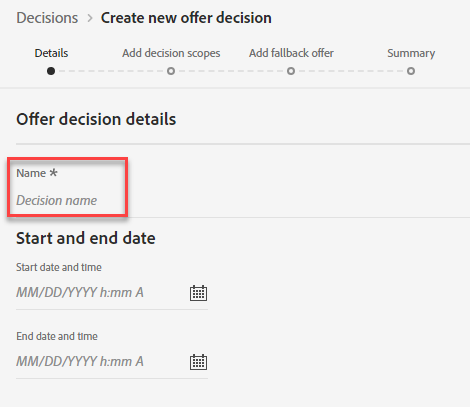
Define Name and Dates
Provide a Decision Name – Example: Coupon Decision - Initials
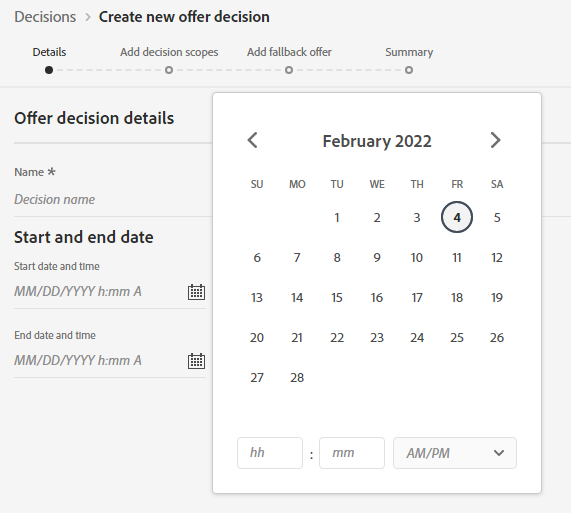
Provide Start and End Dates. Click “Next”
Add Decision Scopes
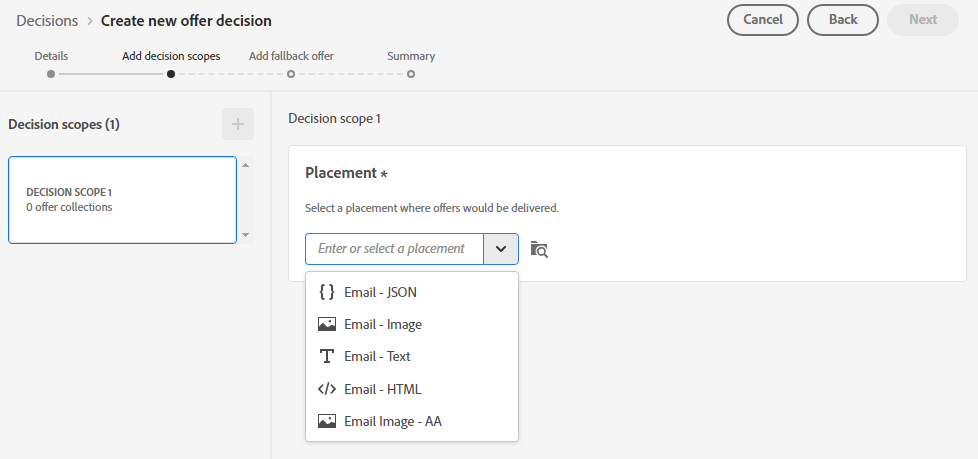
Select placement of "Email - HTML 1".
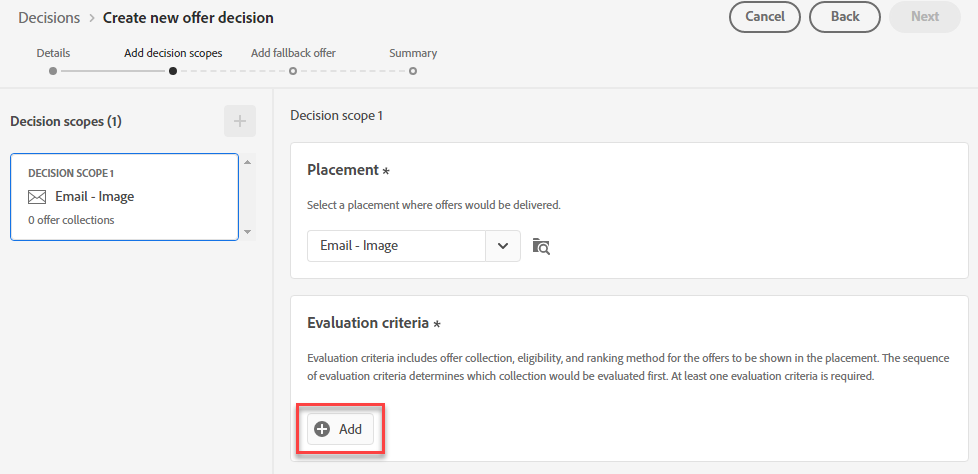
Click "Add" to add Evaluation criteria
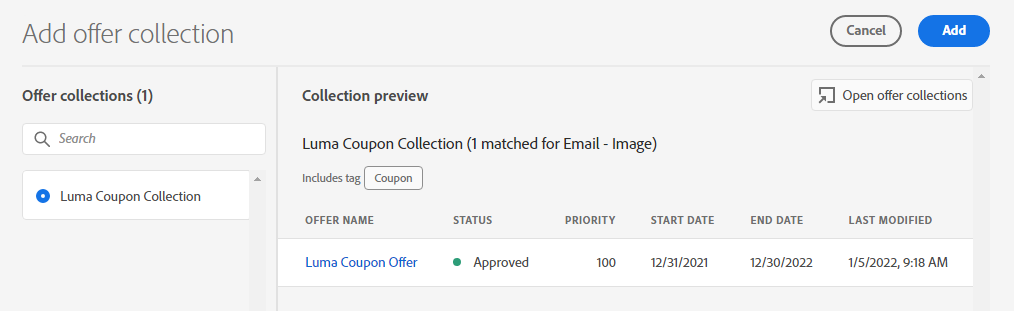
Select your collection and Select Add
Confirm Eligibility is set to "Audiences" and Ranking method “Offer Priority.” Select "Fiber Eligible Audiences - Oct hero" as the audience.
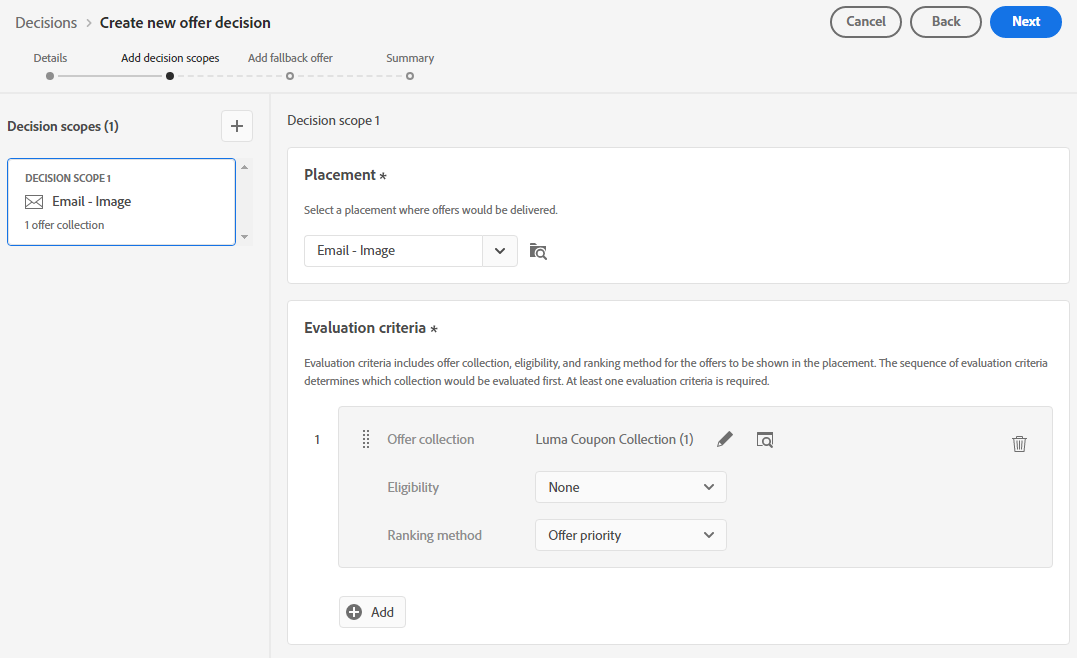
- Repeat this process to add decision scopes for the two other Email - HTML placements
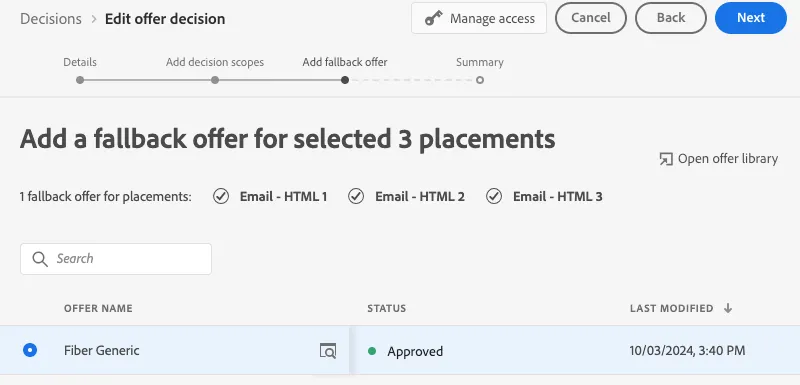
Add Fallback Offer
Click on the Fiber Generic Offer. Click “Next”
Review Offer Decision. Click Finish