Profile Lookup and Stitching
Objective: In this exercise, we will perform a series of steps to simulate online behavioral events. We will look up fragmented profiles, view experience events, profile attributes and view how identities are stitched in a unified customer profile after online authentication.
Generate an unknown web visitor profile:
- In an incognito browser, visit the demo site above.
- Click on the Experience Platform logo in the top left corner of the page to expand the profile viewer panel.
- Browse to several pages to generate event data
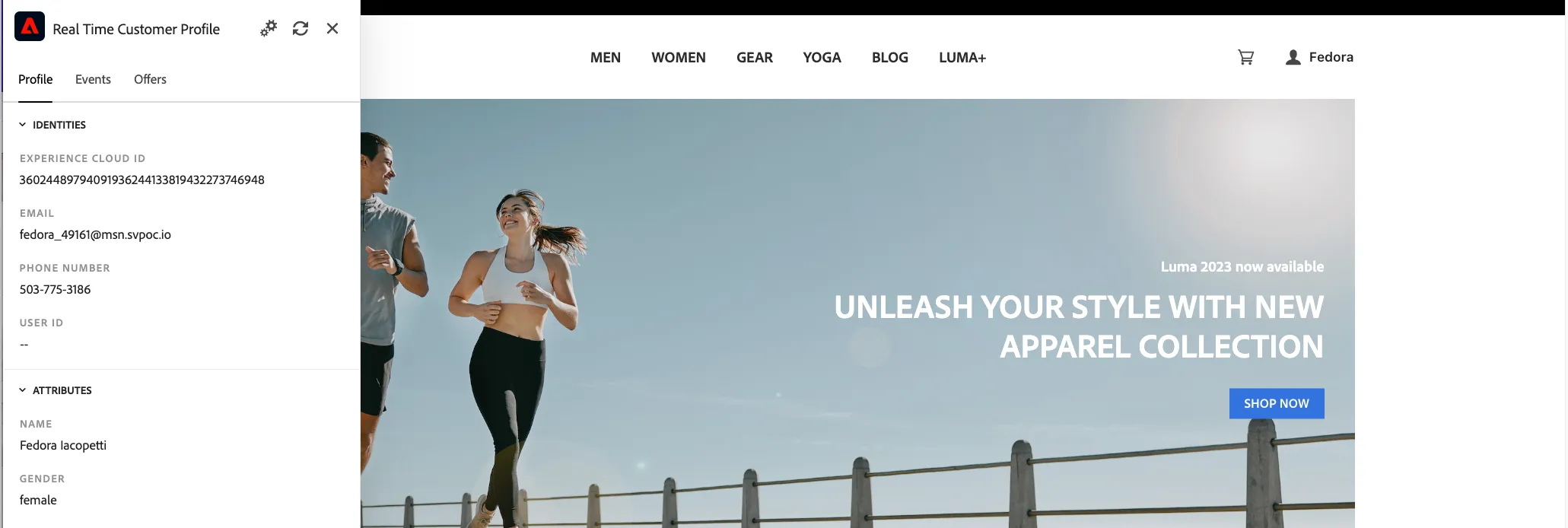
- Copy your ECID value from the profile viewer.
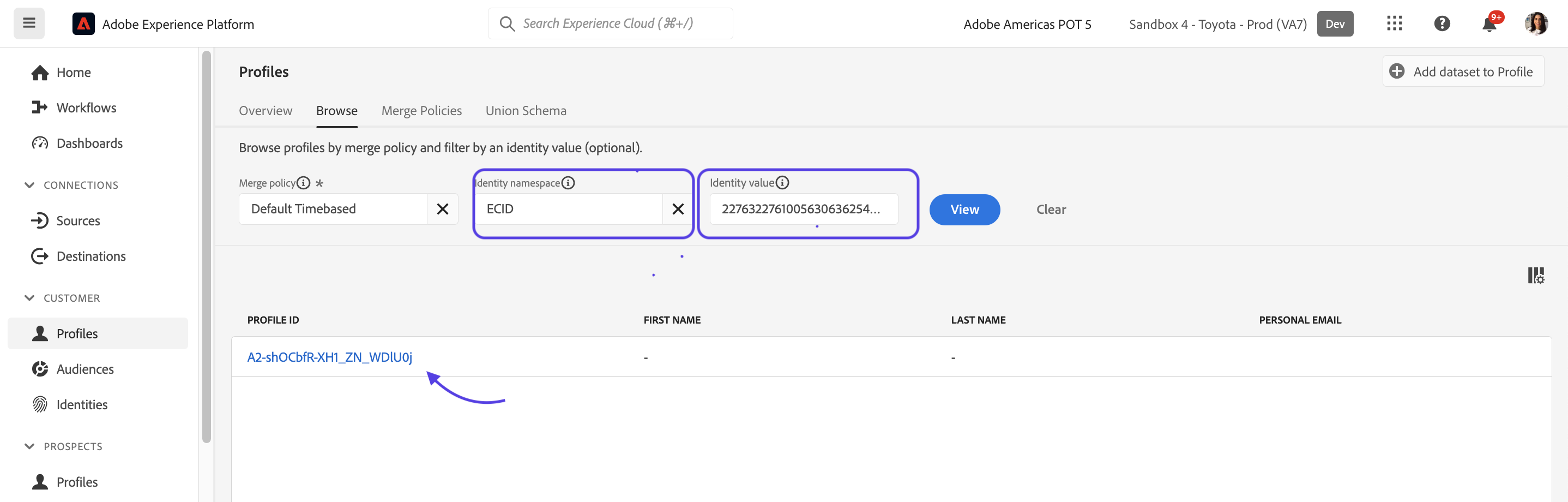
- In Platform, search and select ECID from the Identity Namespace field.
- Paste your ECID value in the Identity Value field. Click View.
- Click on the profile ID result.
Review the profile stored for the unknown visitor i.e. events, profile attributes, segment membership.
Exploring an existing profile in Adobe Experience Platform
- Navigate to Profiles from the left-hand navigation bar.
- Click on the Browse tab.
- Search for 'Email' under namespaces.
- Enter 'your assigned user email' as Identity Value.
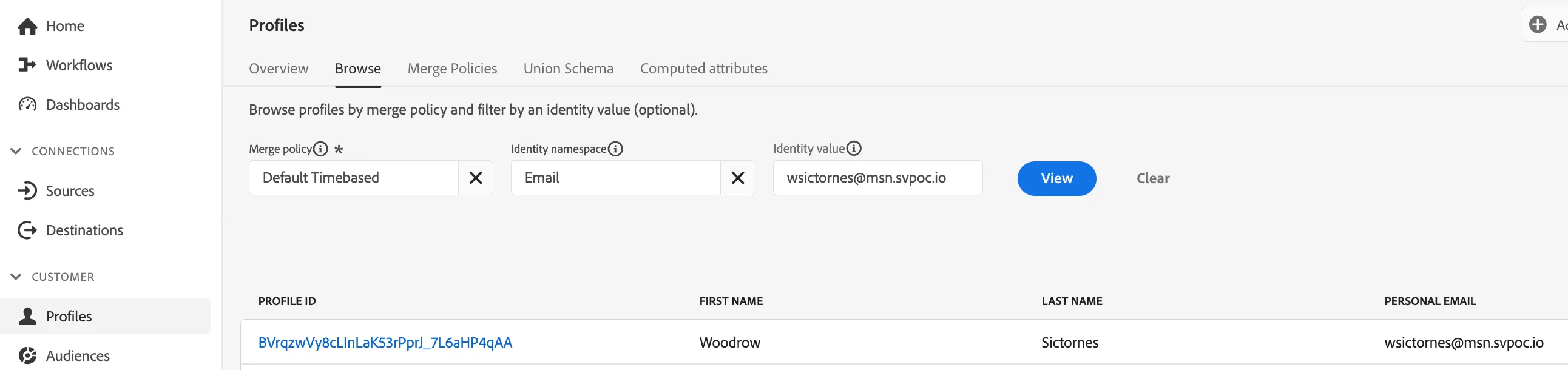
5. Click View
6. Now click on the Profile Id to exlore the profile tied to 'your assigned user email'
7. Review the profile for
- Basic Attributes
- Retail Profile Attributes
- Channel Preferences
- Identity Graph
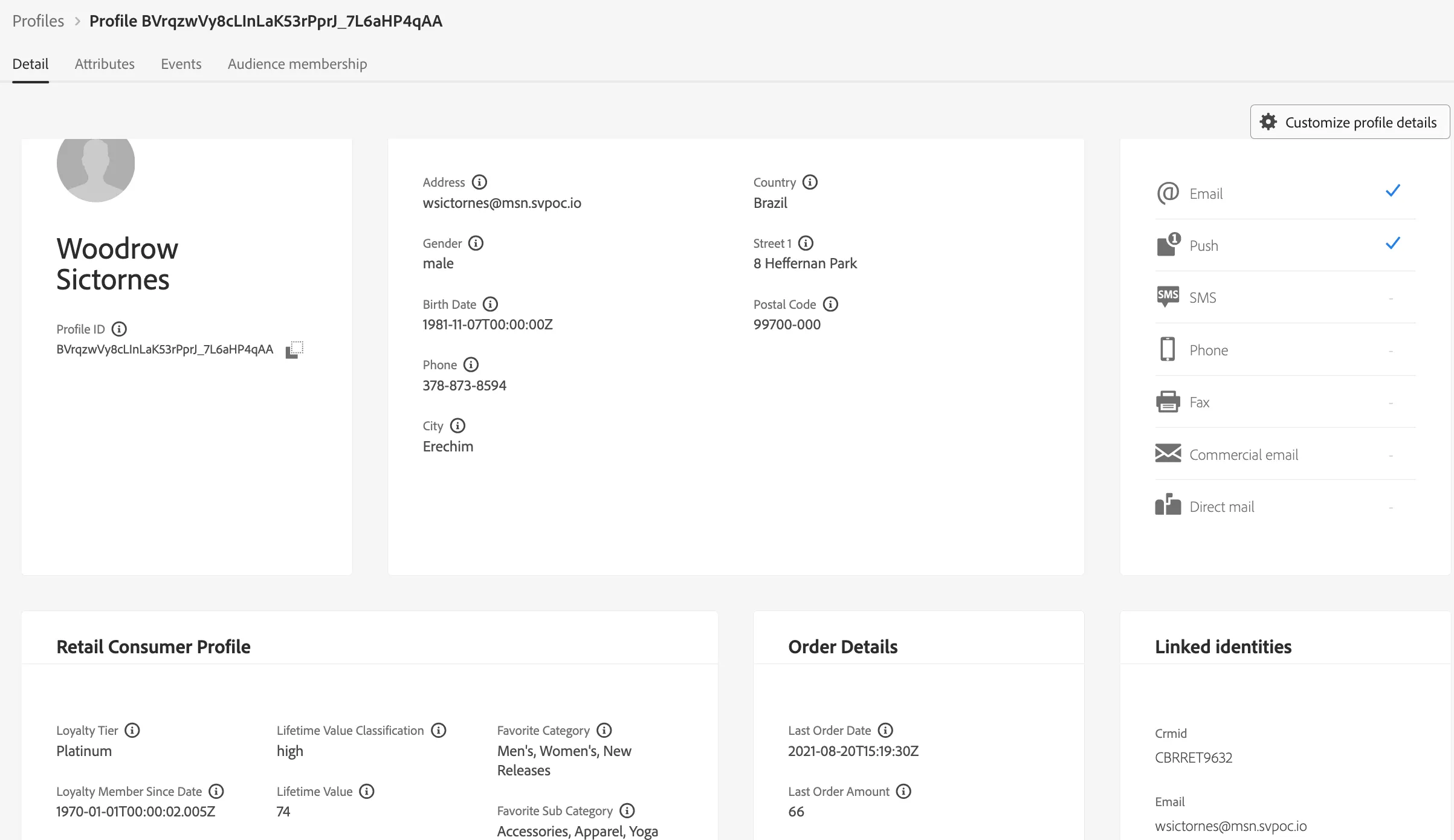
8. This dashboard provides information that has been onboarded for the profile, including:
- CRM attributes
- Events and Interactions
- Audience Memberships
Stitch the unknown profile to the imported known profile above
- Click on the Sign In button on the top right corner of the page. Paste the demo customer email. Password not required. Click Sign In.
- Return to Platform. Refresh your browser on the previously unknown user's ECID (this first-time stitching may take 10 minutes to complete)
Review the unified customer profile i.e. profile attributes, events, segment membership
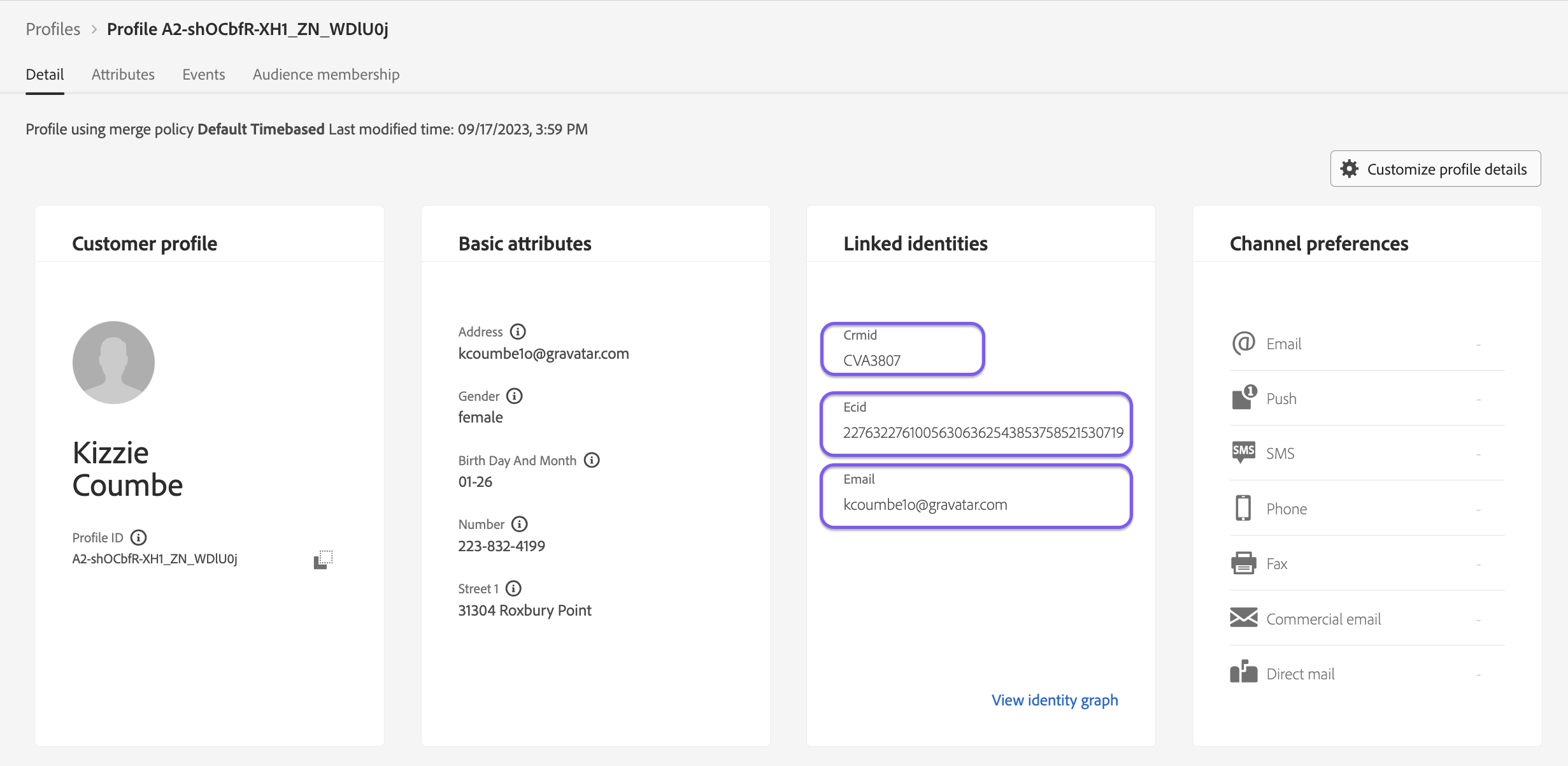
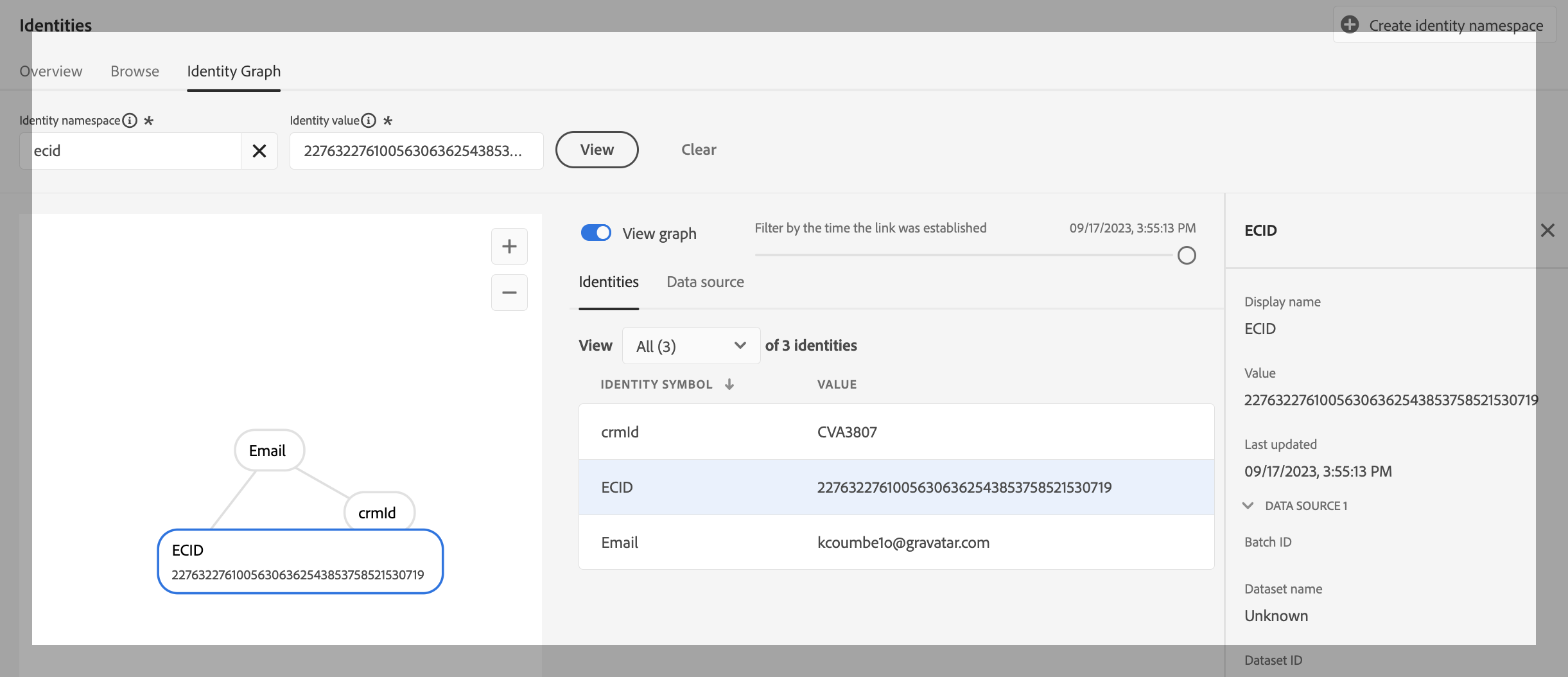
Click on Identity Graph from the Details page. Review the stitched identities i.e. ECID, email, phone, CRMID.