Create a Decision
1 min
This lab will walk through the steps to create a Decision in Adobe Journey Optimizer.
NOTE: Some exercise steps may differ from lab presentation content.
Creating a Deicision
- Navigate Decision Management --> Offers --> Decisions Tab
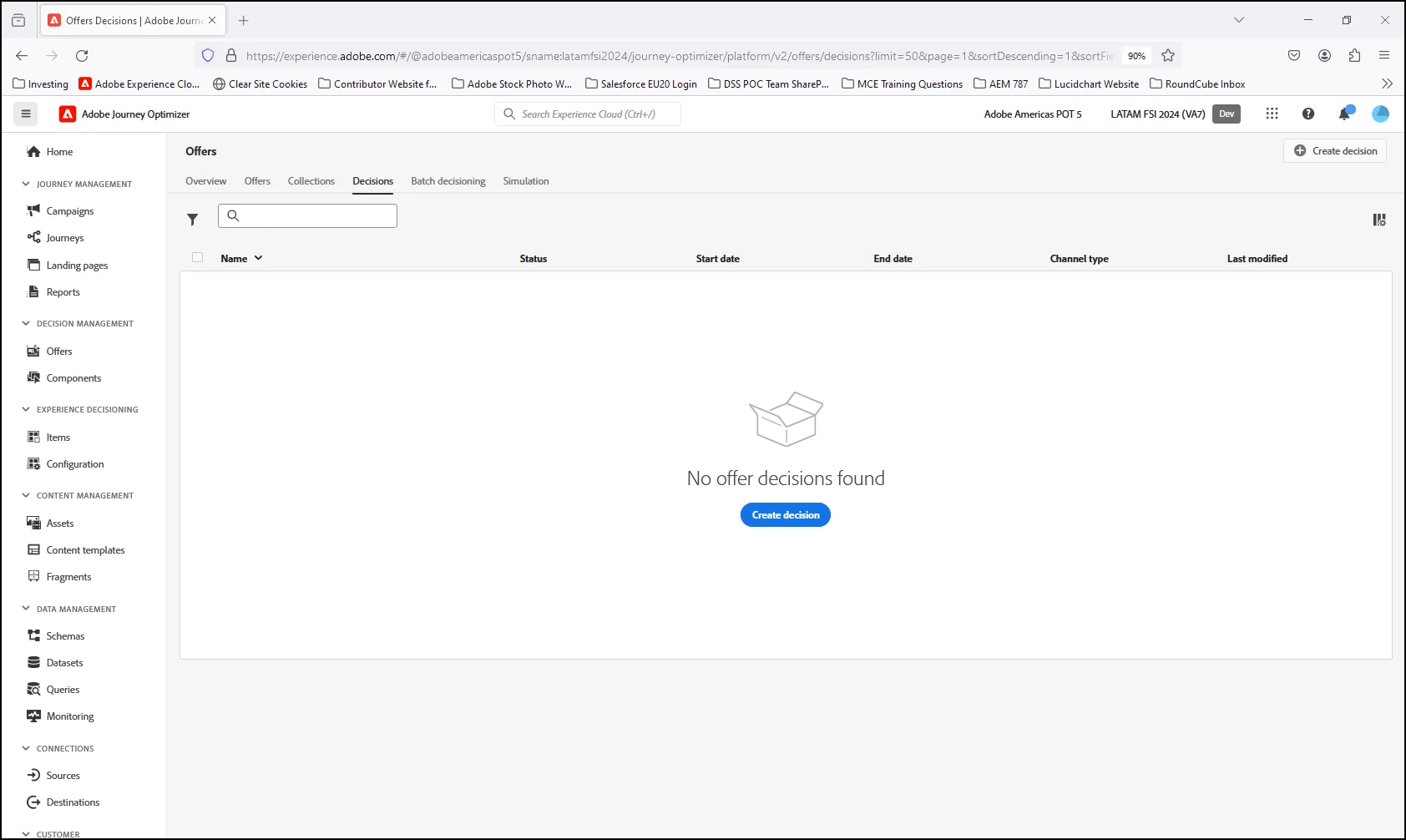
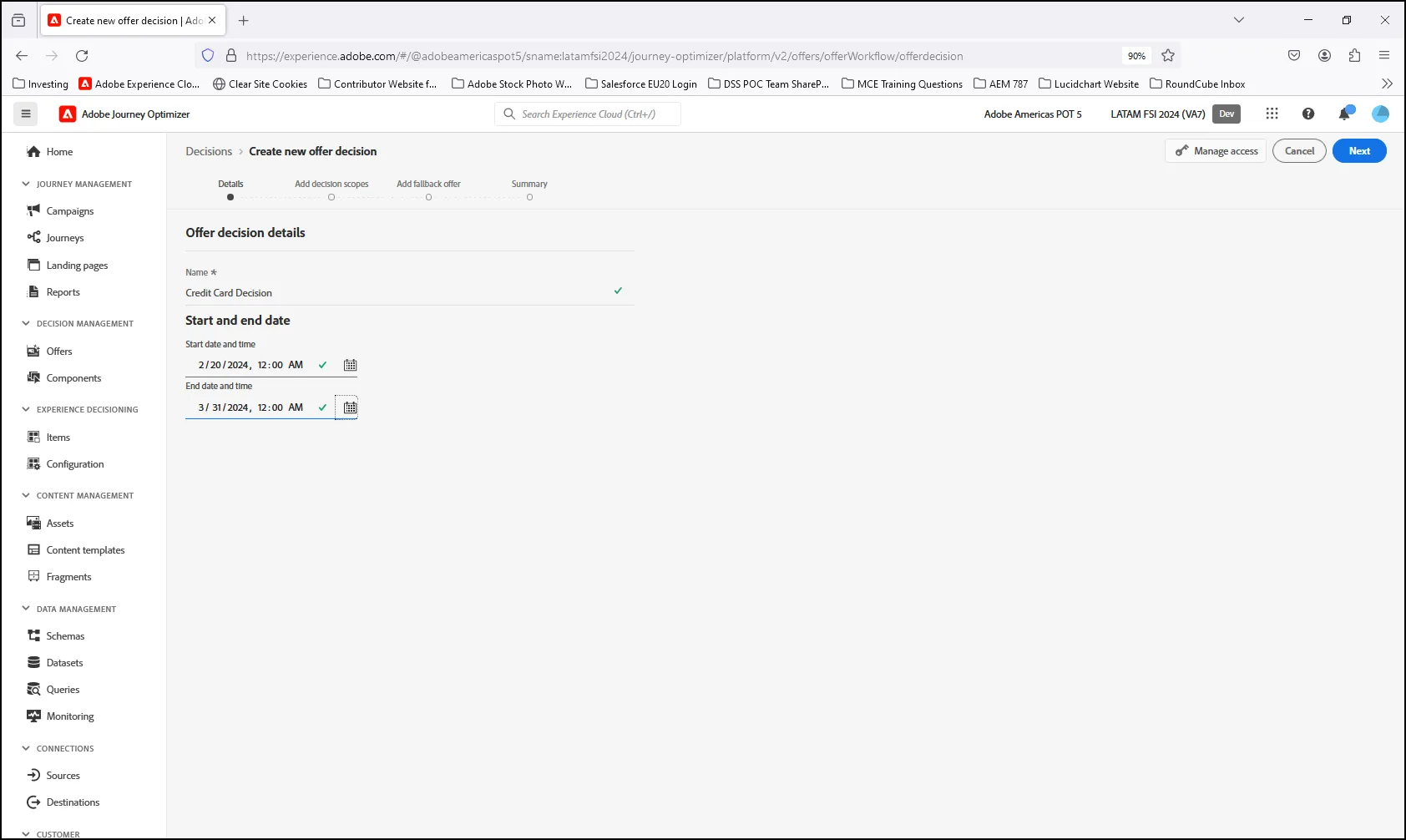
- Click on Create Decision. On the next screen, add a Decision Name, Start Date and End Date. Click "Next" when done:
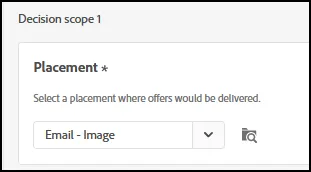
- Select the Placement Type for your Offer Decision:
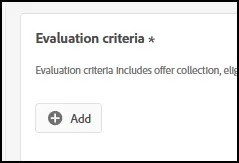
- Under Evaluation Critieria, click on "Add" to select your offer collection:
- On the next screen, highlight your Offer Collection and click "Add":
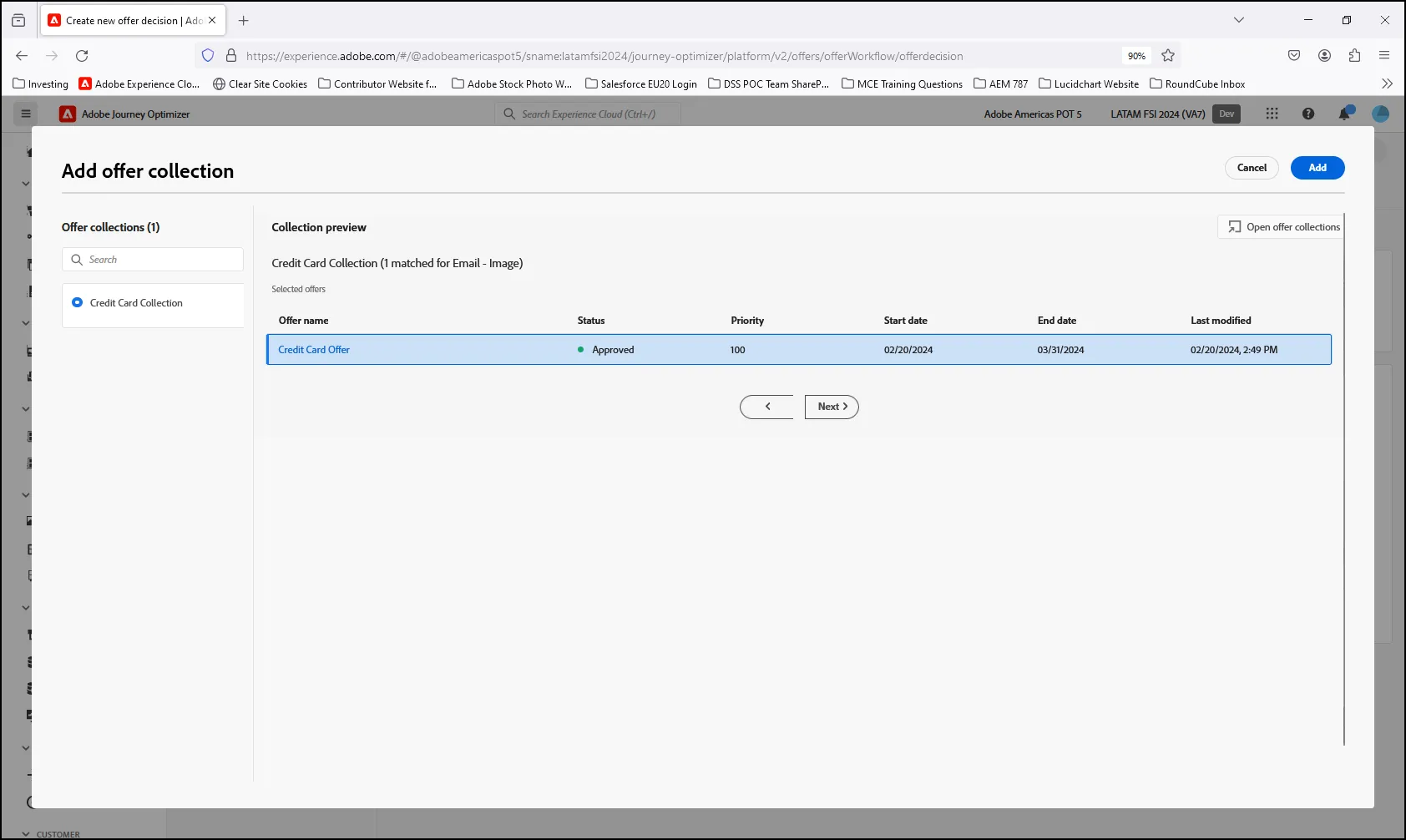
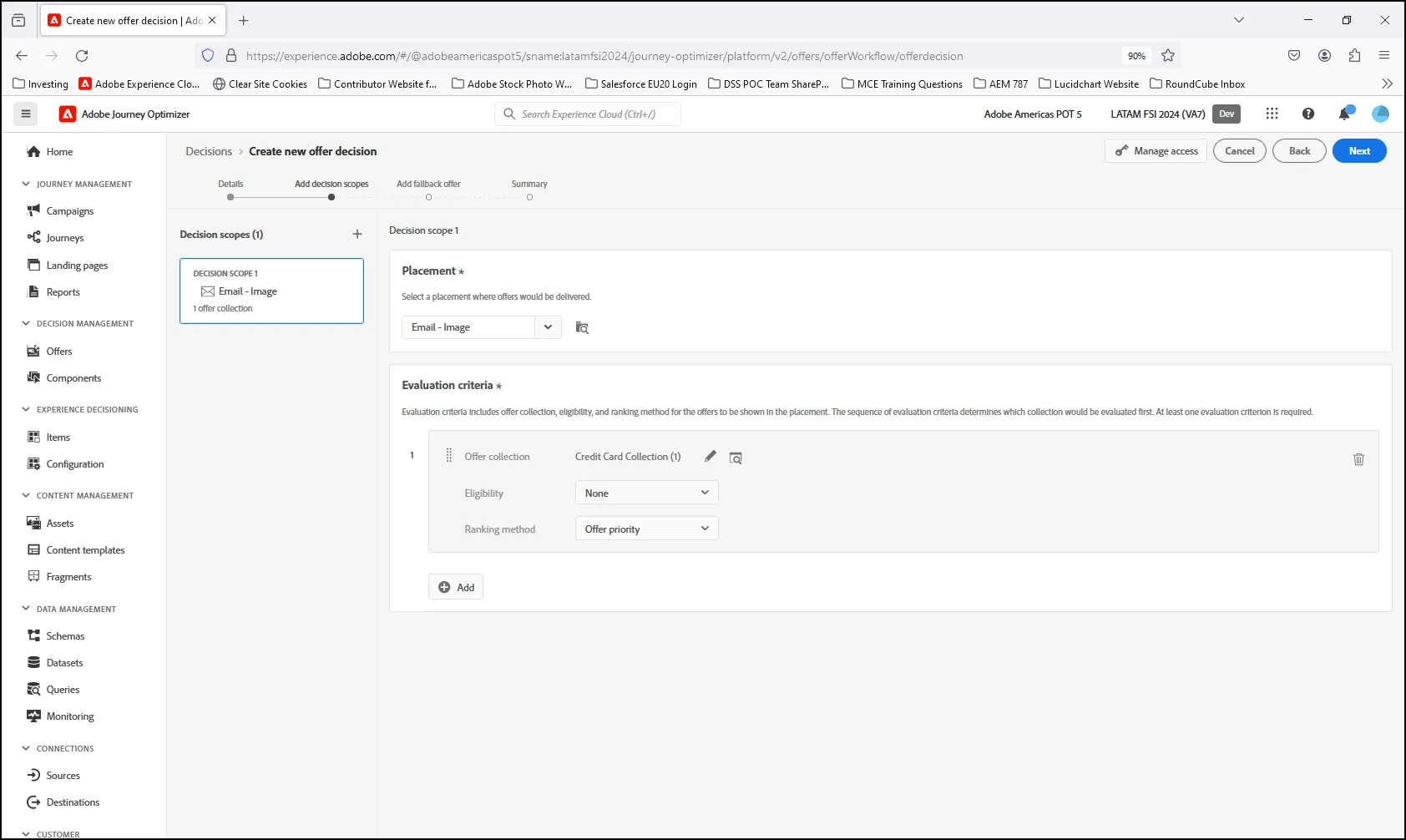
- For this example, we will not modify the decision with any additional Eligibility or Ranking Methods. Simply click Next:
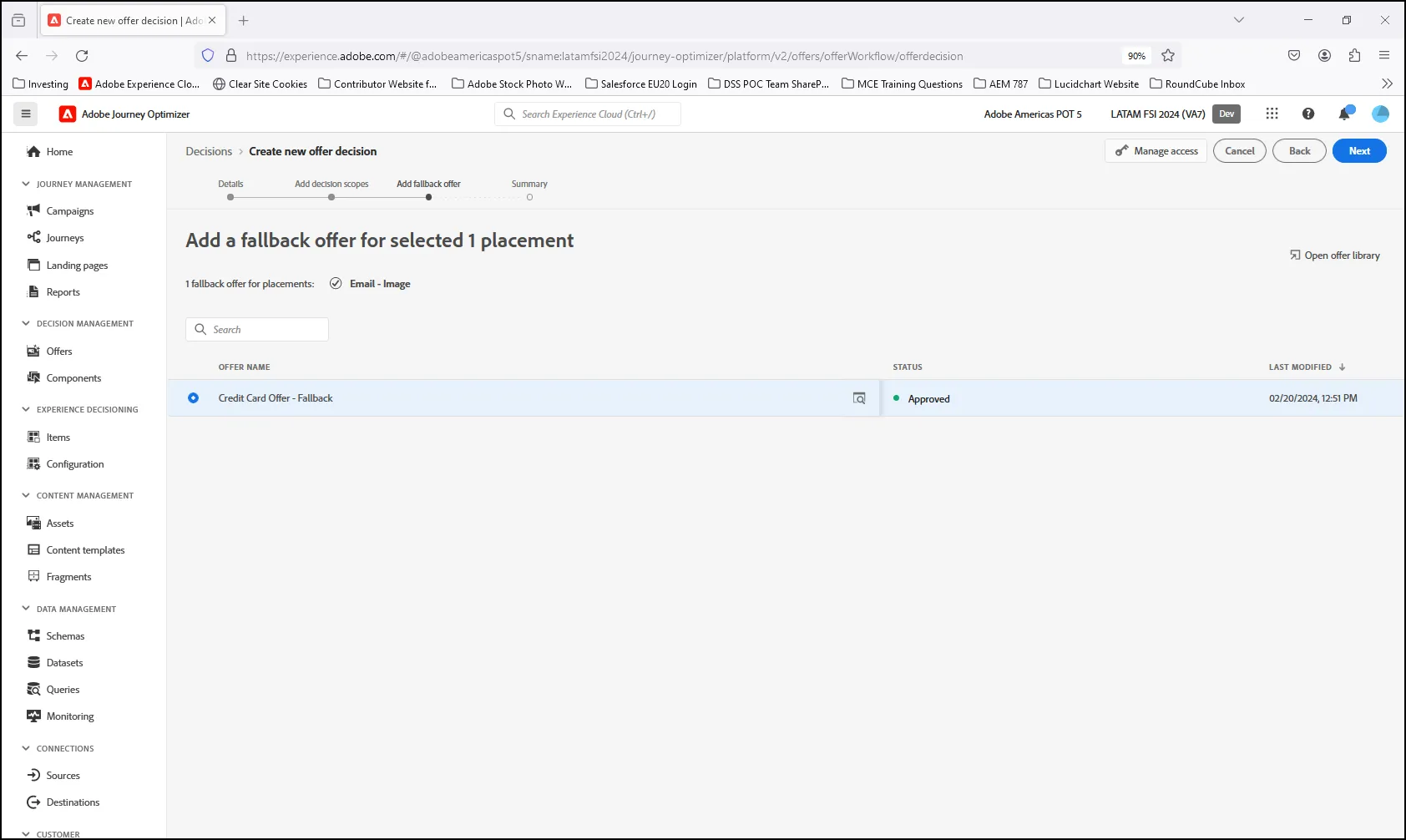
- On the next screen, select the Fallback Offer for your decision, then click Next:
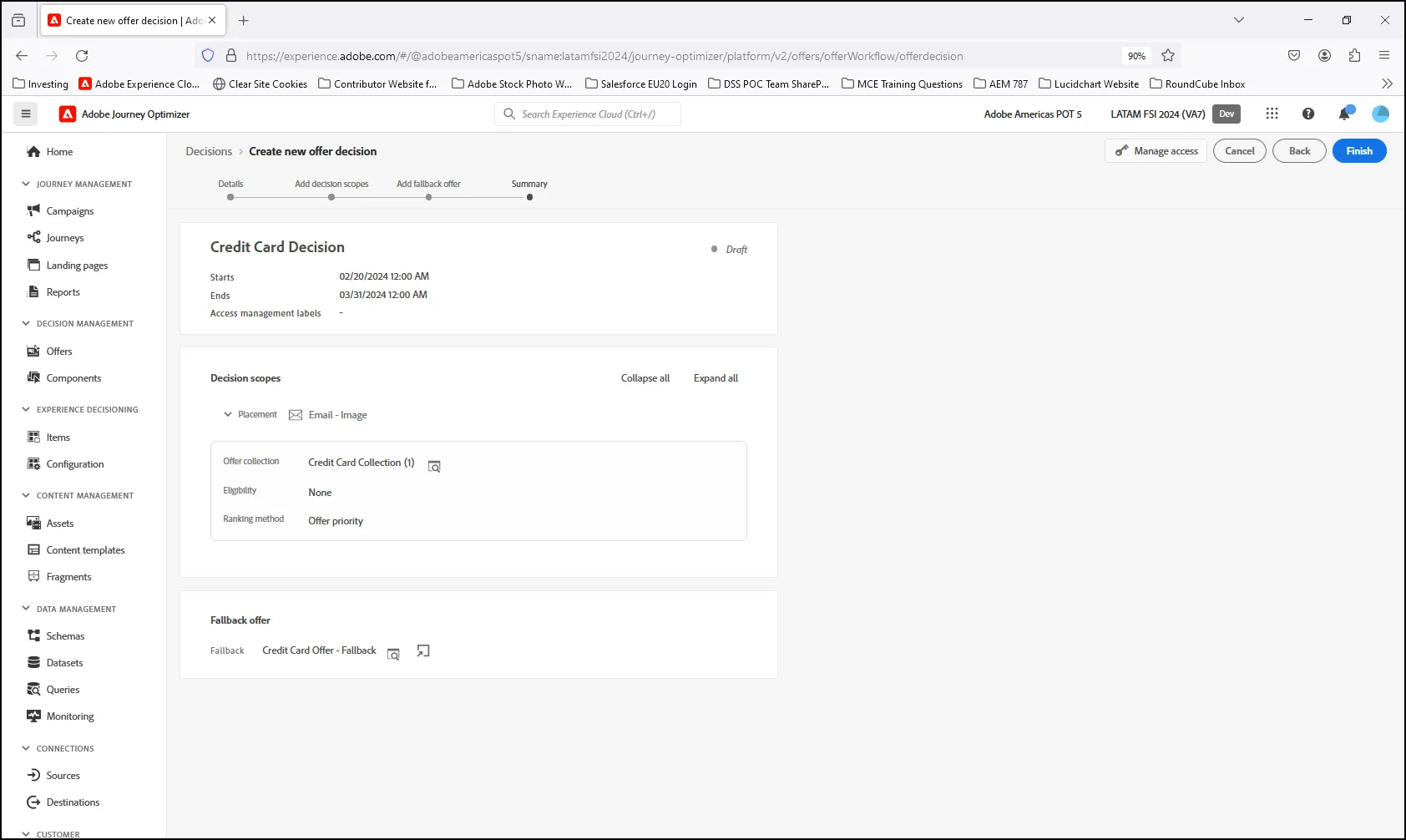
- Review the Decision Summary and click "Finish" to complete the Decision:
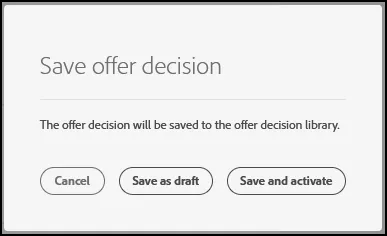
- Click "Save and Activate".
- End of Lab.