Ex5: Bulk Import Pages
We previously imported the Homepage with Agent.
But the agent didn't just import the homepage — it built reusable import scripts that know how every block on that page works.
In this chapter, you'll run those scripts on the entire WKND Adventures site in a single prompt.
Step 1 — Import all pages of the website
One prompt, to import the whole site. Let's go.
- Go back to aemcoder.adobe.io tab, and in the chat, paste this prompt: Bulk import all remaining pages from https://wknd-adventures.com/
- Wait a couple of minutes, and you will see all pages beeing imported (blog folder, about, adventures, community, etc...):
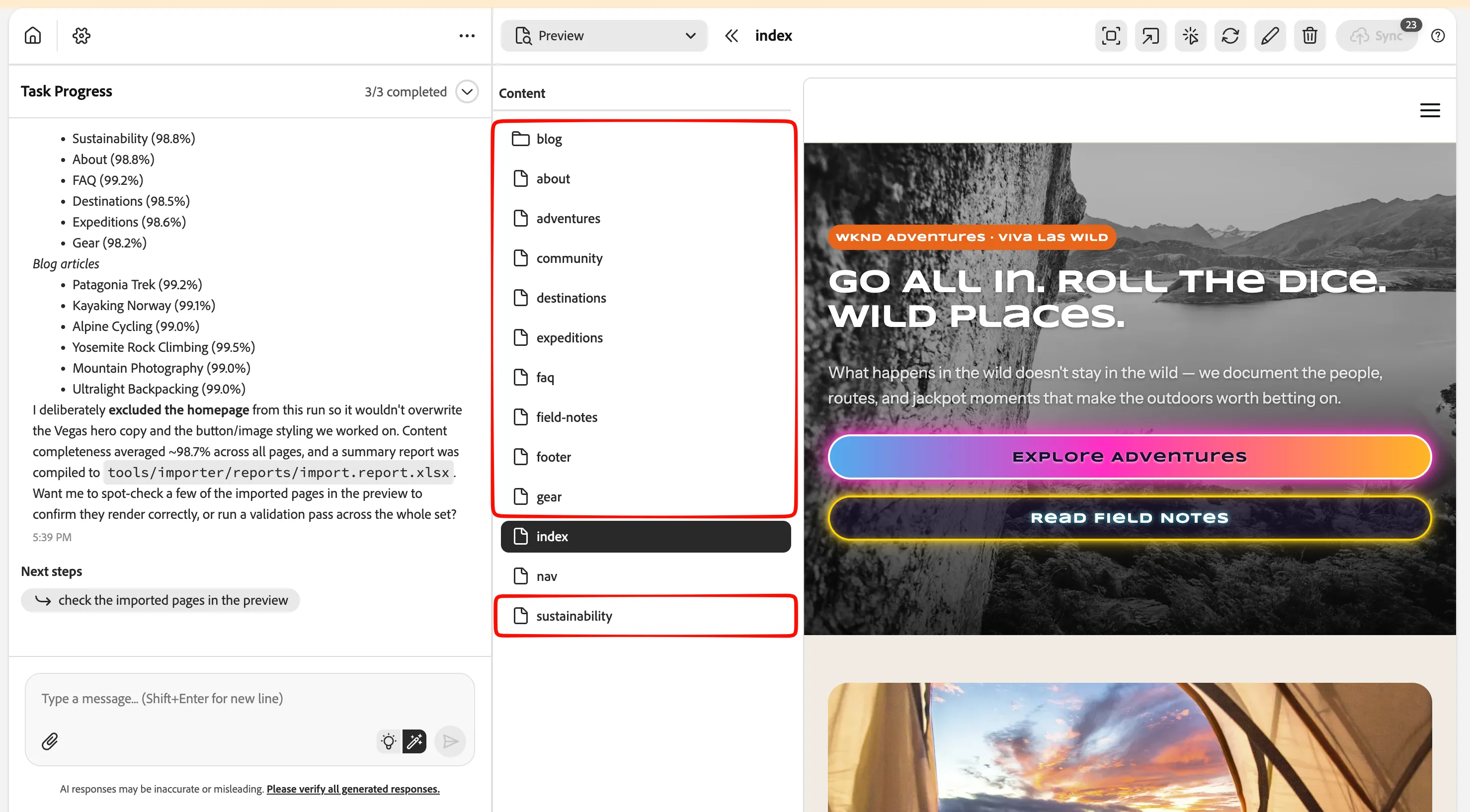
- Take a moment to check the pages that have been imported by the AI Agent.
Notice how easy it has been to migrate a full website to AEM EDS.
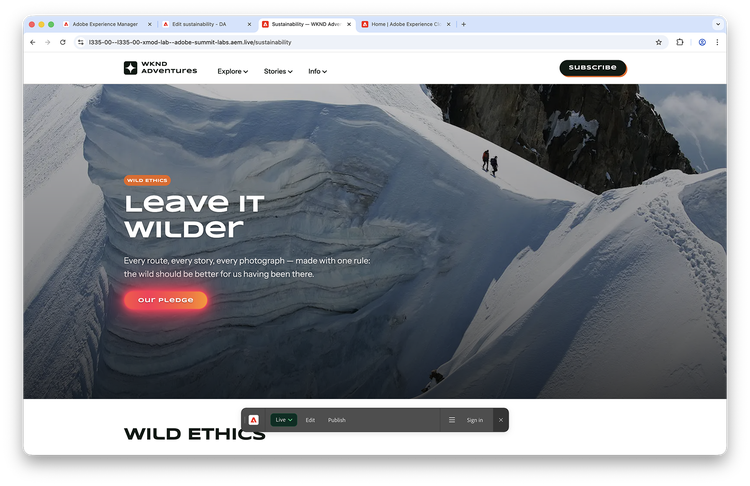
If you have a personal GitHub project created (for ex in lab6), you can connect to your github, upload all changes, sync with DA, and publish all content to live in a simple click to top-right button "Sync":

Learnings
What you experienced: One prompt triggered the import of an entire site. The agent reused the scripts it built during the homepage import and applied them to every remaining page automatically.
Put this into perspective: you import the first page and refine it until every block looks right. Then the second page, where fewer blocks are new. Then the third and fourth, where there's almost nothing left to handle. By that point, the import scripts cover your whole site's block library, and bulk import takes over. Potentially hundreds of pages in the time it took to do the first one manually.
Success You have scaled from a single page to the full WKND site live on aem.live. That is how the bulk import scripts allow to scale exponentially.