Ex5: Create Content with the Block
In this part, we will create content with the new Block we created in previous exercice.
Add content with Universal Editor
We will now use the new Block we created in Universal Editor, by creating some new content.
- Connect to the AEMaaCS Instance, and go to the site you created: https://author-p189773-e1977501.adobeaemcloud.com/ui#/aem/sites.html/content/
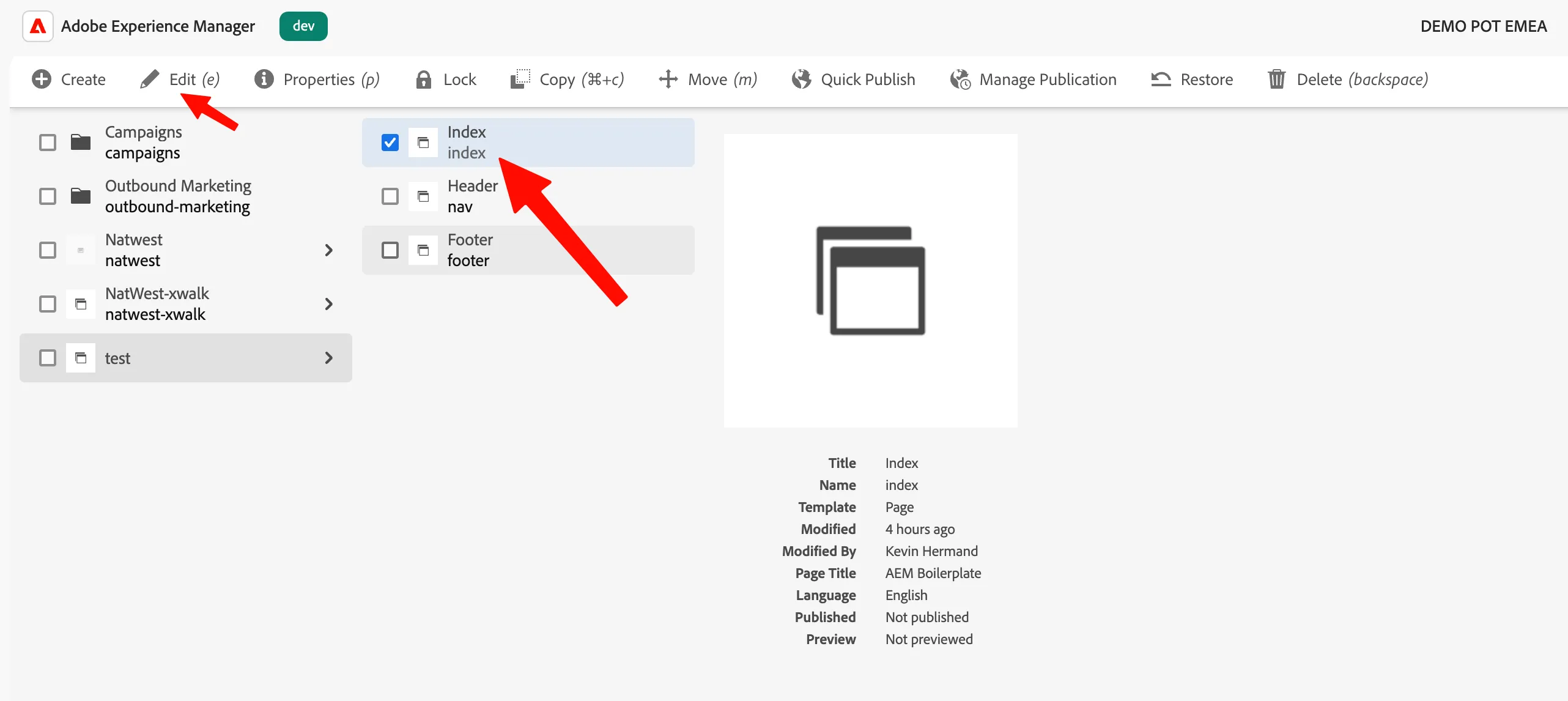
- Select "index", and then click on "Edit":
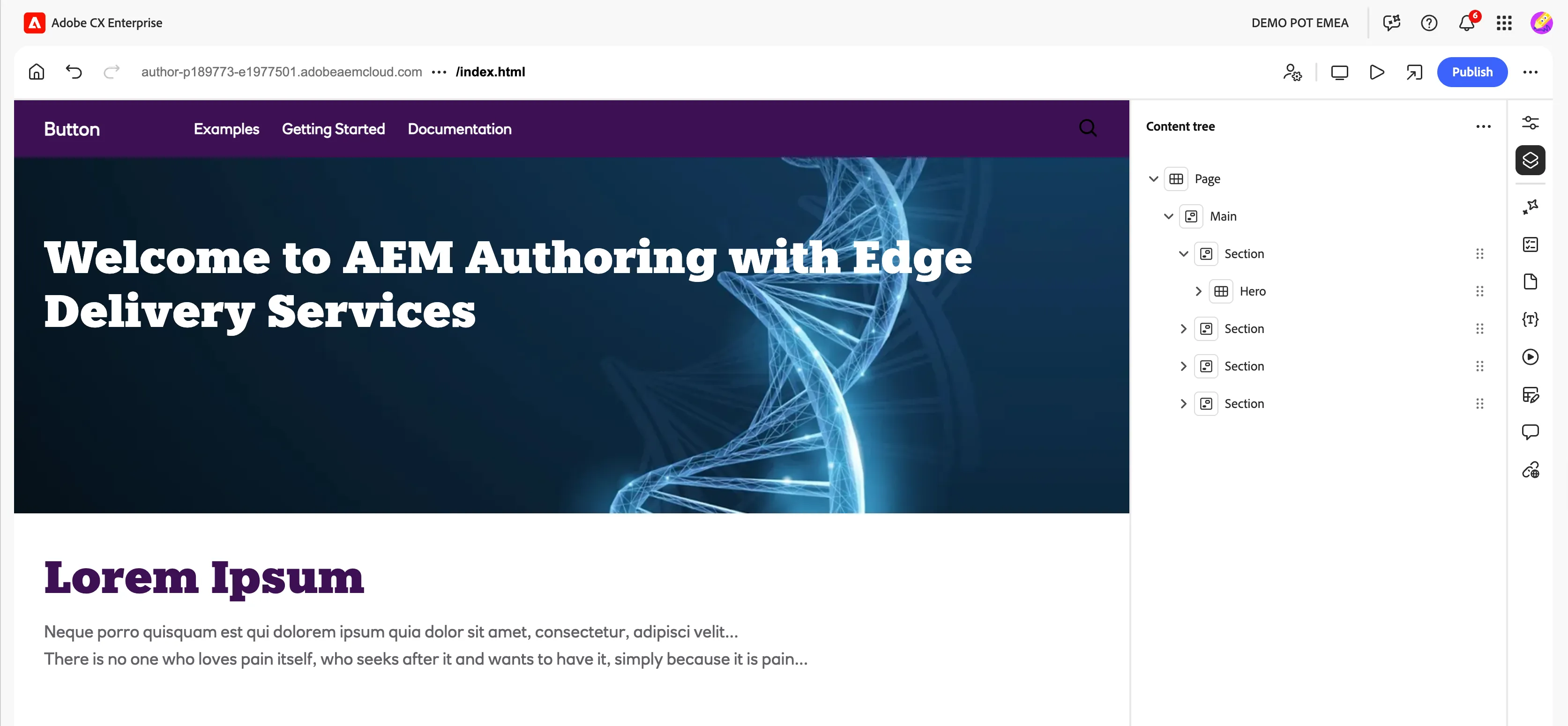
- This will open the Universal Editor:
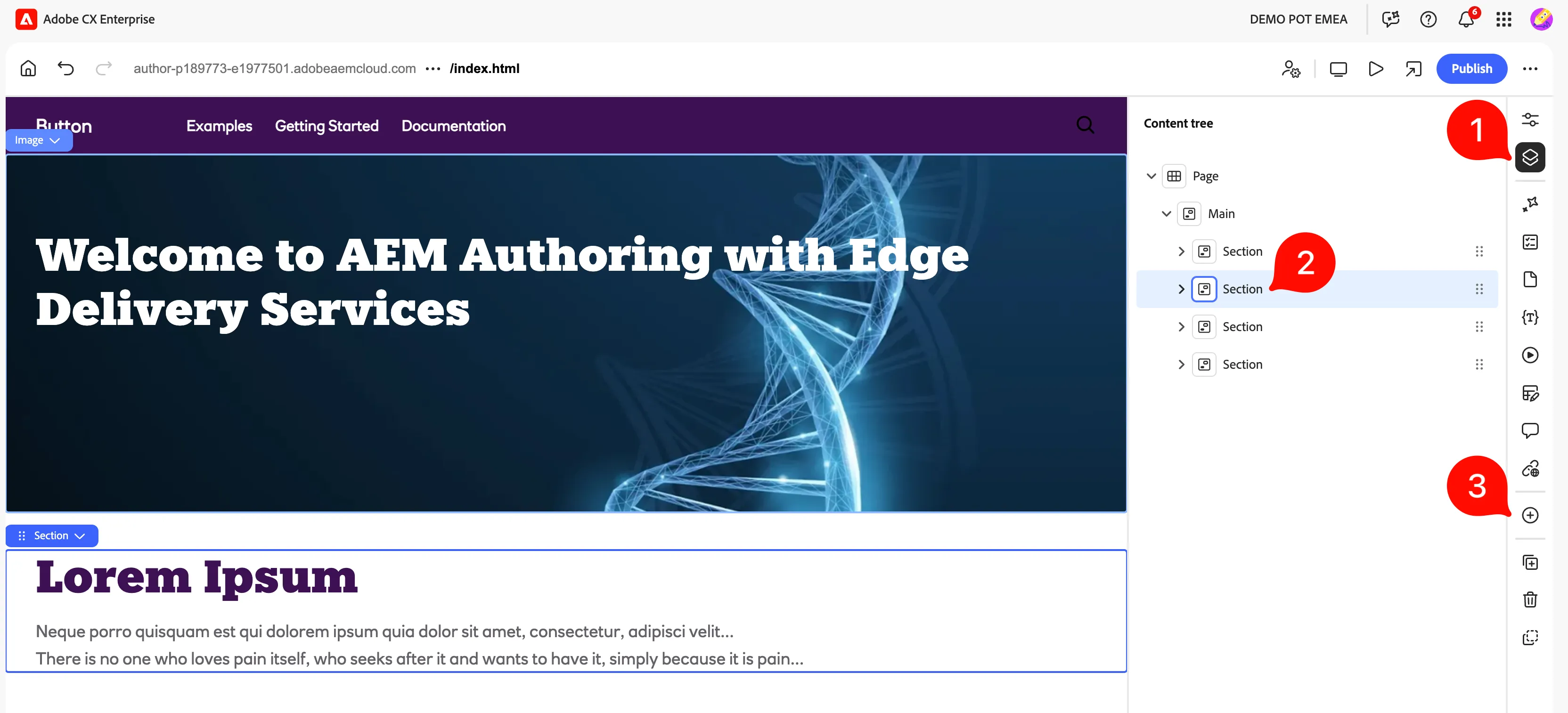
- Go to the Content tree (1), select the second Section (2), and click on Add (3)
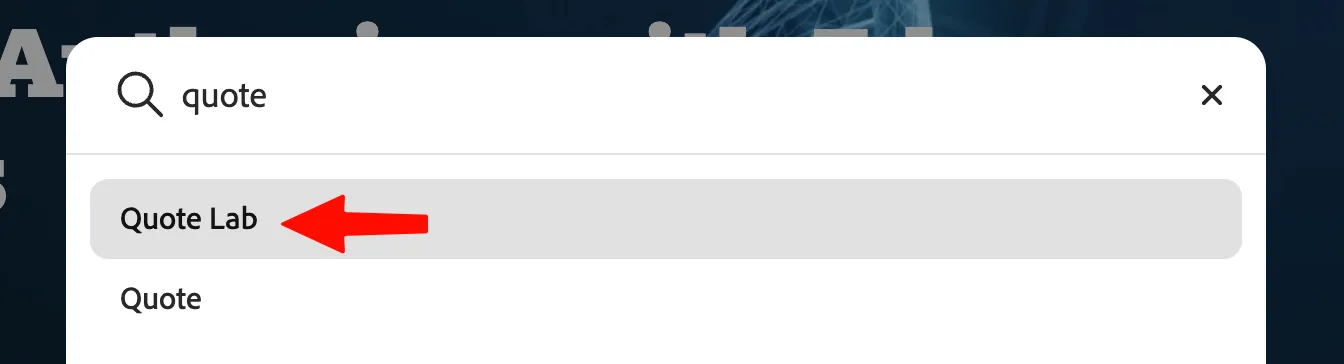
- Search for our newly created Block called "Quote Lab", and click on it:
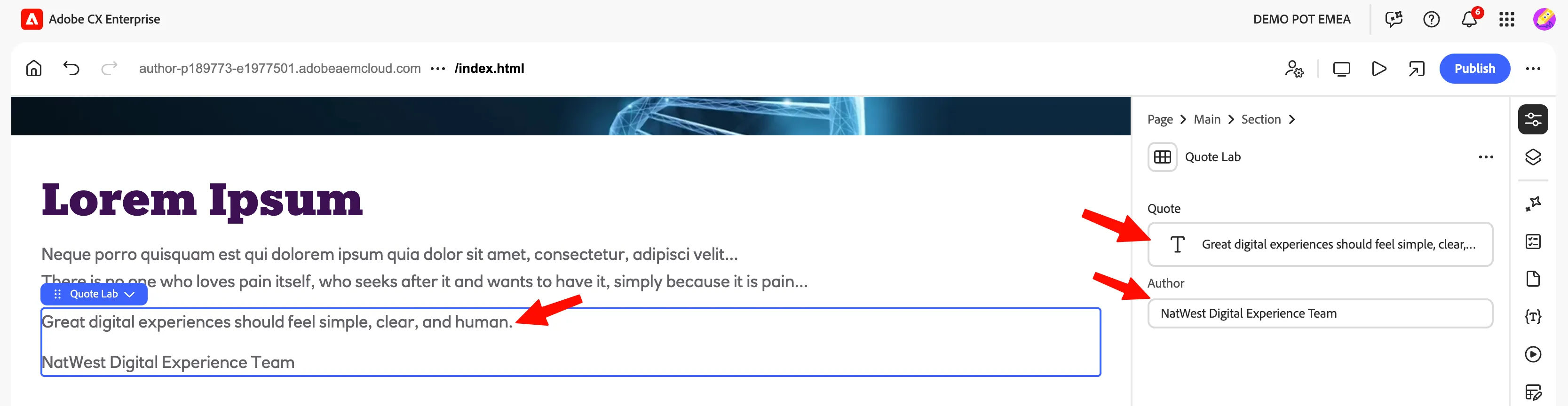
- This will add the Quote-Lab Block on our page, you can edit the quote, and the author associated:
What happens at this point?
Universal Editor uses the model to display the editable fields. When you save the content, AEM persists the values in the author environment.
At this stage, the block may not have its final visual styling yet. The content structure is available, but the JavaScript and CSS implementation has not been added.