Data Driven Optimization
Description
Alex leverages GenStudio's AI-powered content analytics to dive deep into creative performance data, examining granular attributes like color, tone, emotion, and style to understand exactly which content elements drive the highest engagement for WKND's campaigns. By analyzing click-through rates, impressions, and revenue metrics at the asset attribute level, Alex identifies patterns in audience preferences and discovers that specific visual themes and emotional tones consistently outperform others. This comprehensive view of creative performance enables him to create unique audience segments based on creative preferences and behaviors, providing a solid foundation for his next campaign strategy.
Armed with these data-driven insights, Alex collaborates with creative teams to optimized content variations that incorporate the highest-performing attributes from previous campaigns. He uses the performance intelligence to inform everything from color palette choices to emotional messaging, ensuring that new creative assets are built on proven success factors rather than assumptions. This systematic approach to campaign creation allows Alex to continuously refine WKND's paid social strategy, delivering content that not only maintains brand consistency but also maximizes ROI by leveraging the specific creative elements that resonate most with their target audiences.
Asset Insights
GenStudio for Performance Marketing provides AI-powered content analytics that deliver granular performance insights at the asset attribute level, enabling marketers to understand which content elements drive the highest engagement, democratize data across teams, and optimize campaigns through detailed metrics like CTR, impressions, and revenue to maximize content ROI.
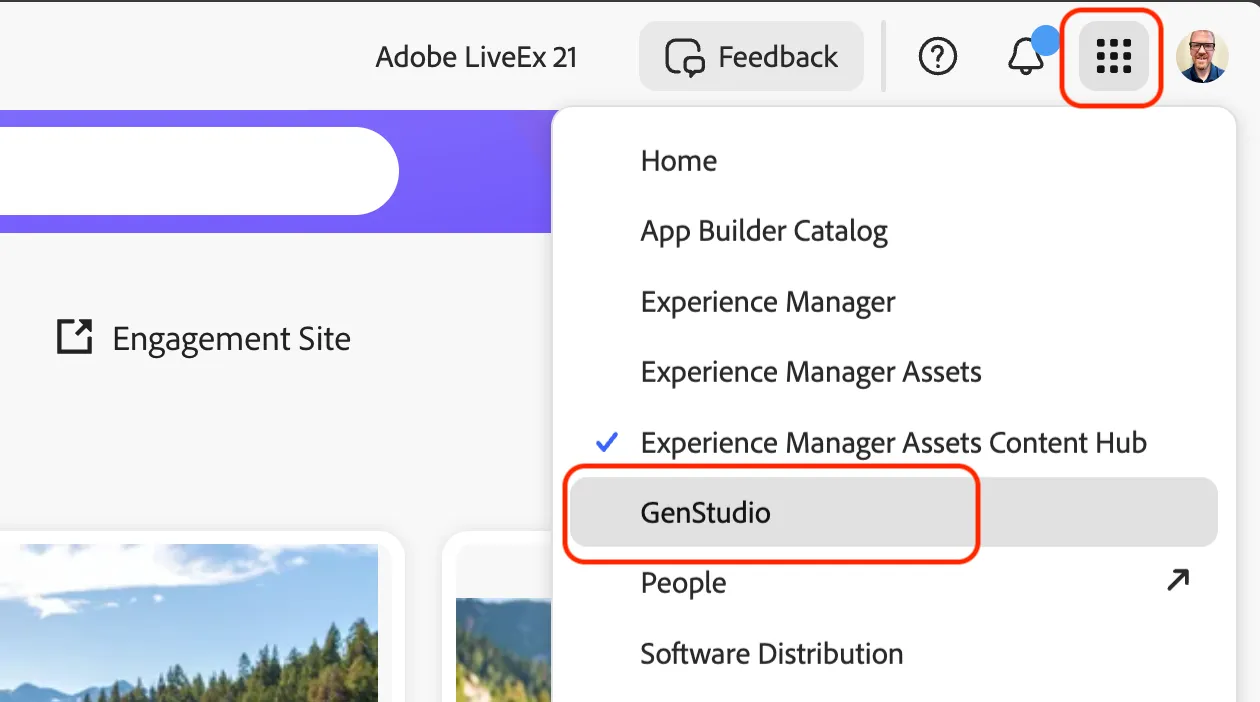
- Click on the Apps button and select GenStudio in the menu.
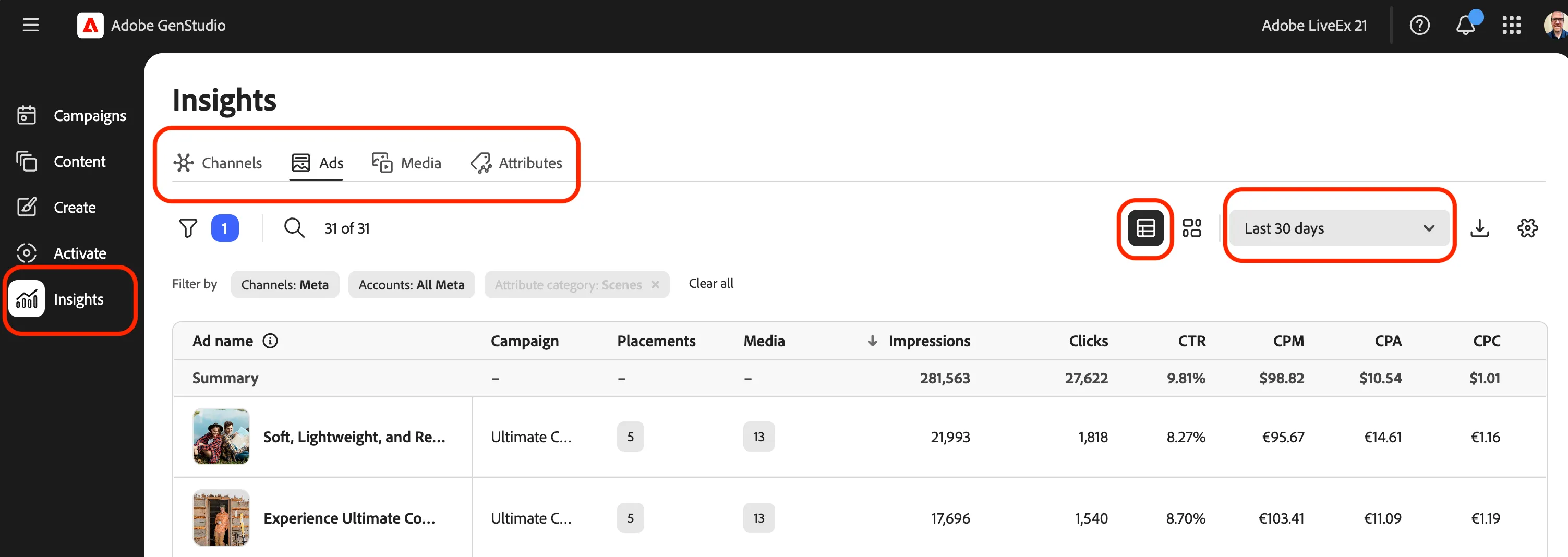
- Begin by navigating to the Insights area in the left sidebar.
- Click the dropdown for filtering to data ranges, and select Last 3 months.
- Click on the Media tab along the top.
- Click on the Table view button to see more details.
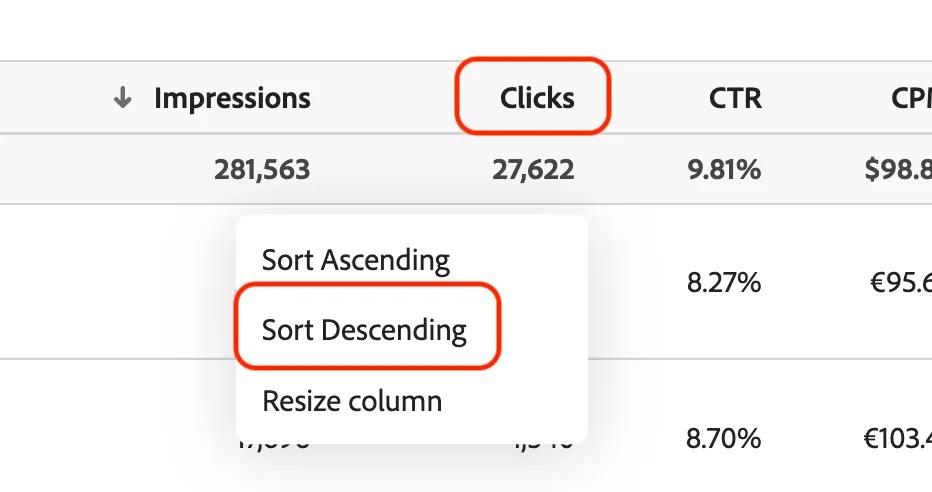
- Click on the Clicks column title to change the sort to descending.
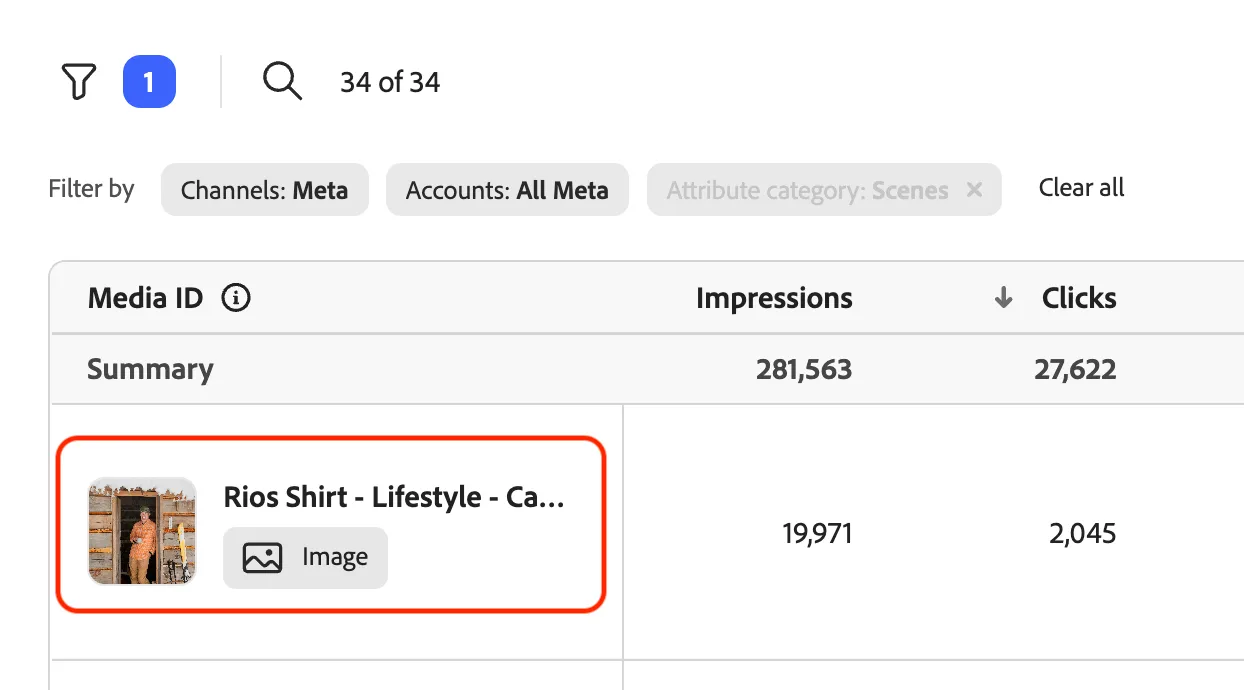
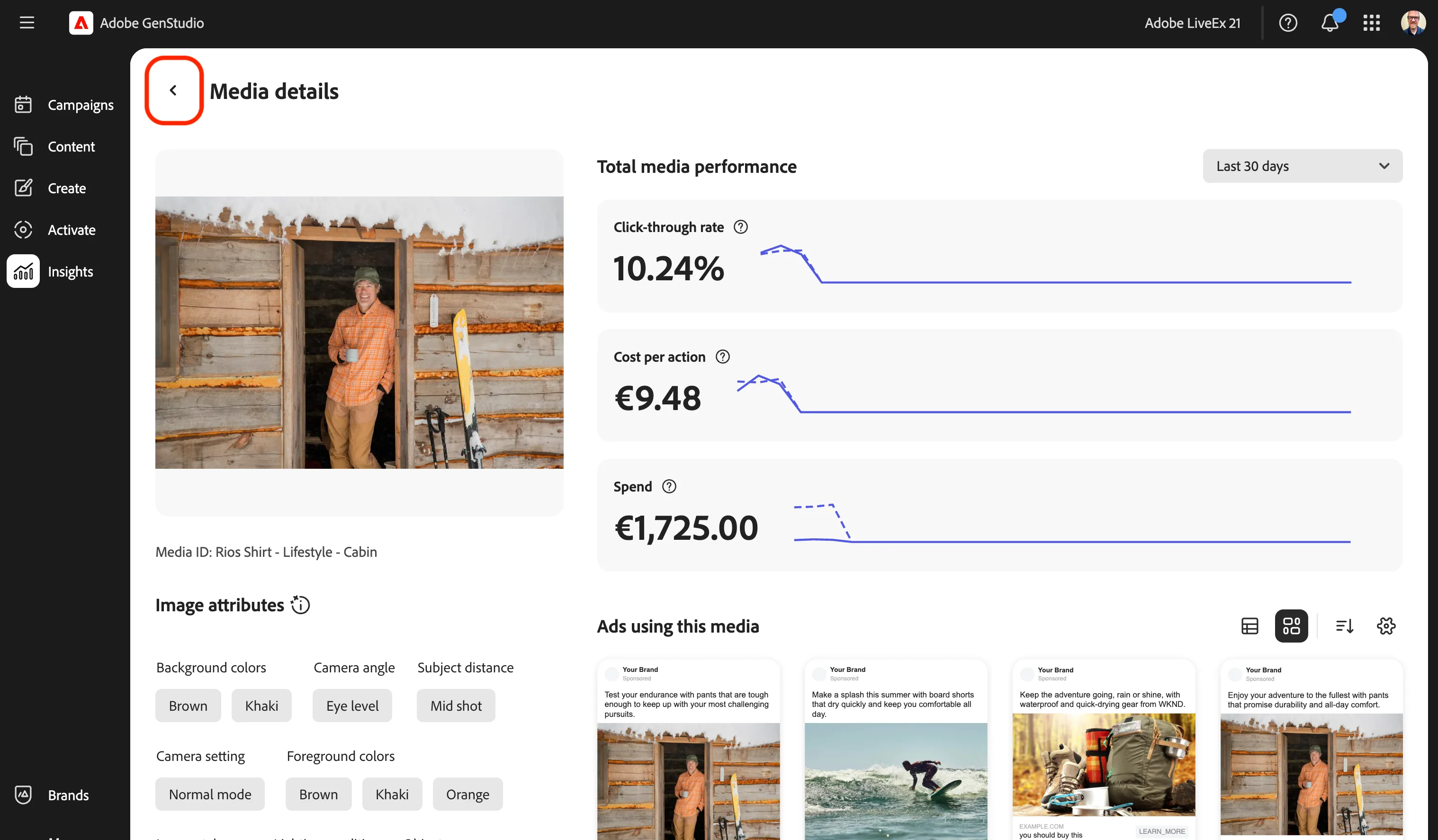
- Click on one of the top most asset that has received a high number of click throughs.
- Scroll through the Media detail page for this asset to see performance trends and the tags that have been assigned via AI analysis.
Along with AI-tagged attributes being tagged to experiences, the same process occurs with assets.
- Click the left arrow to exit the Media detail page.
Asset Attributes
GenStudio's AI-derived attributes automatically analyze and categorize content elements including color, tone, scene, emotion, orientation, style, and people, enabling marketers to validate content success by grouping assets with common themes and push creative attributes data to optimize campaigns based on engagement patterns like clicks, impressions, and ROI.
- Click on the Attributes tab of Insights.
- Sort this list again by clicking on Clicks and choosing Sort Descending.
- Click on the Filter button to show the options.
- Click on the Attribute category and search for the option for Scenes to select.
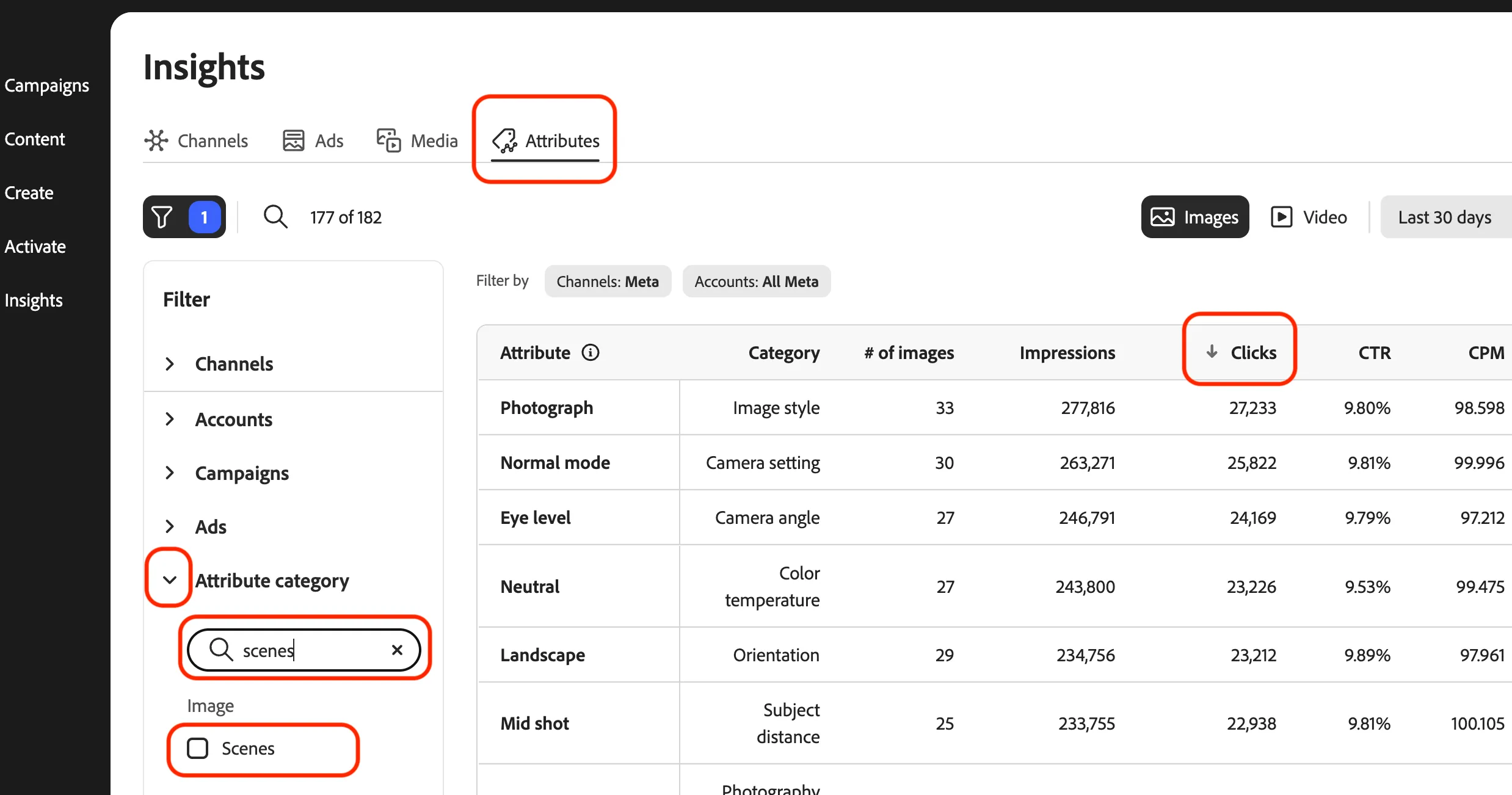
- Review the list of Scenes attributes.
From this list, you can see that attributes such as lake, mountain, cliff, and park are driving engagement that you can use for identifying assets to use for your email campaign.
- Click on Create in the left sidebar to exit Insights.