Express Templates
Description
Jamie creates campaign assets for product launches, but the challenge is getting these designs to regional marketing teams who need to adapt them for local markets, languages, and cultural preferences. Rather than recreating designs from scratch or sending static files that can't be modified, Jamie uses Adobe Express Templates to transform her polished designs into flexible, brand-compliant templates. This allows regional marketers to quickly customize content while ensuring WKND's brand standards remain intact across all markets.
Templates are powerful tools that help maintain brand consistency while enabling teams to create content efficiently. This workflow transforms your existing designs into reusable templates with the right balance of flexibility and control.
Import Your PSD File
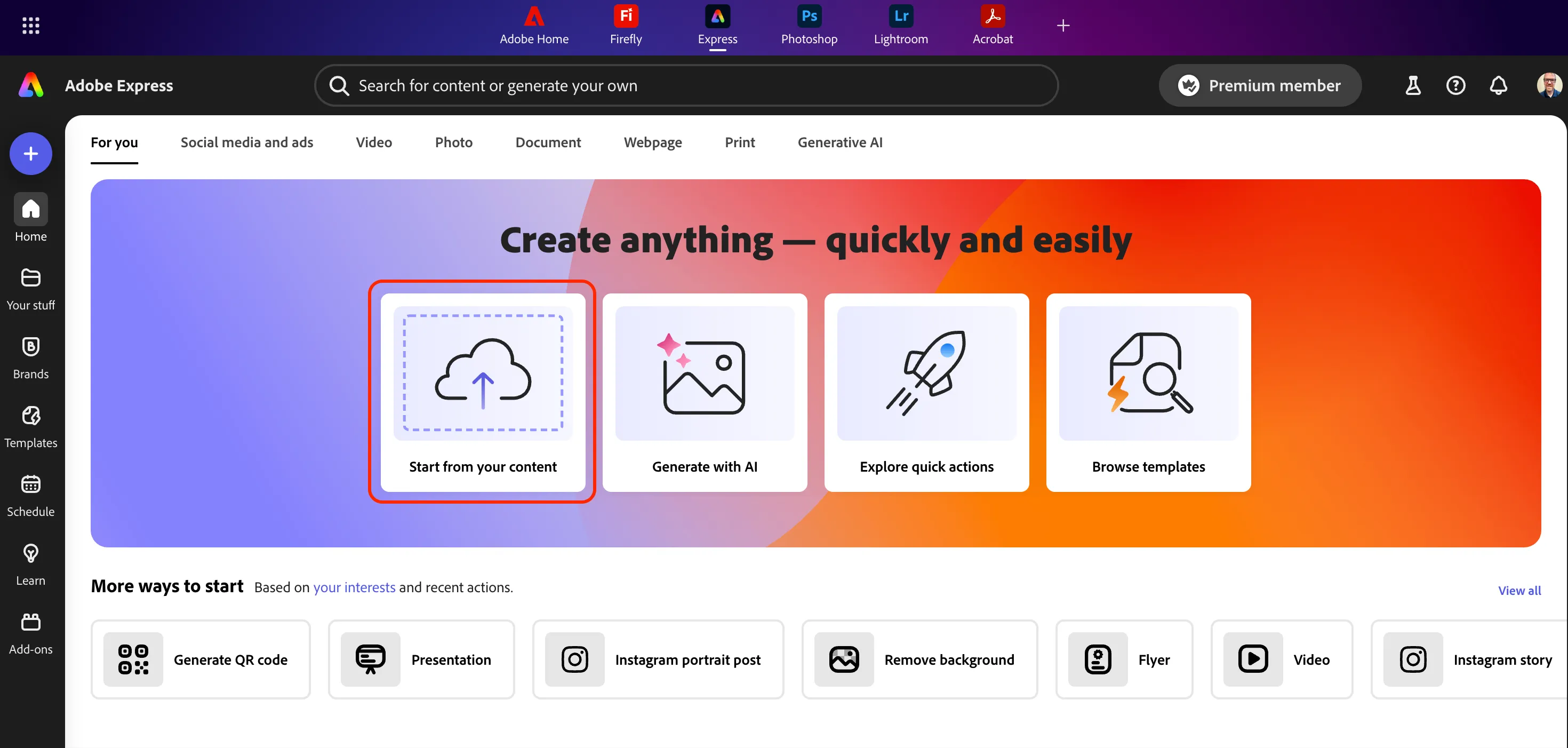
- Open a new browser tab and navigate to the Express website and click on the Start from your content button.
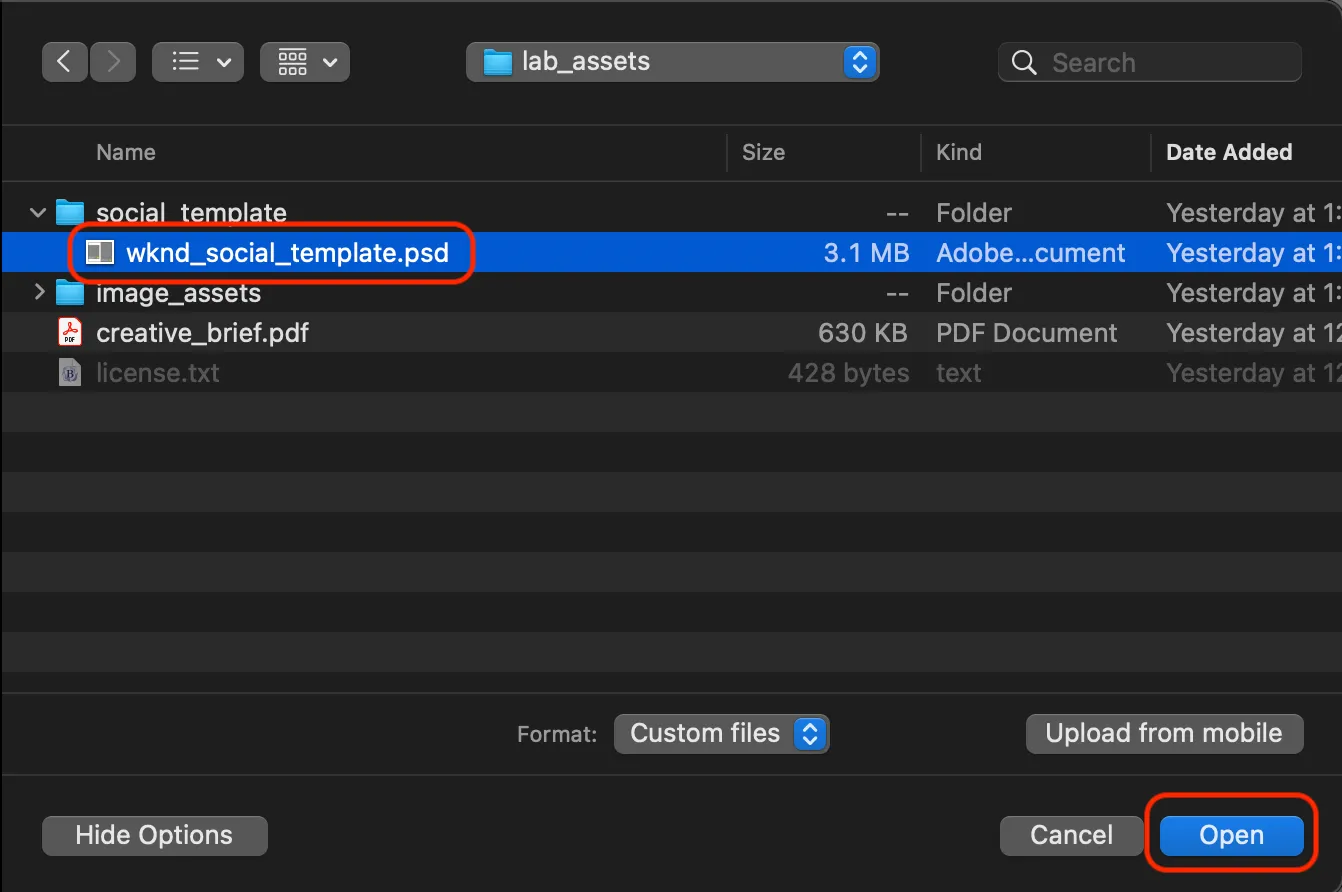
- Select the wknd_social_template.psd file from lab_assets and click the Open button.
- Select the Convert PSD to an Adobe Express file option.
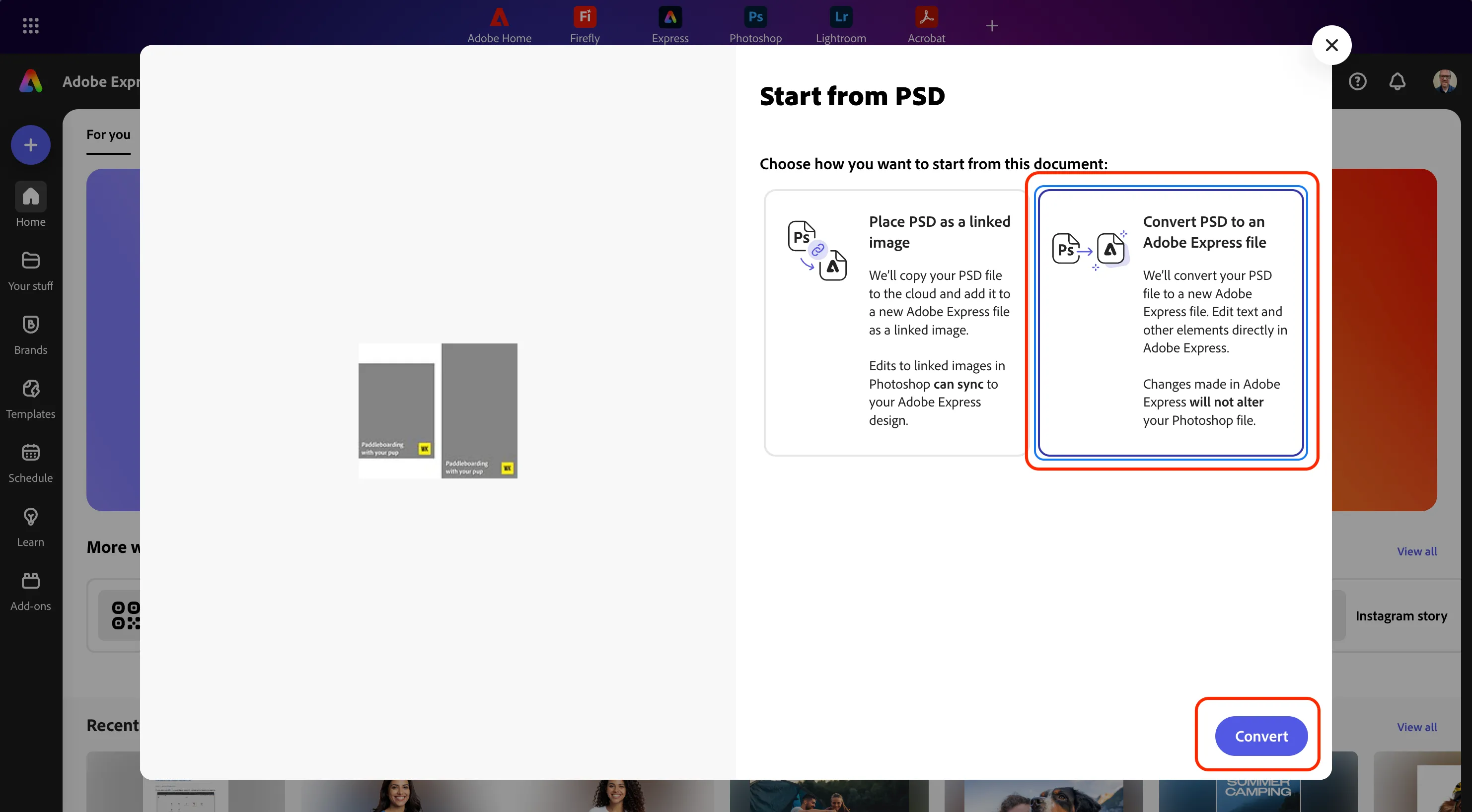
- Click the Convert button and wait for the process to complete.
Lock Key Elements
- Review the layers that converted from your original file.
- Select the layer for the WKND logo and click the three elipses in the menu.
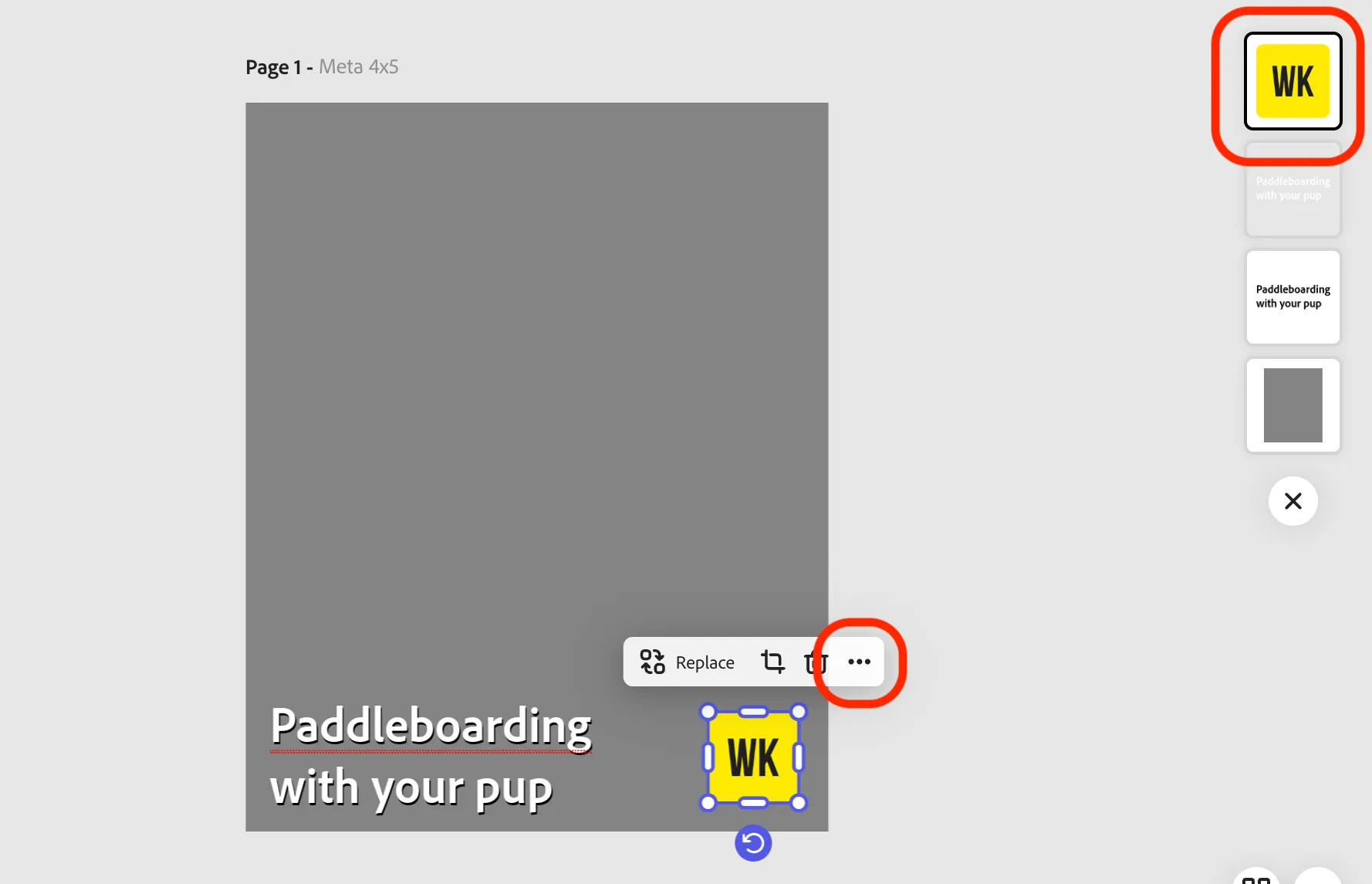
- Click the option for Lock.
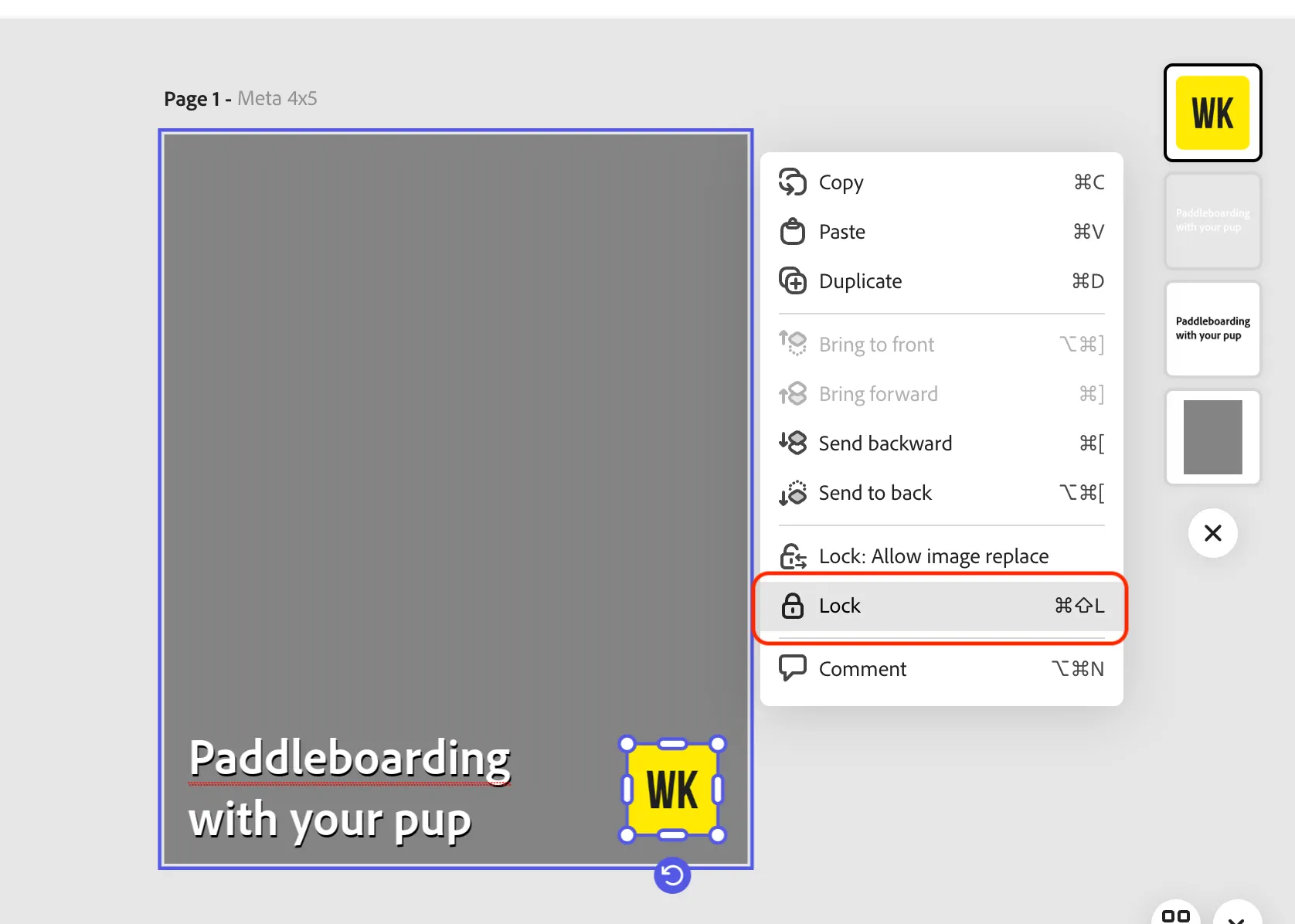
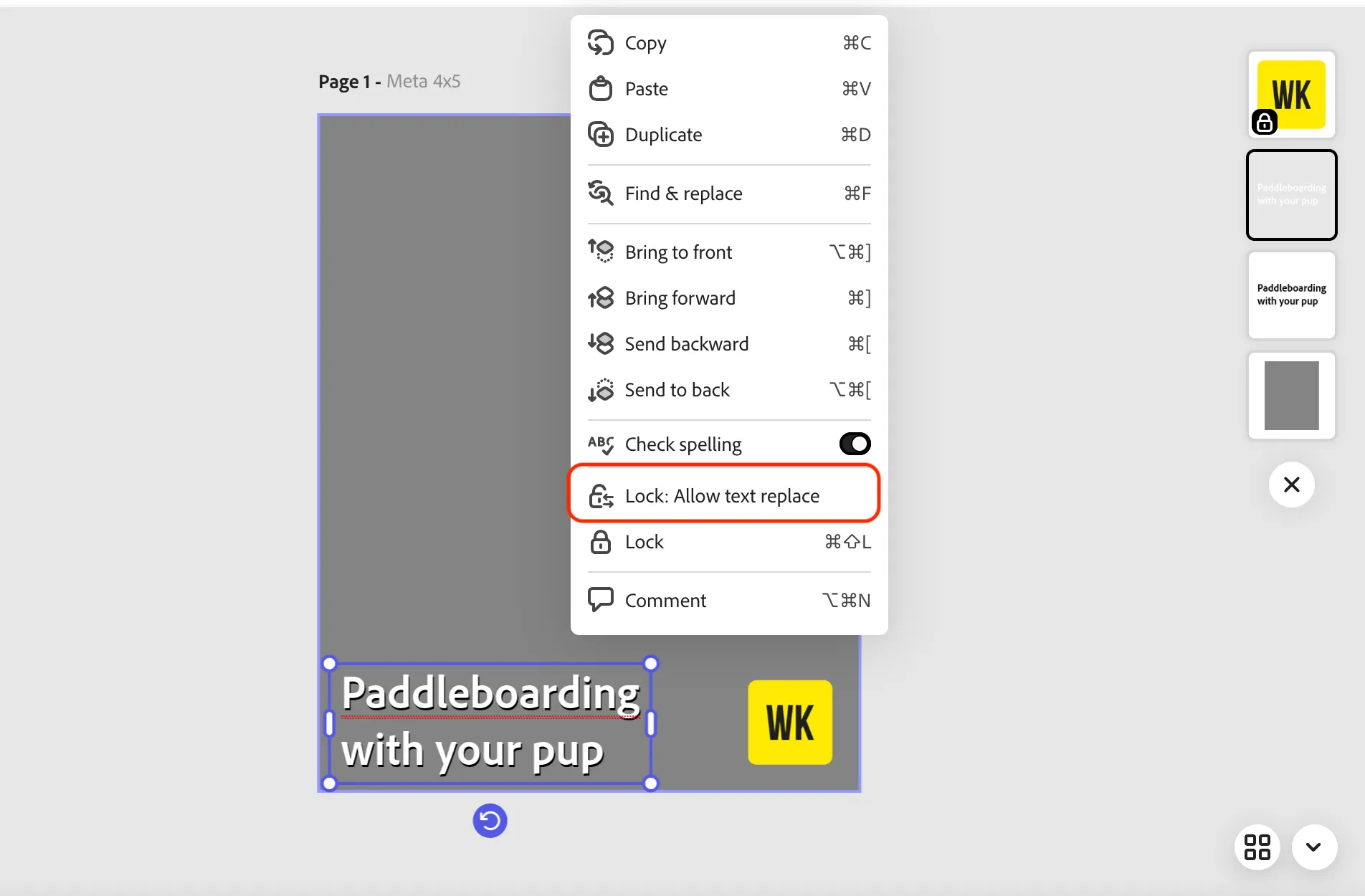
- Select the text layers and choose the Lock: Allow text replace option.
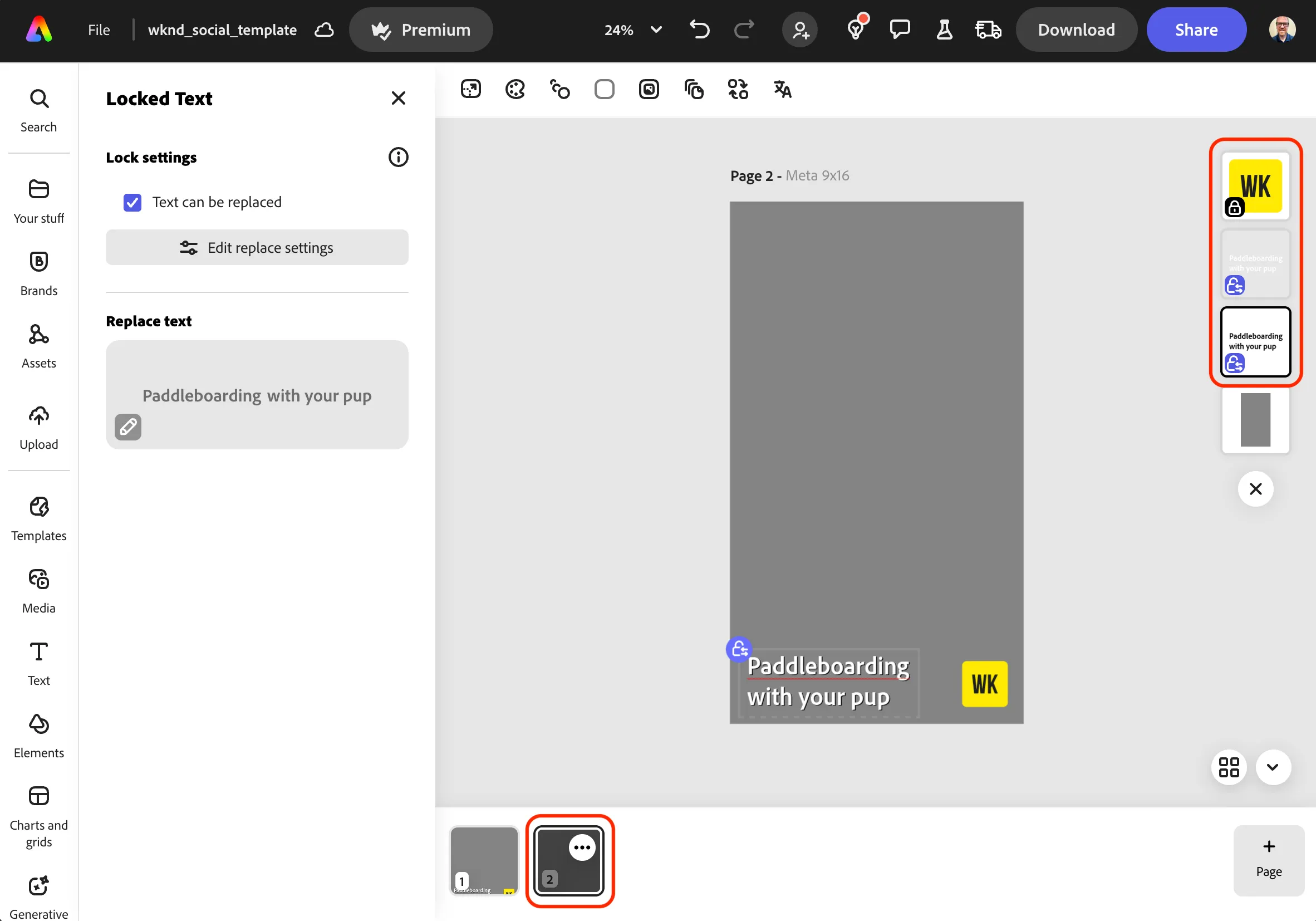
- Select the second page and follow the same steps.
Convert to Template
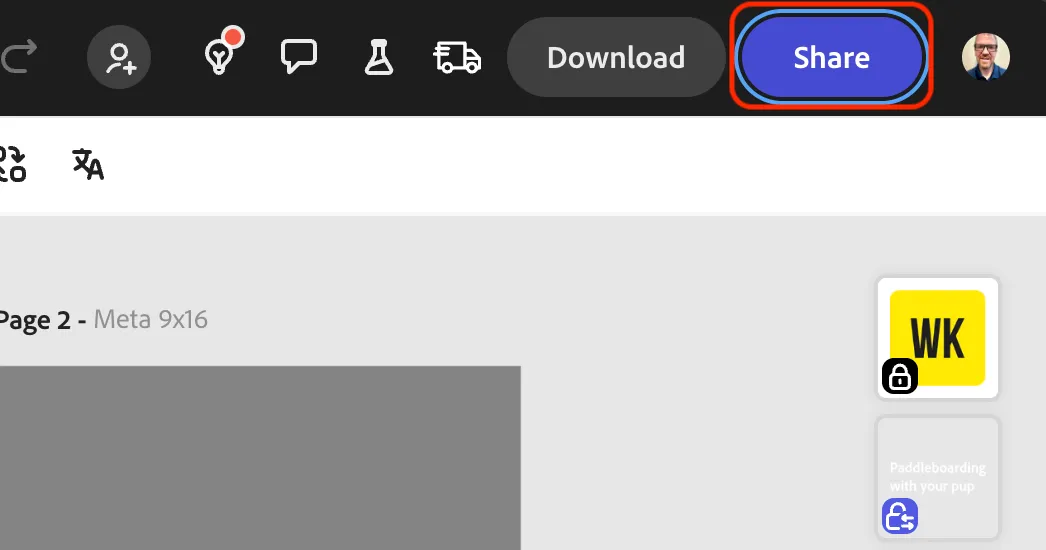
- Click on the Share button in the top navigation.
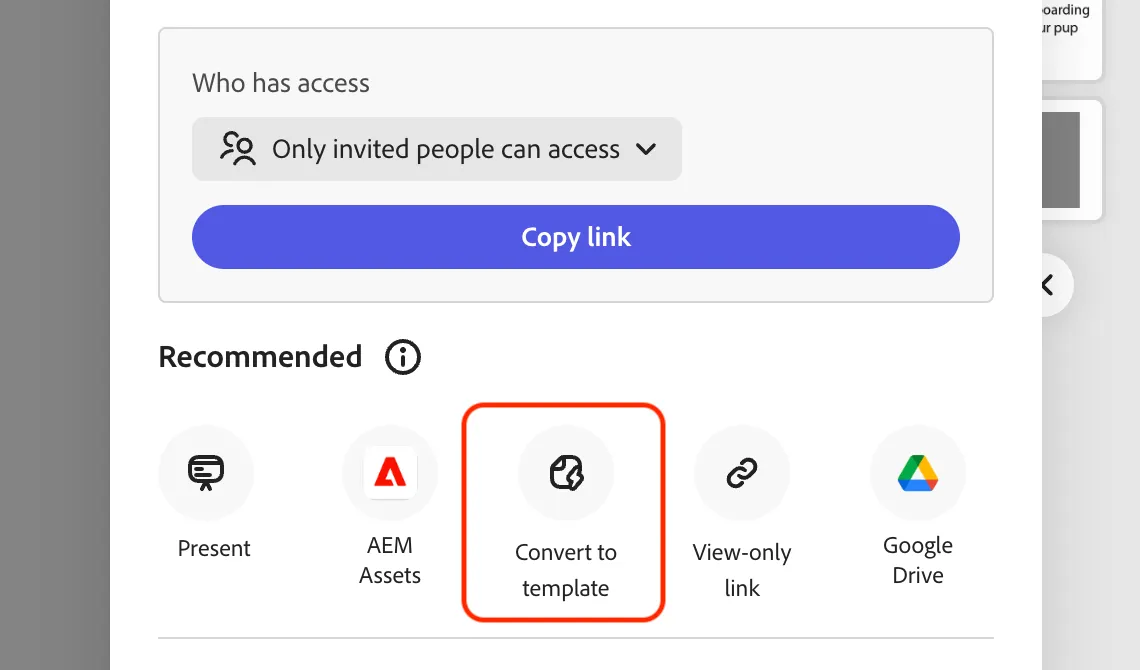
- Select Convert to Template for the options in the menu.
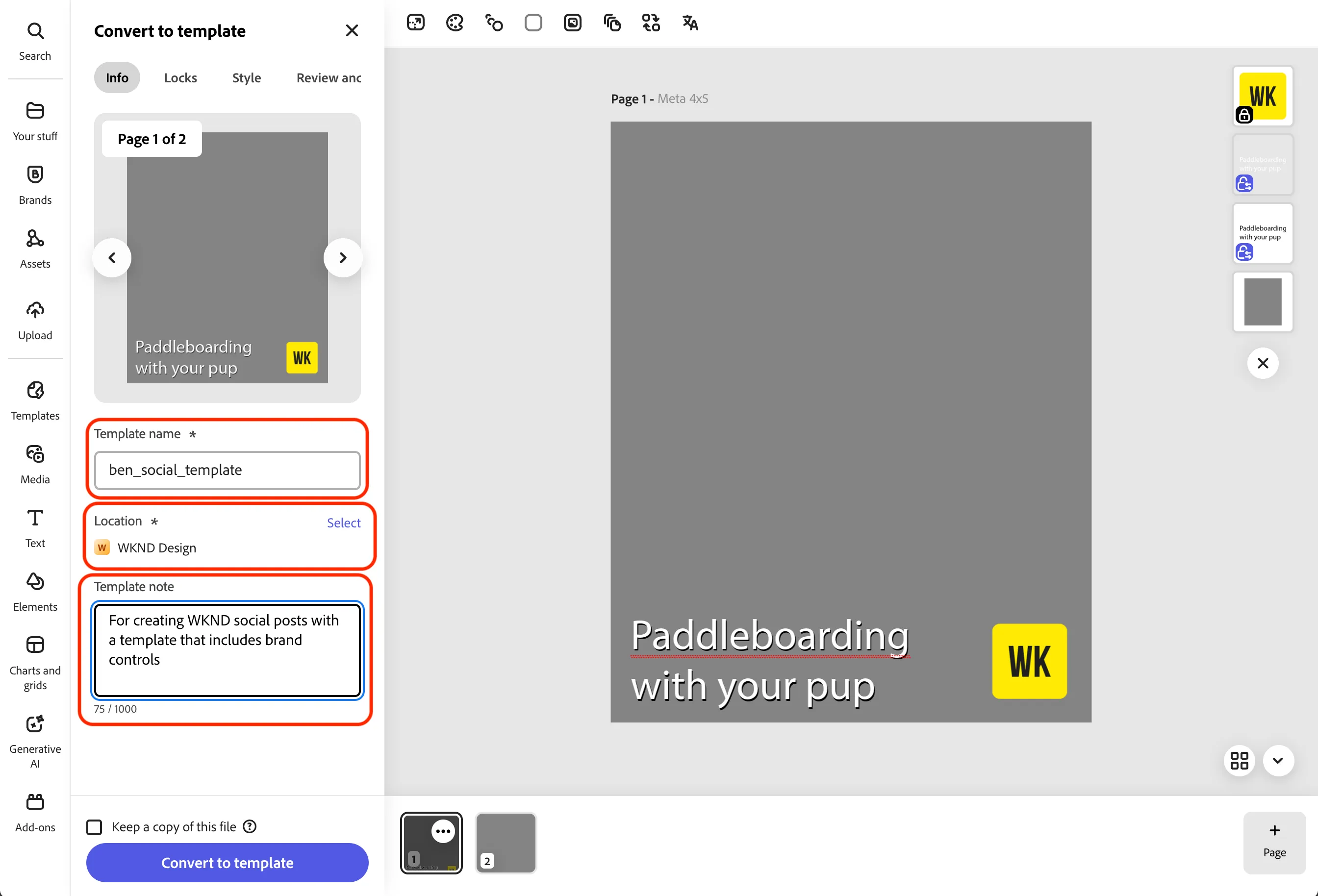
- Update your Template name to firstname_wknd_social.
- Confirm that your location is set to the WKND Design project.
- Add a Template note.
- Configure template restrictions:
- Click on Locks to review options that are available.
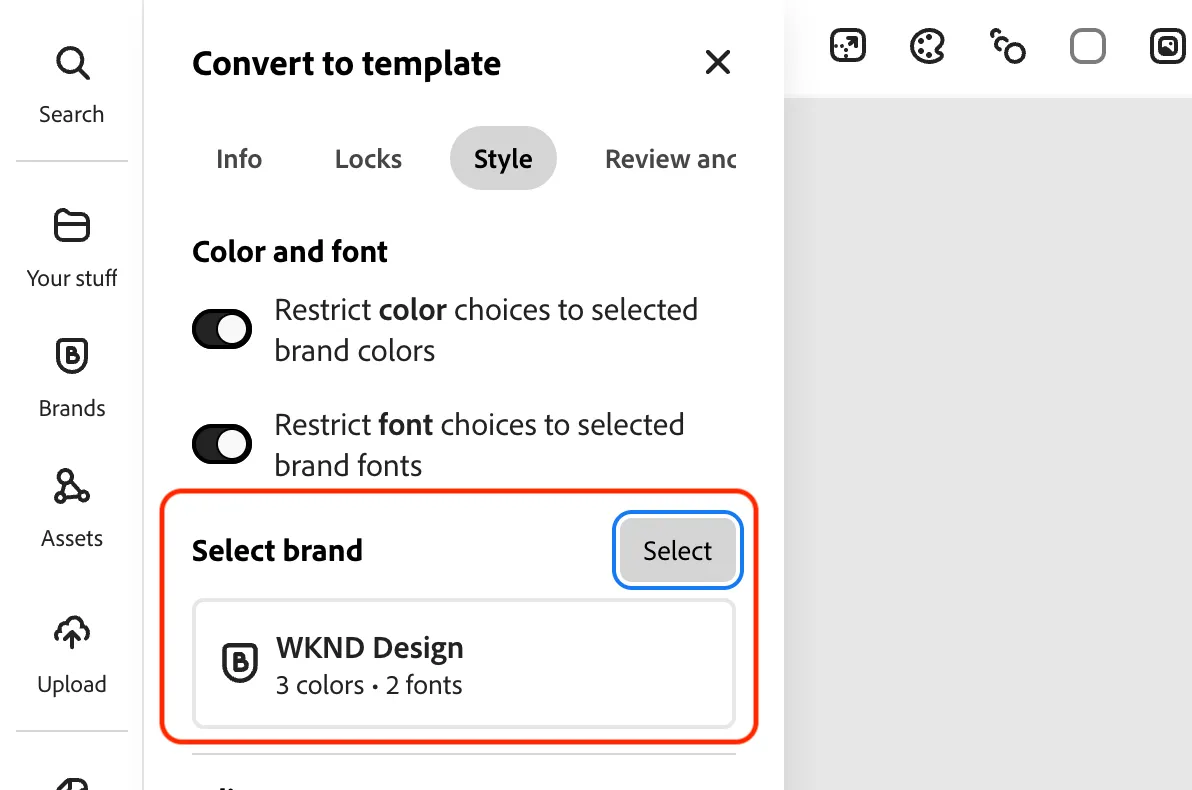
- Click on Style and set restrictions for color and font choices.
- Select the WKND Design brand.
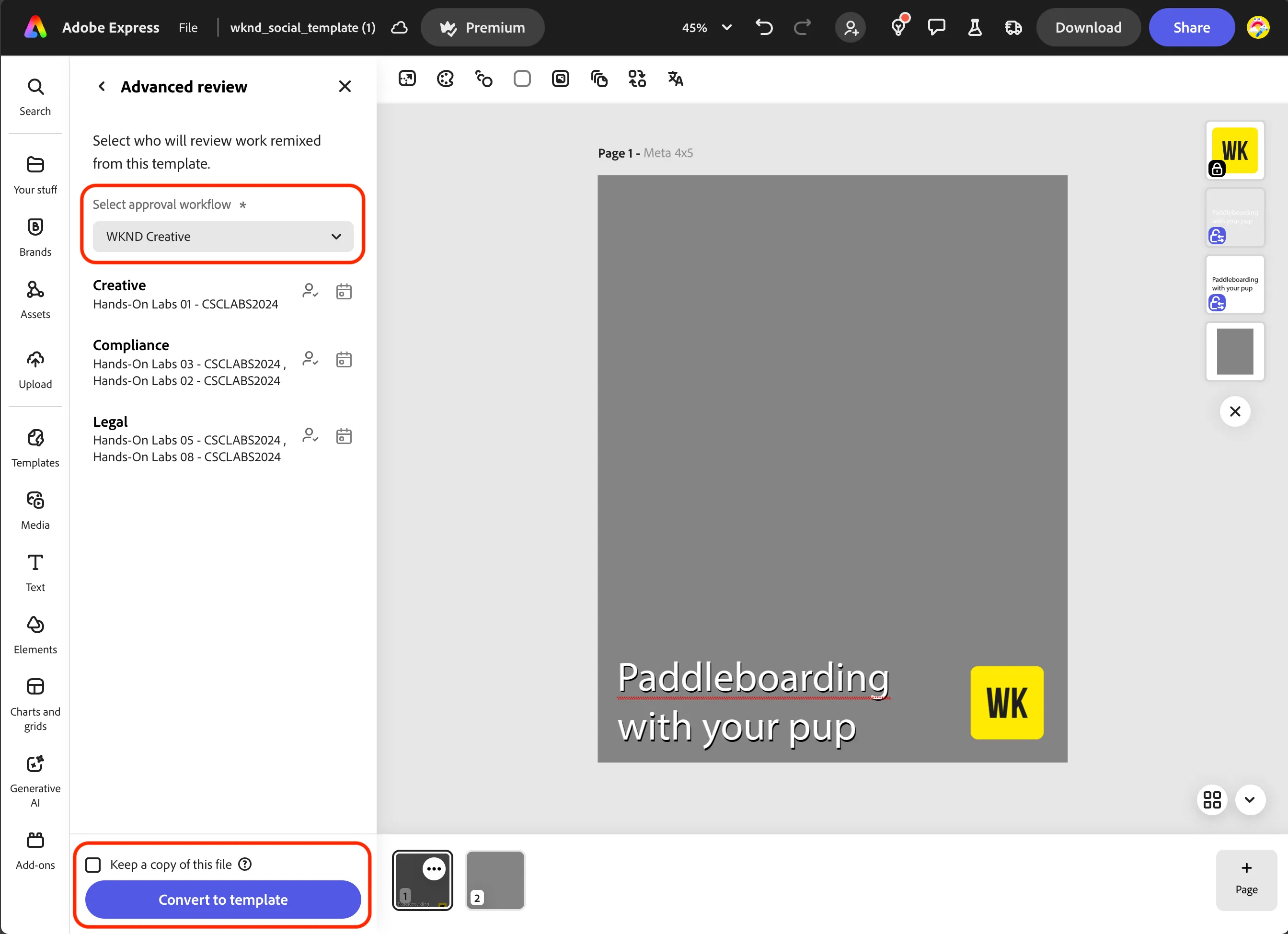
- Click on Review and approve and choose Advanced review.
- Choose the WKND Creative approval workflow from Workfront.
- Click on the Convert to template button to save to the WKND Design project.
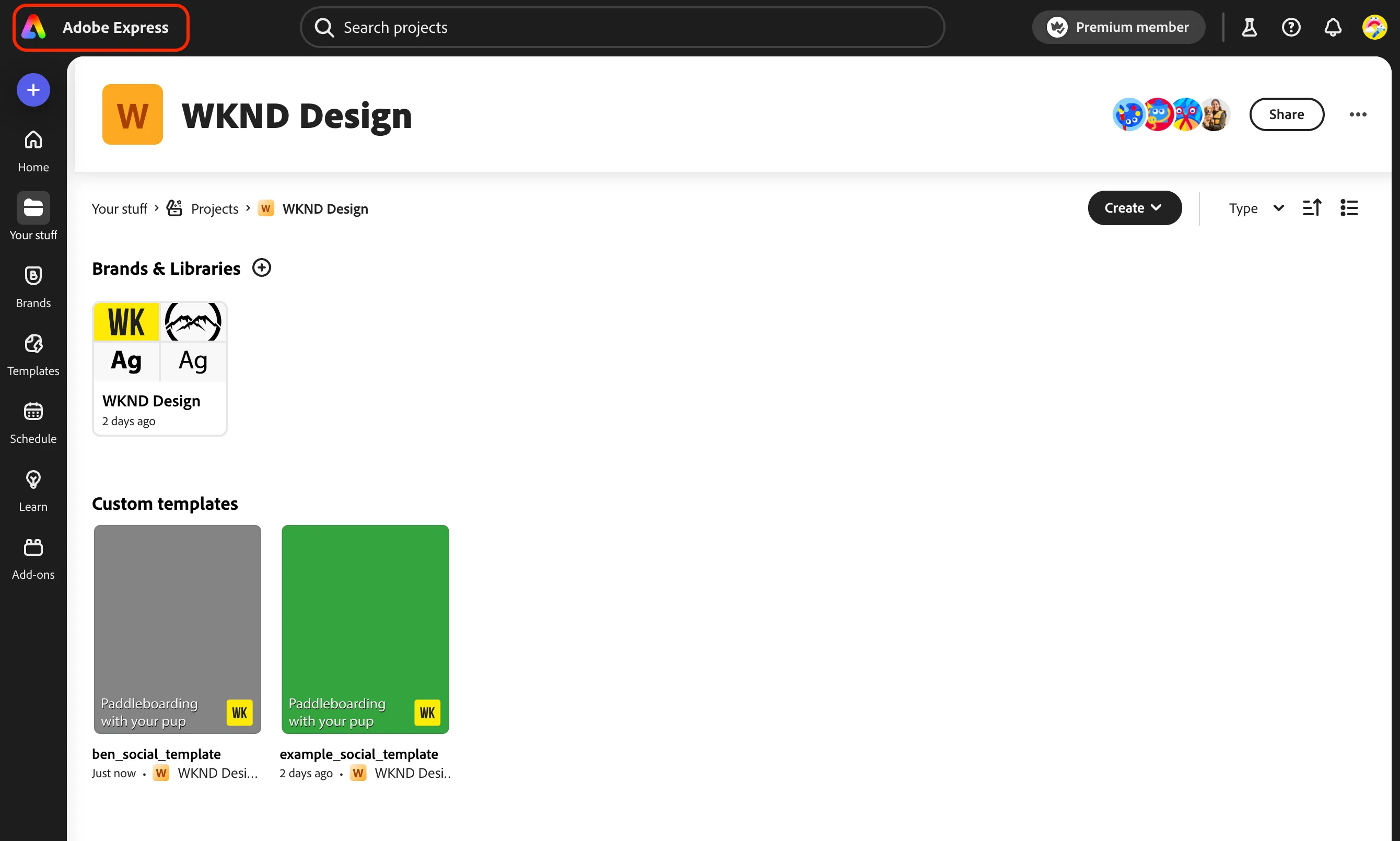
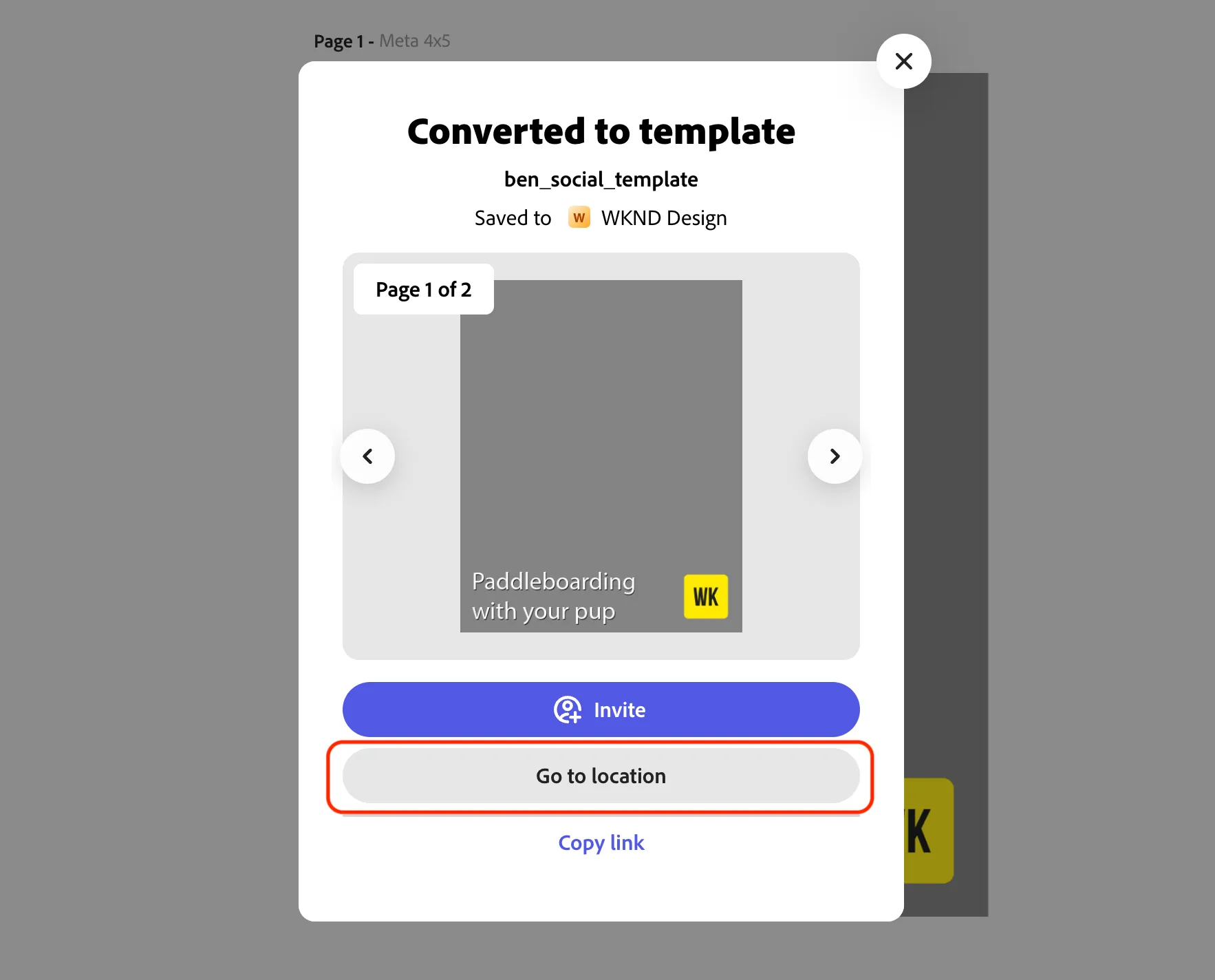
- Click on the Go to location button to see your saved template that is now available for teams to use.
- Click the Adobe Express logo to exit back to the homepage.