Access
Login
- When prompted for authentication, use the following Adobe ID. Do not use your own email address. Also, sign-out from all Adobe instances that might be open.
The password is the same for all acount : virgin@2024
S. No. | Full Name | Login Email |
|---|---|---|
1 | | |
2 | | |
3 | | |
4 | | |
5 | | |
6 | | |
7 | | |
8 | | |
9 | | |
10 | | |
11 | | |
12 | | |
13 | | |
14 | | |
15 | |
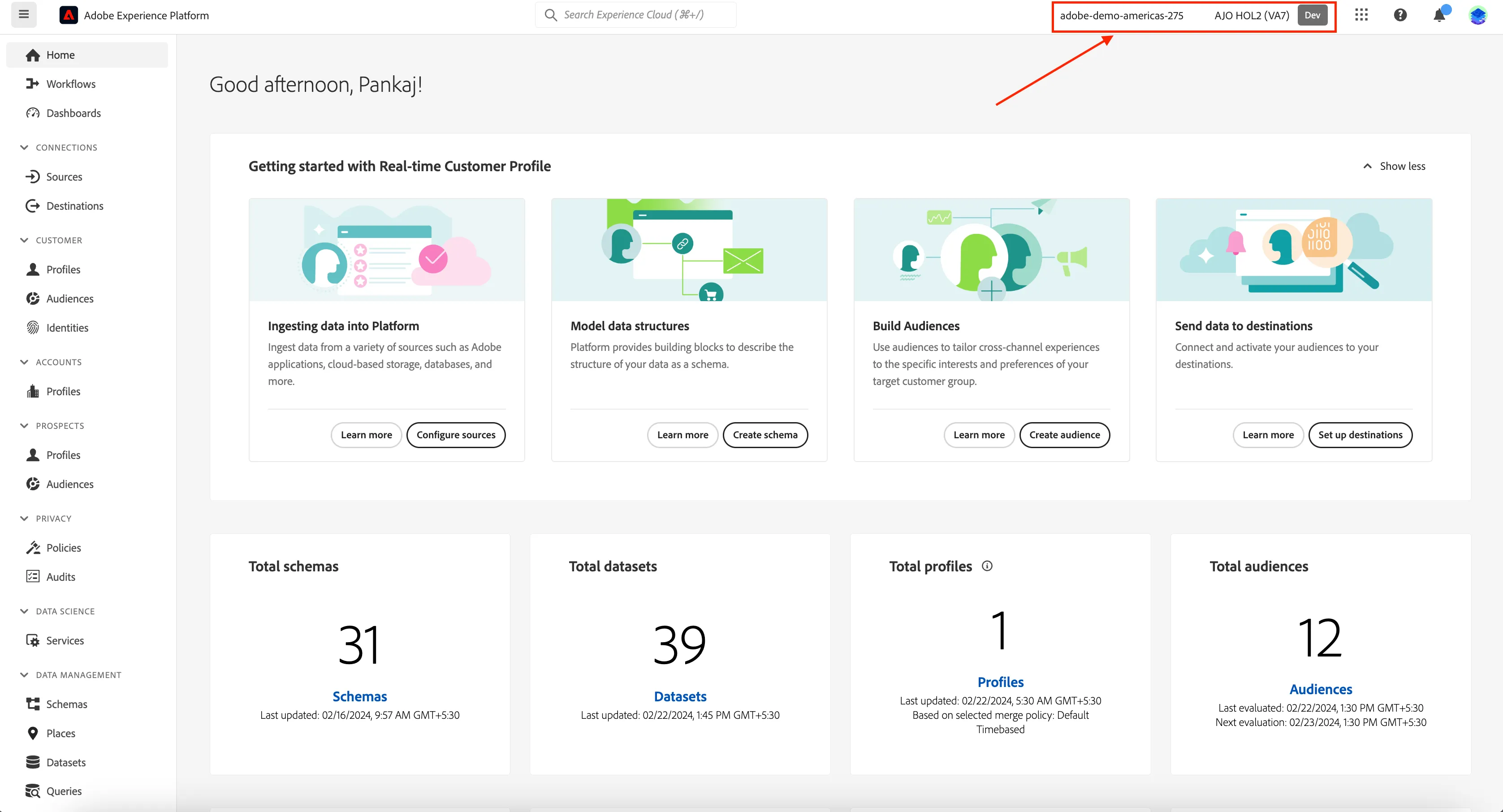
Ensure you are in the right sandbox. On the top right you should see:
- adobe-demo-americas-275, indicating the organisation.
- AJO HOL2 (VA7) , indicating the sandbox.
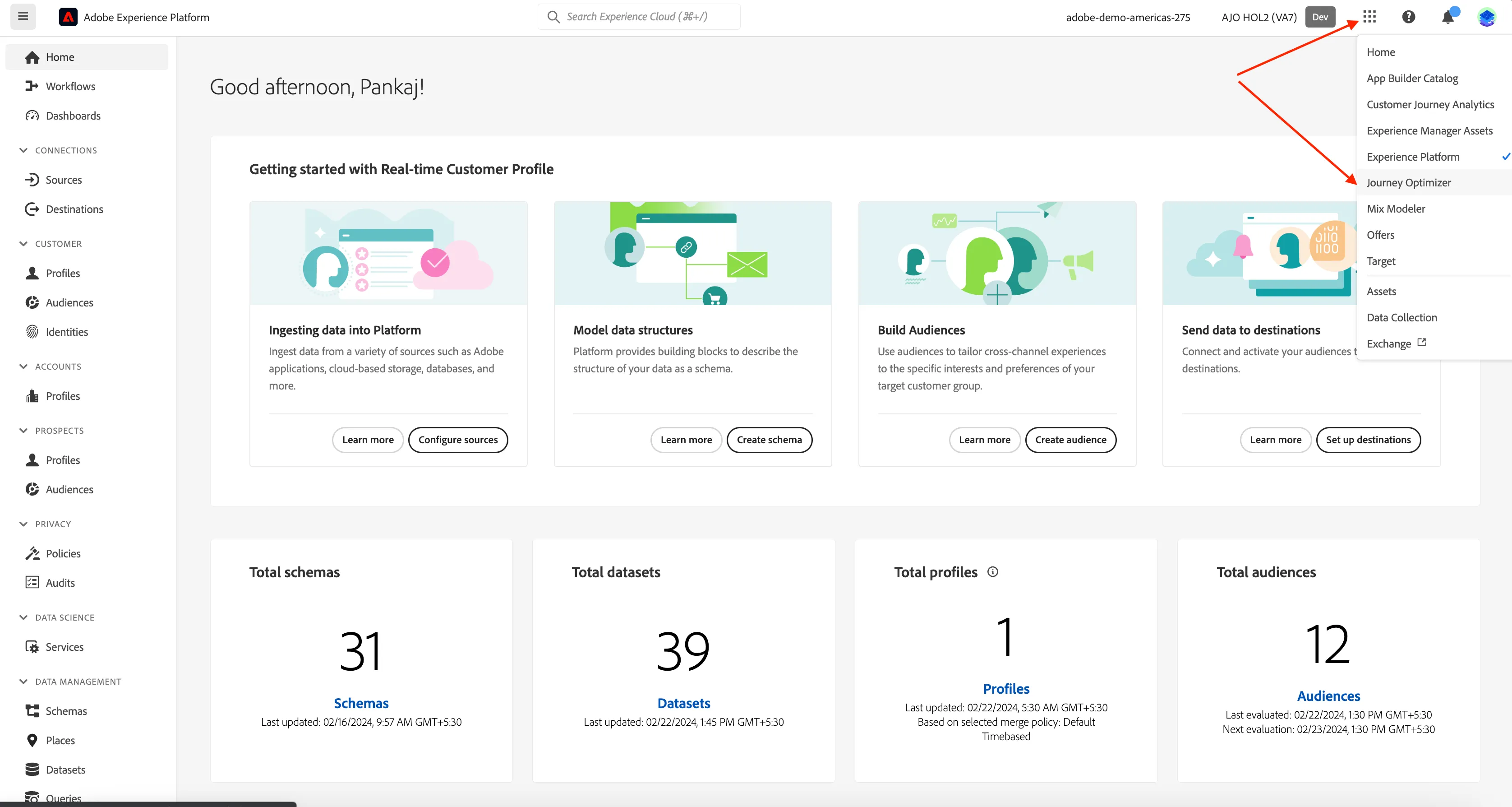
Navigating to Adobe Journey Optimizer
Click on the nine-dots icon in the top right and select Journey Optimizer in the dropdown list.
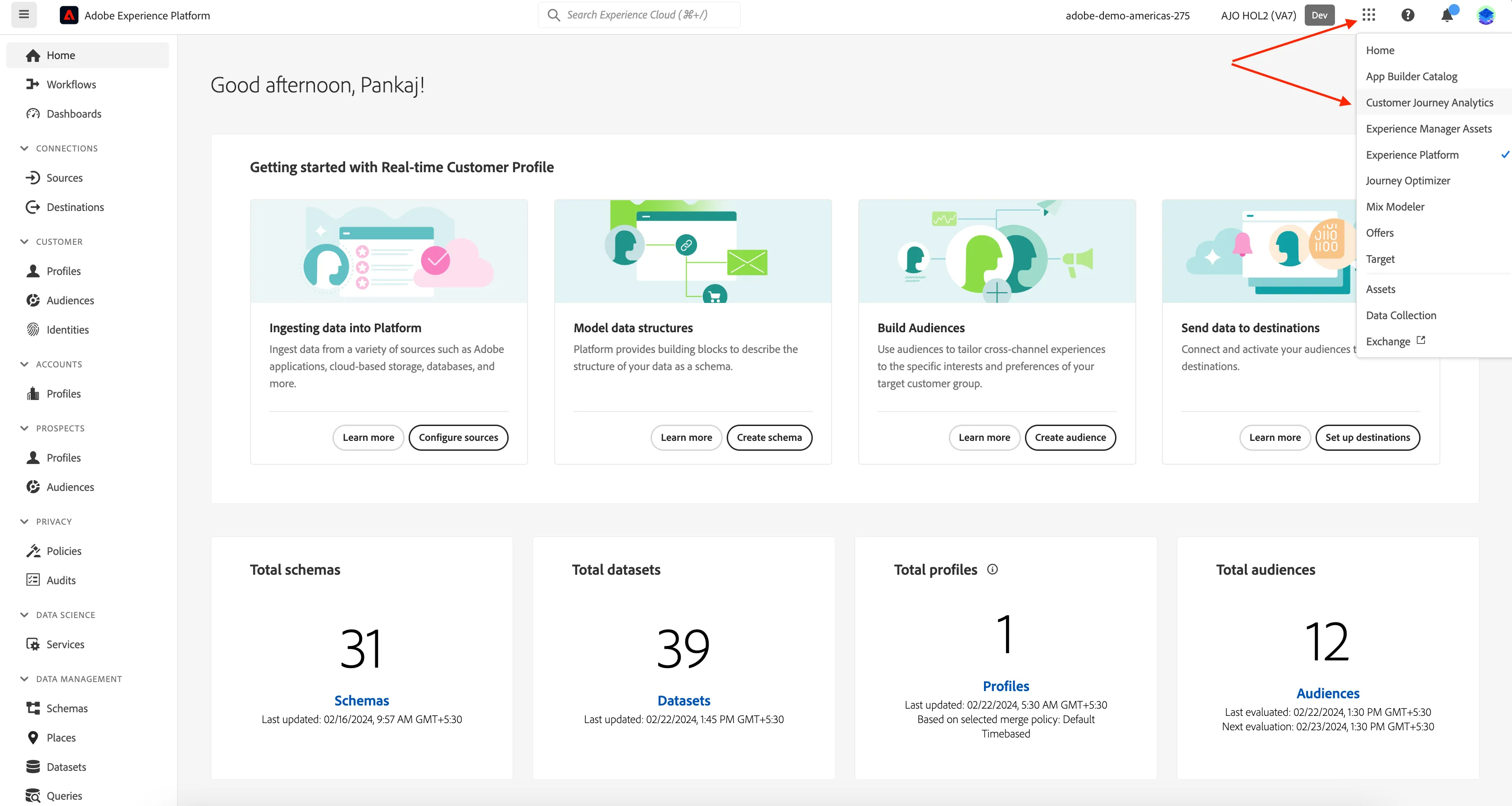
Navigating to Customer Journey Analytics
Click on the nine-dots icon in the top right and select Customer Journey Analytics in the dropdown list.